Battery Replacement Kit for Portable Area Gas Monitors
3015-5744 Rev 13
Removing the Old Battery
Step Removing the Old Battery
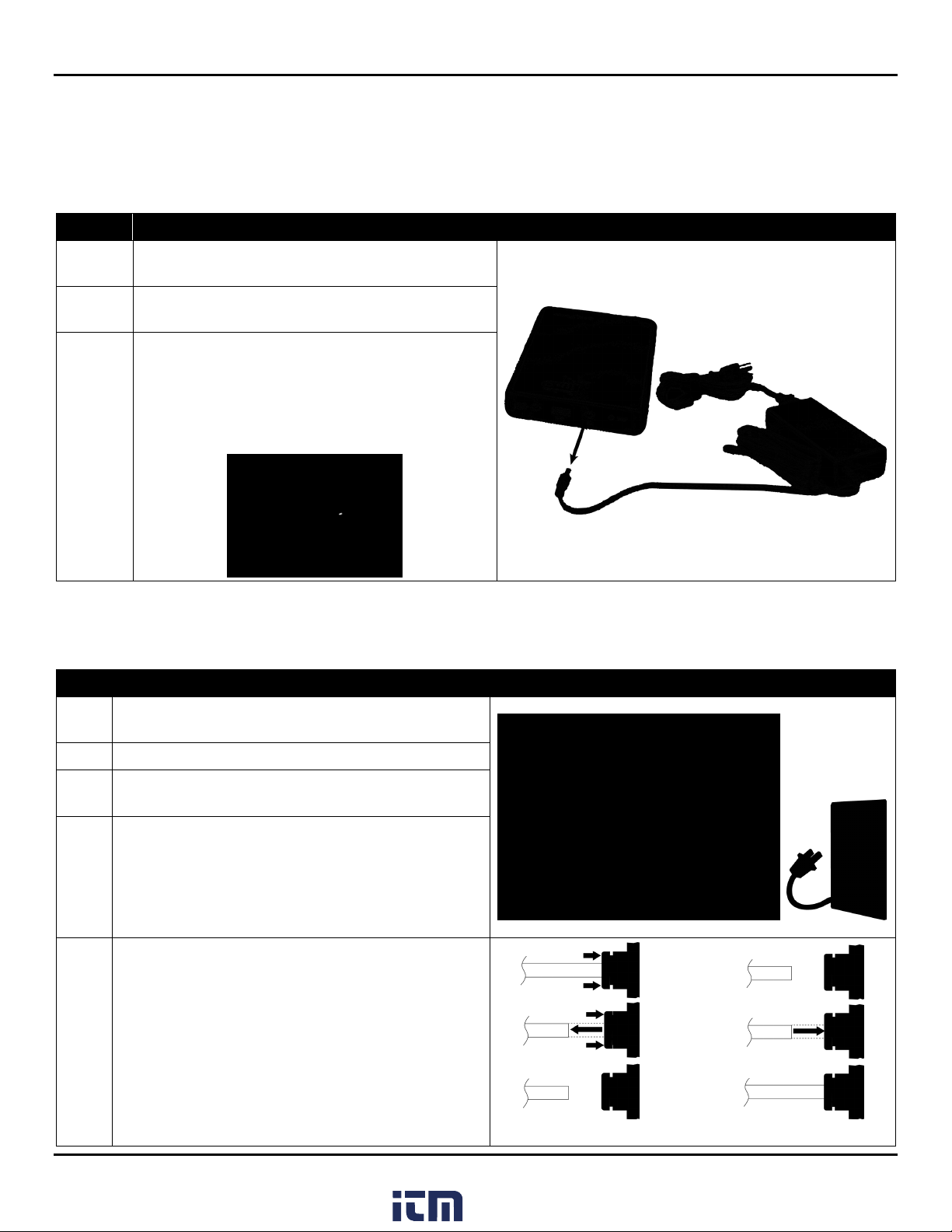
6 Open the soft case at the top of the PAGM unit by
pulling apart the Velcro fasteners and folding back the
soft case to expose the top of the PAGM enclosure.
Locate the part number sticker (3015-xxxx). It can be
found on the upper left corner of the PAGM case and
begins with the number 3015. It is partially exposed in
the figure at the right.
NOTE: Your part number will assist in determining the
size of the battery pack connector on your PAGM, and
therefore the size of the battery cable to use (2.1 mm or
2.5 mm) later in this process (steps 9 through 11).
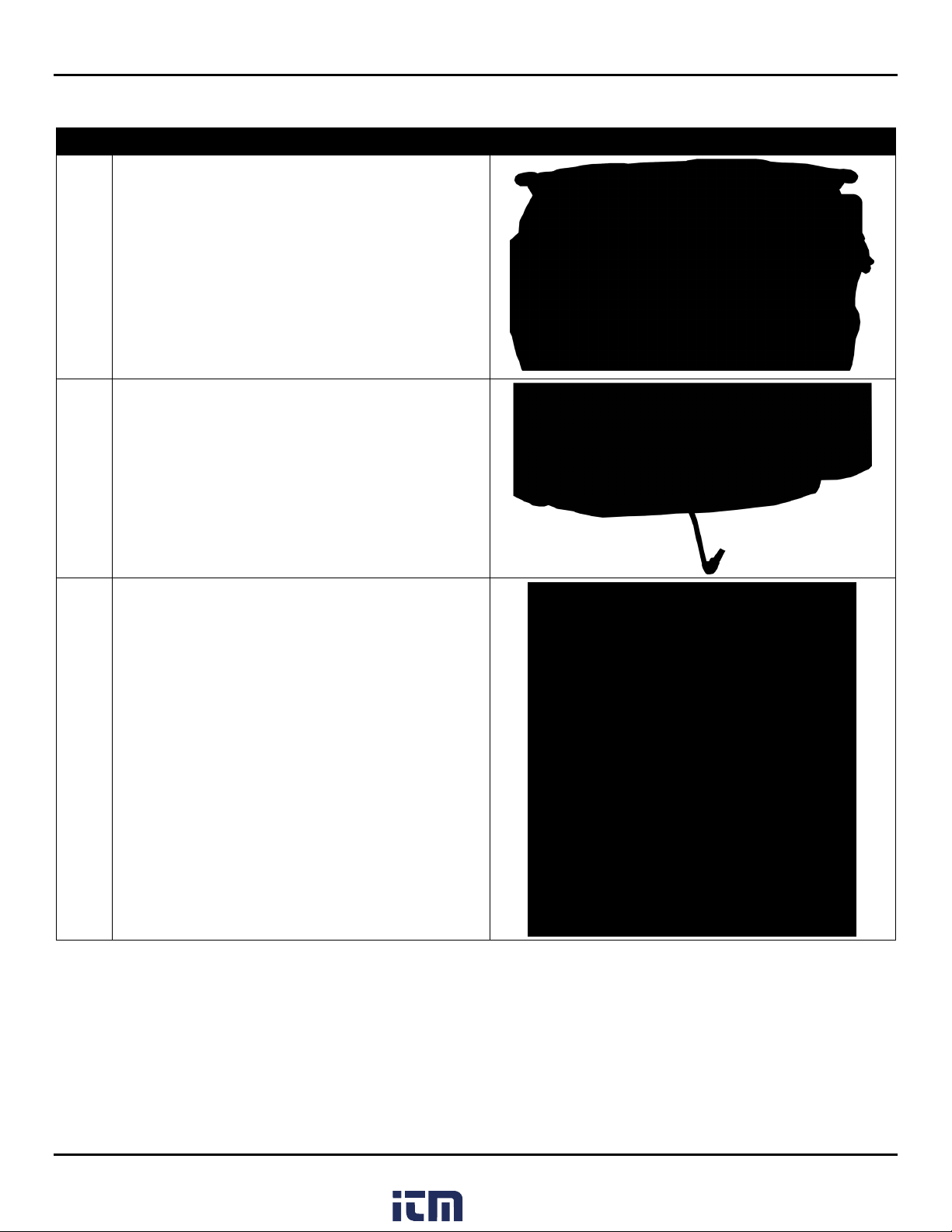
7 Separate the soft case from the side of the PAGM so you
can see the battery pack connector.
Carefully remove the power cable from the power
connector by pulling it straight out from the side of the
PAGM enclosure.
8
Unzip the battery compartment to expose the old
battery. Remove the old battery from the compartment.
Carefully withdraw the top end of the battery cable out
of the cutout in the soft case to remove it completely
from the PAGM.
Dispose of the old battery, charger, and cables according
to your local rules and regulations for recycling.
Installation of the new battery is simply the reverse of
this process.
Selecting the Appropriate Battery Cable
During its lifetime, the PAGM has had two unique battery pack connectors:
•one that supports a battery cable with a 2.5 mm jack
•one that supports a battery cable with a 2.1 mm jack.
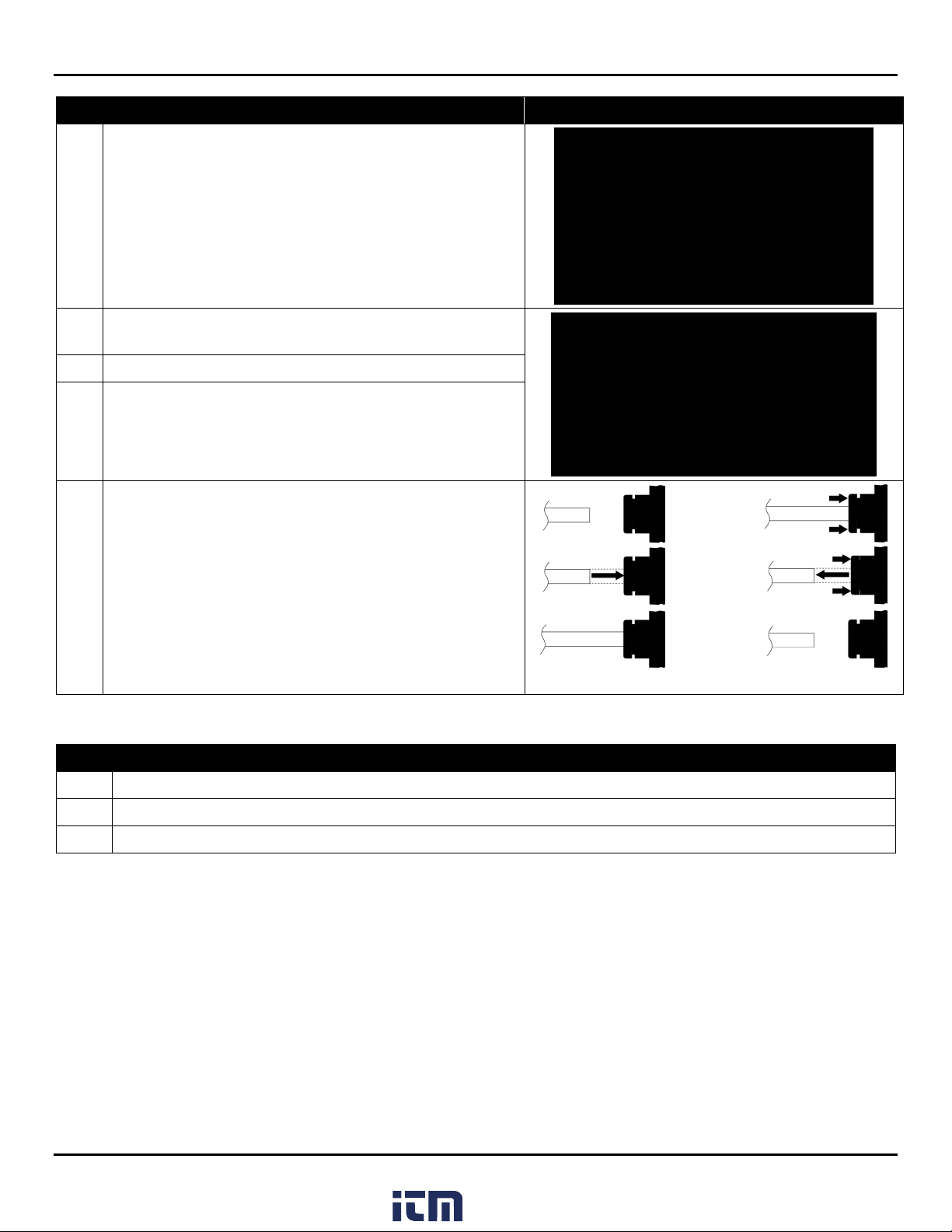
Your battery replacement kit includes both cables, however, you must determine which cable your PAGM requires. For
most PAGMs, this determination can be made based on part number. However, in some cases, you may need to try both
cables to determine which is appropriate. The following instructions step you through the determination process.
www. .com information@itm.com1.800.561.8187