1
INTRODUCTION
Thank you for purchasing Bowers an Wilkins
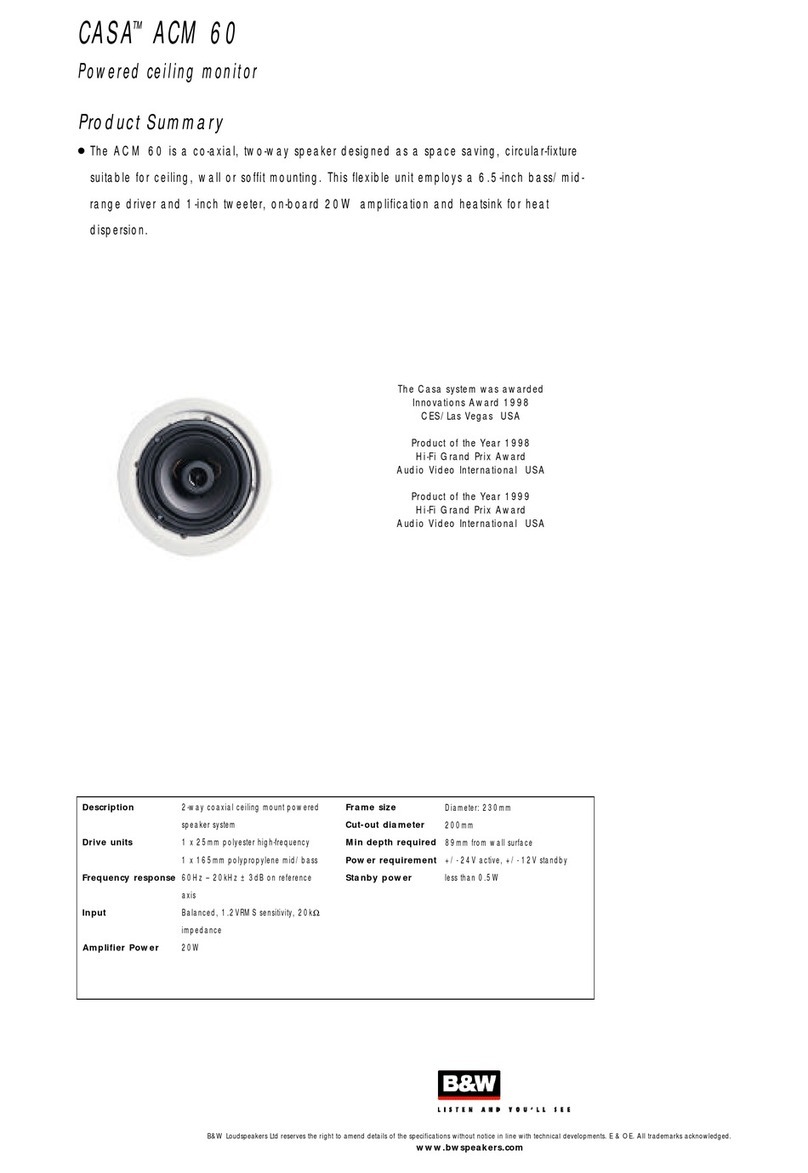
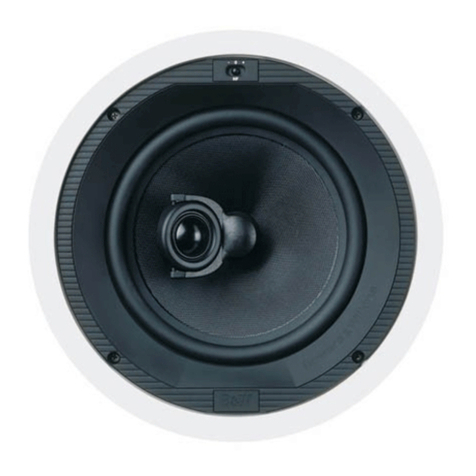
Contractor Wall Mount (CWM200) speakers.
Since its foun ation in 1966, the continuing
philosophy of B&W has been the quest for
perfect soun repro uction. Inspire by the
company’s foun er, the late John Bowers, this
quest has entaile not only high investment in
au io technology an innovation but also an
abi ing appreciation of music to ensure that the
technology is put to maximum effect.
It is also our policy to make sure the a vance
features pioneere on one pro uct are
incorporate into others we manufacture.
However, no matter how goo the speakers
themselves, they must work well into the listening
room an time spent on planning the installation
will reap the rewar of many hours listening
pleasure. Please rea through this manual fully.
It will help you optimise the performance of
the system.
B&W istribute to over 60 countries worl wi e
an maintain a network of e icate istributors
who will be able to help shoul you have any
problems your ealer cannot resolve.
UNPACKING
(figure 1)
• Fol the top carton flaps right back an invert
the carton an contents.
• Lift the carton clear of the contents.
• Remove the inner packing from the pro uct.
Check the contents:
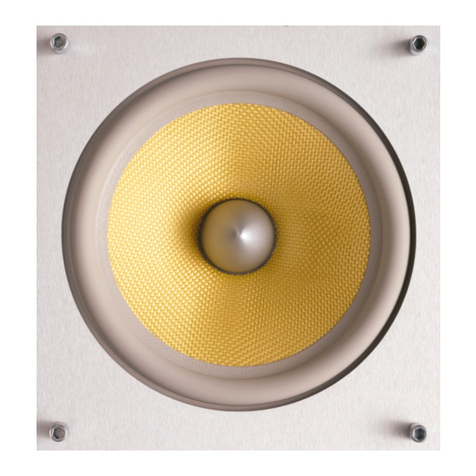
• 2x Baffle with rive units, crossover
• 2x Lou speaker grille
• 1x Alignment template
• 2x Paint mask
We suggest you retain the packaging for future
use. Remove the grilles from the wall frames an ,
to avoi amage, keep them in their plastic
bags (an preferably in the carton) away from
the work area until you are rea y to fit them.
POSITIONING – NEW
CONSTRUCTION VERSUS RETRO IT
Check that there is no conflict with other
installations (pipe work, air con itioning, power-
cabling etc.). In existing construction, use a
stu -fin ing tool to map the construction
accurately an a pipe etector to scan the
propose installation position. Avoi installing
the speakers in the same cavity as flimsy ucting,
which may be in uce to rattle. The speakers
are esigne to operate satisfactorily in a wi e
range of cavity volumes, i eally above 15 litres
(0.5 cu ft).
The speakers are balance for half-space
mounting (i.e. flush in a ceiling or soffit).
Placement near a wall/ceiling junction or in a
corner is to be avoi e as it may give rise to too
much bass an a boomy quality to the soun .
If possible, keep the speakers more than 0.5m
(20in) from the ceiling e ges.
The following sections give gui ance on optimum
positioning, but this may be mo ifie in line with
omestic constraints.
The speakers shoul be positione with the
tweeters at a little above ear height. The spacing
between them will epen on the size of the
room an istance to the listeners. As a general
rule they shoul not be closer to the listener than
1.5m (5Ft) an the istance between them
shoul not excee their istance from the
listeners. Having the speakers an the listeners
approximately at the corners of an equilateral
triangle is not a ba rule to follow. This
arrangement generally provi es the best stereo
imaging. If the speakers are pace too far
apart, a hole-in-the-mi le effect may become
apparent. Too close an the panoramic effect
will be lost, accompanie by a re uction in
epth.
For Home theatre Installations, the speakers
shoul not be closer together than the wi th of
the screen an their height shoul be
approximately at centre screen height.
Home Theatre Surround Speaker
Applications
The soun from surroun speakers shoul be as
iffuse as possible. This ensures that the frontal
au io image is not istorte by changes of
listener position or hea movements. The
speakers shoul generally be place behin an
0.6m (2ft) or more above ear height. Ceiling
mounting often gives goo results in this
application. The orientation is less important in
this application than in other cases.
WARNING:The CWM speakers pro uce a
static magnetic fiel that exten s outsi e the
cabinet boun ary. As such They shoul not be
place within 0.5m (20in) of equipment that
may be affecte by such a fiel , e.g. Catho e
Ray Tubes in TVs an Personal Computers.
DAMPING THE WALL CAVITY
In a ition, loosely fill the whole section of the
cavity with wa ing. Fibreglass an mineral
wool matting supplie for heat insulation are
suitable, but not close cell foam or expan e
polystyrene. Check that there is no ebris that
may fall into the speaker (especially in ceiling
mount situations).
IMPORTANT: YOU SHOULD CHECK THAT THE
MATERIALS YOU USE MEET THE LOCAL FIRE
AND BUILDING REGULATIONS.
ITTING THE WALL RAME
Existing Construction
Position the template on the surface as require
Mark aroun the outsi e of the template an cut
the aperture neatly.
All Methods
(figure 2)
Position the frame in the ceiling an screw in the
4 screws visible from the front of the frame.
These screws swing out clamping ogs that
locate behin the rywall. Ensure that they
have locate properly an tighten the screws.
A certain amount of flexing of the frame is
allowe to take up unevenness in the mounting
surface, but o not over tighten the screws as
excessive istortion of the frame may occur.
CUSTOMISING
The frame has a paintable white semi-matte
finish, rea y if necessary to be re-finishe to
match your own ecor. Fit the paint mask before
re-finishing. Do not re-finish the rive units or
baffle area behin the grille. Avoi touching the
rive units, as amage may result.
CONNECTIONS
All connections shoul be ma e with the
equipment switche off.
The terminals accept bare wires. Connect the
re (+ve) terminal to the positive terminal of
the amplifier an the black (-ve) to the negative.
Failure to observe correct polarity will result
in ill- efine panning of soun s an strange
phase effects.
When choosing cable, keep the total electrical
impe ance (out an back) below the maximum
recommen e in the specification. Ask your
ealer for a vice, as the optimum cable will
epen on the length require . Cut off excess
length an tie own loose cable to prevent
rattles.