manuals.online logo
Brands
  1. Home
  2. •
  3. Brands
  4. •
  5. Bowers & Wilkins
  6. •
  7. Speakers
  8. •
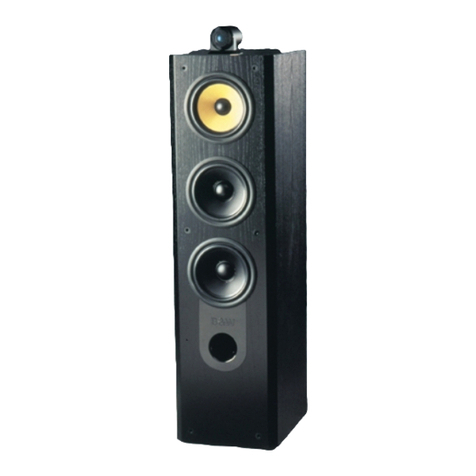
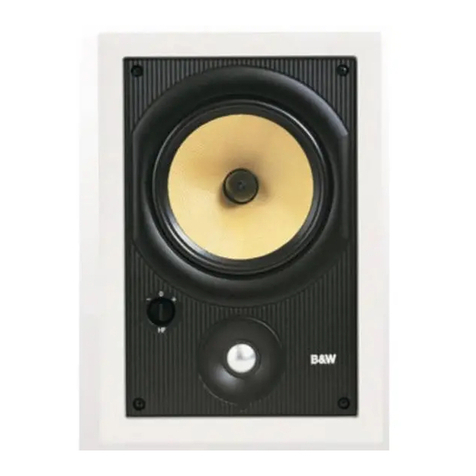
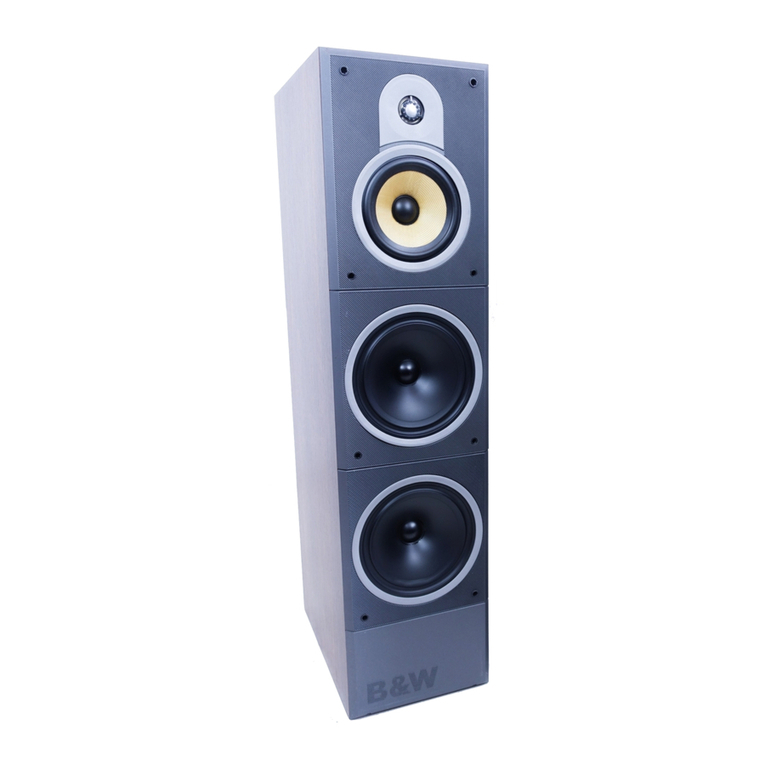
  9. Bowers & Wilkins XT Series User manual

Bowers & Wilkins XT Series User manual

This manual suits for next models

2

Other Bowers & Wilkins Speakers manuals

Bowers & Wilkins CWM CINEMA User manual

Bowers & Wilkins

Bowers & Wilkins CWM CINEMA User manual

Bowers & Wilkins A5 User manual

Bowers & Wilkins

Bowers & Wilkins A5 User manual

Bowers & Wilkins CM4 Supplement

Bowers & Wilkins

Bowers & Wilkins CM4 Supplement

Bowers & Wilkins DM601 User manual

Bowers & Wilkins

Bowers & Wilkins DM601 User manual

Bowers & Wilkins CMC Supplement

Bowers & Wilkins

Bowers & Wilkins CMC Supplement

Bowers & Wilkins CCM20 User manual

Bowers & Wilkins

Bowers & Wilkins CCM20 User manual

Bowers & Wilkins DS7 Guide

Bowers & Wilkins

Bowers & Wilkins DS7 Guide

Bowers & Wilkins CCM626 Supplement

Bowers & Wilkins

Bowers & Wilkins CCM626 Supplement

Bowers & Wilkins Signature 7NT User manual
Bowers & Wilkins

Bowers & Wilkins Signature 7NT User manual

Bowers & Wilkins 4 User manual

Bowers & Wilkins

Bowers & Wilkins 4 User manual

Bowers & Wilkins DM 604 S2 User manual

Bowers & Wilkins

Bowers & Wilkins DM 604 S2 User manual

Bowers & Wilkins Zeppelin Air User manual

Bowers & Wilkins

Bowers & Wilkins Zeppelin Air User manual

Bowers & Wilkins ACM 60 Quick start guide

Bowers & Wilkins

Bowers & Wilkins ACM 60 Quick start guide

Bowers & Wilkins CCM20 User manual

Bowers & Wilkins

Bowers & Wilkins CCM20 User manual

Bowers & Wilkins 600 User manual

Bowers & Wilkins

Bowers & Wilkins 600 User manual

Bowers & Wilkins 704 S2 User manual

Bowers & Wilkins

Bowers & Wilkins 704 S2 User manual

Bowers & Wilkins Zeppelin Air User manual

Bowers & Wilkins

Bowers & Wilkins Zeppelin Air User manual

Bowers & Wilkins XT2 User manual

Bowers & Wilkins

Bowers & Wilkins XT2 User manual

Bowers & Wilkins VM1 Guide

Bowers & Wilkins

Bowers & Wilkins VM1 Guide
Bowers & Wilkins 804 D3 User manual

Bowers & Wilkins

Bowers & Wilkins 804 D3 User manual

Bowers & Wilkins VM1 User manual

Bowers & Wilkins

Bowers & Wilkins VM1 User manual

Bowers & Wilkins 600 Series 3 User manual

Bowers & Wilkins

Bowers & Wilkins 600 Series 3 User manual

Bowers & Wilkins HTM7 User manual

Bowers & Wilkins

Bowers & Wilkins HTM7 User manual

Bowers & Wilkins LCR3 User manual

Bowers & Wilkins

Bowers & Wilkins LCR3 User manual

Popular Speakers manuals by other brands

Yamaha DXR10 null

Yamaha

Yamaha DXR10 null

argon audio IE20 quick start

argon audio

argon audio IE20 quick start

Denon SC-N7 owner's manual

Denon

Denon SC-N7 owner's manual

Gemline Ace 3952 user manual

Gemline

Gemline Ace 3952 user manual

Focal ON WALL 300 User manua

Focal

Focal ON WALL 300 User manua

HEADRUSH Maximus HRSP 5024 manual

HEADRUSH

HEADRUSH Maximus HRSP 5024 manual

SoundLogic BCCS-6/6395 instruction manual

SoundLogic

SoundLogic BCCS-6/6395 instruction manual

Peavey DTH 218 Specification sheet

Peavey

Peavey DTH 218 Specification sheet

Avantree Pluto Air user guide

Avantree

Avantree Pluto Air user guide

Morel Integra Series INTEGRA OVATION 4 install guide

Morel

Morel Integra Series INTEGRA OVATION 4 install guide

Oppo SONICA quick start guide

Oppo

Oppo SONICA quick start guide

Bose SoundLink Wireless Music System owner's guide

Bose

Bose SoundLink Wireless Music System owner's guide

Rocksteady Stadium owner's manual

Rocksteady

Rocksteady Stadium owner's manual

Sonance SONOS OUTDOOR Series installation manual

Sonance

Sonance SONOS OUTDOOR Series installation manual

Electro-Voice EVID FM4.2 Brochure & specs

Electro-Voice

Electro-Voice EVID FM4.2 Brochure & specs

Pioneer XW-HTD630 manual

Pioneer

Pioneer XW-HTD630 manual

Onn BWA16AA002 Product guide

Onn

Onn BWA16AA002 Product guide

HP GL313AA - USB Speakers PC Multimedia quick start guide

HP

HP GL313AA - USB Speakers PC Multimedia quick start guide

manuals.online logo
manuals.online logoBrands
  • About & Mission
  • Contact us
  • Privacy Policy
  • Terms and Conditions

Copyright 2025 Manuals.Online. All Rights Reserved.

XT Series Service Manual
1
Table of Contents
Introduction
Spare Part Numbers
Exploded Diagrams
Removing the Tweeter
Replacing the Tweeter
Removing a Midrange/Bass Unit
Replacing a Midrange/Bass Drive Unit
2
2
3
4
5
6
7
2
CAUTION
These procedures require that the tweeter is handled. Great care must be
taken not to touch the tweeter dome as it is extremely fragile.
This manual is intended to demonstrate our recommended procedures for servicing the XT2
and XT4 loudspeakers. These procedures should be carried out by B&W approved suppliers
and engineers only. Any attempt at dismantling the speakers by non-approved personnel
will most likely invalidate the warranty, and could result in permanent cosmetic damage to
the speakers. B&W can accept no liability for damage which may occur whilst servicing the
speakers.
The following tools are necessary to carry out these procedures:
• XT HF Removal Tool (HH30955)
• Pins (x2)
• 3mm Hex Driver
• Pliers (not necessary, but could be useful)
Please refer to fi gures 1a, 1b and 1c for part numbers and exploded diagrams.
Introduction
     
      
      
     
      
      
     
     


     
      
      
     
      
      
     
     
     

Figure 1a
3
Exploded Diagrams






















Figure 1b - XT2 Exploded Diagram Figure 1b - XT4 Exploded Diagram
4
Removing/Replacing the Tweeter
Removal
1. Carefully remove the cloth grille. (Figure 2)
2. Use two small pins to carefully pull the tweeter grille away from the tweeter assembly. It
is important to use the pins at opposite sides of the grille because the magnet may pull the
frame onto the tweeter dome causing damage. (Figure 3)
3. Locate the tweeter removal tool over the front of the tweeter, ensuring that the groove
is at the top. The tool should slot on over the three screws at the front of the tweeter.
Once located, turn the tool anti-clockwise until the tweeter becomes loose (Figure 4).
Remove the tweeter from the housing and disconnect the wires. (Figure 5)
Figure 2 Figure 3
Figure 4 Figure 5
5
Removing/Replacing the Tweeter
Replacement
1. With the location pip towards you, connect the replacement tweeter, ensuring
that the red wire is connected to the terminal marked red, and that the tapering
tube is laying in between the two wires. (Figure 6a & 6b)
2. Turn the tweeter anti-clockwise until the location pip faces the left. Insert the right-hand
side of the tweeter first, and then the left-hand side (Figure 7). The tweeter should click
into place.
3. Turn the tweeter clockwise so that it holds in place. Use the tweeter tool to tighten,
and there should be another click to indicate that the tweeter is located (Figure 8).
Check that it is aligned by the screw locations. (Figure 9)
4. Replace the tweeter grille being careful not to let the magnet pull it onto the dome.
Figure 6 Figure 7
Figure 8 Figure 9
6
Removing/Replacing a Midrange/Bass Drive Unit
Removal
1. First remove the tweeter.
2. Remove the grommets from the baffle into which the cloth grille attaches. (Figure 10)
3. Remove the screws from underneath the grommets and the baffle should come loose.
(Figure 11)
4. To remove the appropriate driver, undo the four screws holding it into the cabinet, and
carefully lift the unit away. (Figure 12)
5. Disconnect the wires. (Figure 13)
Figure 10 Figure 11
Figure 12 Figure 13
7
Removing/Replacing a Midrange/Bass Drive Unit
Replacement
1. Connect the wires to the replacement driver observing the polarity, and locate it into the
appropriate opening. The terminals are deliberately made different sizes so that it is
difficult to get the polarity wrong. (Figure 14)
2. Screw the replacement unit into the cabinet. Maximum torque 1.7 Nm
3. Locate the baffle and replace the screws which hold it on. Maximum torque 1.5 Nm
4. Re-attach the tweeter.
5. Re-insert the grommets so that the cloth grille can be attached (optional).
Figure 14
Copyright © B&W Group Ltd. E & OE
Kevlar is a registered trademark of DuPont
Printed in England.
UK Group (UK Sales)
T +44 1903 221 500
E [email protected]
B&W Group North America
T +1 978 664 2870
E [email protected]
B&W Group (Asia) Ltd
T +852 2 869 9916
E [email protected]
B&W Group Ltd
Dale Road
Worthing West Sussex
BN11 2BH England
T +44 (0) 1903 221 800
F +44 (0) 1903 221 801
[email protected]
www.bwspeakers.com
Issue 2