manuals.online logo
Brands
  1. Home
  2. •
  3. Brands
  4. •
  5. Brisa
  6. •
  7. Humidifier
  8. •
  9. Brisa PACTRIO User manual

Brisa PACTRIO User manual

Other manuals for PACTRIO

1

Popular Humidifier manuals by other brands

Scarlett Comfort SC-AH986E22 instruction manual

Scarlett

Scarlett Comfort SC-AH986E22 instruction manual

SOLAC HU1060 Instructions for use

SOLAC

SOLAC HU1060 Instructions for use

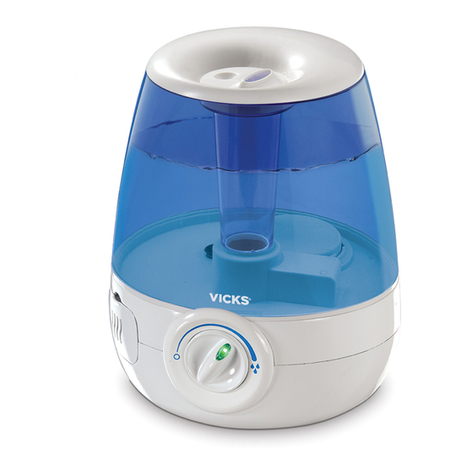
Vicks FilterFree use and care manual

Vicks

Vicks FilterFree use and care manual

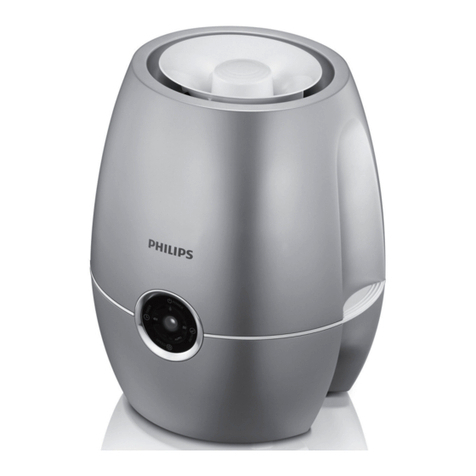
Philips HU4902 quick start guide

Philips

Philips HU4902 quick start guide

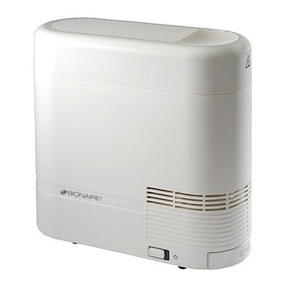
Bionaire CM1 Instruction leaflet

Bionaire

Bionaire CM1 Instruction leaflet

Air-O-Swiss AOS 7131 Instructions for use manual

Air-O-Swiss

Air-O-Swiss AOS 7131 Instructions for use manual

Vitek VT-1768 BK Manual instruction

Vitek

Vitek VT-1768 BK Manual instruction

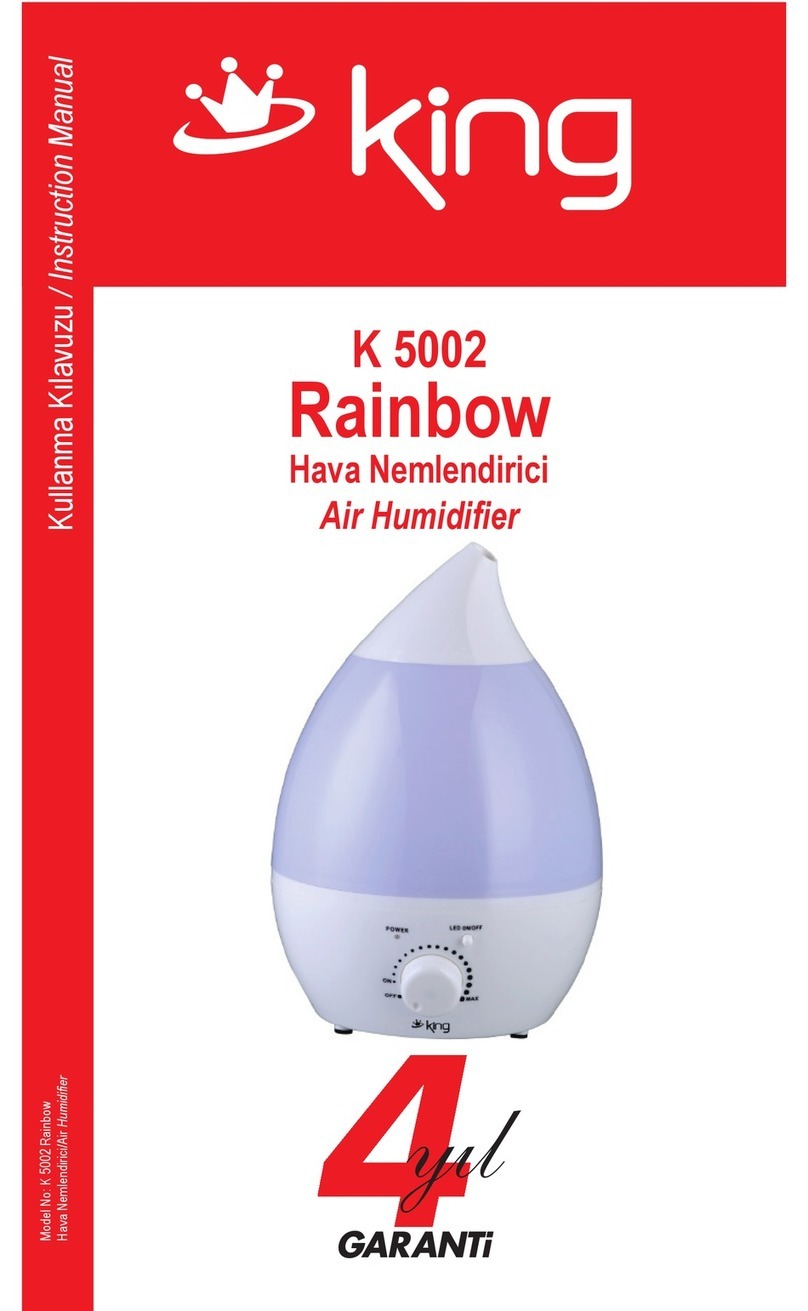
KING K 5002 Rainbow instruction manual

KING

KING K 5002 Rainbow instruction manual

Crane EE-6902 instruction manual

Crane

Crane EE-6902 instruction manual

Glaziar Ness user manual

Glaziar

Glaziar Ness user manual

Philips DreamStation Go Faqs

Philips

Philips DreamStation Go Faqs

Honeywell MISTMATE HUL520BC manual

Honeywell

Honeywell MISTMATE HUL520BC manual

Stadler Form Hera Operation instructions

Stadler Form

Stadler Form Hera Operation instructions

Hunter 31206 owner's guide

Hunter

Hunter 31206 owner's guide

TaoTronics TT-AH004 user guide

TaoTronics

TaoTronics TT-AH004 user guide

adorini Cigar Heaven manual

adorini

adorini Cigar Heaven manual

Aprilaire 800 Series user manual

Aprilaire

Aprilaire 800 Series user manual

Pyle SereneLife PHUMDIF8 Instruction book

Pyle

Pyle SereneLife PHUMDIF8 Instruction book

manuals.online logo
manuals.online logoBrands
  • About & Mission
  • Contact us
  • Privacy Policy
  • Terms and Conditions

Copyright 2025 Manuals.Online. All Rights Reserved.

1
Model Name: PacTrio
Manufactured for: Phoenix Manufacturing Inc.
Less energy consumption
90%
INSTRUCTION MANUAL
HI
HEATER
ON/OFF
CLEAN
FILTER
COOLER/
HUMIDIFIER
OSCILLATION
SPEED TIMER
LOW 1H
2H
4H
6H
8H
MED
HI
NATURAL
SLEEP
FAN
10
physical.
(17) Before make sure the outlet and the power to confirm the voltage is corresponding
to requirement.
(18) If move the appliance to a new place check the power voltage first.
(19) WARNING: This heater is not equipped with a device to control the room
temperature. Do not use this heater in small rooms when they are occupied by persons
not capable of leaving the room on their own, unless constant supervision is provided.
(20) unplug the appliance during filling and cleaning.
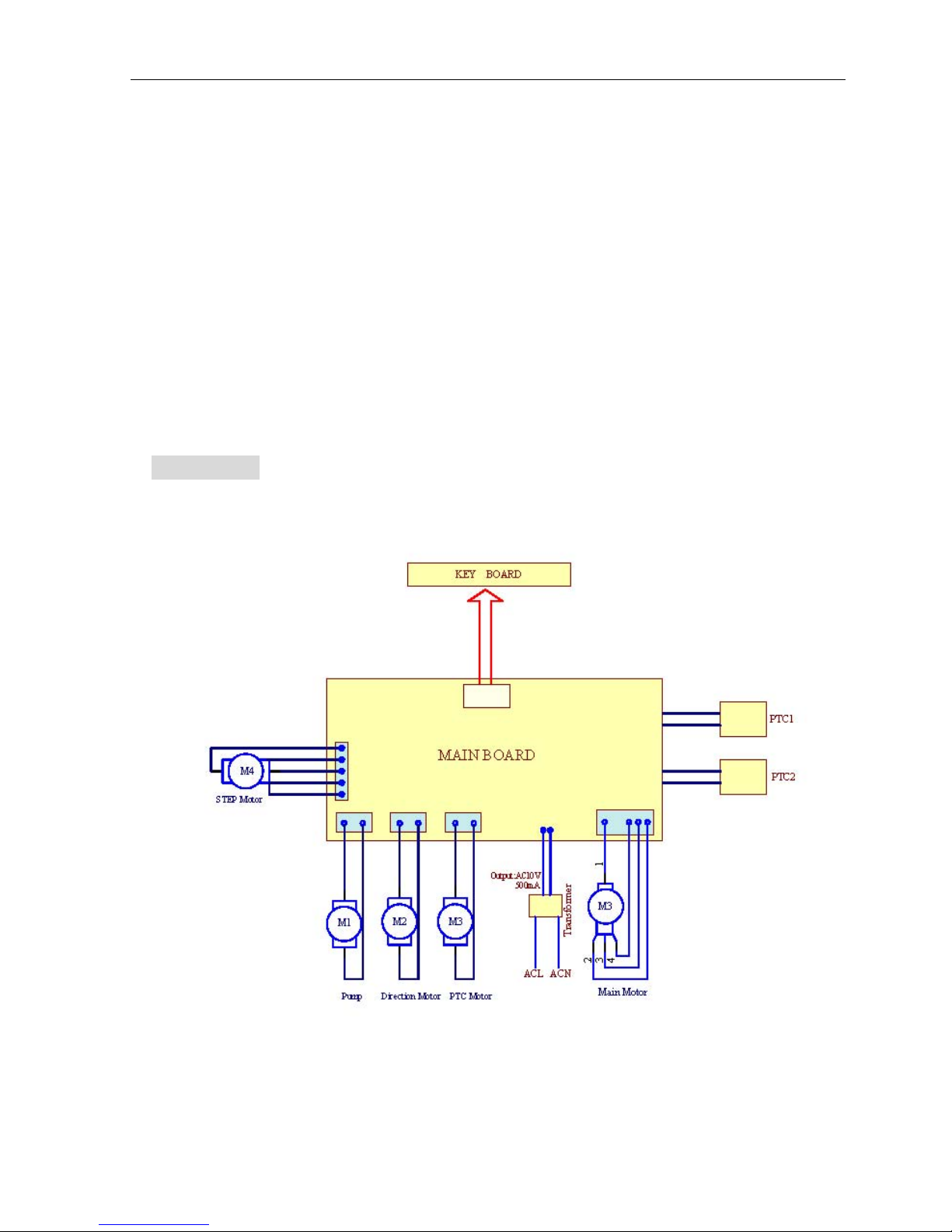
6. DIAGRAM
Maximum wind speed 15.6 mph
Rotating speed: High - 1350 80r/min Medium - 1150 80r/min Low - 950 80r/min
2
:
Specification
Cosmetic
Features
Specifications
153 cfm
Automatic oscillation from left-right and up-down
Three Wind Speeds: High, Medium and Low
Three Wind Modes: Normal, Natural and Sleep mode
Timer function
Rated voltage/frequency: 120V/60Hz
Power: 70W under colling function 800W under Low-heat, 1200W under Hi-heat
Noise: 55dB
Automatic oscillation angle: Horizontal - 80° Vertical - 70°-135°
3
EER: 9.0 W/W
Evaporation capacity: .26 gal/hr
Water tank capacity: 1.6 gal.
Net weight: 17.6 lb.
Dimension: 11 in. x 13.6 in. x 27.1 in.
User Guide
41°F - 109°F RH<95% (77°F)
Control Panel
Remote Control Panel
3. Operating Instruction
• Functional keys
1) ON/OFF : Plug in the appliance, turn on the main power, the buzzer
will sound and enter into the standby mode. Other keys are invalid except the
ON/OFF key.
Press again to activate the appliance. It will blow heat when the PTC is
behind wind outlet. While the PTC is not at the wind outlet, it blows cool wind.
Press a third time and the appliance shuts off. Exit to stand-by mode. Under
heating function, the appliance shuts off 5 seconds later.
2) Speed : Press this key to set wind speed and wind mode. The
corresponding wind speed indicator will light accordingly. Alternate order:
low-medium-high-natural. - Sleep mode.
Normal mode
High
Medium
Low
4
H
M
L
The horizontal swing works simultaneously with Natural Mode. The vertical louvers
start to swing in 10 seconds.
Natural Mode
Sleep Mode
30 min high speed --- 30 min medium speed --- 30 min low speed (continual)
The sleep mode works simultaneously with timing function of 8 hours.
3) Timer : Press this key to set timer. Alternative hours: 1h - 2h - 4h - 6h - 8h - exit
timer function - 1h
• The appliance starts to count down after timer function is activated.
The timer function is indicated by 5 LED’s, respectively indicates 1hr, 2hr, 4hr, 6hr, 8hr
Timer function needs to be activated after appliance is on.
4) Oscillation (horizontal) : Press this button to activate the oscillation function.
The corresponding LED will turn on. Press again to exit the function. The LED will turn
off.
5
6) Oscillation (Vertical) ,It controls the angle of horizontal louvers. The louvers opens to
135 degree when turn on the appliance. Press oscillation key to swing between 70 to 135.
Press again to freeze at any angle between 70 to 135. When the appliance is shut off, the
horizontal louvers are at 0 degree.
(6) Press this key to open and close the horizontal louver. The initial angle is 135°, use the
wind key to select the any angle from 60° to 135°,press it again you will get that angle.
Repeat again it will change freely. The louver will shut down when appliance off.
(7) Press this button, the Cool/Humidifier function is on with Beeps, the corresponding LED
is on. Press the button again to turn the function off.
Keep water level higher than min. level or it may damage the water pump when use
Cooler/Humidifier, and cause noise.
Under Cool/Humidifier, water pump will work 50s. If the water level less than Min. level, the
appliance will stop Cool/Humidifier automatically, meanwhile it beeps to alert.
Heating Button : Press this button to switch the function between cooling and heating
function. Under Cooling function, press to enter low-heating, press again to enter
high-heating. To exit heating function, press the button again.
NOTICE:
1. The appliance will stop after 100 hours’ working. The filter cleanness indicator
LED will turn on. Press Cooler/Humidifier button for 5s to reset the filter cleanness
function. The appliance is back to normal status.
2、The indicator light will dim down for 1 min without any operation. Touch any
key the indicator will light up again.
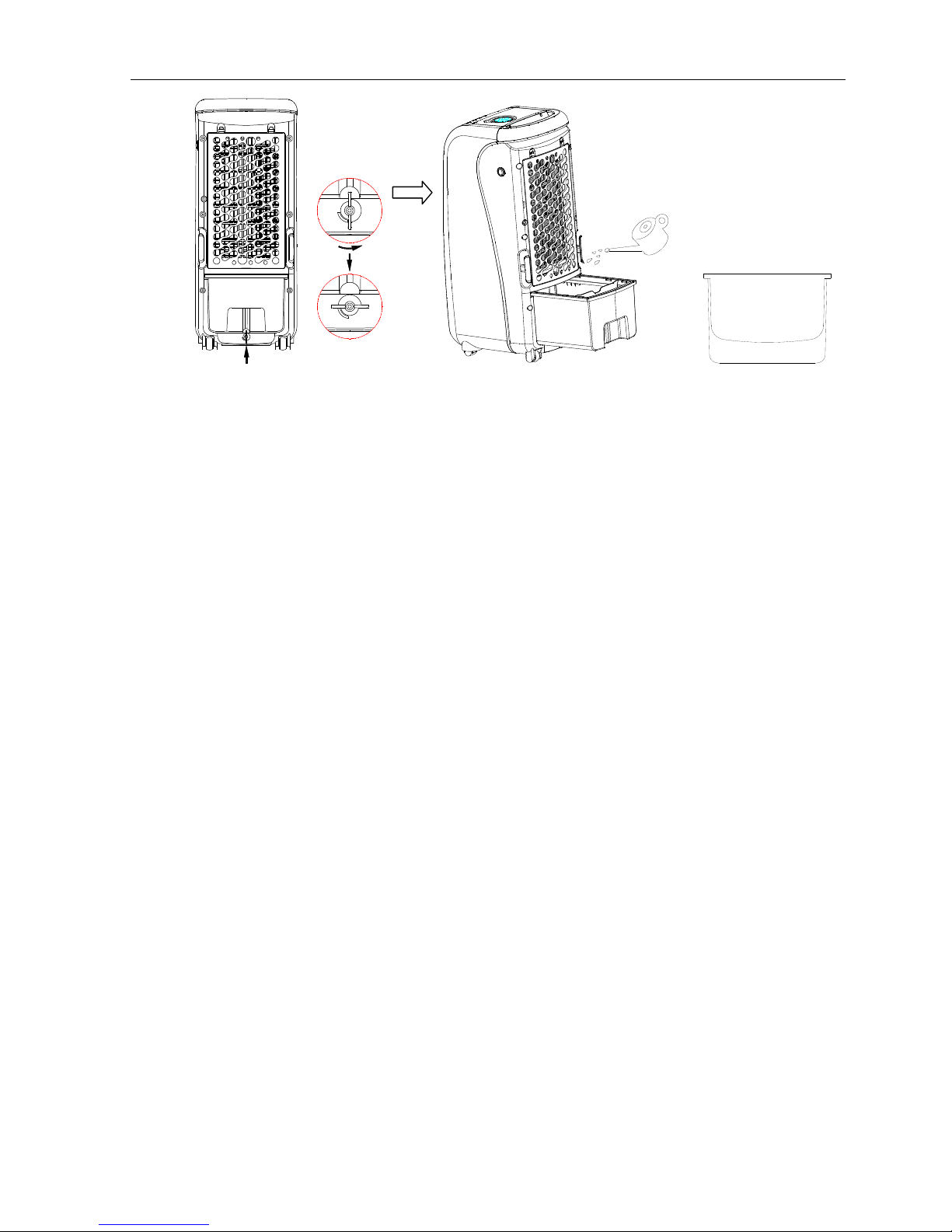
! Add water
Do add water before use Cool/Humidifier function. Turn the water tank knob
anticlockwise 90 degree and pull out to add water.

6
Turn off the water tank know anticlockwise Take out the water tank to add water
1. Pay attention to the level line when adding water.
2. Keep water level higher than lowest or it may damage the water pump when use
Cooler/Humidifier function, and cause noise.
3. When adding water, does not overfeed above “MAX” level.
4. Do use clean water.
5. After adding the water, pull back the drawer and lock the water tank.
6. Kindly Reminder:For the first usage, possibly there would be some scent and
discoloring in the water. NO harm to health at all.
!ICE BOX
The ice-box has the particular specialties of cooling preservation, it is able to absorb
the heat in the water, which makes the water temperature below the environment
temperature (about 8 degree) for hours, the wind from the air cooler will be much
cooler.
1. Put the ice-box in refrigerator till completely icing up.
2. Put the freezing ice-box to the water tank, lock the water tank door, after 10 minutes,
the temperature of the water tank will be lower than the environment temperature, and
the situation can last for 4 hours
7
3. There are two ice-boxes, ensure continual use.
4. Don’t open the ice box or swallow the ice.
!Remote Control
1. Firstly, open the battery cover at the back of remote controller, Install a battery and
use it then.
2. There are 7 keys on the remote controller; their functions are the same as the keys
on machine control panel.
3. Please aim at the receiver window of remote control, the effective remote controlling
distance is within 6 meters.
4. To open the battery cover, you can use coin or equivalent tool to insert into the slot,
turn along the “OPEN” direction to open it, rotate in the opposite direction “CLOSE” to fasten
the battery cover.
电池 CR2032
OPEN CLOSE
OPEN CLOSE
电池盖
槽位
正
极
负
极
4. Maintenance
● Cleanness of filters
To avoid the overload of dustproof filter, please clean the filter at least once a month.
No chemical medicament is needed.
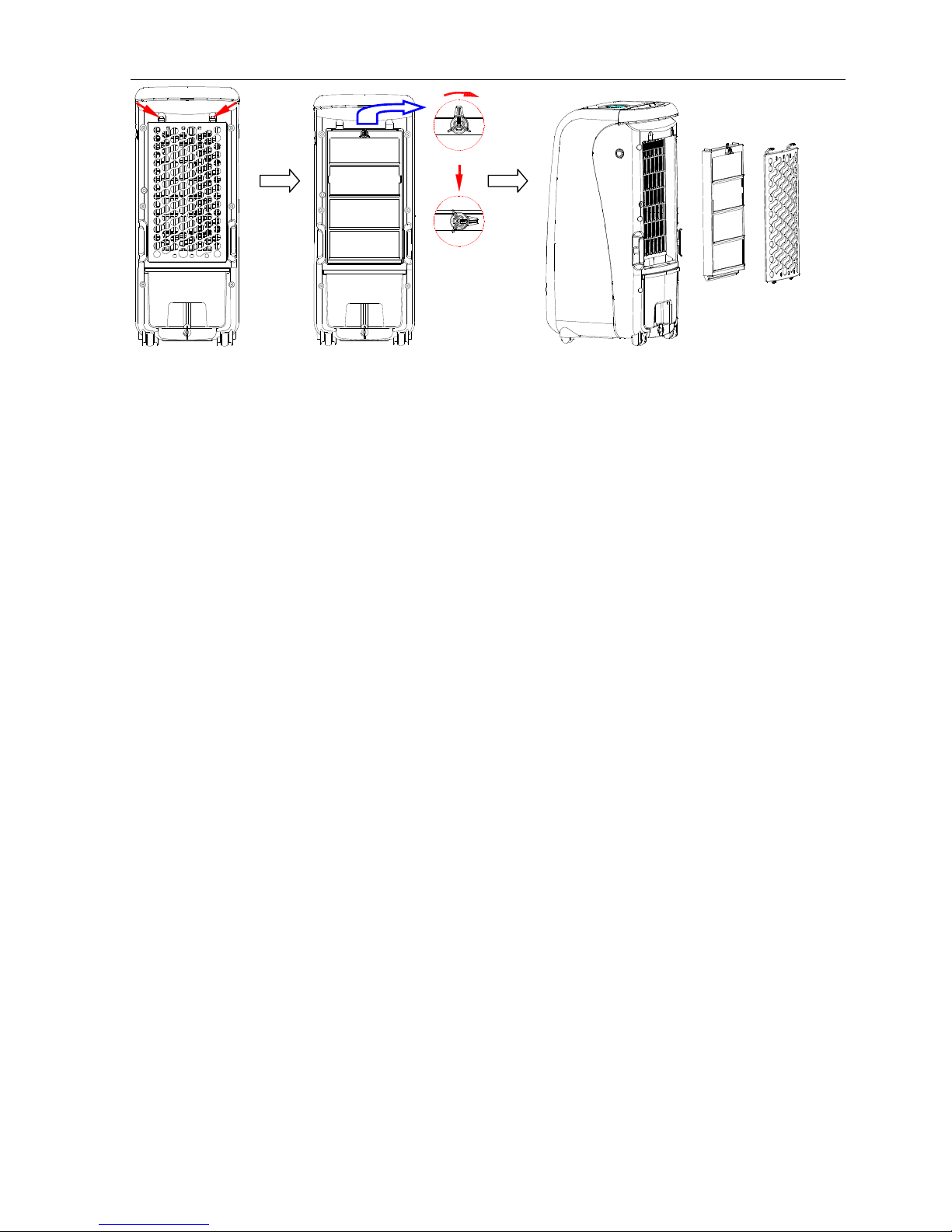
1. Take off the filters in sequence(as below picture)
8
Take off the dustproof filter Turn the knot clockwise 90· Take off the CoolerMaster
2. Clean the outer filter with abstergent or soft brush.
3. Dip the cooling pad into detergent water and dry it.
● Water tank Cleanness
1. Unplug the unit and pull out the water tank according to instruction. Clean it with
washrag or abstergent, and then scour away the slops put the water jam back.
● Cleanness
1. Clean the surface of the unit with damp cloth, never scouring it directly.
2. Do not use corrosive detergent or solvent to clean. Pouring water on the unit is strictly
forbidden.
3. To avoid any danger, Unplug the appliance before cleanness.
● Installation after cleanness
1. Reinstall the filters back in sequence.
2. Plug the unit to make sure it works. Otherwise please check the installation of water
tank.
● maintenance
1. Unplug the power cord and pack it to prevent from the dust when not using long time.
2. Make sure the cooling pad, filter and water tank dry before package.