manuals.online logo
Brands
  1. Home
  2. •
  3. Brands
  4. •
  5. BSS Audio
  6. •
  7. Stereo Equalizer
  8. •
  9. BSS Audio FCS-926 User manual

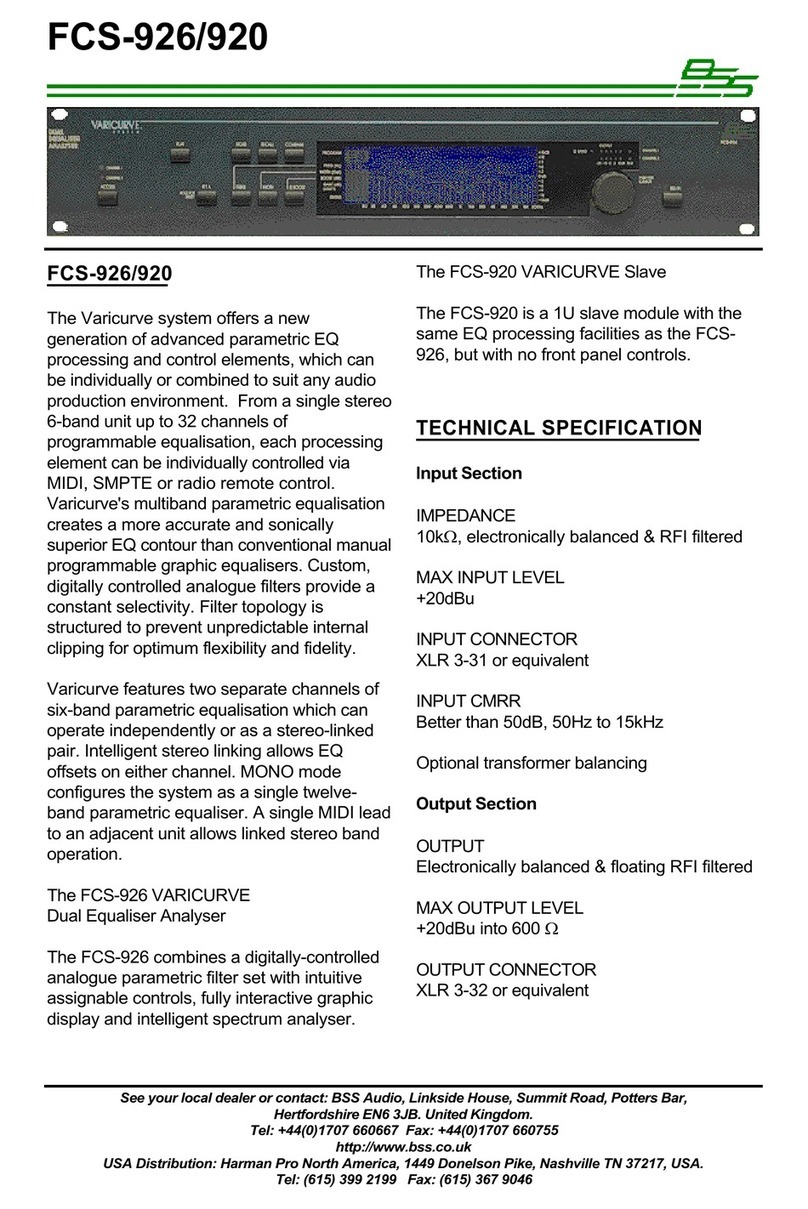
BSS Audio FCS-926 User manual

Other manuals for FCS-926

1

This manual suits for next models

1

Other BSS Audio Stereo Equalizer manuals

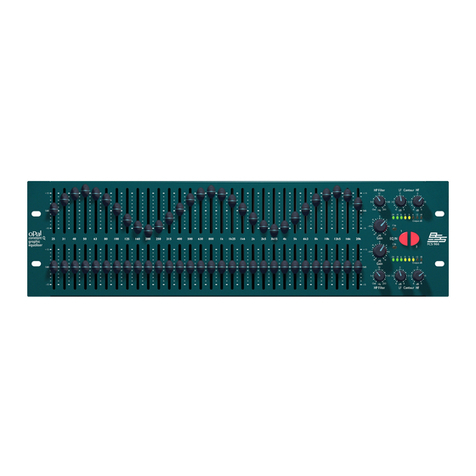
BSS Audio FCS-960 User manual

BSS Audio

BSS Audio FCS-960 User manual

BSS Audio FCS 966 User manual

BSS Audio

BSS Audio FCS 966 User manual

BSS Audio DPR-901ii Instruction Manual

BSS Audio

BSS Audio DPR-901ii Instruction Manual

BSS Audio FCS-926 Owner's manual

BSS Audio

BSS Audio FCS-926 Owner's manual

Popular Stereo Equalizer manuals by other brands

Pyramid PM8600 owner's manual

Pyramid

Pyramid PM8600 owner's manual

Pioneer DEQ-P90 owner's manual

Pioneer

Pioneer DEQ-P90 owner's manual

Roland E-660 owner's manual

Roland

Roland E-660 owner's manual

elysia mpressor manual

elysia

elysia mpressor manual

Free The Tone PA-1QG quick start guide

Free The Tone

Free The Tone PA-1QG quick start guide

Kenwood KRC-999II instruction manual

Kenwood

Kenwood KRC-999II instruction manual

AudioBahn AEX250X operating instructions

AudioBahn

AudioBahn AEX250X operating instructions

Onkyo EQ-08 Service manual

Onkyo

Onkyo EQ-08 Service manual

Samson D3500 owner's manual

Samson

Samson D3500 owner's manual

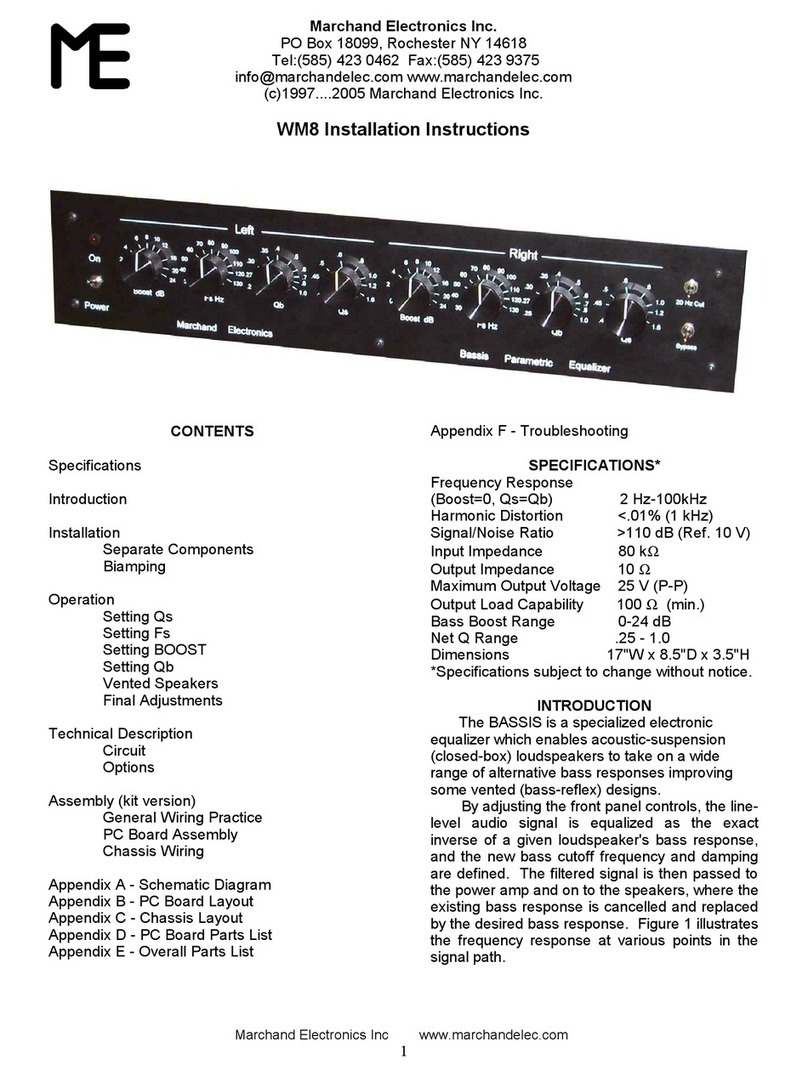
Me WM8 installation instructions

Me

Me WM8 installation instructions

Rob Papen RP-EQ user guide

Rob Papen

Rob Papen RP-EQ user guide

Kenwood GE-4030 instruction manual

Kenwood

Kenwood GE-4030 instruction manual

Rane RE 27 Operating and service manual

Rane

Rane RE 27 Operating and service manual

SPL SX2 owner's manual

SPL

SPL SX2 owner's manual

Rane MQ 302S Operator's manual

Rane

Rane MQ 302S Operator's manual

Aphex 9901 operating guide

Aphex

Aphex 9901 operating guide

Behringer Ultragraph Pro FBQ6200 Technical specifications

Behringer

Behringer Ultragraph Pro FBQ6200 Technical specifications

Black Rooster Audio VEQ-5 OVERVIEW & INSTRUCTIONS

Black Rooster Audio

Black Rooster Audio VEQ-5 OVERVIEW & INSTRUCTIONS

manuals.online logo
manuals.online logoBrands
  • About & Mission
  • Contact us
  • Privacy Policy
  • Terms and Conditions

Copyright 2025 Manuals.Online. All Rights Reserved.

FCS
-
926
FCS-920
USER’S
MANUAL
PROFESSIONAL AUDIO
SIGNAL PROCESSING
AND
DISTRIBUTION EQUIPMENT
This equipment has been tested andfound to comply with the
Cf
following EuropeanStandardsfor Electromagnetic Compatibility.
EmissionSpecification
EN55013 1990
(Associatedequipment)
Immunity Specification
EN50082/1
1992
Mains Disturbance
EN61000/3/2 1995
(RF
Immunity,
Fast
Transients and ESD)
For continued complianceensure
that
all input and output cables are wired
with cable screen connectedto pin
I
of the
XLR.
The input
XLR
pin
1
on
BSS
equipment
is
generally connectedto chassis via
a
capacitor to prevent
ground
loops
whilst ensuring
good
emc compatibility.
FCS
-
926 AND FCS
-
920 VARICURVE SYSTEM
DUAL
C
H
A
N
N
E
L
,
12
BANK
PARAMETRIC
EQUAL
I
SER
-
AN
ALY
SER
USER'S
MANUAL
This manual
is
provided to assist sound engineers, installers and consultants to fully understandthe
FCS-926/920,
and
to
benefit from
it's
full capability.
The information
is
structured under a series of broad headings for easy access.
So
where possiblewithin each
section:
*
The most immediate informationappears at the head of each section under the main title.
*
As
you read further into each subsequent section, more detailed specific information
is
given.
Should you have any comments or questions about applying the
FCS-926/920
within your application, please
write to us at the address inthe warranty section.
v1.3
6
February
1995
ThisManual is the
COPYRIGHT
of
8.55
Audio
disclosure ofpart or whole to a thirdparty, withoutprior written authorisation, is in violation ofthe European Copyright Convention.
All reproduction and copying, other than for the legal owner's personal use,
or
855
Audio
7
992
-
1
995
PAGE
1

TABLE
OF
CONTENTS
SECTION TITLE
1
.O
FEATURES AND FACILITIES
2.0 UNPACKING
3.0 MECHANICAL INSTALLATION
4.0 CONTROLS AND CONNECTIONS
4.1 FCS
-
926 Front Panel
4.2 FCS
-
926 Rear Panel
4.3 FCS
-
920 Front Panel
4.4 FCS
-
920 Rear Panel
5.0
MAINS POWER
5.1 Voltage Setting
5.2 Safety Earthing
5.3
AC Fusing
6.0 POWERING
UP
7.0 AUDIO CONNECTIONS
7.1 BalancedWiring
7.2 Unbalanced Wiring
7.3 Ground LoopControl
8.0 USINGTHE
FCS
-
926
8.1 IconsDescription
8.2 Graphics Screen
8.3 Channel Selection
8.4 Filter Selection
8.5 View Mode
8.6 ProgramMemories
8.7 Compare
8.8 Resetting Filters
8.9
EQ
Bypass
8.1
0
Noise Optimisation
9.0 UTILITY
MENU
9.1 MenuAccess
9.2 InputGain
9.3 Program Lock
9.4 Peak Fix
9.5 Memory Crossfade
9.6 Screen Viewing Angle
9.7 Screen Brightness
9.8 12 Band Mode
9.9
Midi
Channel
9.1
0
Midi
TransmitMode
9.1
1
Midi
Dump
9.12 Security Lockout
PAGE
3
4
5
6
6
8
9
10
11
12
12
12
13
14
14
14
15
16
16
17
19
19
20
21
23
24
24
24
25
2.5
26
26
26
27
27
27
28
28
28
29
29
SECTION TITLE PAGE
10.0
USINGTHE REAL TIME ANALYSER
10.1 MenuAccess
10.2 SwitchingOn
10.3 Gain Setting
10.4 Display Decay Rate
10.5 DisplayResponse
10.6 Source Selection
10.7 ProgramMemories
10.8 Auto
EQ
Mode
10.9 Add Curve Mode
10.1
0
Room Curve Mode
11
.O
NOTES
ON
USINGTHE FCS
-
920
12.0 MIDIIMPLEMENTATION
12.1 Midi ImplementationChart
12.2 Parameter Numbers
13.0 SPECIFICATION
14.0 SPARES ORDERING
15.0 WARRANTY
16.0 APPENDIX
16.1 Chassis
/
Ov
Link
16.2 Transient Suppressors
16.3 9Ov
/
180vAC Operation
16.4 BalancingTransformers
16.5 Battery Replacement
30
30
30
31
31
31
32
32
34
35
36
37
38
38
39
40
41
42
43
43
44
44
45
45
PAGE 2
I