manuals.online logo
Brands
  1. Home
  2. •
  3. Brands
  4. •
  5. Cadet
  6. •
  7. Thermostat
  8. •
  9. Cadet RMT2 User manual

Cadet RMT2 User manual

Other Cadet Thermostat manuals

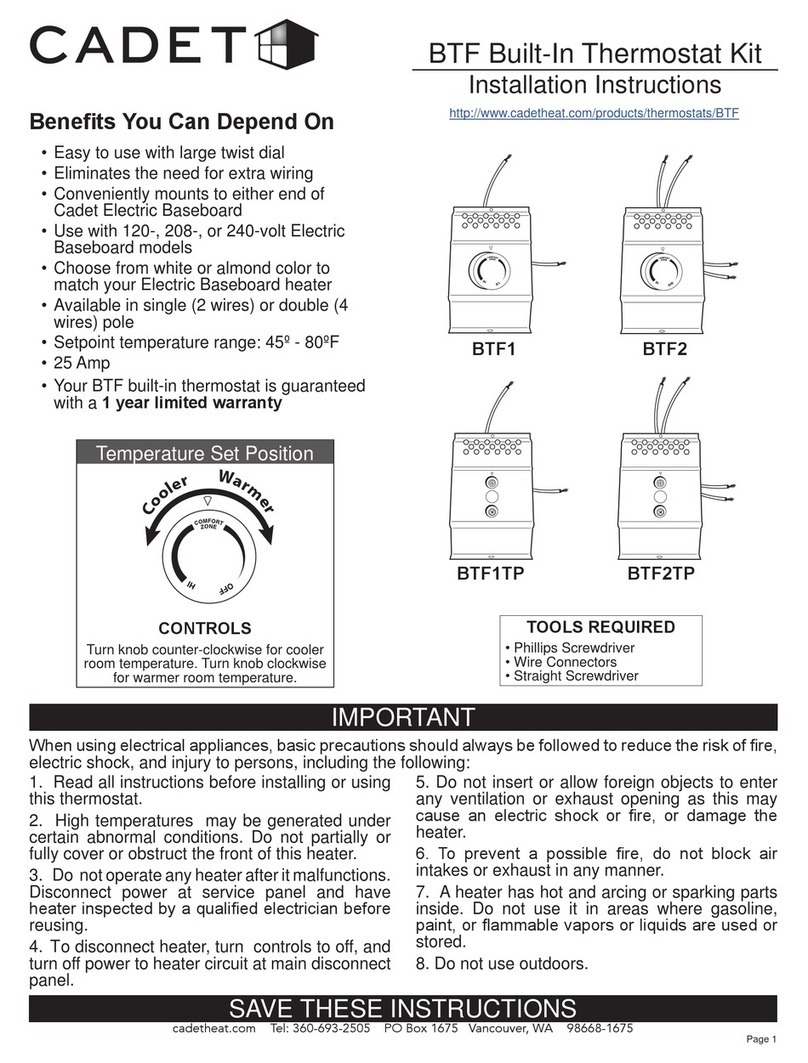
Cadet BTF User manual

Cadet

Cadet BTF User manual

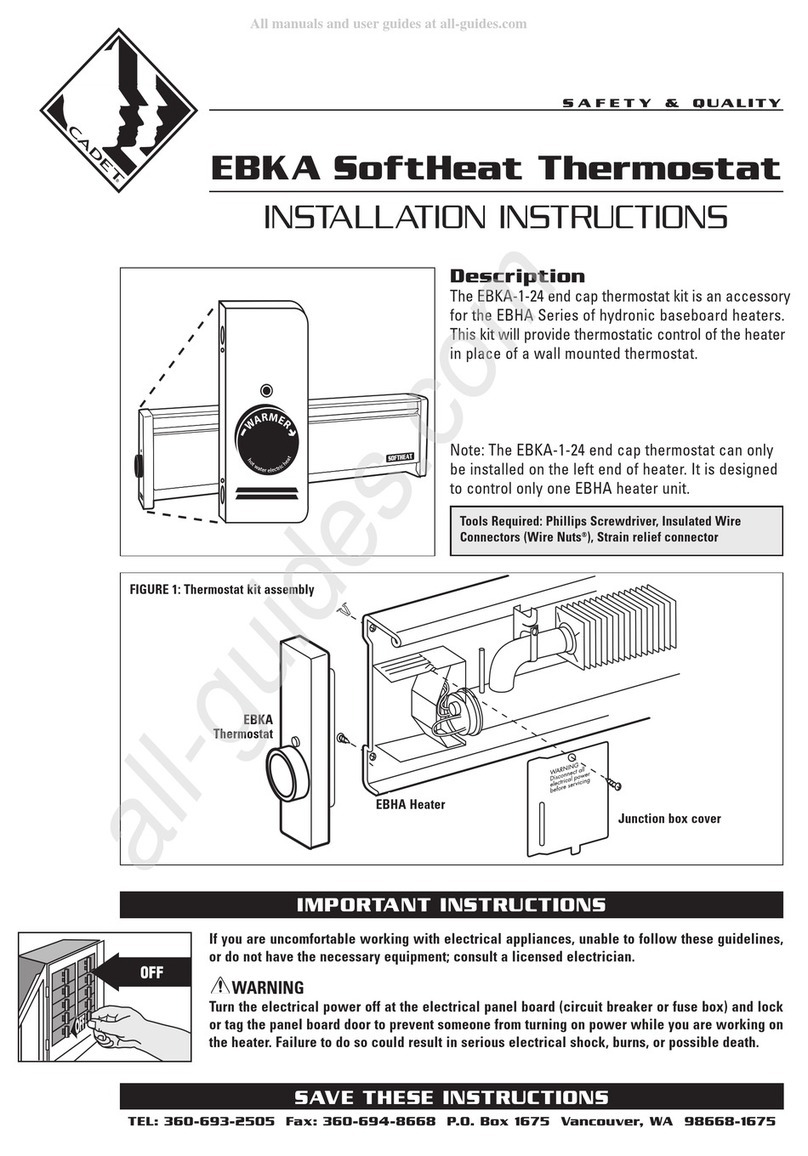
Cadet EBKA Series User manual

Cadet

Cadet EBKA Series User manual

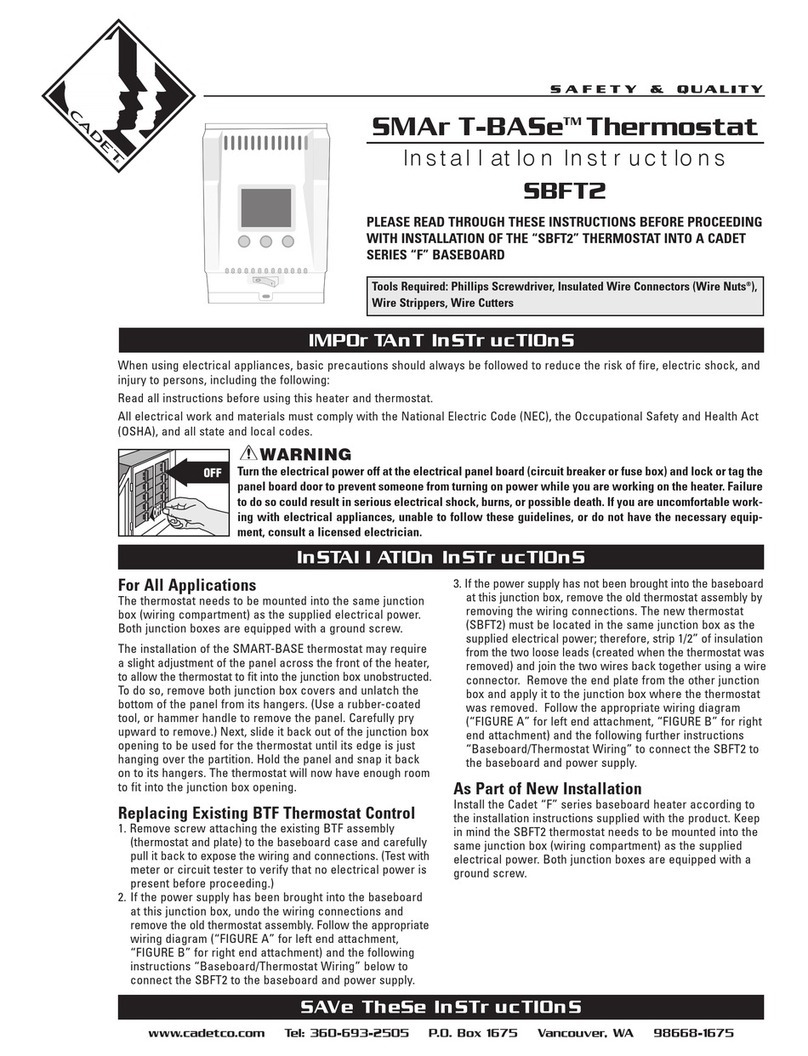
Cadet Smart-base SBFT2 User manual

Cadet

Cadet Smart-base SBFT2 User manual

Cadet SBFT2 User manual

Cadet

Cadet SBFT2 User manual

Cadet EBKA-1-24 User manual

Cadet

Cadet EBKA-1-24 User manual

Cadet T521 User manual

Cadet

Cadet T521 User manual

Cadet UCT1W User manual

Cadet

Cadet UCT1W User manual

Cadet BTF1 User manual

Cadet

Cadet BTF1 User manual

Cadet SBFT2 User manual

Cadet

Cadet SBFT2 User manual

Cadet SMART-BASE SBFT2 User manual

Cadet

Cadet SMART-BASE SBFT2 User manual

Cadet SBFT2 Smart-Base User manual

Cadet

Cadet SBFT2 Smart-Base User manual

Cadet BTF1 User manual

Cadet

Cadet BTF1 User manual

Cadet TEN Series User manual

Cadet

Cadet TEN Series User manual

Cadet Energy Plus CEC163TW User manual

Cadet

Cadet Energy Plus CEC163TW User manual

Cadet TEP Series User manual

Cadet

Cadet TEP Series User manual

Popular Thermostat manuals by other brands

Full Gauge TIC-17C product manual

Full Gauge

Full Gauge TIC-17C product manual

Imit Chronomix S manual

Imit

Imit Chronomix S manual

ChiliTec ST-35 ana instruction manual

ChiliTec

ChiliTec ST-35 ana instruction manual

Salus VS05 Installer's/user's manual

Salus

Salus VS05 Installer's/user's manual

Azel D-500 user guide

Azel

Azel D-500 user guide

Honeywell Chronotherm III owner's manual

Honeywell

Honeywell Chronotherm III owner's manual

Charmeg MP-R user manual

Charmeg

Charmeg MP-R user manual

dixell WING XW40LS Installing and operating instructions

dixell

dixell WING XW40LS Installing and operating instructions

Network Thermostat NetX X7C-WIFI Installation and programming manual

Network Thermostat

Network Thermostat NetX X7C-WIFI Installation and programming manual

Radio Thermostat CT80 Operation guide

Radio Thermostat

Radio Thermostat CT80 Operation guide

HAI Omnistat RC-120 installation manual

HAI

HAI Omnistat RC-120 installation manual

Lennox iComfort E30 Installation and setup guide

Lennox

Lennox iComfort E30 Installation and setup guide

Lux Products PSD011Ba Installation and operating instructions

Lux Products

Lux Products PSD011Ba Installation and operating instructions

Computherm Q20 operating instructions

Computherm

Computherm Q20 operating instructions

Heatmiser neoStat user manual

Heatmiser

Heatmiser neoStat user manual

Mars HEAT CONTROLLER IR Wireless Thermostat user manual

Mars

Mars HEAT CONTROLLER IR Wireless Thermostat user manual

LUX LP0511D user manual

LUX

LUX LP0511D user manual

Saswell SAS920XWHB-7-S-RF User manual and warranty card

Saswell

Saswell SAS920XWHB-7-S-RF User manual and warranty card

manuals.online logo
manuals.online logoBrands
  • About & Mission
  • Contact us
  • Privacy Policy
  • Terms and Conditions

Copyright 2025 Manuals.Online. All Rights Reserved.

cadetheat.com Tel: 855.CADET.US PO Box 1675 Vancouver, WA 98668-1675
Benets You Can Depend On
SAVE THESE INSTRUCTIONS
RMT2 Built-In Thermostat Kit
Installation Instructions
IMPORTANT
Wiring Diagram
MANUAL RESET
HIGH TEMP CUTOFF
YELLOW
YELLOW
BLUELOWER ELEMENT
UPPER ELEMENT
WALL
THERMOSTAT
(not provided)
L1 L2
RED RED
MOTOR
TOOLS REQUIRED:
• Phillips Screwdriver • Needle Nose Pliers
• Double-pole thermostat kit for optional, built-
in control of your Cadet Register heater
• Offers a 3° to 5° comfort range
• Easy-to-use adjustable dial
• Use with Cadet 120-, 208- or 240-volt model
Register heaters
• 4-wire connection for easy installation and
positive off setting
• 25 Amp
• Your RMT2 built-in thermostat is guaranteed
with a 1 year limited warranty
1. Read all instructions before installing or using
this thermostat.
2. High temperatures may be generated under
certain abnormal conditions. Do not partially or
fully cover or obstruct the front of this heater.
3. Do not operate any heater after it malfunctions.
Disconnect power at service panel and have
heater inspected by a qualied electrician before
reusing.
4. To disconnect heater, turn controls to off, and
turn off power to heater circuit at main disconnect
panel.
5. Do not insert or allow foreign objects to enter
any ventilation or exhaust opening as this may
cause an electric shock or re, or damage the
heater.
6. To prevent a possible re, do not block air
intakes or exhaust in any manner.
7. A heater has hot and arcing or sparking parts
inside. Do not use it in areas where gasoline,
paint, or ammable vapors or liquids are used or
stored.
8. Do not use outdoors.
When using electrical appliances, basic precautions should always be followed to reduce the risk of re,
electric shock, and injury to persons, including the following:
KIT INCLUDES:
• Mounting Bracket/
Thermostat Assembly
• Knob
• #8 Screw (⅜")
• Thermostat Face Plate
http://cadetheat.com/products/wall-heaters/register-plus
RMT2
Bracket with
Thermostat
Assembly
Page 1
Double
pole built-in
or wall
thermostat
INSTALLATION INSTRUCTIONS
Warranty
1. All electrical work and materials must comply
with the National Electric Code (NEC), the Occu-
pational Safety and Health Act (OSHA), and all
state and local codes.
2. Use copper conductors only.
3. Turn off power to heater circuit at main discon-
nect panel.
4. Connect grounding lead to grounding screw
provided.
1. Read your Register heater instructions for safety infor-
mation and how to install heater. Set the heater assembly,
blower wheel rst, into the left side of the wall can. Fasten
at top with screw provided.
2. Connect the two black thermostat wires to the two
heater wires. Connect the two red thermostat wires to the
incoming supply wires. (Refer to the wiring diagram on
page 1.)
3. Gently place wires inside wiring compartment area
keeping the wires away from all moving parts.
For more effective and safer operation and to prolong the life of the heater,
read the Owner’s Guide and follow the instructions. Failure to properly
maintain the heater will void any warranty and may cause the heater to
function improperly.
LIMITED ONE-YEAR WARRANTY: Cadet will repair or replace any RMT2
thermostat found to be defective within one year after the date of purchase.
These warranties do not apply:
1. Damage occurs to the product through improper installation or incorrect
supply voltage;
2. Damage occurs to the product through improper maintenance, misuse,
abuse, accident, or alteration;
3. The use of unauthorized accessories or unauthorized components con-
stitutes an alteration and voids all warranties. Refer to Cadet website or
call customer service at 855.CADET.US for list of authorized accessories
and components.
4. CADET’S WARRANTY IS LIMITED TO REPAIR OR REPLACEMENT.
5. IN THE EVENT CADET ELECTS TO REPLACE ANY PART OF YOUR
CADET PRODUCT, THE REPLACEMENT PARTS ARE SUBJECT TO
THE SAME WARRANTIES AS THE PRODUCT. THE INSTALLATION OF
REPLACEMENT PARTS DOES NOT MODIFY OR EXTEND THE UNDER-
LYING WARRANTIES. REPLACEMENT OR REPAIR OF ANY CADET
PRODUCT OR PART DOES NOT CREATE ANY NEW WARRANTIES.
If you believe your Cadet product is defective, please contact Cadet during
the warranty period, for instructions on how to have the repair or replace-
ment processed.
Parts and Service
Visit cadetheat.com/parts-service for information on where to obtain parts
and service.
Reduce-Reuse-Recycle
This product is made primarily of recyclable materials. You can
reduce your carbon footprint by recycling this product at the
end of its useful life. Contact your local recycling support center
for further recycling instructions.
6. Align the thermostat face plate so that the four small
tabs slip under the center divider and the rst and third
louvers. Turn the grill over and bend all four tabs to secure
the plate in place.
7. Align the grill so that the thermostat shaft is in the center
of the hole of the face plate. Tighten the grill to the heater
with screws. Press the thermostat knob onto the shaft and
turn fully counter-clockwise.
Figure 1
Figure 2
NOTE: This thermostat is double pole and so has a positive off. If you do not want the heater to come on even when the
climate turns cold, turn the knob fully counterclockwise.
4. Place the bracket/thermostat assembly so that it cap-
tures the bottom edge of the wall can. Fasten the bracket
at the top with the #8 screw provided.
8. Turn on power at the circuit breaker (fuse box) and turn
thermostat knob fully clockwise until temperature is com-
fortable, then turn knob left until a click sound is heard and
the heater turns off. A few adjustments may be necessary
to nd your comfort zone.
5. Holding the grill with labels on top, remove the second
louver from the bottom with needle nose pliers. By bend-
ing the louver back and forth at each end, the louver will
separate from the grill (Figure 2). Important: Only remove
the right side louver.
Page 2 ©2016 Cadet Printed in USA Rev 11/16 #720128