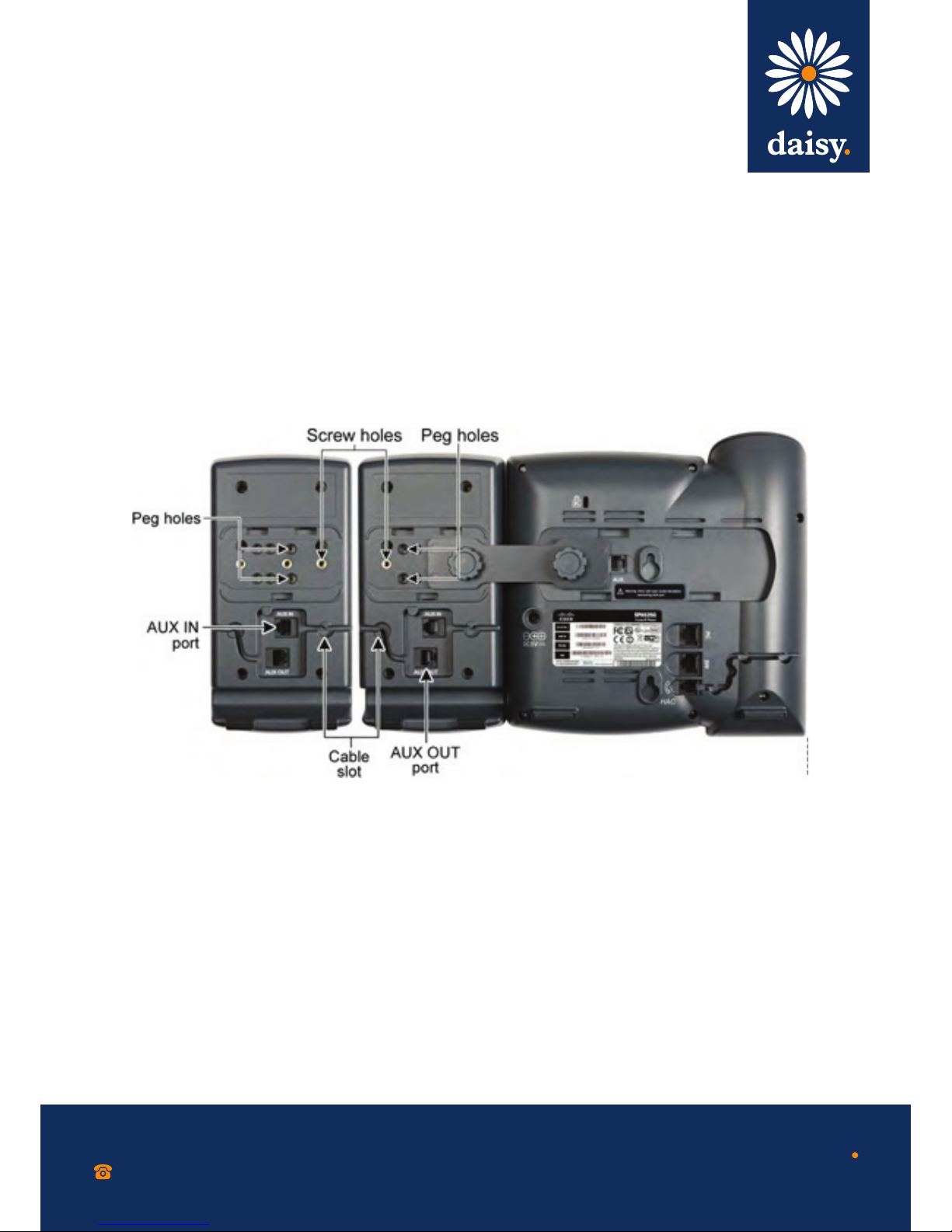
Connecting a second Cisco
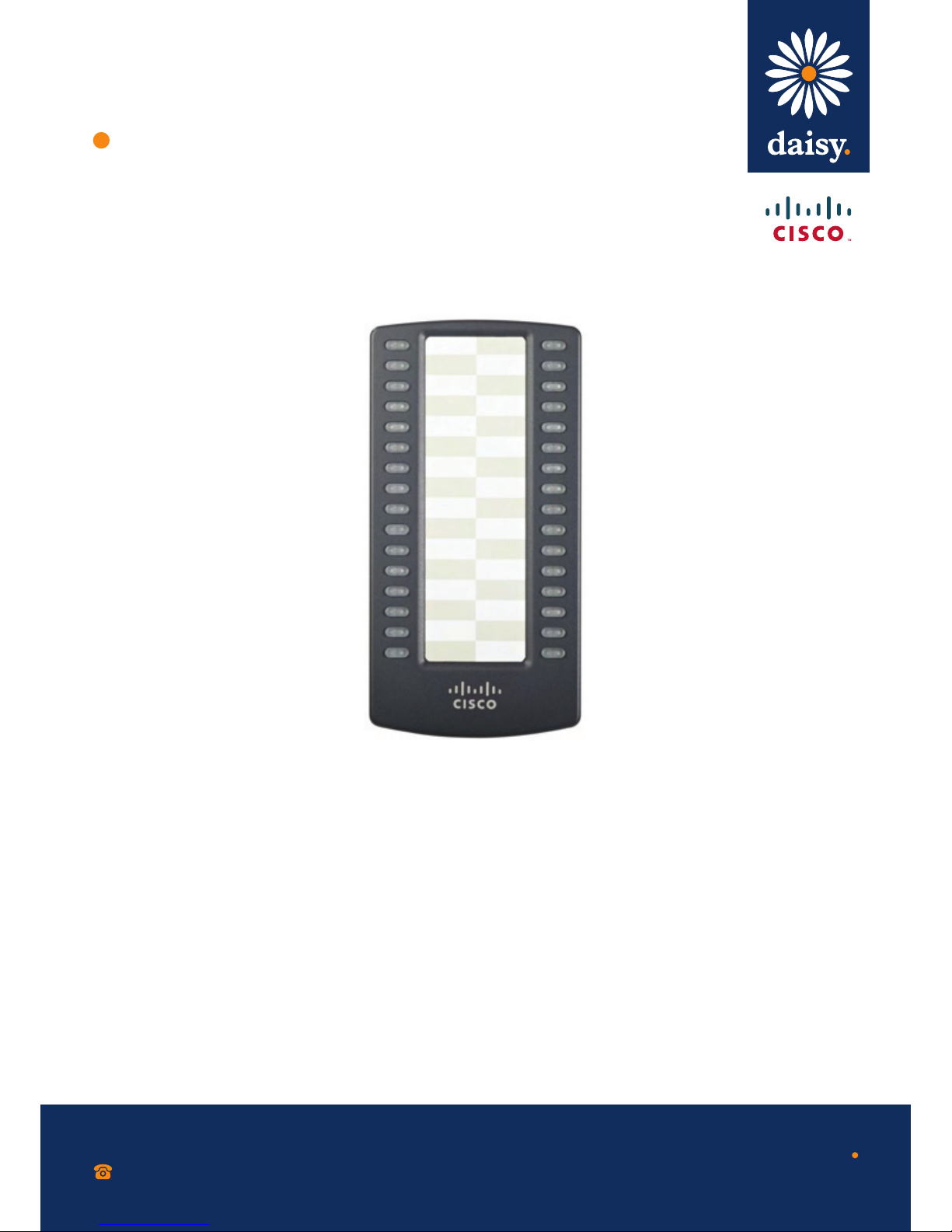
SPA 500S
0800 040 8888
working with daisy
www.daisygroupplc.com
v1 - 06/13
A maximum of two Cisco SPA 500S attendant consoles can be connected to a Cisco SPA 500 Series IP Phone.
The instructions in this section are for connecting a second SPA 500S. If you are not attaching a second Cisco
SPA 500S, skip to the ‘Confi guring the Cisco SPA 500S’ section.
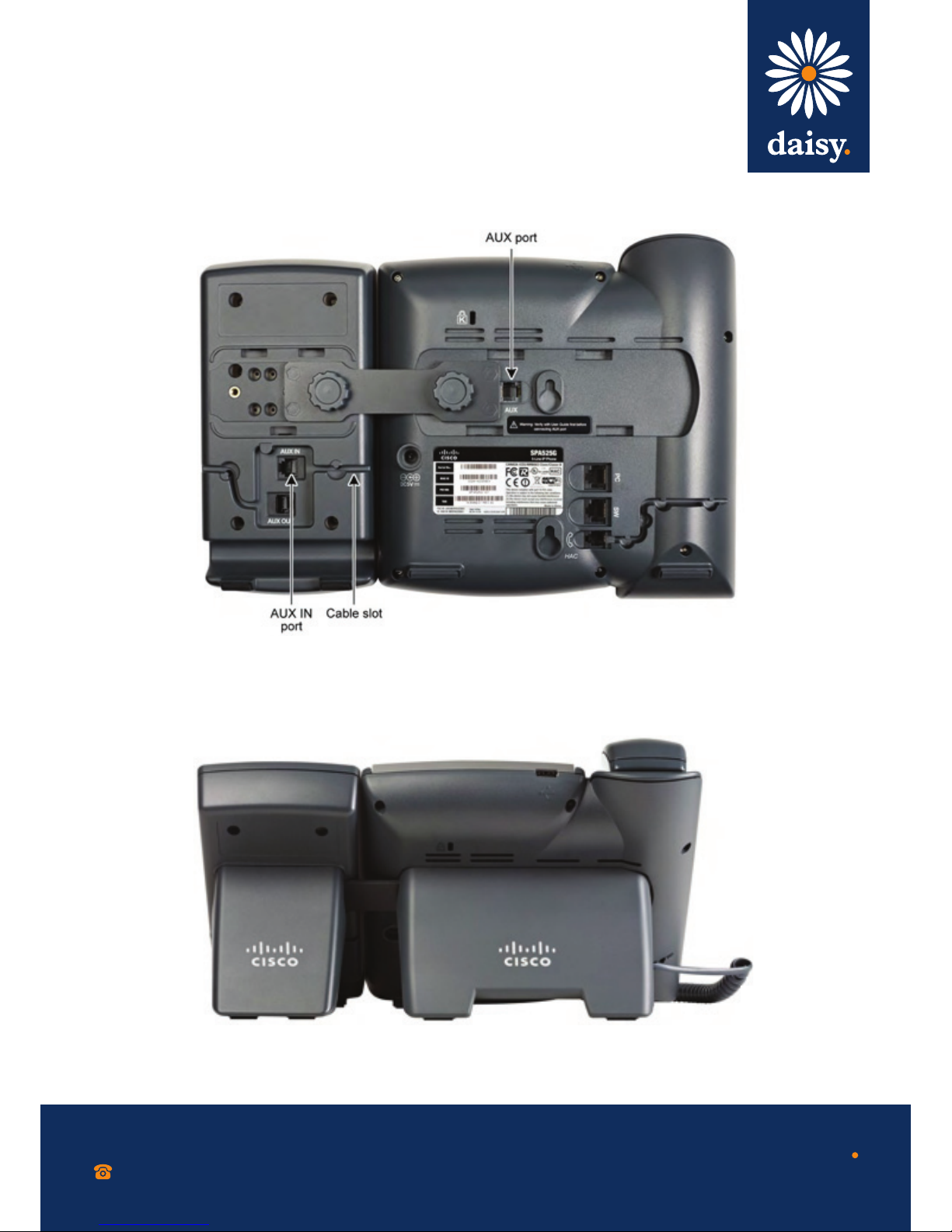
Step 1 Attach the fi rst Cisco SPA 500S to the IP
phone and connect the auxiliary cable
as described in section 1 ‘Connecting the
Equipment’.
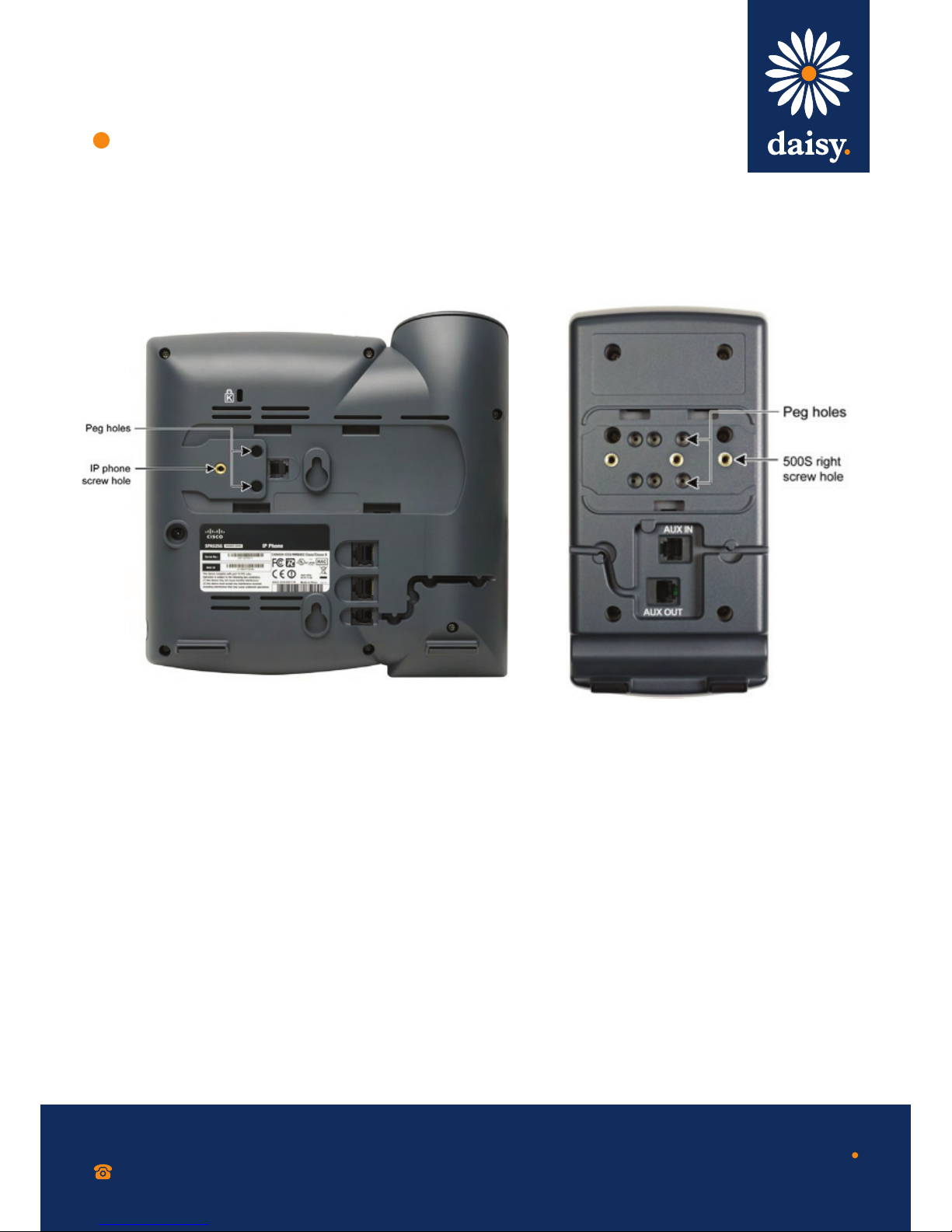
Step 3 Insert the pegs on the attachment arm
into the peg holes on the Cisco SPA 500S.
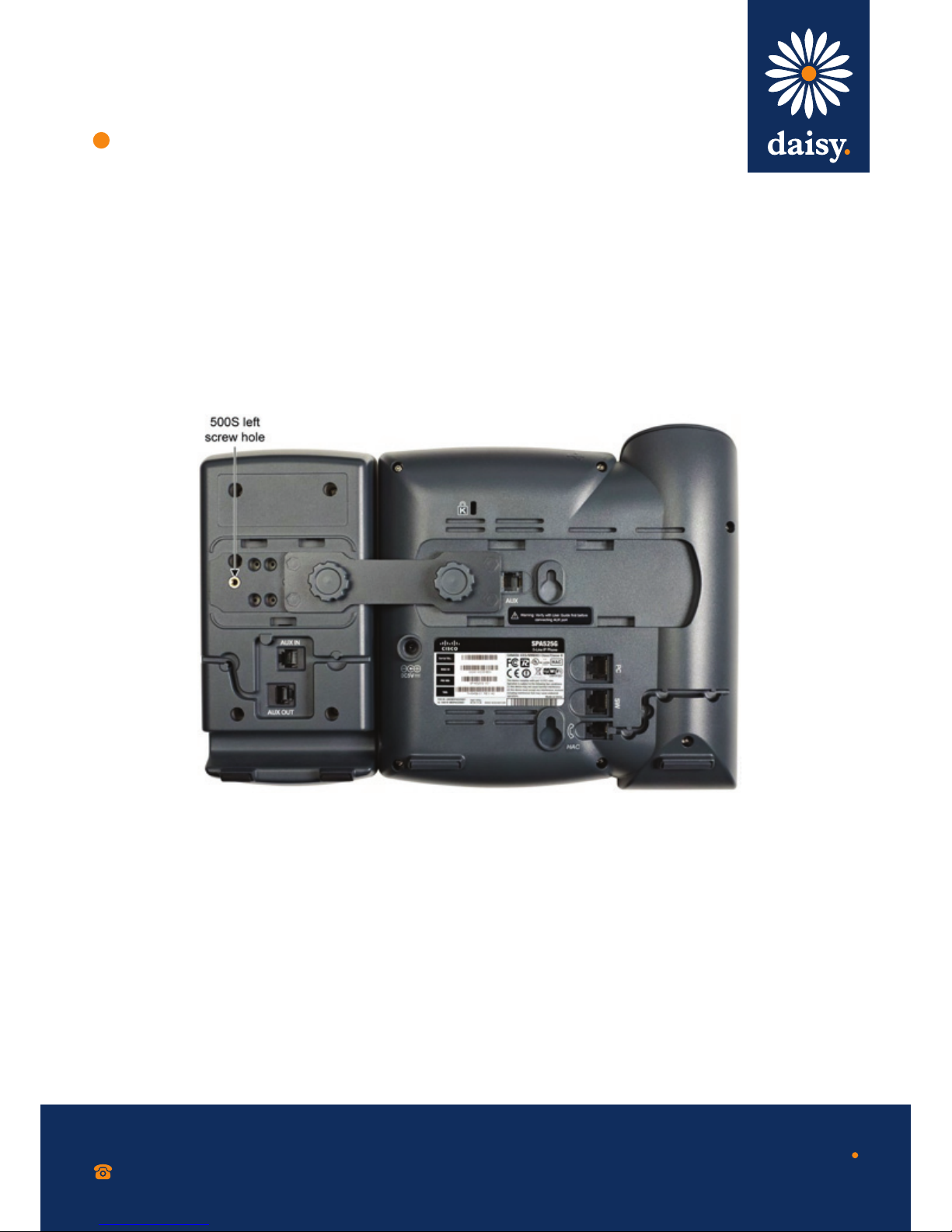
Step 5 Align the right screw hole in the second
Cisco SPA 500S with the unused hole on
the attachment arm.
Step 2 Align the screw hole in the Cisco SPA 500
Series IP Phone with one of the holes on
the attachment arm.
Step 4 Using the attachment arm screw, secure
the attachment arm to the fi rst Cisco SPA 500S.
Step 6 Insert the pegs on the attachment arm into
the peg holes on the Cisco SPA 500S.
CAUTION Do not plug a telephone line cord into the ‘AUX’ port. Use only the auxiliary cable provided with
the Cisco SPA 500S.
Step 7 Using the attachment arm screw,
secure the attachment arm to the
second Cisco SPA 500S.