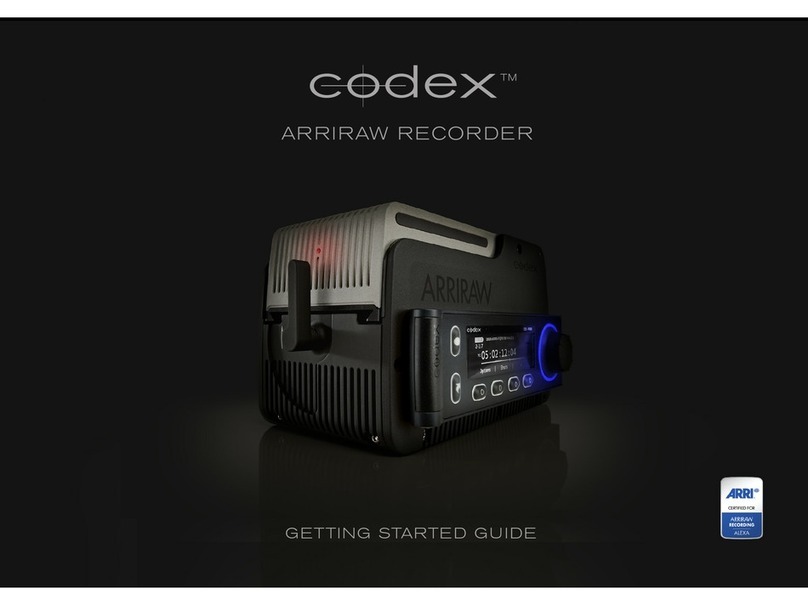
CDX-36150 Recorder - Getting Started Guide v1.1
8
6.3 Troubleshooting with Camera/Recorder
The table below lists a range of possible issues that may occur, and steps that can be taken to identify
and resolve the cause of the problem. The steps are listed under ‘Course of action’ in the order they
should be performed.
Description Course of action Resolution
Warning message on
display with a !|C2 icon
above, during recording.
• Remove the Capture Drive and check the
status of the recordings in a Capture Drive
Dock or S/XL-Series. Do not continue to use
in camera until after status has been veried
OK.
• Turn o Camera/Recorder, remove Recorder,
check/clean connection interface, and ret
Recorder before attempting to record again.
If Capture Drive status is ‘Ready’
then continued use is safe. If any
other status is reported, contact
Codex Support.
Warning message on
display with a !|C2 icon
above, during playback.
• Restart camera.
Capture Drive cannot be
formatted.
• Check that Capture Drive is selected in ‘Main
Rec Format’.
• Check if another Capture Drive can be
formatted.
• Check if Capture Drive can be formatted in
a Dock.
If only one Capture Drive has
issues, contact Codex Support.
If multiple Capture Drives have
issues, this is likely a Camera/
Recorder or settings problem.
Capture Drive will not
load.
• Check if another Capture Drive can be loaded.
• Check if Capture Drive can be loaded in a
Dock.
If only one Capture Drive has
issues, contact Codex Support.
If multiple Capture Drives have
issues, this is likely a Camera/
Recorder problem.
Capture Drive LED
ashing red.
• ‘Load Failure’ has occured. Remove Capture
Drive and check connectors for dirt/debris.
Then reinsert Capture Drive, pushing down to
fully mate the connectors.
If Capture Drive loads
successfully then continued use
is safe. If problem occurs again,
contact Codex Support.
Recording not possible. • Check that Capture Drive is formatted.
• Check if another Capture Drive can be
recorded to.
• Check that ‘Main Rec Format’ is set to use
Capture Drive.
If only one Capture Drive has
issues, contact Codex Support.
If multiple Capture Drives have
issues, this is likely a Camera/
Recorder or settings problem.
Camera/Recorder is not
powering up, using main
power input.
• Check with alternate main power source
(either 24V battery, or AC/DC adaptor).
• Check with alternate main power cables.
• Check with IDX/Anton Bauer 14.4V battery on
rear of Recorder.
If alternate main power source/
cables do not resolve issue,
contact Codex Support for
servicing guidance. Continue to
use 14.4V battery power.
Camera/Recorder
is not powering up,
using battery on rear of
Recorder.
• Check with alternate IDX/Anton Bauer 14.4V
battery on rear of Recorder.
• Check with main power source (either 24V
battery, or AC/DC adaptor).
If alternate battery does not
resolve issue, contact Codex
Support for servicing guidance.
Continue to use main power
source.