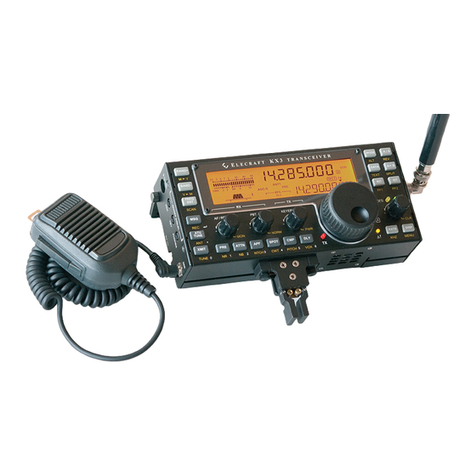
OPERATING CONTROLS AND FUNCTIONS FIGURES 1 & 2)
VOLUME-ON/OFF
This is the power on/off switch and speaker volume control.
Rotate to
the right to turn the set on and increase
the volume. This control does not affect the transmitting output.
SYNTHESIZER MODE SWITCH
A 3-position slide switch provides selecting the following synthesizer modes.
Position A
Transmit/Receive on inside channel selector.
(Red Light)
Position SCAN
Receiver scan of inside and outside channel selector, and Transmit on inside channel selector.
Position B
Transmit/Receive on outside channel Selector. (Green Light)
(NOTE: Transmitter will only operate when synthesizer mode is position "A"or "B".)
CHANNEL SELECTORS
Both inside and outside channel selectors control both transmitter and receiver frequencies simultaneously when synthesizer
mode switch is in position "A" or "B". In connection with the synthesizer mode switch, either inside or outside channel
selector may be set to any of the 23 positions.
ANY CHANNEL SCANNING FEATURE
This provides you with the unique feature of allowing you to monitor any two channels of all 23 channels.
When all other controls are adjusted for normal operation and the channel selectors are set to any two channels, (one on the
inside channel selector and another on the outside channel selector), which you desire the receiver to scan. Set the syn-
thesizer mode switch to the position "SCAN". Then, turn the squelch control knob clockwise until receiver noise is muted
(squelched) for automatic scanning. When an incoming signal releases the squelch, the receiver will lock on that channel.
When the message on that channel is ended, the receiver will automatically resume scanning the two channels you have set.
Or if you desire to respond to the message on that channel, it is necessary to turn the synthesizer mode switch position, "A" or
"B", to which that channel belongs. For your convenience the
303.324 has been so designed you can transmit inside
channel when the synthesizer mode switch .is on "Scan"
2