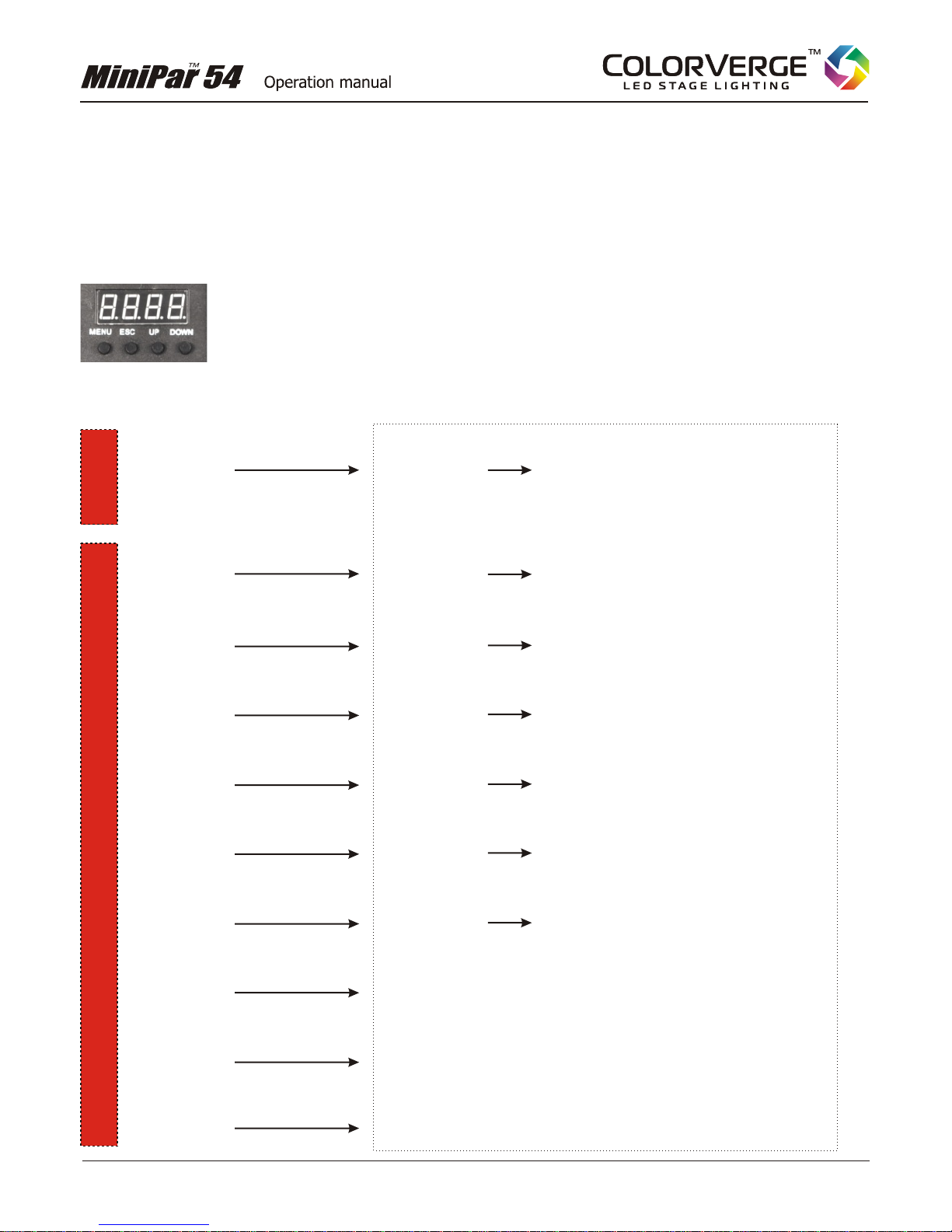
CONTROL PANEL FUNCTIONS in detail
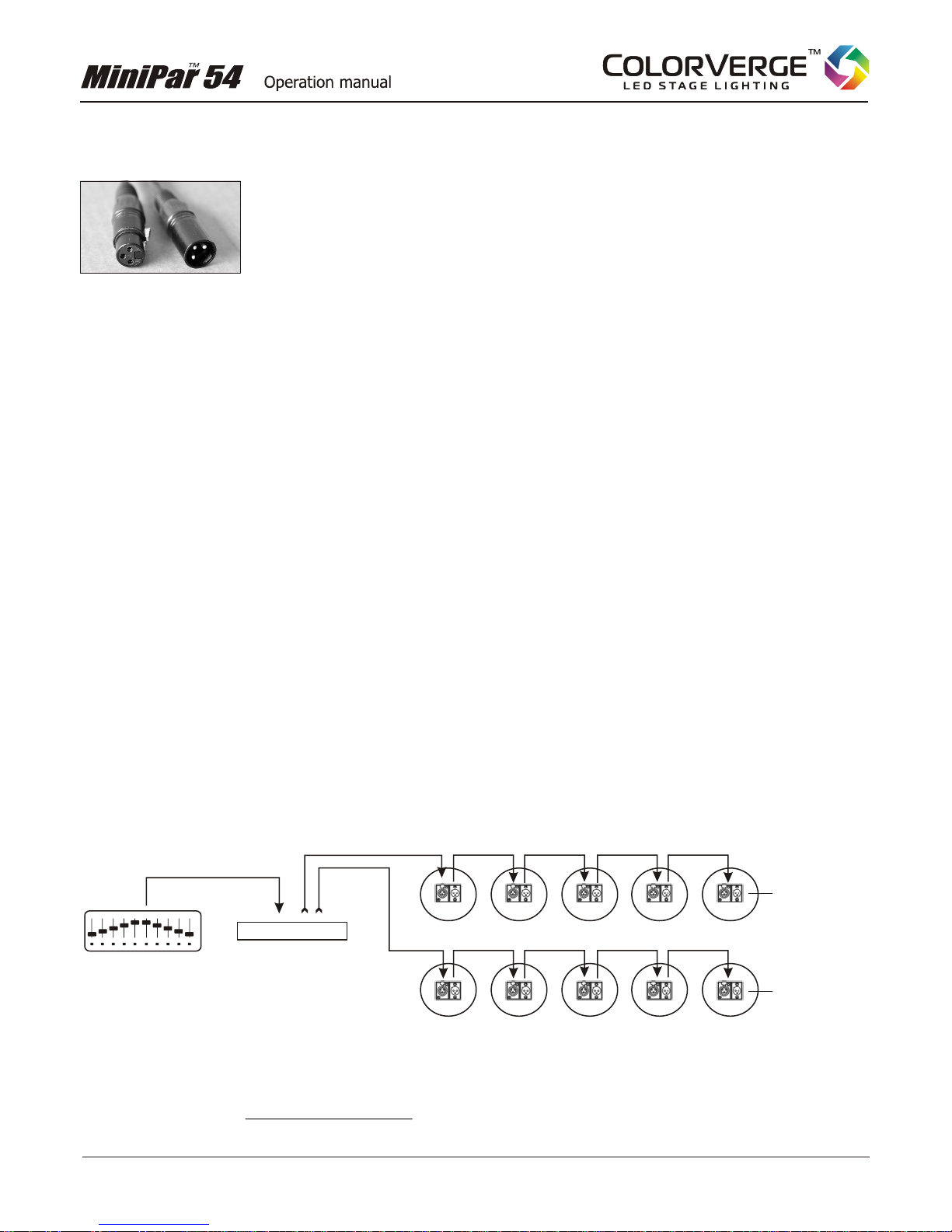
Addr DMX ADDRESS MODE
See
the section ‘DMX Primer’ in this manual for more information about DMX Addressing.
¤press MENU, then press UP or DOWN until you
see Addr,press ESC. Then UP or DOWN
rL-- RED DIMMER
Use this mode to set the intensity of the red LEDs (for static color mixing).
¤To enter this mode, press MENU, then press UP or DOWN until you see rL--,press ESC.
Then press UP or DOWN until you reach the desired value for this mode. Set value to 00 to turn
off the red LED.
Note: If you want “Red only” make sure the values for 9L (Green) and bL (Blue) are set to 0.
GL-- GREEN DIMMER (static color mixing)
Use this mode to set the intensity of the green LEDs (for static color mixing).
¤To enter this mode, press MENU, then press UP or DOWN until you see GL--,press ESC.
Then press UP or DOWN until you reach the desired value for this mode. Set value to 00 to turn
off the green LED.
Note: If you want “Green only” make sure the values for rL (Red) and bL (Blue) are set to 0
bL-- BLUE DIMMER (static color mixing)
Use this mode to set the intensity of the blue LEDs (for static color mixing).
¤To enter this mode, press MENU, then press UP or DOWN until you see bL--,press ESC.
Then press UP or DOWN until you reach the desired value for this mode. Set value to 00 to turn
off the blue LED.
Note: If you want “Blue only” make sure the values for rL (Red) and GL (Green) are set to 0
FLAS STROBE
Use this mode to create a strobe light effect.
¤To enter this mode, press MENU, then press UP or DOWN until you see FLAS,press ESC.
Then press UP or DOWN until you reach the desired value for this mode. Value 00 is the slowest
strobe, value 12 is the fastest.
This mode is used to set the start address for this fixture and is the most commonly used mode
for DMX lighting. You must use some type of DMX controller when operating in this mode. Check
the manual for your controller to determine the recommended start address for each fixture.
To set the DMX start address for this fixture,
press until you reach the desired DMX address.
10.
The following MODES are for stand-alone use (without a controller)
Copyright 2010 - 2012 Colorverge™ Lighting - colorverge.com