Contents
Part 1: HD IP Matrix Introduction...............................................................4
1.1 Product introduction.........................................................................4
1.2 System capabilities overview...........................................................5
Part 2: Inspection before use ....................................................................6
2.1 Open the package and check..........................................................6
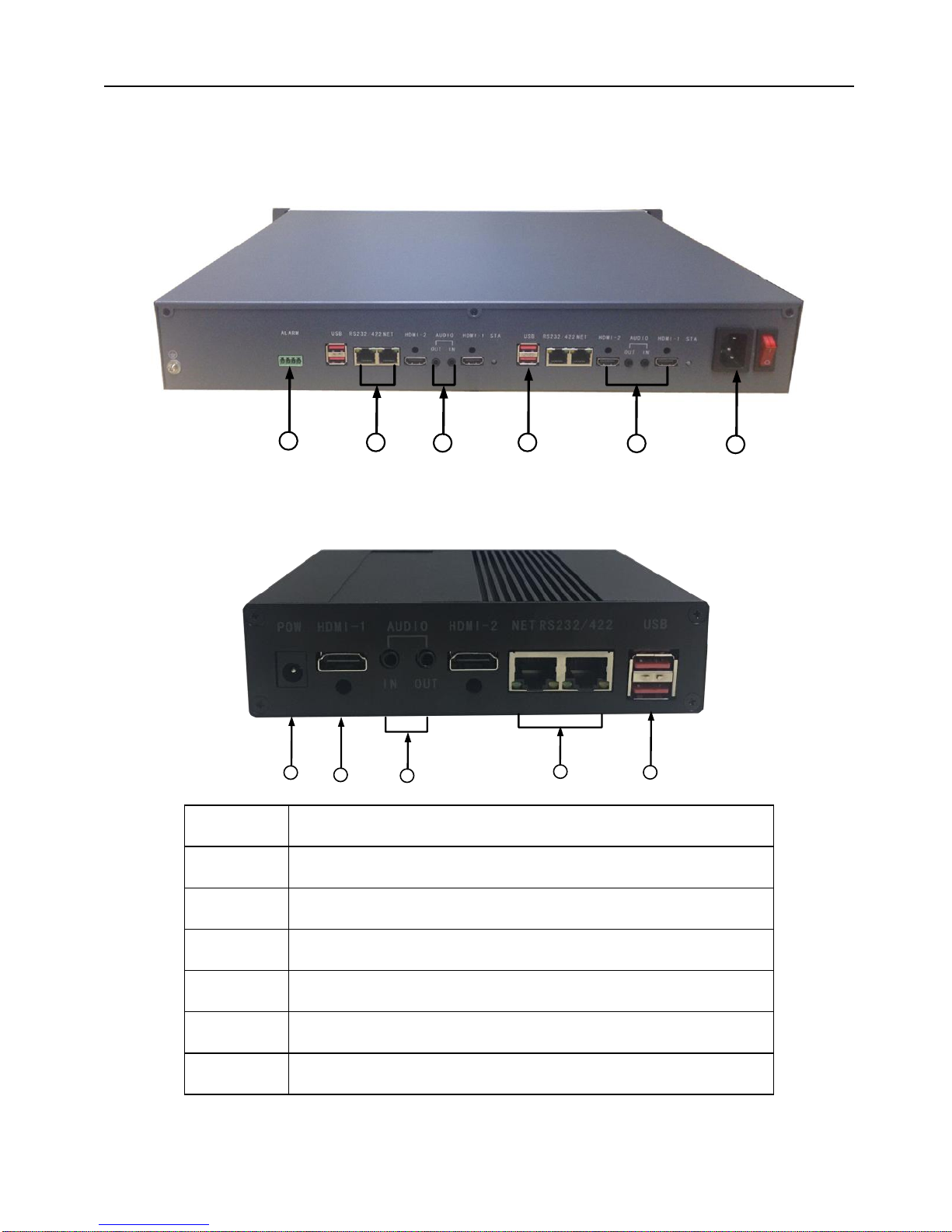
2.2 Panel illustration..............................................................................6
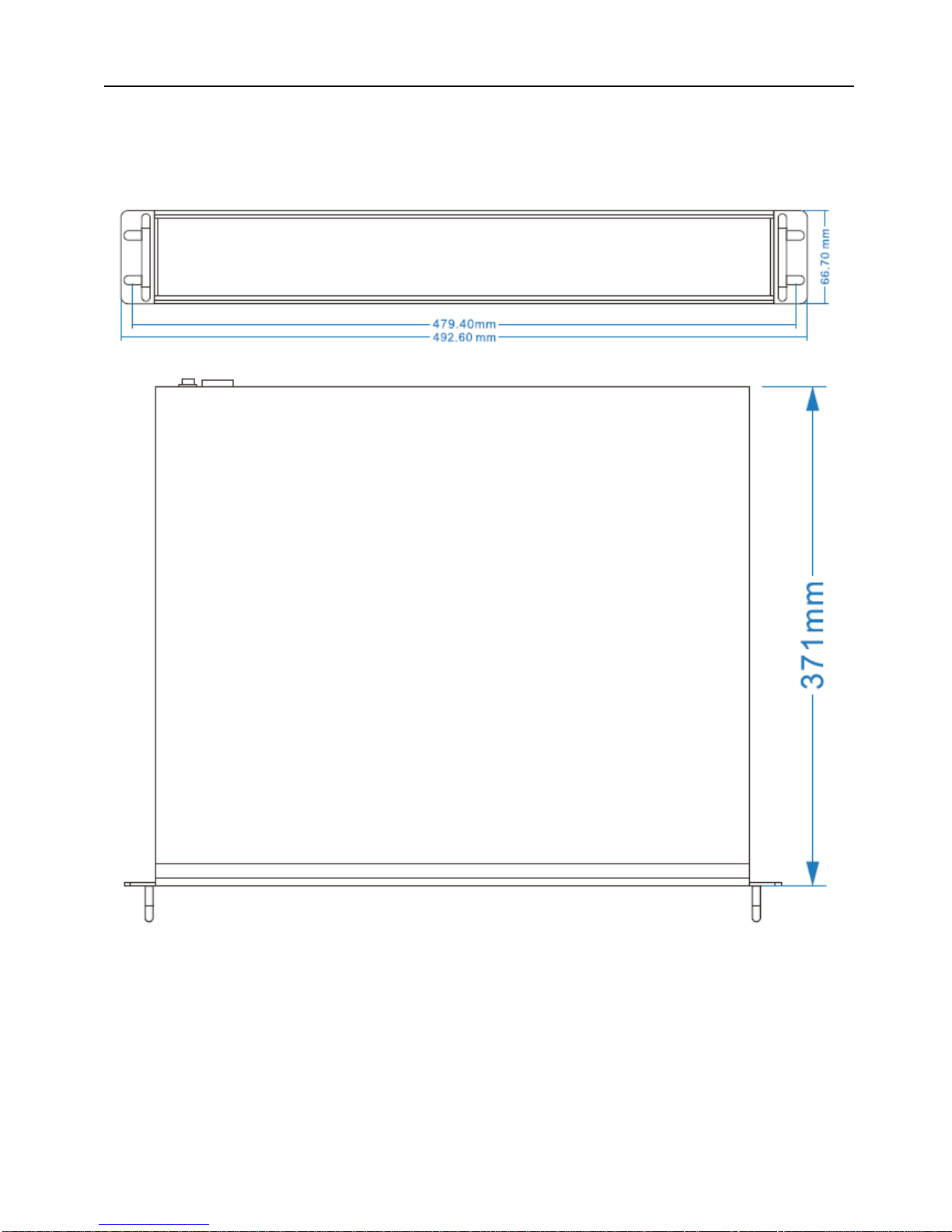
2.3 Dimensional drawings .....................................................................8
Part 3: Installation and connections.........................................................11
3.1 System connections ......................................................................12
3.2 Network setup ...............................................................................13
3.2.1 IP search.................................................................................14
Part 4: Matrix configuration.....................................................................16
4.1 Log in matrix configuration.............................................................16
4.2 Device configuration......................................................................18
4.2.1 System....................................................................................18
4.2.2 OSD........................................................................................19
4.3 Host configuration..........................................................................20
4.4 Camera Configuration ...................................................................21
4.4.1 RTSP Configuration................................................................22
4.4.2 ONVIF configuration................................................................23
4.4.3 IP Stream configuration...........................................................25
4.5 Video Screen configuration............................................................26