From Antenna
CONNECTING THE CONVERTER BOX TO YOUR VCR
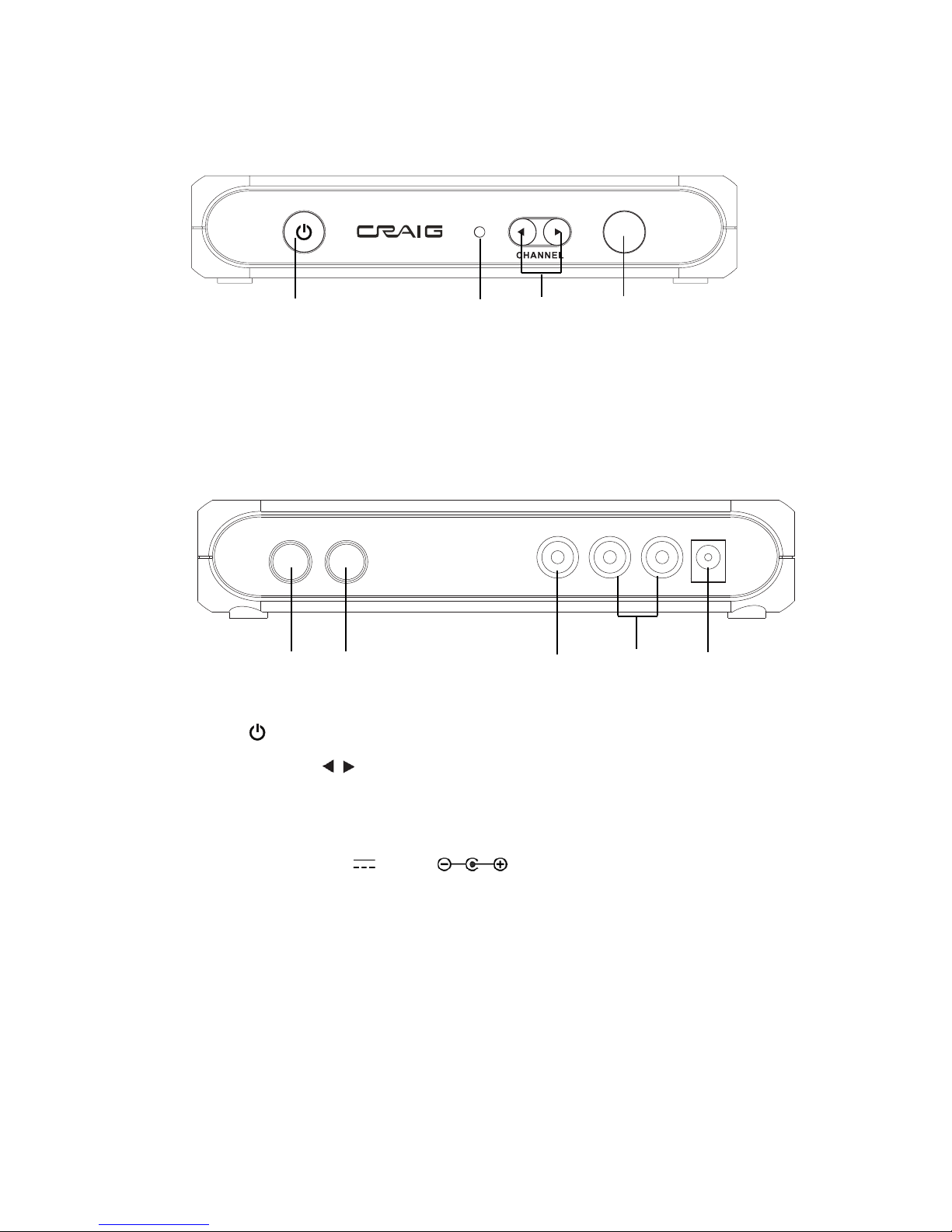
1. Connect your existing antenna cable to the RF IN Jack of the converter box.
2. Connect the supplied RF coaxial cable from the RF OUT Jack of the converter box to the
RF IN jack of the VCR.
3. Connect the other RF coaxial cable ( Not Included ) from the RF OUT jack of VCR to the
antenna jack of the external Television.
4. Insert the small plug from supplied AC/DC Adapter into the DC IN jack on the rear of the
unit.
5. Insert the supplied AC/DC Adapter to any wall outlet having AC 100-240V~, 50/60Hz.
NOTE: This AC/DC Adapter is intended to be correctly orientated in a vertical or floor
mount position.
To Antenna Jack on the TV.
From RF Out Jack on the VCR.
To RF In Jack on the VCR.
To the RF In Jack on the unit.
From RF Out of the unit.
To AC Wall Outlet
9
To DC In jack on the rear of unit.
6. Set the connected VCR to CH 3 to receive the TV signal from the unit. Set the connected
TV to the channel as the VCR out. (Note: The default RF output of the unit is channel 3).
SETTING IN FIRST TIME
When power on the unit in first time or after user reset, the follows picture will appear.
Follows the on screen instruction to set up the unit as follows: