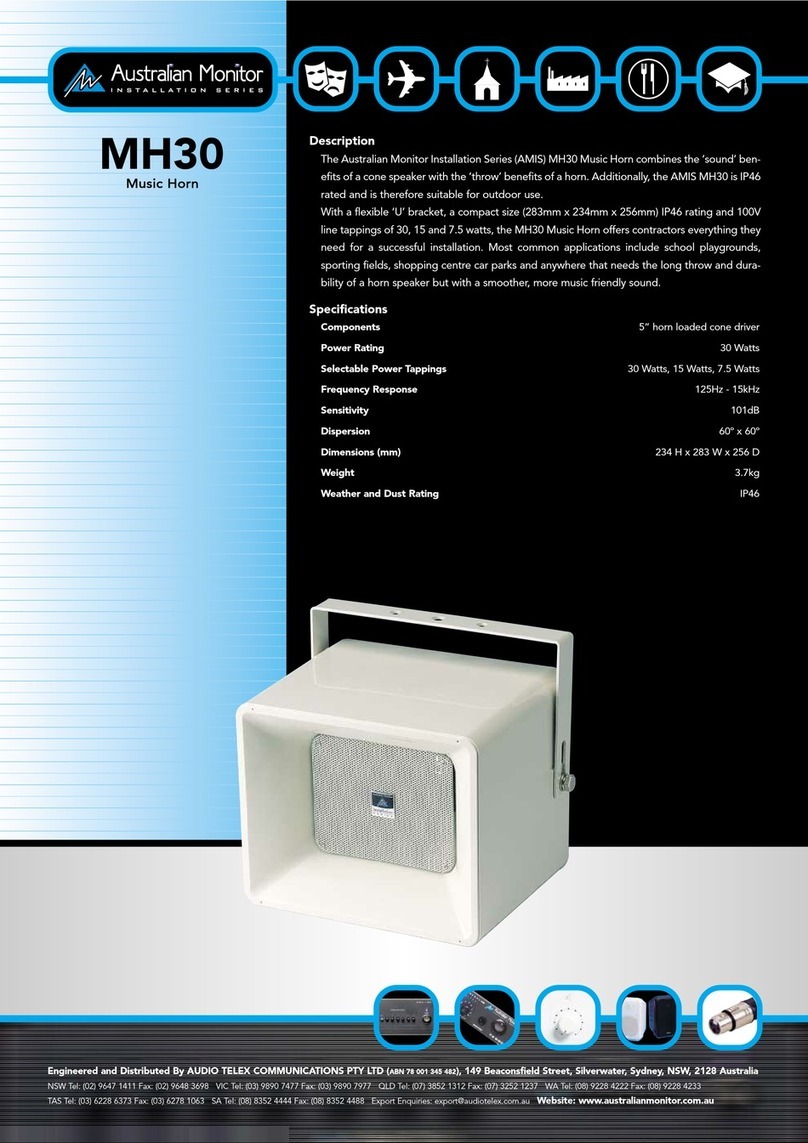
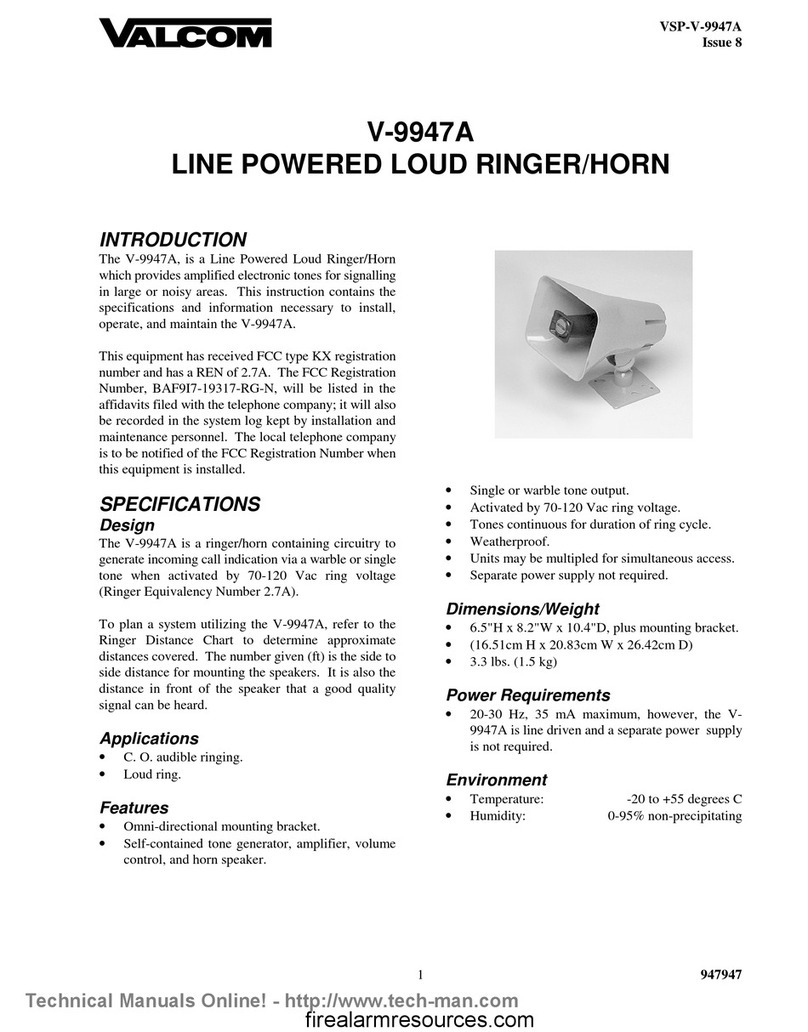
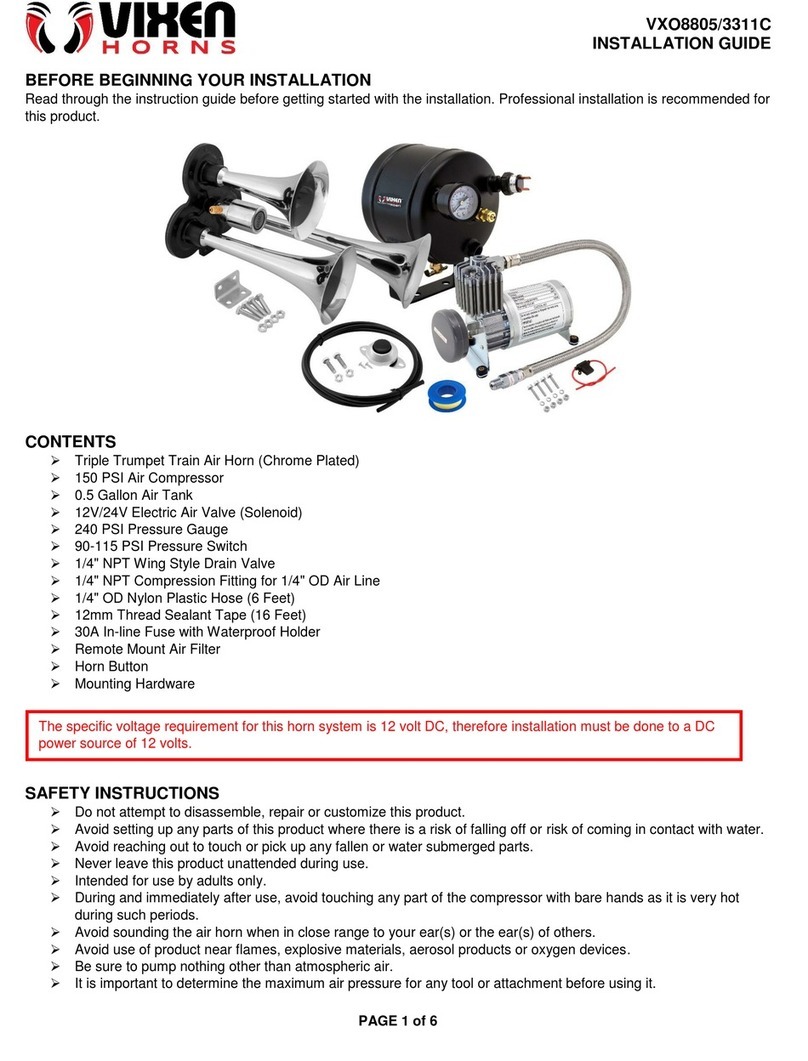
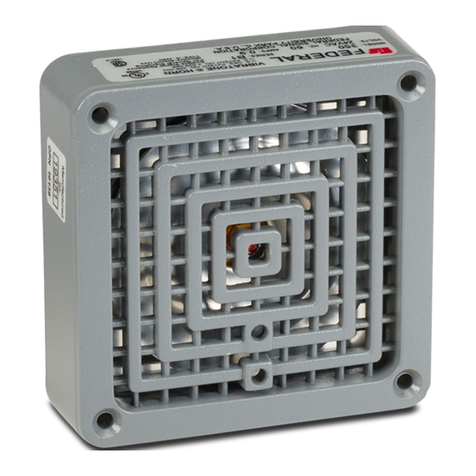
12 VDC Horn Installation
2
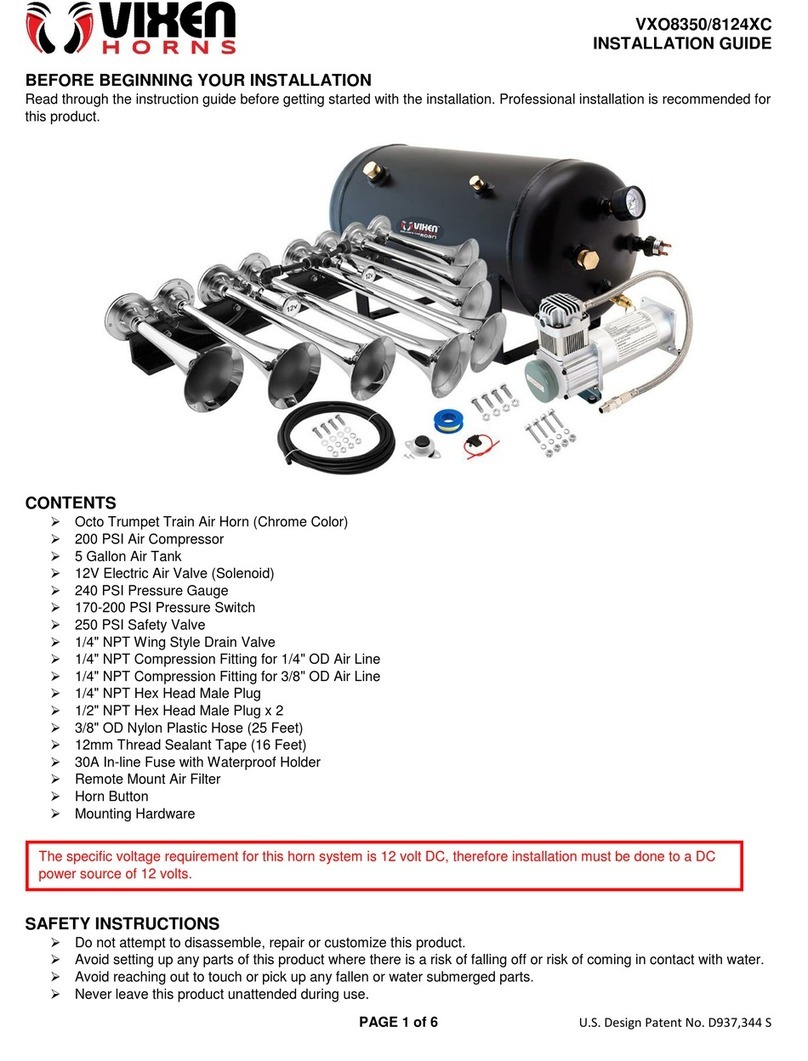
Horn Plate Assembly Installation
Reference Drawings:
Plate Assy: Outdoor SCBD 12VDC Horn- AS5K ................................................ DWG-128944
DWG-128944 shows the components of the horn plate assembly.
1� Open the horn entrance panel as described in Location (p�1).
2� On the interior of the back panel of scoreboard, drill two 5/32" holes 4" apart (these
holes may have been pre-drilled at the factory). The enclosure is to be attached to
the inside of the scoreboard and accessible when the entrance panel is opened.
Note: Be careful not to damage any internal components when drilling!
3� Attach the enclosure to the scoreboard using the #10 tapping screws provided.
4� Attach the plate assembly to the enclosure using #10 tapping screws provided.
5� Attach the cover to the enclosure using the #10 tapping screws provided.
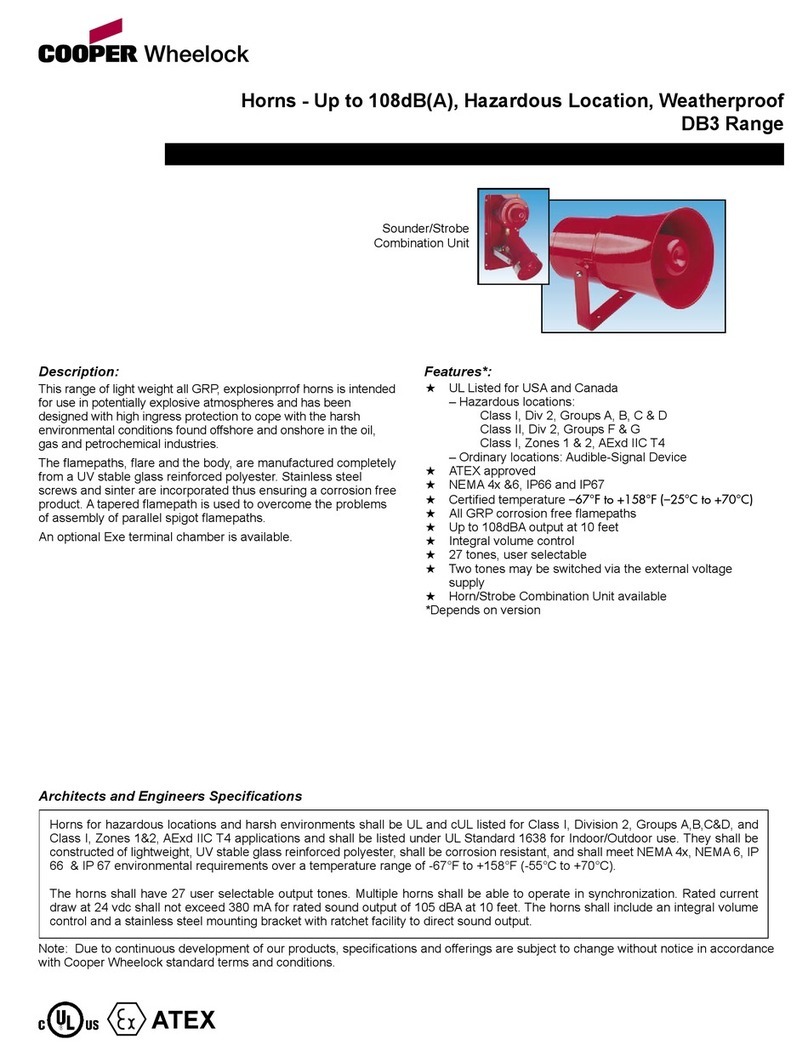
Trumpet Horn Installation
Preparation
Reference Drawings:
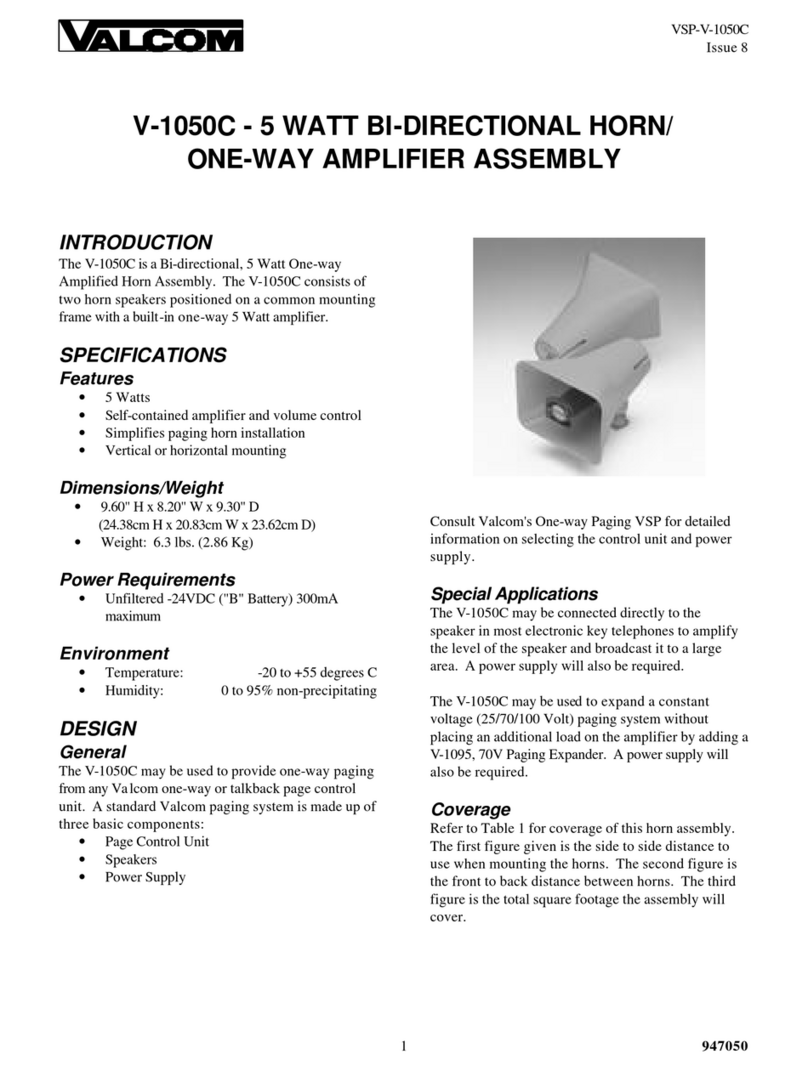
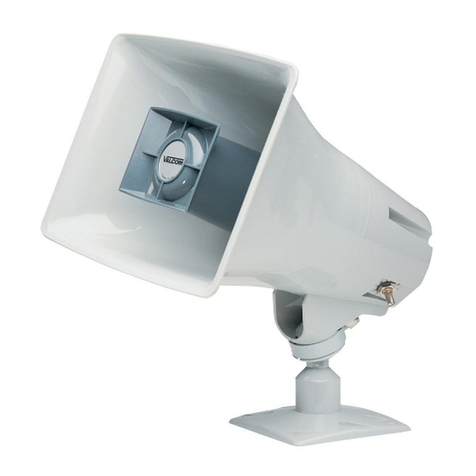
Horn Assembly..................................................................................................... DWG-320004
1� Insert bushings into the appropriate 3/8" holes in the mounting angle.
2� Thread the two gray wires from the horn through the top of the mounting angle.
3� Attach the horn to the mounting angle using the #10 hardware provided.
4� Thread the two gray wires through the 3/8" hole in the rear of the mounting angle.
Installation
Reference Drawings:
Template, Hole Drilling, Trumpet Horn................................................................ DWG-83502
F.Assy: 12V DC Horn Mounting- Outdoor LED SCBD ..................................... DWG-3067687
1� Locate the horn entrance panel as described in Location (p�1). Remove the 2"
knockout on this panel. If a knockout has not been provided, use DWG-83502 as a
guide to drill one 3/8" hole and two 7/32" holes in the panel.
Note: Be careful not to damage any internal components when drilling!
2� Thread the two gray wires from the horn through the knockout (or 3/8" hole) in the
scoreboard access panel.
3� Place horn/angle bracket assembly over the 2" knockout and 7/32" holes in the front
panel of the scoreboard and attach using #10 hardware provided.
4� Using the wiring nuts provided, connect one gray wire from the horn to the black wire
from the plate assembly. Connect the other gray wire to the red wire.
5� Route the 2-pin horn plate plug labeled P3 to jack J3 on the horn interface card, per
DWG-3067687. If the harness does not reach, connect the 2-pin to 2-pin extension
cable between the horn plate and the horn interface card as needed.
6� Close and secure the horn entrance panel.
7� To test the horn, power on the scoreboard and control console, and press HORN.