manuals.online logo
Brands
  1. Home
  2. •
  3. Brands
  4. •
  5. Datalogic
  6. •
  7. Adapter
  8. •
  9. Datalogic Single Slot Dock Ethernet Module User manual

Datalogic Single Slot Dock Ethernet Module User manual

Other Datalogic Adapter manuals

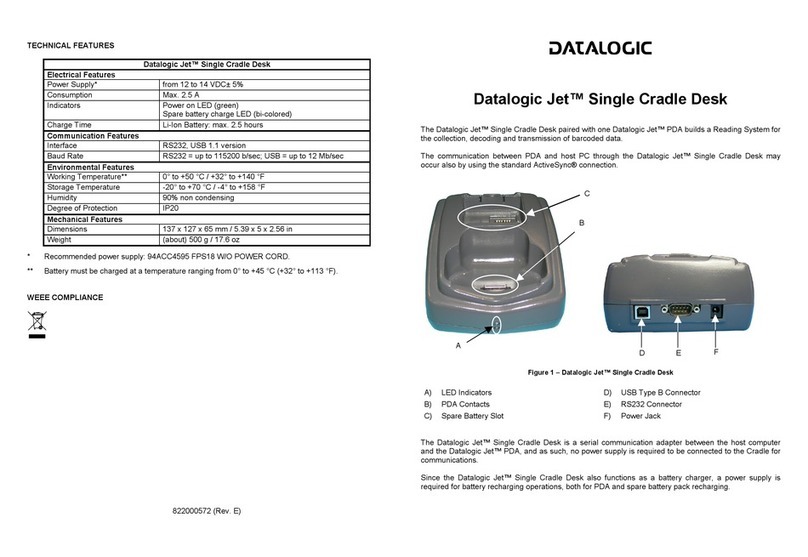
Datalogic Jet User manual

Datalogic

Datalogic Jet User manual

Datalogic BA100 User manual

Datalogic

Datalogic BA100 User manual

Datalogic FALCON 4400 SERIES User manual

Datalogic

Datalogic FALCON 4400 SERIES User manual

Popular Adapter manuals by other brands

NETGEAR XAV1301v1/XAVB1301v1 null

NETGEAR

NETGEAR XAV1301v1/XAVB1301v1 null

PCB Piezotronics 090B274 Installation and operating manual

PCB Piezotronics

PCB Piezotronics 090B274 Installation and operating manual

Gossen MetraWatt AT3-III E operating instructions

Gossen MetraWatt

Gossen MetraWatt AT3-III E operating instructions

Akribis ITF-21-BISS-MIT user manual

Akribis

Akribis ITF-21-BISS-MIT user manual

Auvidea J20 Technical reference manual

Auvidea

Auvidea J20 Technical reference manual

Tenda W54U user guide

Tenda

Tenda W54U user guide

ROHO AGILITY Operation manual

ROHO

ROHO AGILITY Operation manual

PROLiNK WN2001 Quick installation guide

PROLiNK

PROLiNK WN2001 Quick installation guide

Hawking HUF2 Specifications

Hawking

Hawking HUF2 Specifications

Airlink101 AWLC4030 user manual

Airlink101

Airlink101 AWLC4030 user manual

NETGEAR XAV101v1 - Powerline AV Ethernet Adapter user manual

NETGEAR

NETGEAR XAV101v1 - Powerline AV Ethernet Adapter user manual

Philips SWA4554S/10 user manual

Philips

Philips SWA4554S/10 user manual

JVC TS-C9D2B Assembly and installation instructions

JVC

JVC TS-C9D2B Assembly and installation instructions

NETGEAR A6100 quick start

NETGEAR

NETGEAR A6100 quick start

D-Link DWA-121 Quick install guide

D-Link

D-Link DWA-121 Quick install guide

Philips SWA2037 Specifications

Philips

Philips SWA2037 Specifications

Basalte 0610-20 installation manual

Basalte

Basalte 0610-20 installation manual

Yealink EHS40 user guide

Yealink

Yealink EHS40 user guide

manuals.online logo
manuals.online logoBrands
  • About & Mission
  • Contact us
  • Privacy Policy
  • Terms and Conditions

Copyright 2025 Manuals.Online. All Rights Reserved.

Single Slot Dock Ethernet Module
NOTE
Read this manual carefully before performing any type of connection from the
terminal to a host PC using the Single Slot Dock Ethernet Module.
The user is responsible for any damages caused by incorrect use of the
equipment or by inobservance of the indication supplied in this manual.
NOTE
Do not attempt to disassemble the Single Slot Dock Ethernet Module, as it
does not contain parts that can be repaired by the user. Any tampering will
invalidate the warranty.
The Single Slot Dock Ethernet Module is a snap-on module for Single Slot Docks which, paired
with a Datalogic mobile computer, builds a reading system for the collection, decoding and
transmission of barcoded data.
The Single Slot Dock Ethernet Module is an Ethernet communication adapter between the host
computer and an Ethernet network.
Figure 1 – Single Slot Dock Ethernet Module General View
Key:
A) Module selection LED
B) Snaps
C) Contacts for connection to Single Slot Dock
D) Ethernet port with integrated Link and Speed LEDs
E) Ethernet/USB selection switch
822000950
INSTALLATION
CAUTION
Installation of the Ethernet Module should always be made with power OFF!
To install the Ethernet Module:
1. remove the label covering the communication module connector on the bottom of the
Single Slot Dock, as shown in the figure below:
2. plug the Ethernet Module into the Single Slot Dock until the snaps clicks, as shown in the
figure below:
Figure 2 – Single Slot Dock Ethernet Module Installation
A
B C
ED
ETHERNET CONNECTION
Connect the Ethernet port on the Module to an Ethernet hub or a port on the host device.
Press the selection switch until the module selection LED is on.
Insert the Datalogic mobile computer into the dock.
Figure 3 – Ethernet Connection
Key:
A) Single Slot Dock with Ethernet Module
B) UTP CAT 5E cable (recommended use)
C) 94ACC1381 Power Adapter
D) Ethernet hub
LED INDICATOR
Color Status
Off USB mode selected
Yellow Ethernet mode selected
Yellow Blinking Ethernet activity
TECHNICAL FEATURES
Communication Features
Interface Ethernet 10/100 Base T
Physical Features
Dimensions 110 x 140 x 36 mm
4,3 x 5,5 x 1,4 in
Weight (without connection
cables) 185 g / 6,5 oz
Indicators Module selection LED
Ethernet Link LED (yellow)
Ethernet Speed LED (green)
Environmental Features
Working temperature -10° to +50°C / 32° to 122°F
Storage temperature -20° to +70°C / -4° to 158°F
Humidity 95% without condensation
Electrostatic discharge
EN 61000-4-2 4 KV contact / 8 KV air
FCC COMPLIANCE
This equipment has been tested and found to comply with the limits for a Class A digital device,
pursuant to part 15 of the FCC Rules. These limits are designed to provide reasonable
protection against harmful interference when the equipment is operated in a commercial
environment. This equipment generates, uses, and can radiate radio frequency energy and, if
not installed and used in accordance with the instruction manual, may cause harmful
interference to radio communications. Operation of this equipment in a residential area is likely
to cause harmful interference in which case the user will be required to correct the interference
at his own expense.
Modifications or changes to this equipment without the expressed written approval of Datalogic
could void the authority to use the equipment.
This device complies with PART 15 of the FCC Rules. Operation is subject to the following two
conditions: (1) This device may not cause harmful interference, and (2) this device must accept
any interference received, including interference which may cause undesired operation.
A
B C
D