Main Menu settings:
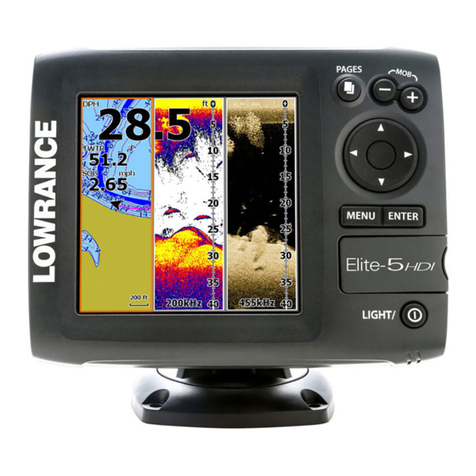
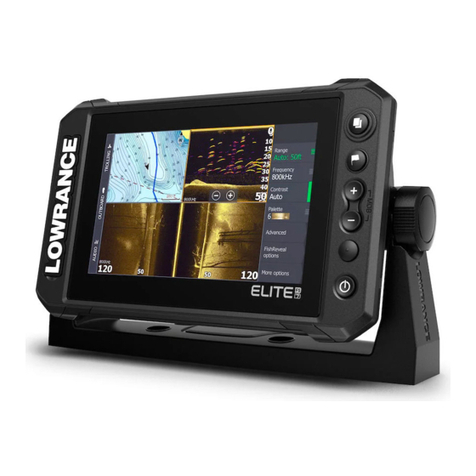
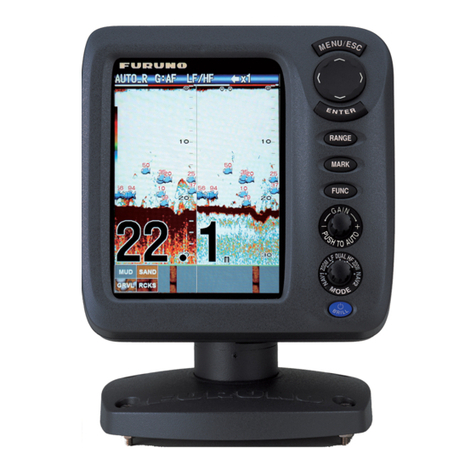
Press MENU button to access the settings menu interface.
Then press - or + buttons to adjust the setting’s value. (0-100)
Brightness The default value is 50, press - or + buttons to adjust its value
according to your preference.
Contrast The default value is 50, press - or + buttons to adjust its value
according to your preference.
Color The default value is 50, press - or + buttons to adjust its value
according to your preference.
Zoom The default display aspect ratio is 16:9; press - or + buttons to
change its ratio between 16:9 and 4:3
Down The default display angle is 0° , press - or + buttons to rotate
display screen 0°, 90°, 180° or 270°
Language The default language is English, press - or + buttons to option
other OSD language.
8