- 2 -
EN
TABLE OF CONTENTS
- Safety and Environment ...........................................................................................................
- Significance of the symbols on the device ...............................................................................
1. Description.................................................................................................................................
2. Basic recommended steps for installation/configuration of ZSM devices................................
3. New connections ......................................................................................................................
Login data..................................................................................................................................
Options ......................................................................................................................................
Groups.......................................................................................................................................
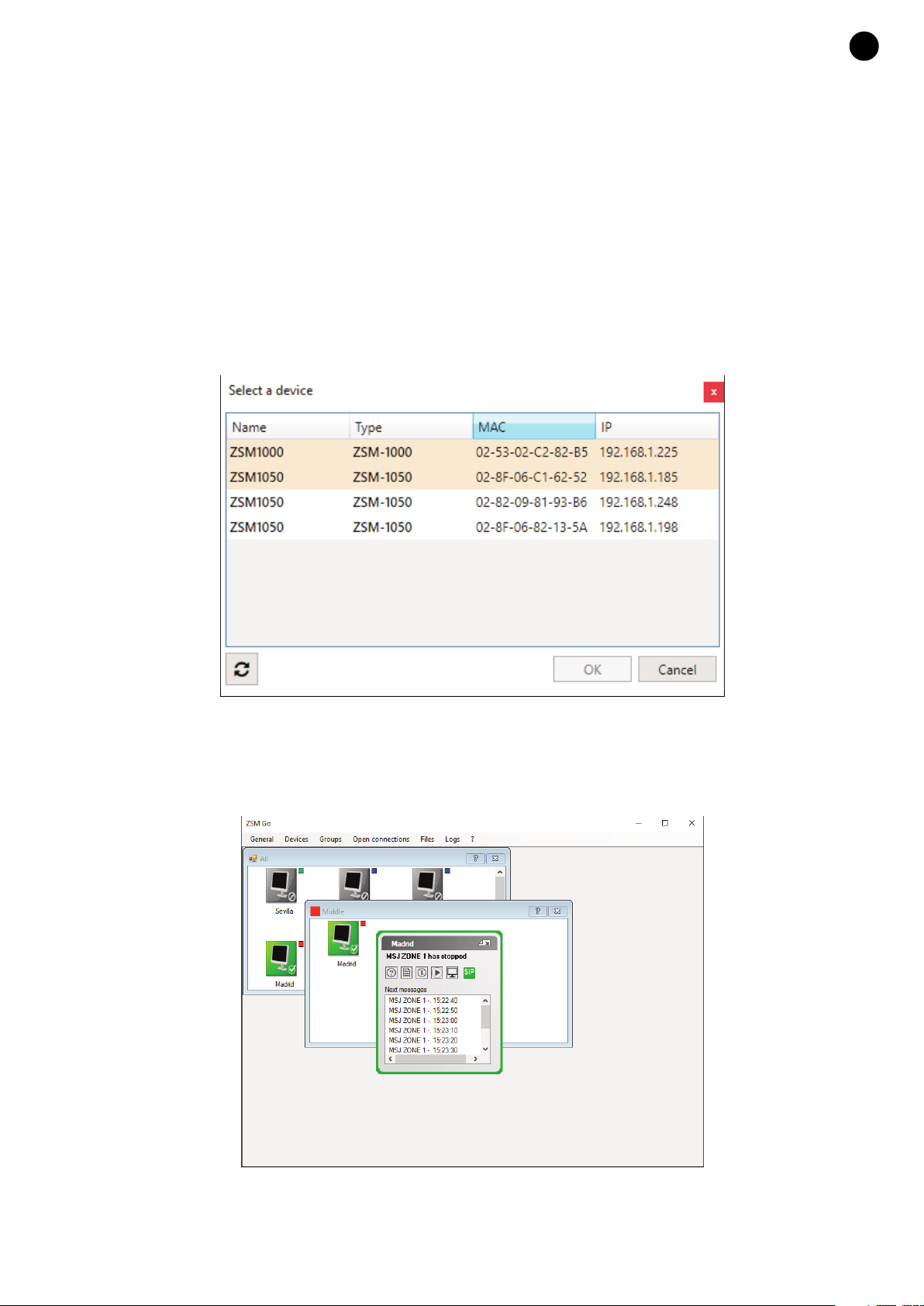
Select device in LAN..................................................................................................................
4. Basic Controls ...........................................................................................................................
Icon Buttons ..............................................................................................................................
Right click on the device ...........................................................................................................
5. Configuration .............................................................................................................................
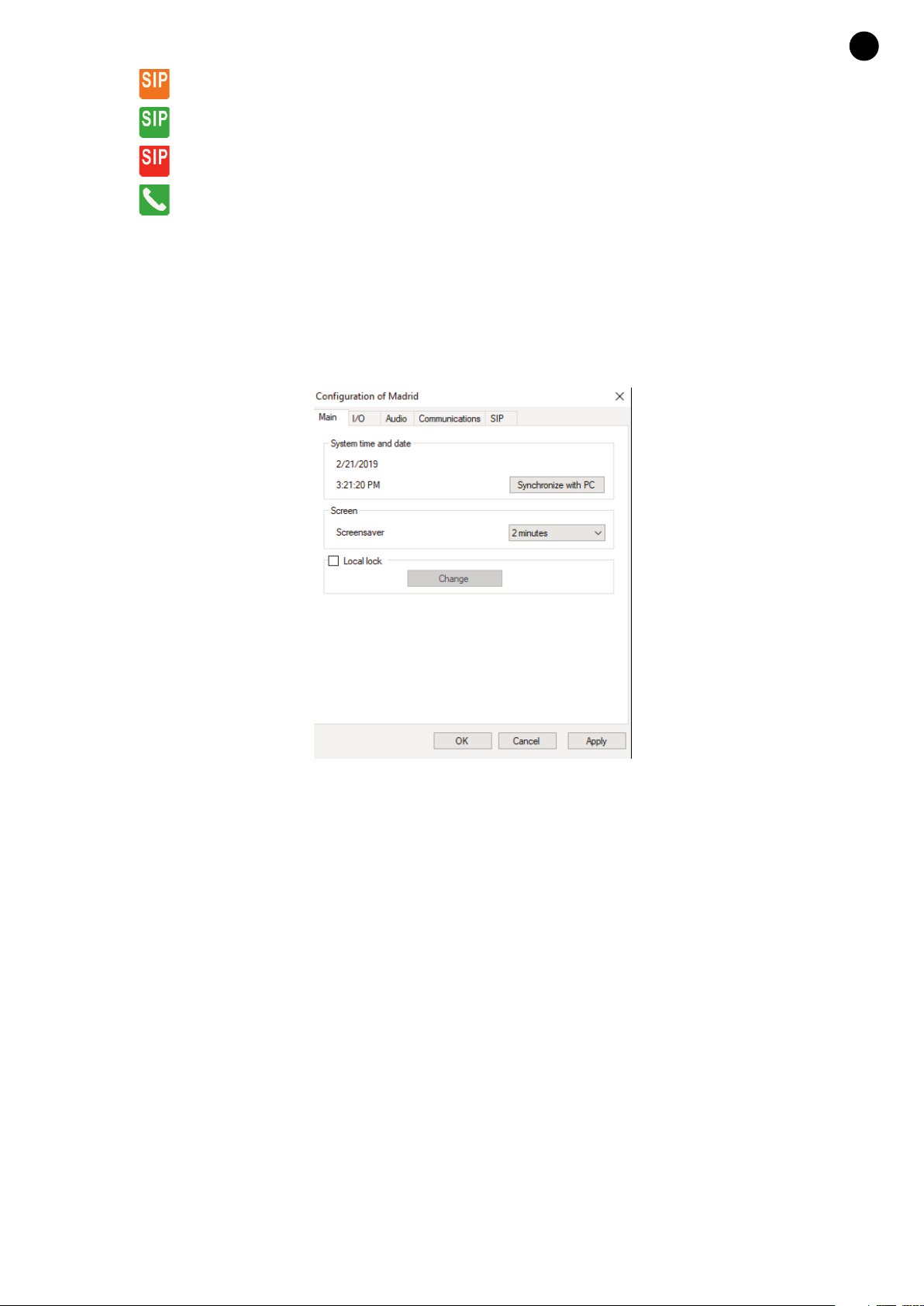
General ......................................................................................................................................
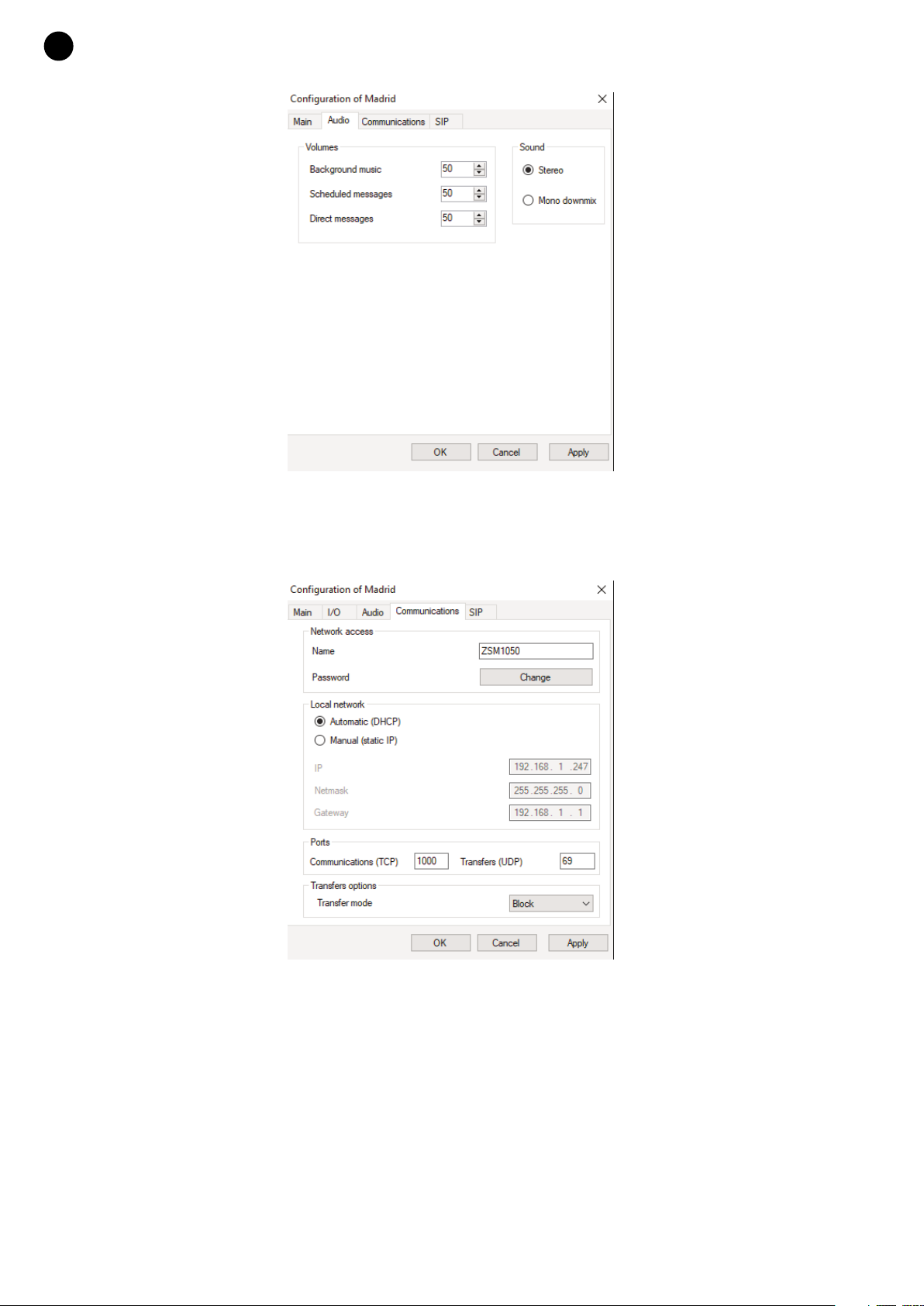
Audio..........................................................................................................................................
Communications........................................................................................................................
SIP .............................................................................................................................................
6. File manager ..............................................................................................................................
Background music.....................................................................................................................
Messages ..................................................................................................................................
7. Background music.....................................................................................................................
8. Key assignment ........................................................................................................................
9. Scheduled messages ...............................................................................................................
New message ...........................................................................................................................
10. Direct messages ........................................................................................................................
New direct message..................................................................................................................
11. Dashboard view ........................................................................................................................
12. Exporting and Importing............................................................................................................
Exporting ...................................................................................................................................
Importing ...................................................................................................................................
13. Updating ....................................................................................................................................
Remote method (Internet or LAN)..............................................................................................
Warranty ....................................................................................................................................
3
4
5
5
6
6
7
7
7
8
8
8
9
9
10
10
11
11
12
13
14
14
15
15
16
17
17
18
18
20
22
22
28
ZSM-1000_MANUAL_(EN)_20190426.qxp_Maquetación 1 27/6/19 15:33 Página 2