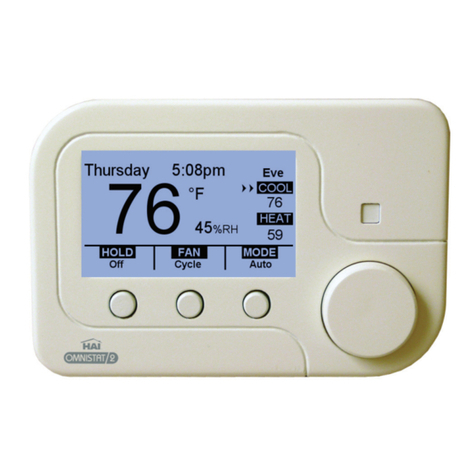
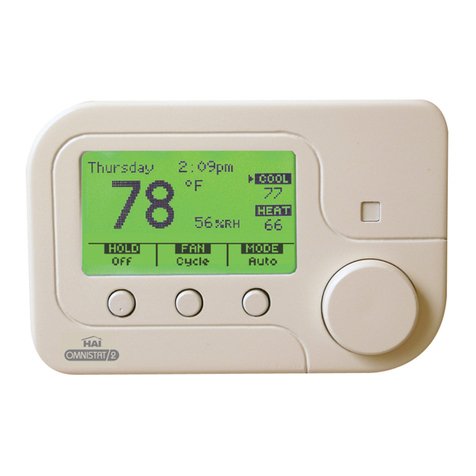
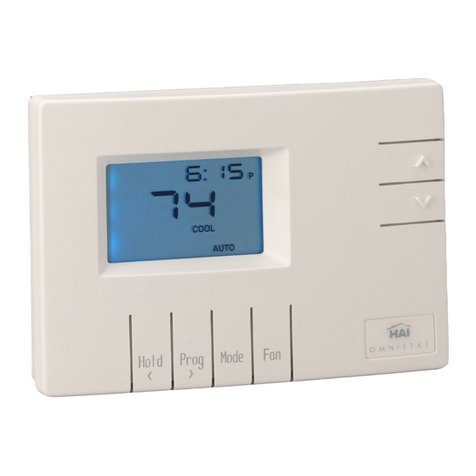
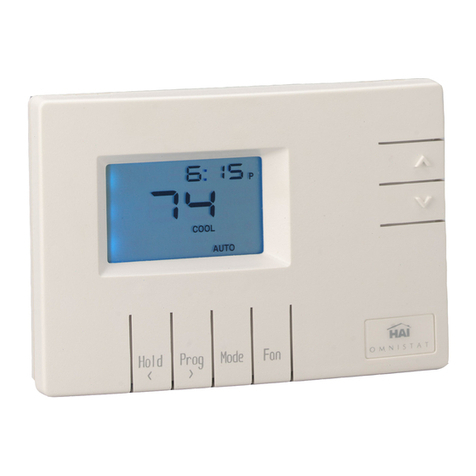
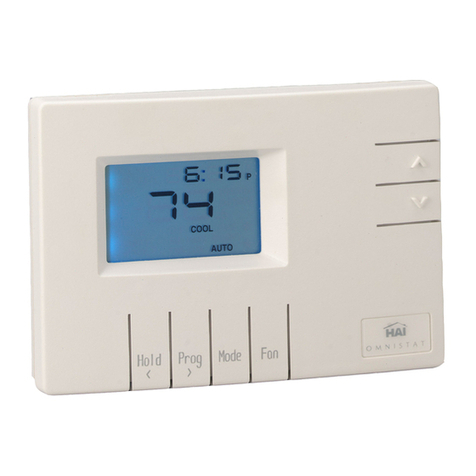
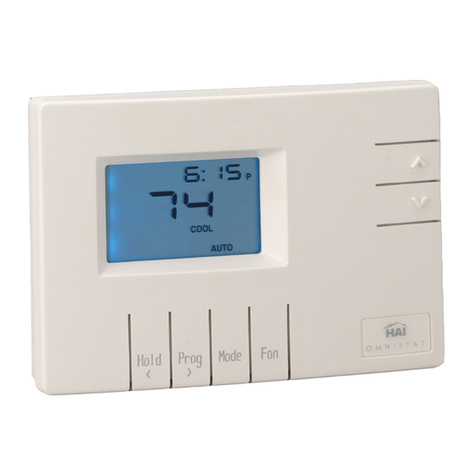
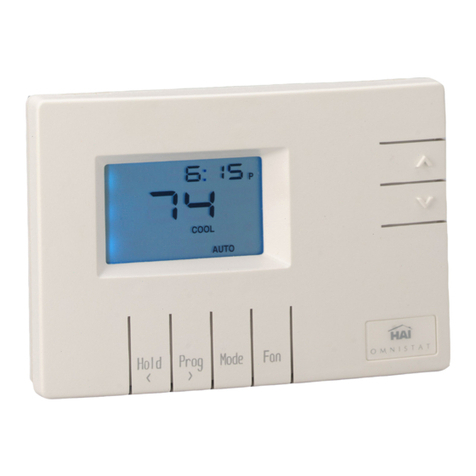
Getting to know your thermostat’s display (Advanced Display)
5
(1) Temperature: Displays the current indoor temperature.
(2) Cool Setting: Displays the desired cool setting.
(3) Heat Setting: Displays the desired heat setting.
(4) Thermostat Mode: Displays the current system mode: Off, Heat, Cool, Auto, or EM Heat (Emergency Heat for heat pump systems)
(5) Status Indicators:
Cool 1st stage of air conditioning system is running
Heat 1st stage of heating system is running
Cool 1st and 2nd stage of air conditioning system is running
Heat 1st and 2nd stage of heating system is running
Note: The Status Indicators may flash to indicate a start up delay for equipment protection. After a few minutes, the compressor will start
and the Status Indicators will stop flashing.
(6) Message Bar: The message bar displays messages that you enable. If more than one message type is enabled, the message bar will display
the first message for 4 seconds, and then the next message is displayed. On the advanced display, the available message types are as follows:
Date and Time Outdoor Status (outdoor temperature and/or outdoor humidity) Filter Reminder (time to change the filter)
Energy Status Energy Messages
(7) Hold Setting: Displays the current hold setting: Off, On, or Vacation
(8) Fan Setting: Displays the current fan mode: Auto, On, or Cycle
(9) Relative Humidity: Displays the current relative humidity (RC-2000 only).
(10) Period Indicator: Morn, Day, Eve, or Night is displayed when scheduled temperature changes are made by the thermostat programs.