manuals.online logo
Brands
  1. Home
  2. •
  3. Brands
  4. •
  5. Hitachi
  6. •
  7. Impact Driver
  8. •
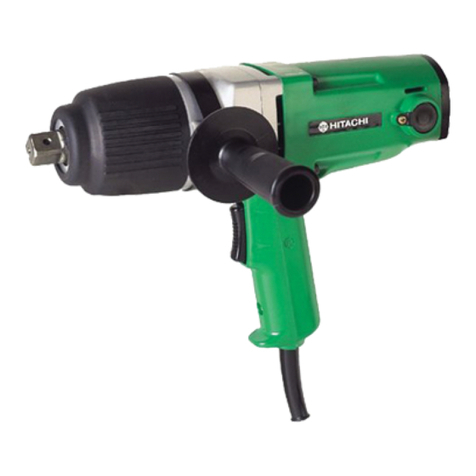
  9. Hitachi WR 22SE User manual

Hitachi WR 22SE User manual

Other manuals for WR 22SE

2

Other Hitachi Impact Driver manuals

Hitachi WR 22SA User manual

Hitachi

Hitachi WR 22SA User manual

Hitachi WH 18DMR User manual

Hitachi

Hitachi WH 18DMR User manual

Hitachi WA 16SA User manual

Hitachi

Hitachi WA 16SA User manual

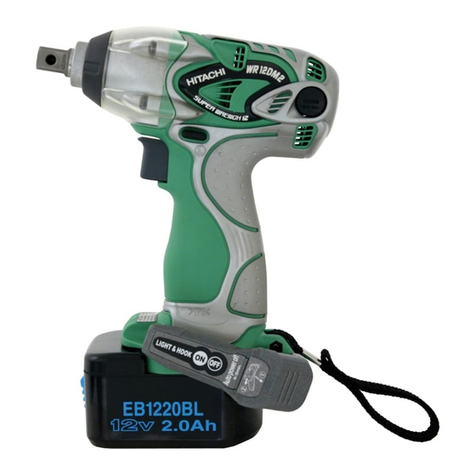
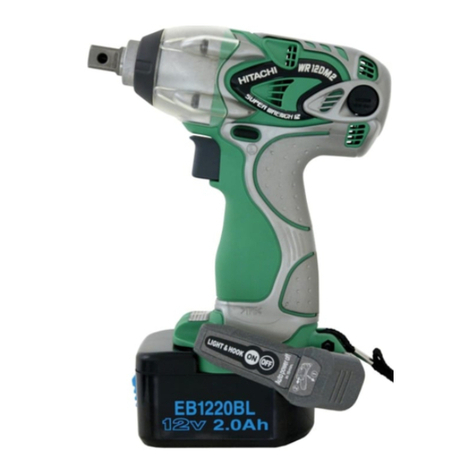
Hitachi WR 12DM2 User manual

Hitachi

Hitachi WR 12DM2 User manual

Hitachi WR 22SA User manual

Hitachi

Hitachi WR 22SA User manual

Hitachi WH9DM Troubleshooting guide

Hitachi

Hitachi WH9DM Troubleshooting guide

Hitachi WH 18DBFL2 Operator's manual

Hitachi

Hitachi WH 18DBFL2 Operator's manual

Hitachi WH 12DC User manual

Hitachi

Hitachi WH 12DC User manual

Hitachi WH 8DH Manual

Hitachi

Hitachi WH 8DH Manual

Hitachi WH 14DJL User manual

Hitachi

Hitachi WH 14DJL User manual

Hitachi WH 12DAF User manual

Hitachi

Hitachi WH 12DAF User manual

Hitachi WH 14DCL User manual

Hitachi

Hitachi WH 14DCL User manual

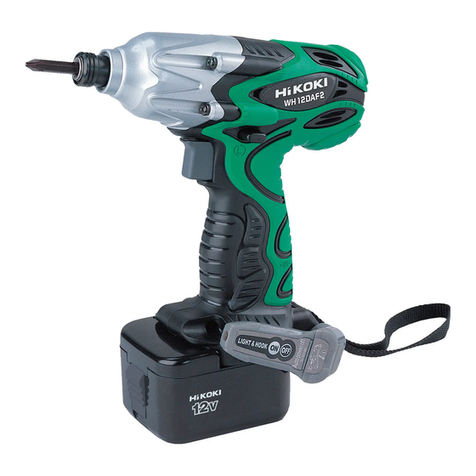
Hitachi WH 12DAF2 User manual

Hitachi

Hitachi WH 12DAF2 User manual

Hitachi WR 14DSDL User manual

Hitachi

Hitachi WR 14DSDL User manual

Hitachi WR 25SE User manual

Hitachi

Hitachi WR 25SE User manual

Hitachi WR 12DH User manual

Hitachi

Hitachi WR 12DH User manual

Hitachi WH 7DL User manual

Hitachi

Hitachi WH 7DL User manual

Hitachi WH18DSAL User manual

Hitachi

Hitachi WH18DSAL User manual

Hitachi WH14DL - 14.4V Impact Driver 3.0Ah Li-Ion 1240 In/Lb... Operator's manual

Hitachi

Hitachi WH14DL - 14.4V Impact Driver 3.0Ah Li-Ion 1240 In/Lb... Operator's manual

Hitachi WH 14DSL User manual

Hitachi

Hitachi WH 14DSL User manual

Hitachi WH 10DAL User manual

Hitachi

Hitachi WH 10DAL User manual

Hitachi WH 14DSL Manual

Hitachi

Hitachi WH 14DSL Manual

Hitachi WH 14DCAL Instruction manual

Hitachi

Hitachi WH 14DCAL Instruction manual

Hitachi WH 14DBEL User manual

Hitachi

Hitachi WH 14DBEL User manual

Popular Impact Driver manuals by other brands

Ryobi RDP102L manual

Ryobi

Ryobi RDP102L manual

Ingersoll-Rand 2171 Product information

Ingersoll-Rand

Ingersoll-Rand 2171 Product information

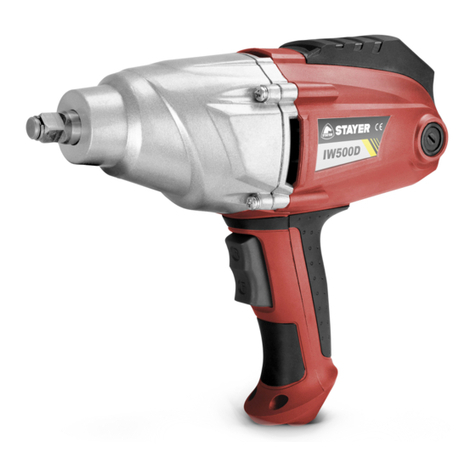
stayer IW500D operating instructions

stayer

stayer IW500D operating instructions

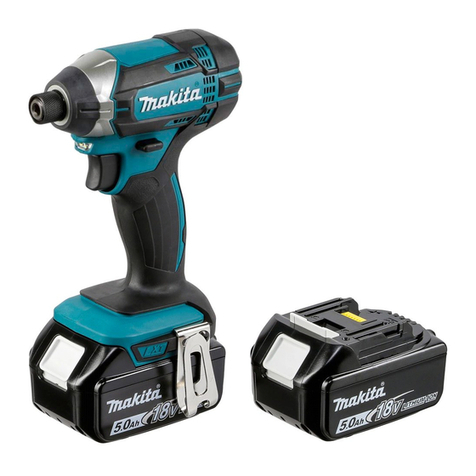
Makita DTD152 instruction manual

Makita

Makita DTD152 instruction manual

Milwaukee M12 FID Original instructions

Milwaukee

Milwaukee M12 FID Original instructions

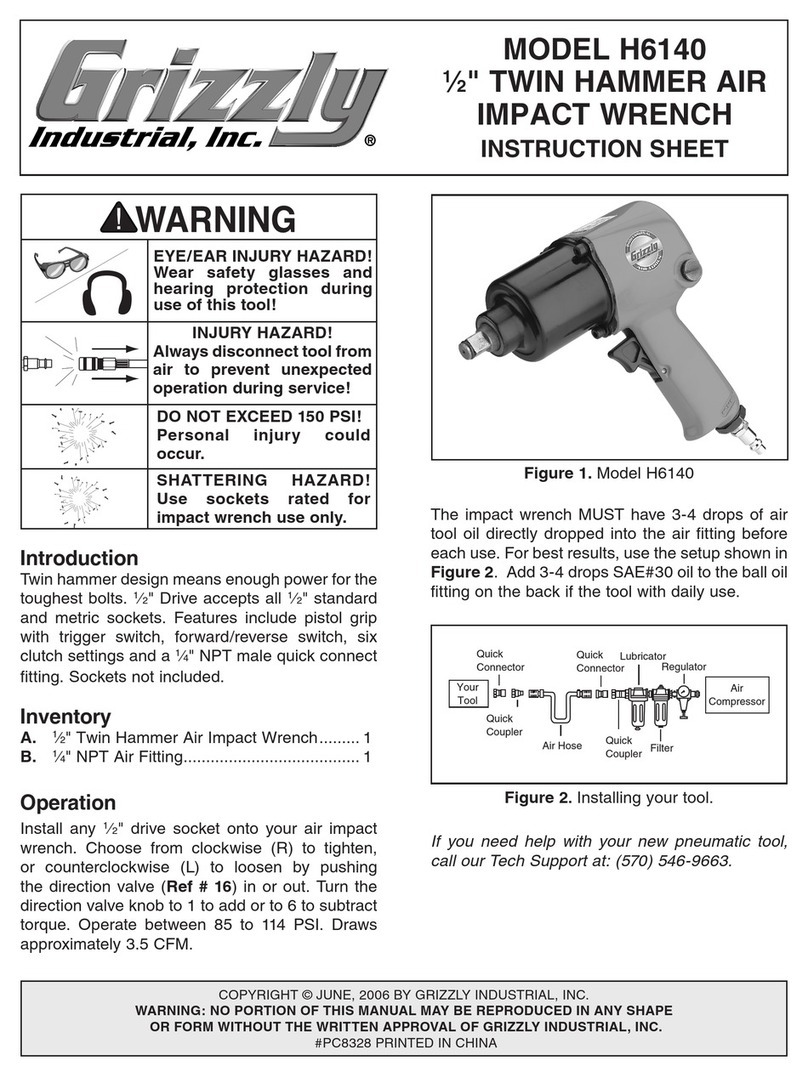
Grizzly H6140 instruction sheet

Grizzly

Grizzly H6140 instruction sheet

Makita BTW450 user manual

Makita

Makita BTW450 user manual

Ozito LID-3000 instruction manual

Ozito

Ozito LID-3000 instruction manual

Ryobi R18IW3 Original instructions

Ryobi

Ryobi R18IW3 Original instructions

Sthor 57091 manual

Sthor

Sthor 57091 manual

Greenlee HW3 Service manual

Greenlee

Greenlee HW3 Service manual

Makita DTD145 instruction manual

Makita

Makita DTD145 instruction manual

Makita BTP131RFE instruction manual

Makita

Makita BTP131RFE instruction manual

DeWalt XR Li-ion DCF902 instruction manual

DeWalt

DeWalt XR Li-ion DCF902 instruction manual

Stanley FATMAX SBI810 Original instructions

Stanley

Stanley FATMAX SBI810 Original instructions

Sealey CP650LIHV manual

Sealey

Sealey CP650LIHV manual

Sunex Tools SX505A-8 operating instructions

Sunex Tools

Sunex Tools SX505A-8 operating instructions

Facom NJ.1400F 826558 Original instructions

Facom

Facom NJ.1400F 826558 Original instructions

manuals.online logo
manuals.online logoBrands
  • About & Mission
  • Contact us
  • Privacy Policy
  • Terms and Conditions

Copyright 2025 Manuals.Online. All Rights Reserved.

PRODUCT NAME
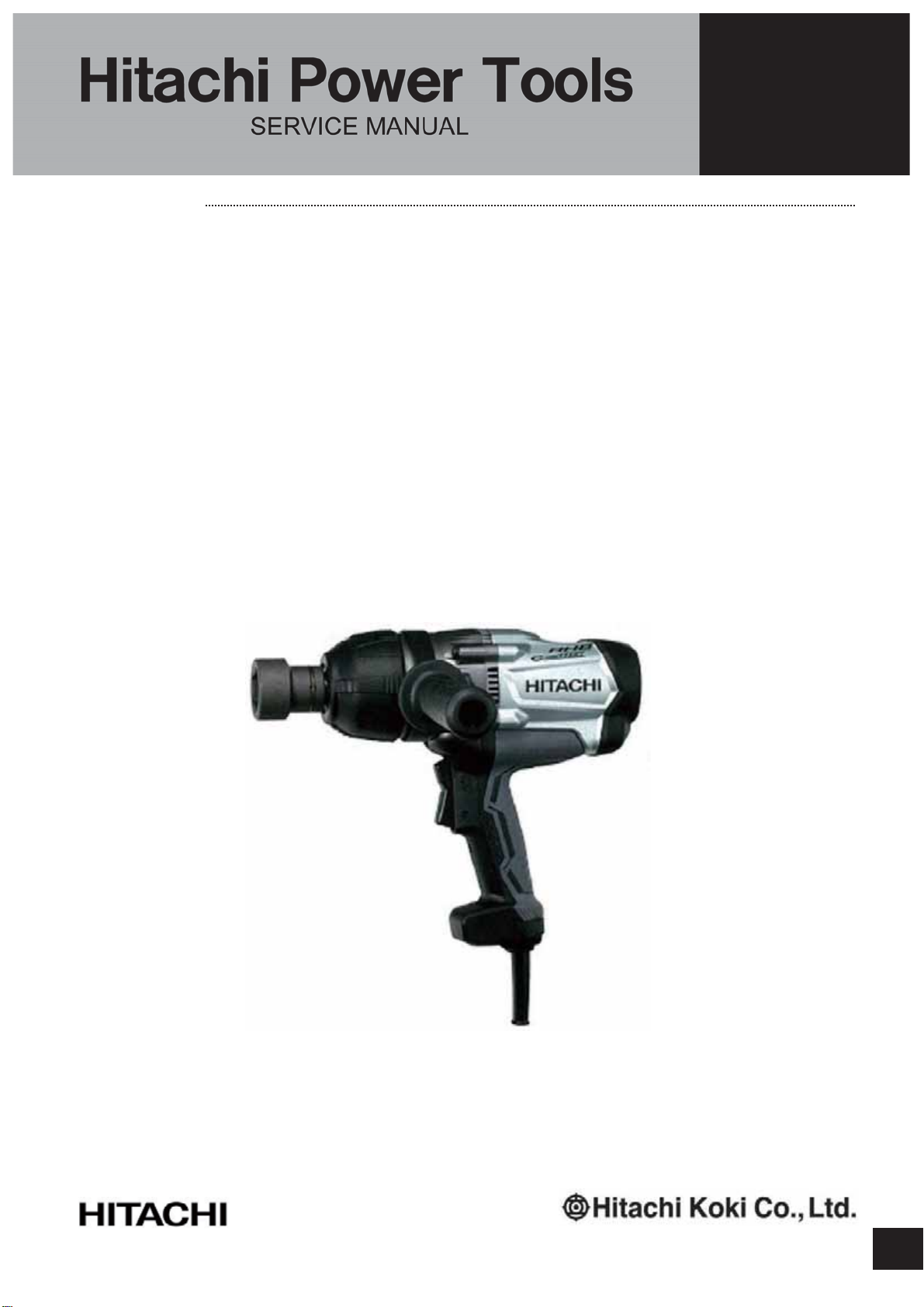
Hitachi Impact Wrench
Model WR 22SE
LIST No.
xxx. 2014
REPAIR GUIDE ----------------------------------------------------------------------------------------------------------------- 1
1. Precautions on disassembly and reassembly------------------------------------------------------------- 1
STANDARD REPAIR TIME (UNIT) SCHEDULE ----------------------------------------------------------------------10
CONTENTS
Overseas Sales Division
LIST No.
WR 22SE: E729
Jan. 2015
W
-1-
Fig. 1 • Disassembly of hammer case (D) ass’y
WARNING: Be sure to turn off the power switch and disconnect the power cord plug from the
power supply before conducting repair.
1. Precautions on disassembly and reassembly
[Bold] numbers in the description below correspond to the item numbers in the Parts List and exploded
assembly diagram for the Model WR 22SE.
1. Disassembly of hammer case (D) ass’y
(1) Removal of hammer case (D) ass’y
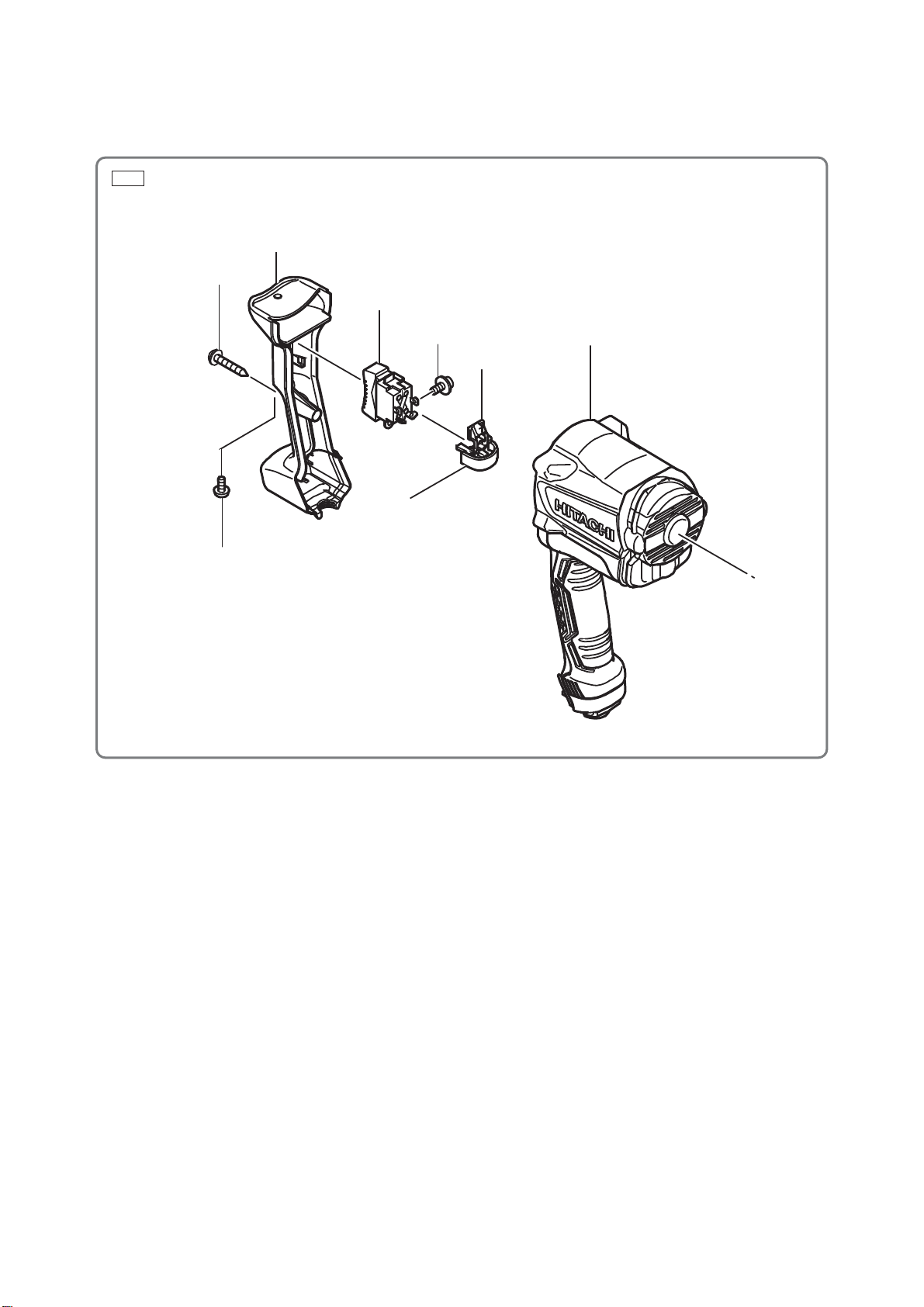
Remove the Button Bolt M4 [44] and four Bolts M5 x 45 [3]. Supporting Hammer Case (D) Ass’y [1],
tap the tip of the Anvil [9] with a wooden hammer to remove Hammer Case (D) Ass’y [1]. Remove
Packing (D) [26] from between Hammer Case (D) Ass’y [1] and Inner Cover (D) [27].
(2) Removal of the anvil
Remove the Anvil [9] from the bearing portion of Hammer Case Ass’y (D) [1].
(3) Removal of the ring gear
Tap the end surface of Hammer Case Ass’y (D) [1] with a wooden hammer to remove the Ring Gear
[23]. If the Ring Gear [23] cannot be removed, warm up Hammer Case (D) Ass’y [1] and tap it with a
wooden hammer to remove the Ring Gear [23].
SELLING POINTS
Disassembly
REPAIR GUIDE
[2]
[3]
[1]
[6]
[7] [8]
[9]
[22]
[23]
[26]
[27]
[16]
[17]
[18]
[9]
[38]
[37]
[44]
-2-
Fig. 2
Fig. 3
2. Removal of the spring
Using a hand press, push down the raised portions of Hammer (D) [11] to compress the Spring [14] fully.
In this position, use a small flat-blade screwdriver to extract the two Steel Balls D7.14 [10] from the cam
grooves of the Spindle [20] and Hammer (D) [11]. Then slowly release the hand press and remove
Hammer (D) [11] from the Spindle [20] to remove the Spring [14].
NOTE: Be careful not to lose the thirty-eight Steel Balls D3.97 [12] and the Hammer Washer [13]
mounted between Hammer (D) [11] and the Spring [14].
[10]
[11]
[12]
[13]
[14]
[15]
[19]
[20]
[21]
[20]
[11]
[10]
Raised portion of the hammer
Top of the spindle cam
Steel ball guide groove
-3-
Fig. 4 • Disassembly of the motor unit
Fig. 5
3. Disassembly of the motor unit
(1) Removal of rotor ass’y (D)
Remove Rotor Ass’y (D) [29] together with Inner Cover (D) [27] from Housing (D) [34].
NOTE: Keep the removed Rotor Ass’y (D) [29] away from iron or other metal because Rotor
Ass’y (D) [29] has a magnetic force.
(2) Remove the two Screws D4 x 60 [32], Screw D4 x 35 [37], and two Screws D4 x 16 [46]. Then remove
the power supply unit.
[36]
[27]
[28]
[29]
[30]
[31]
[34]
[38]
[37]
[44]
[46]
[47]
[32]
[33]
[34]
[50]
-4-
Fig. 6 • Removal of the switch
4. Removal of the switch
Remove the four Screws M3.5 x 5 [40] from the Switch [39] and remove the Switch Adapter [41]. Then
remove the Switch [39].
[37]
[38]
[39]
[40]
[41]
[34]
[44]
[43]
-5-
Fig. 7 • Disassembly of the power supply unit
5. Disassembly of the power supply unit
(1) Remove the four Screws M3.5 x 5 [40] from the Switch [39].
(2) Hold the Switch Adapter [41] and slowly pull it out.
Internal wire (black)
Internal wire (white) Internal wire (black)
[39]
Sensor PCB ass’y
[49]
[48]
Filter PCB ass’y
[45]
Noise suppressor PCB ass’y
Main PCB ass’y
Internal wire (white)
[43]
[42]
[42] [42]
[41]
[40]
Internal wire (red)
-6-
Fig. 8 • Reassembly of the power supply unit and its vicinity
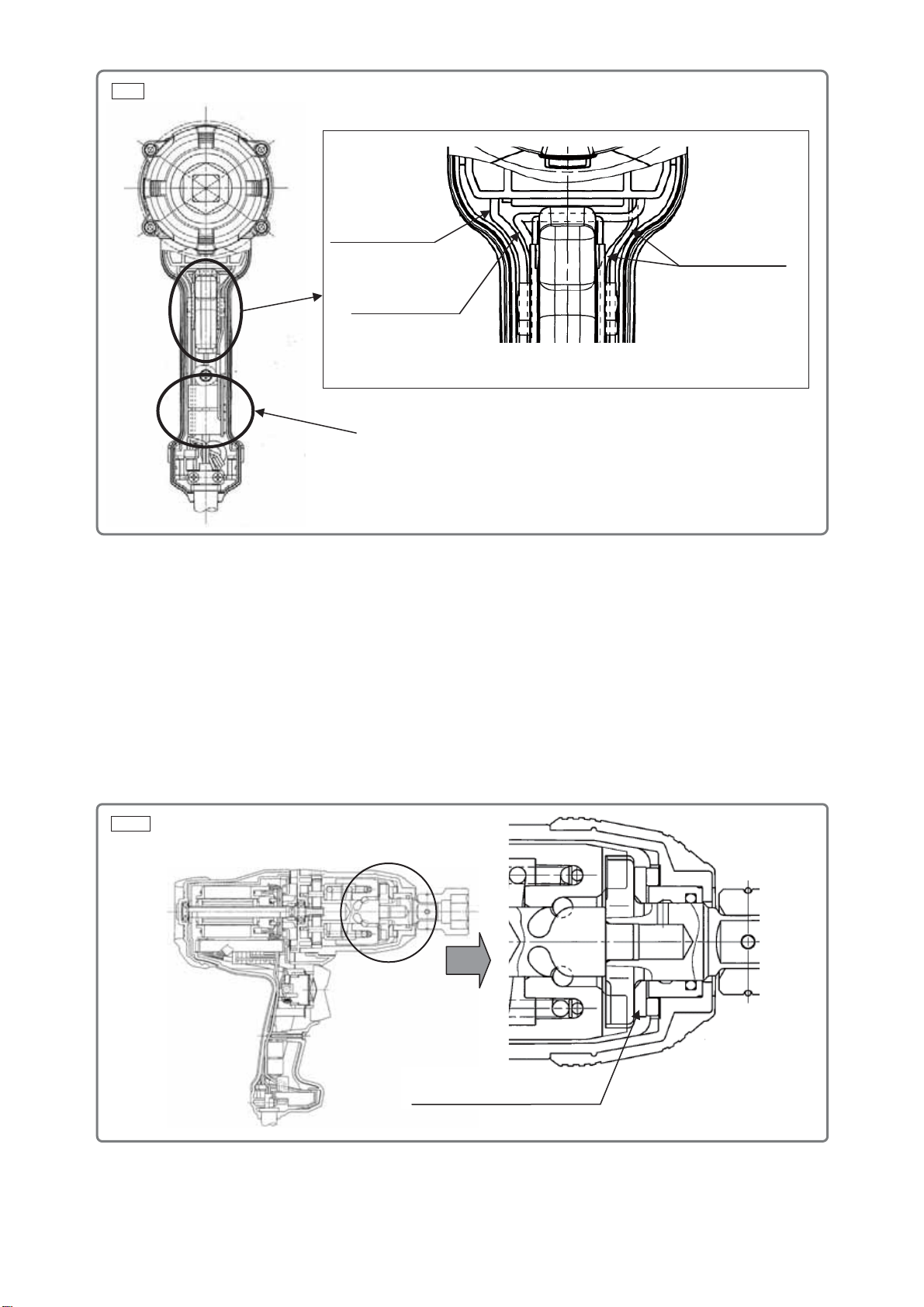
Perform reassembly by reversing the disassembly procedure. However, special attention should be given
to the following items.
1. Reassembly of the power supply unit and its vicinity
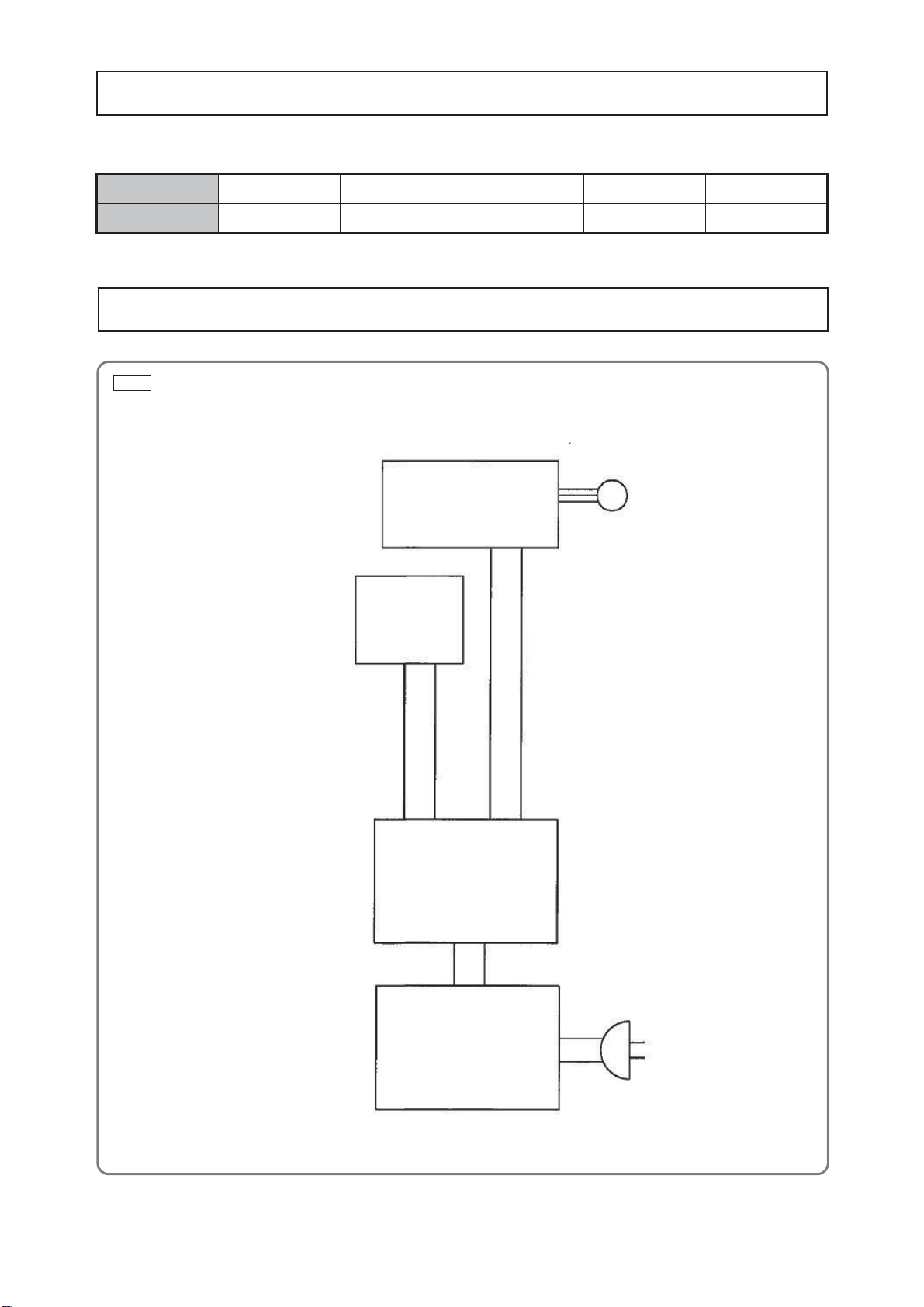
(1) Perform wiring according to the connecting diagram on page 9 when replacing the Switch [39] or Stator
Controller (D) Set [33] with new one.
(2) Connect the internal wires of Stator Controller (D) Set [33] to the Switch [39] paying attention to the
colors of the internal wires. Then secure them with the four Screws M3.5 x 5 [40].
(3) Be careful not to get the internal wires caught in the power supply unit.
2. Reassembly of the impact mechanism
(1) Mount the Hammer Washer [13], Spring [14], Spring Seat [15], and Spindle [20] in this order into
Hammer (D) [11], which contains the thirty-eight Steel Balls D3.97 [12].
(2) Match the peak of the cam groove of the Spindle [20] with the steel ball insertion groove of Hammer
(D) [11]. Use a hand press or similar tool to press the raised portion of Hammer (D) [11] so as to
compress the Spring [14] until it contacts the Spindle [20], and then hold it there.
(3) Put the two Steel Balls D7.14 [10] in the steel ball insertion groove. Check that the Steel Balls D7.14
[10] are in the cam groove, and then release the hand press.
(4) Mount the Idle Gear Set (2 pcs.) [21] and the two Gear Shafts [19] on the Spindle [20].
3. Reassembly of the main body
(1) Secure the stator to Housing (D) [34] with the two Screws D4 x 60 [32] and insert the controller PCB
ass’y (D) into the lower portion of the stator.
(2) Mount the Cord Clip [47] with its protrusion toward the cord, and then secure it with the two Screws D4
x 16 [46].
(3) Position the internal wires under the Switch [39].
NOTE: Position the internal wire of the noise suppressor PCB on the right, and the internal wire
of the power supply PCB on the left. Position the green and yellow internal wires of the
switch on the right, and the blue and black internal wires on the left. Then insert the
Switch [39].
Reassembly
B
Internal wire
(
black
)
Internal wire (yellow)
Internal wire (green)
Internal wire (blue)
[39]
[40]
View from B
-7-
Mount Washer (F) [8] with its
chamfered side toward the anvil.
Fig. 9 • Reassembly of the main body
Fig. 10 • Reassembly of the main body
(4) Mount Rotor Ass’y (D) [29] and Fan Guide (D) [31] to Housing (D) [34].
NOTE: Be careful of the direction of Fan Guide (D) [31].
(5) Secure Handle Cover (D) [38] to Housing (D) [34] with the Screw D4 x 35 [37].
(6) Mount Metal (E) [25] and Packing (D) [26] to Inner Cover (D) [27].
NOTE: Do not mount Packing (D) [26] upside down.
(7) Mount Washer (E) [24] and Ring Gear [23] to the impact mechanism and mount it to Inner Cover (D)
[27].
NOTE: Mount the Ring Gear [23] with its protrusion toward the hammer case.
(8) Mount Washer (F) [8] to the Anvil [9]. Apply a small amount of grease to the Needle Roller [22] and
mount it to the Ring Gear [23].
(9) Insert Washer (D) [6] and Damper (D) [7] into Hammer Case (D) Ass’y [1] and secure it with the four
Bolts M5 x 45 [3].
(10) Secure Handle Cover (D) [38] and Hammer Case (D) Ass’y [1] with the Button Bolt M4 [44].
Position the noise suppressor PCB in the
stator holder (D) as shown in the figure.
White internal wire
(Power supply unit)
Black internal wire
(Power supply unit)
White internal wire
(Noise suppressor)
-8-
(1) Apply Nippeco SEP-3Agrease (Code No. 930035 (100 g)/930038 (2.5 kg)) to the following:
•Pinion tooth flanks of Rotor Ass’y (D) [29]
•Tooth flanks of the Ring Gear [23]
•Two Gear Shafts [19]
•Tooth flanks and inner circumference of the Idle Gear Set (2 pcs.) [21]
(2) Apply Doubrex 251 grease to the following:
•Between Hammer (D) [11] and Spring Seat [15]
•Inside of Hammer Case (D)Ass’y [1]
•Spindle [20]: Cam groove, sliding portion, and engaging portions with the Anvil [9] and Metal (E) [25]
•Cam groove and raised portions of Hammer (D) [11]
•Anvil [9]: 13 mm dia. hole, sliding portion with Washer (F) [8], claw, and sliding portion with the O-ring
•Two Steel Balls D7.14 [10]
•Thirty-eight Steel Balls D3.97 [12]
•Both end surfaces of Washer (D) [6] and Damper (D) [7]
•Seal Lock Hex. Socket Hd. Bolt M5 x 45 [3]----------------------------7.8 ± 1.5 N•m (80 ± 15 kgf•cm)
•Tapping Screw (W/Flange) D4 x 35 (Black) [37]-----------------------2.0 ± 0.5 N•m (20 ± 5 kgf•cm)
•Hex. Hd. Tapping Screw D4 x 60 [32] ------------------------------------2.0 ± 0.5 N•m (20 ± 5 kgf•cm)
•Button Bolt M4 [44]------------------------------------------------------------1.8 ± 0.4 N•m (18 ± 4 kgf•cm)
•Tapping Screw (W/Flange) D4 x 16 [46]---------------------------------2.0 ± 0.5 N•m (20 ± 5 kgf•cm)
Check the following after reassembly:
(1) Operate the Switch [39] and check that the switch moves smoothly and the switch operations (ON,
OFF, forward and reverse) are normal.
(2) Press the Switch [39] in “R” direction and slowly release the switch. Check that the switch returns to
the original position. Then press the Switch [39] in “L” direction and slowly release the switch. Check
that the switch returns to the original position.
(3) Check that the rotational direction of Anvil [9] matches the direction of rotation made when you press
the Switch [39]. When the Switch [39] is set to the “R” position, the Anvil [9] must rotate clockwise as
viewed from the rear (opposite to the Anvil [9].)
On completion of reassembly after repair, measure the insulation resistance and conduct the dielectric
strength test between the plug pins and the outside metallic parts such as the Anvil [9].
Insulation resistance: 7 Mȍor more
Dielectric strength: 2,500 V for 1 minute --------------------------------------- 110 V to 120 V
4,000 V for 1 minute --------------------------------------- 220 V to 240 V
Screw tightening torque
Checking after reassembly
Application of lubricant
Insulation test

-9-
Fig. 11 • Connecting diagram
M
Sensor PCB ass’y
Switch [39]
Main PCB ass’y
Filter PCB ass’y
After no-load operation for 30 minutes, the no-load current value should be as follows.
Voltage 110 V 120 V 220 V 230 V 240 V
Current max. 3.5 A 3.5 A 1.5 A 1.5 A 1.5 A
No-load current
Connecting diagram