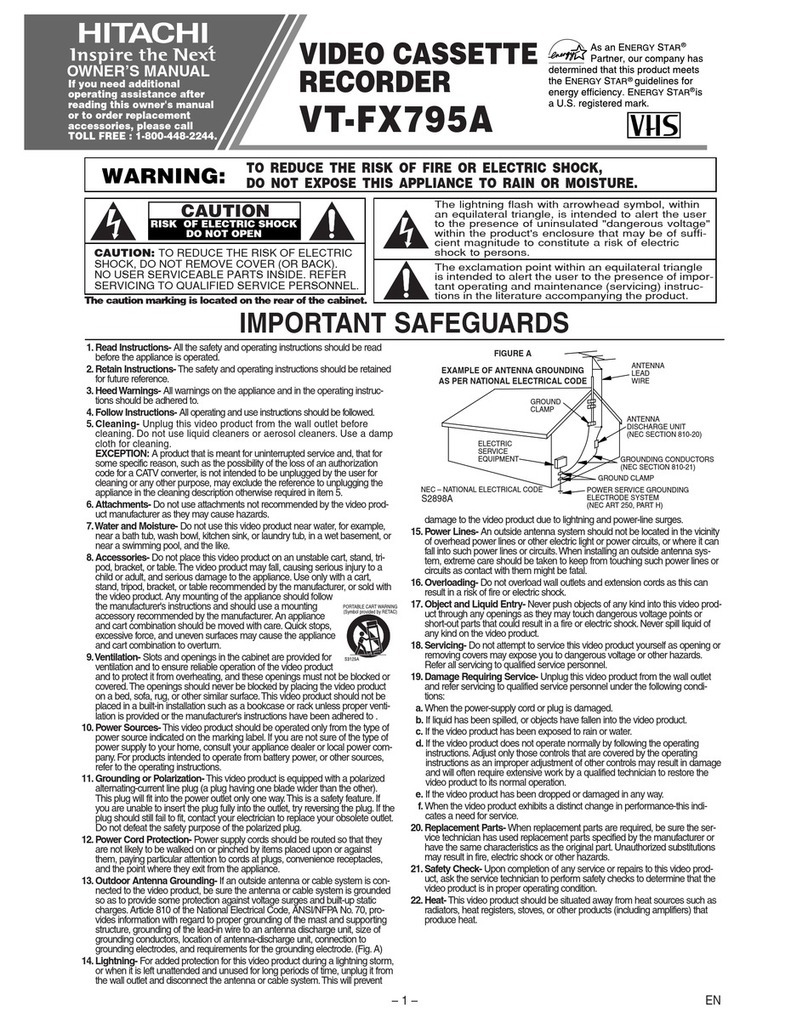
IMPORTANT SAFEGUARDS
In addition to the careful attention devoted to quality standards in the manufacture of your video product, safety is a
major factor in the design of every instrument. But, safety is your responsibility too
This page lists important information that will help to assure your enjoyment and proper usa of a Video Cassette
Recorder and accessory equipment. Please read it carefully before operating your video product and keep it in a handy
place for future reference.
INSTALLATION
1 Reed end Follow Instructions--All the safety
and operating instructions should be read be-
fore the video product is operated. Follow all operating
and use instructions,
2Retain Instructions
--The safety and
operating instructions
should be retained for future
reference.
Heed Wernlngs--
3Comply with all
/r warnings on the
video product and in
the operating in-
"_A_ structions.
4Polarized Plug--This video product is equipped
with a polarized alternating-currant line plug (a
plug having one I_ade wider than the other). This plug will
fit into the power outlet only one way. This is safety fea-
ture. If you are unable to insert the plug fully into the out-
let, try reversing the plug. If the plug should still fail to fit,
contact your electrician to replace your obsolete outlet.
To prevent elactdc shock do not use this polarized plug
with an extension cord, receptacle or o(her outlet unless
the blades can be fully inserted
without blade exposure, If you
need an extension, use apolar-
ized cord.
Power Soorcee--This video product should be
5 operated only from the type of power source in-
dicated on the marking label. If you are not sure of the
type of power supply to your home, consult your video
dealer or local power company. For video products in.
landed to operate from battery power, or other sources,
refer to the operating instructions.
6Overloading--Do not overload wall outlets and
extension cords as this can result in a risk of fire
or electric shock. Overloaded AC outlets and extension
cords are dangerous, and so ere frayed power cords,
damaged or cracked wire insulation and broken plugs.
They may result in a shock or fire
hazard. Periodically examine the
cord and have it replaced by your
service technician if appearance
indicates damage or deteriorated
insulation.
E4
7,Power-Co_d Protection--Power-supply cords
should be routed so that they are not likely to be
walked on or pinched by items placed upon or against
them, paying particular attention to cords at plugs, con-
venience receptacles, end the point where they exit from
the appliance.
8 Ventilation--Slots and openings in the cabinet
are provided for ventilation to ensure reliable
operation of the video product and to protect it from over-
heating. These openings must not be blocked or-
covered. The openings should never be blocked by plac-
ing the video product on a bad, sofa, rug, or other similar
surface. This video product should never be placed near
or over a radiato¢ or heat register. This video product
should not be placed in abuilt-in installation such as a
bookcase or rack unless
proper ventilation is
provided or the video
product manufacturer's
instructions have been
followed.
9Attachments--Do not use attachments unless
recommended by the video product manufacturer
as they may cause hazards.
Caution: Maintain electrical safety Powerline operated
equipment or accessories connected to this unit should
bear the UL listing mark or CSA certification mark on the
accessory itself and should not have been modified so as
to defeat the safety features. This wil help avoid any
potential hazard from electric shock or fire. If in doubt,
contact qualified service personnel,
Water end Moisture--Do not use this video
10 product near water--for example, near • bath tub,
wash bowl, kitchen sink, or laundry tub, in awet base-
ment, or near • swimming pool, and the like.
Accessories--Do not place this video product on
1 1 an unstable cart, stand, tripod, bracket, or table.
The video product may fall, causing serious injury to a
child or adult, and serious damage to the appliance. Use
only with acart, stand, tripod, bracket, or table rec-
ommended by the manufacturer, or sold with the video
product. Any mounting of the product should follow the
manufacturer's instructions, and should use a mounting
accessory recommended by the manufacturer.
11A Anappliance andcart
combination should be
moved with care. Quick stops, ex-
cessive force, and uneven sur-
faces may cause the appliance
and cart combination to overturn.