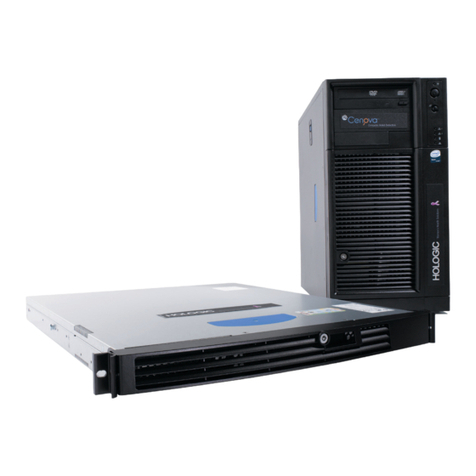
Cenova Image Analytics Server 3.0 User Guide
Table of Contents
MAN-05463-001 Revision 002 v
Table of Contents
1: Introduction __________________________________________________________________1
1.1 Overview..................................................................................................................................................................1
1.2 Using This Guide ....................................................................................................................................................2
1.3 Resources Available................................................................................................................................................2
1.4 Warnings and Precautions..................................................................................................................................... 4
1.4.1 System Operation ..................................................................................................................................... 5
1.4.2 Installation and Maintenance..................................................................................................................7
1.5 Warranty Statement................................................................................................................................................ 8
2: System Description____________________________________________________________9
2.1 Inputs to Cenova.....................................................................................................................................................9
2.1.1 Input Devices ............................................................................................................................................9
2.1.2 Image Formats .......................................................................................................................................... 9
2.1.3 Input Ports and Application Licenses.................................................................................................. 10
2.2 Results from Cenova ............................................................................................................................................11
2.3 Data Flows .............................................................................................................................................................12
2.3.1 ImageChecker CAD Data Flow ............................................................................................................ 13
2.3.2 ImageChecker CAD with DICOM 6000 Data Flow ...........................................................................15
2.3.3 Hologic Imaging Biomarkers Data Flow.............................................................................................17
2.3.4 DigitalNow HD Data Flow ................................................................................................................... 19
3: System Operation ____________________________________________________________21
3.1 Clinical Workflow.................................................................................................................................................21
3.2 Sending Images to the Server..............................................................................................................................21
3.3 Server Startup and Shutdown............................................................................................................................. 22
3.3.1 Shutting Down the Server ..................................................................................................................... 23
3.3.2 Starting Up the Server............................................................................................................................ 24
3.3.3 Restarting the Server ..............................................................................................................................24
3.4 Accessing Unique Device Identifier (UDI) Information.................................................................................. 25
3.5 Using Case Manager............................................................................................................................................. 25
Index _________________________________________________________________________29