manuals.online logo
Brands
  1. Home
  2. •
  3. Brands
  4. •
  5. HTP
  6. •
  7. Boiler
  8. •
  9. HTP ELU Series User manual

HTP ELU Series User manual

Other manuals for ELU Series

2

Other HTP Boiler manuals

HTP Elite XL User manual

HTP

HTP Elite XL User manual

HTP MODCON1000 Installation manual

HTP

HTP MODCON1000 Installation manual
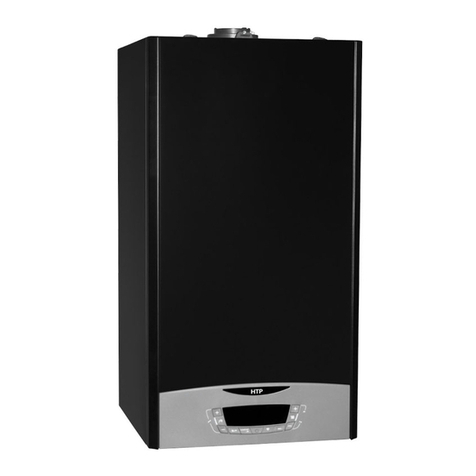
HTP ELU Series Guide

HTP

HTP ELU Series Guide

HTP Mod Con 300 LP Instruction Manual

HTP

HTP Mod Con 300 LP Instruction Manual
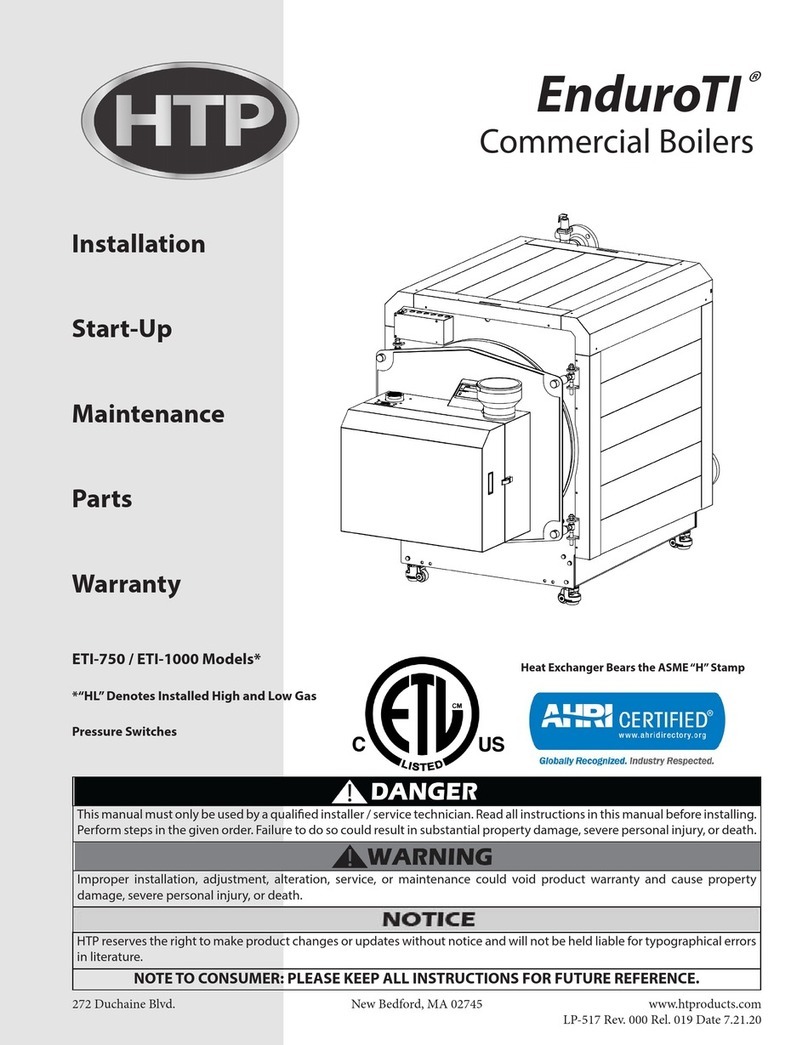
HTP EnduroTI ETI-1000 Installation manual
HTP

HTP EnduroTI ETI-1000 Installation manual

HTP Pioneer PHR100 Installation manual
HTP

HTP Pioneer PHR100 Installation manual

HTP Munchkin T50M User manual

HTP

HTP Munchkin T50M User manual
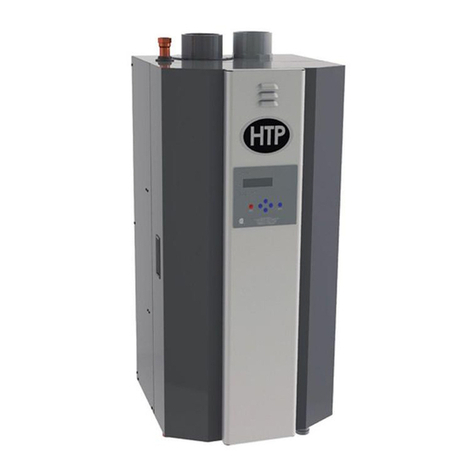
HTP Elite FT EFT-285 Installation manual
HTP

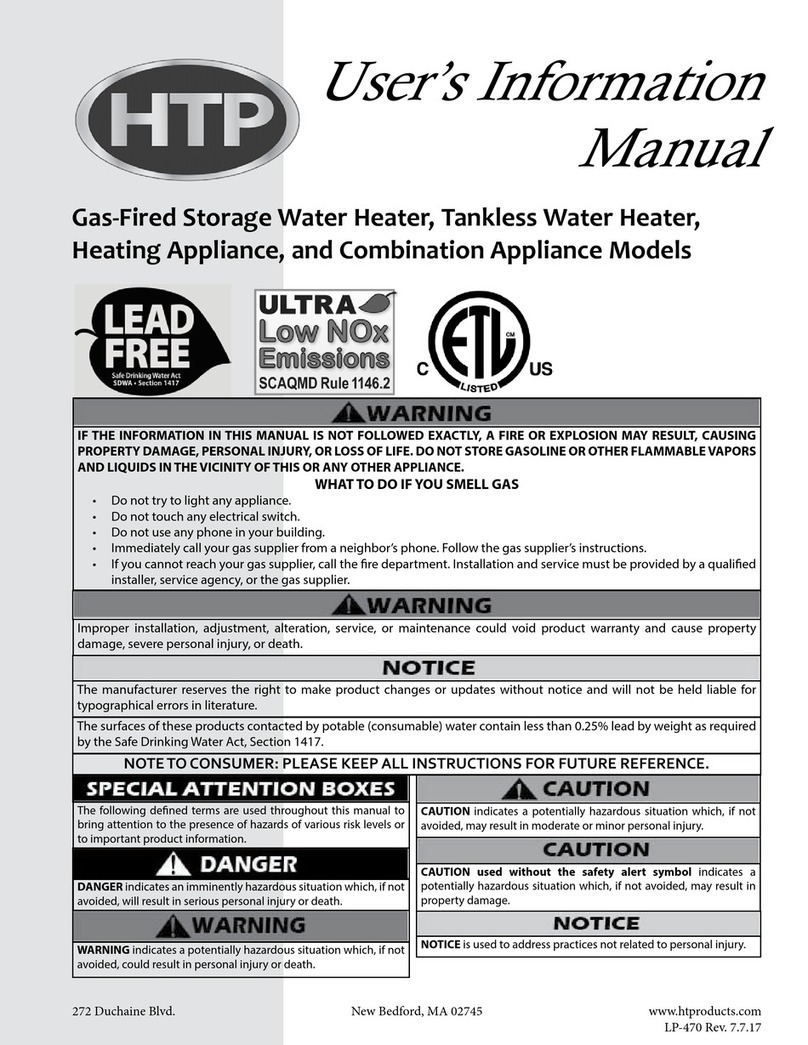
HTP Elite FT EFT-285 Installation manual

HTP EFT-55 Guide

HTP

HTP EFT-55 Guide

HTP MODCON1000 Installation manual

HTP

HTP MODCON1000 Installation manual
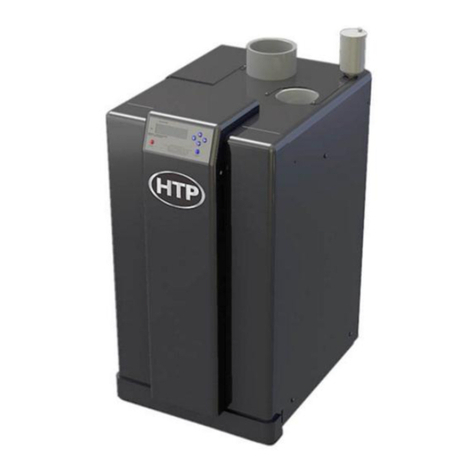
HTP EL-80 Installation manual

HTP

HTP EL-80 Installation manual
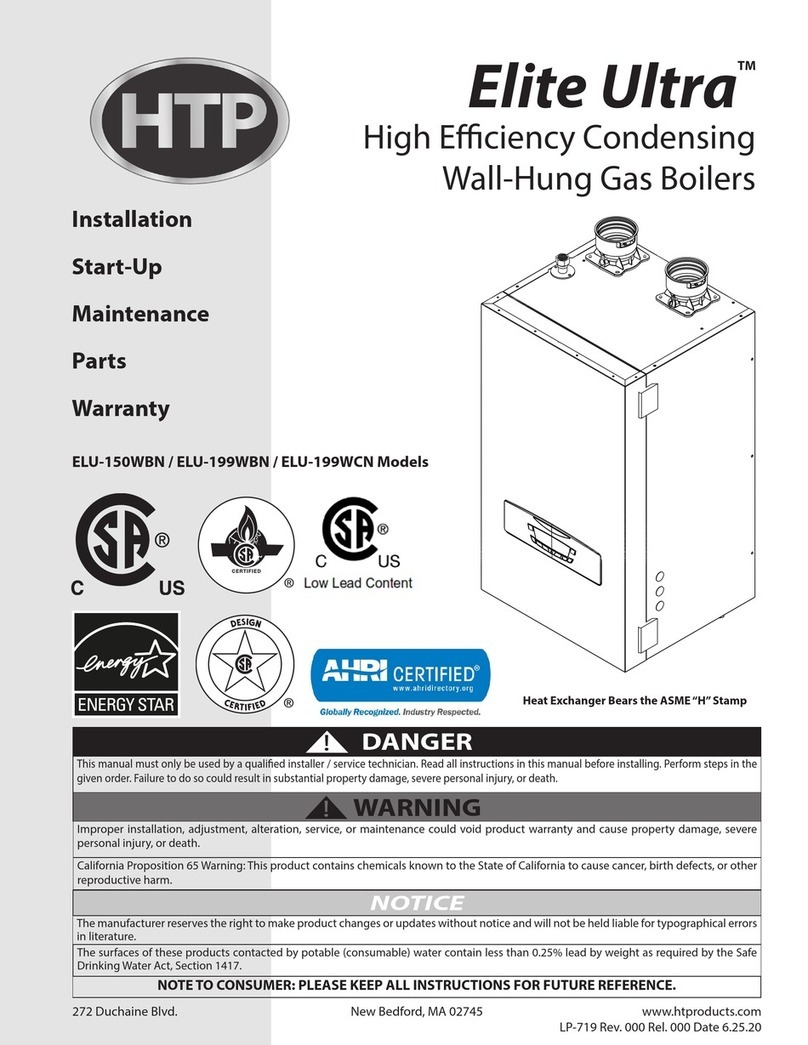
HTP Elite Ultra ELU-150WBN Installation manual
HTP

HTP Elite Ultra ELU-150WBN Installation manual

HTP MODCON500 LP Installation manual

HTP

HTP MODCON500 LP Installation manual
HTP VWH300LP User manual

HTP

HTP VWH300LP User manual

HTP 500 LP Installation manual

HTP

HTP 500 LP Installation manual
HTP EFTC-199F User manual

HTP

HTP EFTC-199F User manual

HTP EFTC-140F User manual

HTP

HTP EFTC-140F User manual
HTP Pioneer Installation manual

HTP

HTP Pioneer Installation manual

HTP Elite FT Series Installation manual

HTP

HTP Elite FT Series Installation manual

HTP UFT-175W User manual

HTP

HTP UFT-175W User manual
HTP EFTC-140F User manual

HTP

HTP EFTC-140F User manual

HTP EFTU-085 User manual

HTP

HTP EFTU-085 User manual

HTP EFT-55 Guide

HTP

HTP EFT-55 Guide

HTP Elite FT Installation manual

HTP

HTP Elite FT Installation manual

Popular Boiler manuals by other brands

IDEAL IMAX XTRA EL 320 user guide

IDEAL

IDEAL IMAX XTRA EL 320 user guide
UTICA BOILERS BC3D Installation, operation & maintenance manual
UTICA BOILERS

UTICA BOILERS BC3D Installation, operation & maintenance manual

Lochinvar SOLUTION 260000 Installation & service manual
Lochinvar

Lochinvar SOLUTION 260000 Installation & service manual

Weil-McLain EG 6 Series manual

Weil-McLain

Weil-McLain EG 6 Series manual
RBI LCD Series Installation & operation manual
RBI

RBI LCD Series Installation & operation manual

Baxi MainEco Combi 28 Installation and service manual
Baxi

Baxi MainEco Combi 28 Installation and service manual

Unical ALKON R 24 Installation and Servicing Manual
Unical

Unical ALKON R 24 Installation and Servicing Manual

Automatic Heating Gasogen Installation and Servicing Manual

Automatic Heating

Automatic Heating Gasogen Installation and Servicing Manual

Viessmann VITORADIAL 300-T Type VR3 Service instructions for contractors
Viessmann

Viessmann VITORADIAL 300-T Type VR3 Service instructions for contractors

Alpha GasSaver GS-1 Installation and servicing instructions

Alpha

Alpha GasSaver GS-1 Installation and servicing instructions

Baxi ROCA LAURA PLUS 28/28 Operating, cleaning and maintenance instructions for the user
Baxi

Baxi ROCA LAURA PLUS 28/28 Operating, cleaning and maintenance instructions for the user

Vaillant uniSTOR VIH SW GB 500 BES operating instructions

Vaillant

Vaillant uniSTOR VIH SW GB 500 BES operating instructions

Kärcher HWE 4000 Gas manual

Kärcher

Kärcher HWE 4000 Gas manual

Radijator BIO max 23.1 instruction manual

Radijator

Radijator BIO max 23.1 instruction manual

Granby BKC Installation, operation and maintenance manual
Granby

Granby BKC Installation, operation and maintenance manual

Brunner BSV 20 Instructions for use

Brunner

Brunner BSV 20 Instructions for use

Potterton 50e Installation and Servicing Manual
Potterton

Potterton 50e Installation and Servicing Manual

UTICA BOILERS TriFire Assembly instructions

UTICA BOILERS

UTICA BOILERS TriFire Assembly instructions

manuals.online logo
manuals.online logoBrands
  • About & Mission
  • Contact us
  • Privacy Policy
  • Terms and Conditions

Copyright 2025 Manuals.Online. All Rights Reserved.

ELU
High Eciency Condensing
Wall-Hung Gas Boilers
Connectivity
Quick Start Guide
ELU series
272 Duchaine Blvd.
New Bedford, MA 02745
www.htproducts.com
420011057800 Rev. 000 Rel. 000 Date 9.06.19
2
420011057800 - Rev. 000 Rel. 000 Date 9.06.19
Thank you for your purchase.
You just installed an HTP boiler
designed and built to provide
a new experience in domestic
heating and hot water comfort.
Connect the product and, with
agreement from the boiler’s
owner, activate the remote
assistance service to manage
issues remotely and be notied of
errors in real time.
Connecting the boiler is quick
and easy in 4 easy steps:
WARNING
!
- Before the beginning of the
following procedure check
that the Internet router
where the boiler is installed
is working correctly.
- Keep the SSID and
password of owner’s Wi-Fi
network handy.
They will be used during
conguration.
1: Owner Account
Creation
2: Connect the Boiler
to the Internet
3: Get the Boiler
WiFi Serial Number
4: Contractor Remote
Connectivity
3
420011057800 - Rev. 000 Rel. 000 Date 9.06.19
1. Enter the website and create
your nal user account
2. Conrm your email. All other
steps will be performed by
the Contractor
1. Owner Account Creation
www.htp-net.remotethermo.com
4
420011057800 - Rev. 000 Rel. 000 Date 9.06.19
2. Connect the Boiler to the Internet
1. Enter connectivity menu by
pressing WiFi button, “WIFI”
will appear, press ok and use
the left + and – to select “on”.
Conrm by pressing ok
2. Enter connectivity menu
by pressing WiFi button,
use the left + and – to scroll
down to“AP” and press ok
3. Connect your computer or
smartphone to the network
“Remote GW Thermo”
(unsecured)
4. Open the browser and go to
192.168.1.1
5. Choose the local Wi-Fi and
enter the password
6. The boiler is now
connecting to Internet!
Check the Wi-Fi Icon on the
display:
· If you only see the Wi-Fi
symbol on steady, it
means that the product is
online
· If you see the Wi-Fi
symbol blinking fast, the
product is still trying to
connect, just wait few
minutes and it should
change to being on
steady.
· If you see the Wi-Fi
symbol blinking slow,
it means that the
procedure has failed.
Please, try again and
check that the Wi-Fi
password is correct
5
420011057800 - Rev. 000 Rel. 000 Date 9.06.19
3. Get the Boiler WiFi Serial Number
1. Enter connectivity menu
by pressing WiFi button,
use the left + and – to scroll
down to“SN”and press ok
2. The display will show you
its 12 characters serial
number. Take note of it.
3. Ask the customer for their
email they used to create
the user account.
4. You can now register
the product and start
monitoring remotely!
6
420011057800 - Rev. 000 Rel. 000 Date 9.06.19
4. Contractor Remote Connectivity
1. Log in to the platform www.htp-net.remotethermo.com with
your Contractor account. If you don’t already have an account,
please go to http://www.htproducts.com/wicontractoraccount
to request an account.
2. To register a new product, click on “New Product Registration”.
3. Enter the location of the product by entering the address or
dragging and dropping the pin in the map
4. Enter the WiFi serial number from Step 3 and conrm agreement.
7
420011057800 - Rev. 000 Rel. 000 Date 9.06.19
4. Contractor Remote Connectivity
5. Fill in the available data and then go to “User Data”. Enter the
Owner’s information (email address is required).
420011057800