5
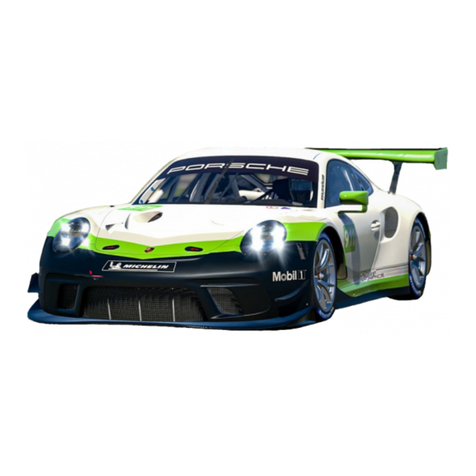
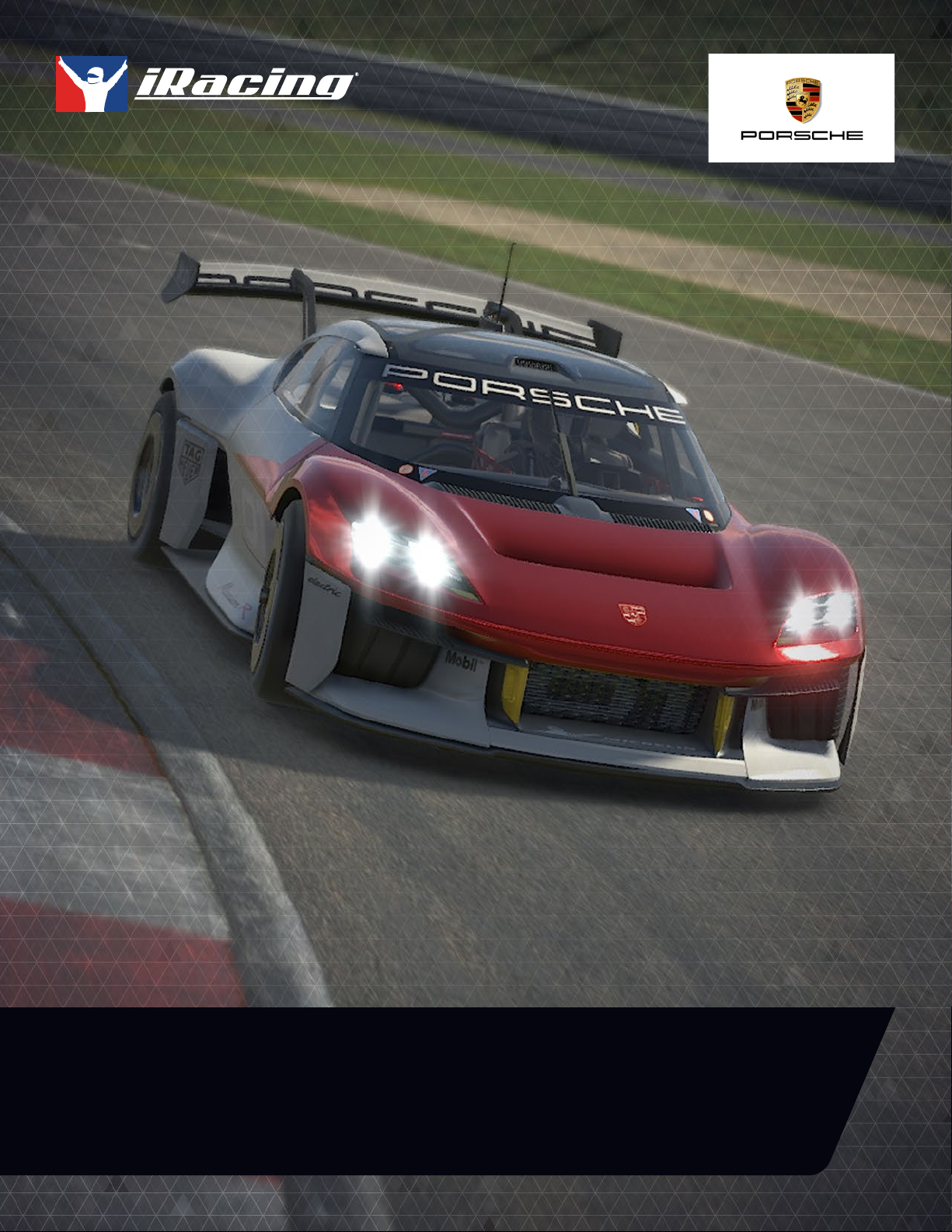
PORSCHE MISSION R // USER MANUAL
Introduction
The information found in this guide is intended to provide a deeper understanding of the
chassis setup adjustments available in the garage, so that you may use the garage to tune
the chassis setup to your preference.
Before diving into chassis adjustments, though, it is best to become familiar with the car and track. To that end, we have provided
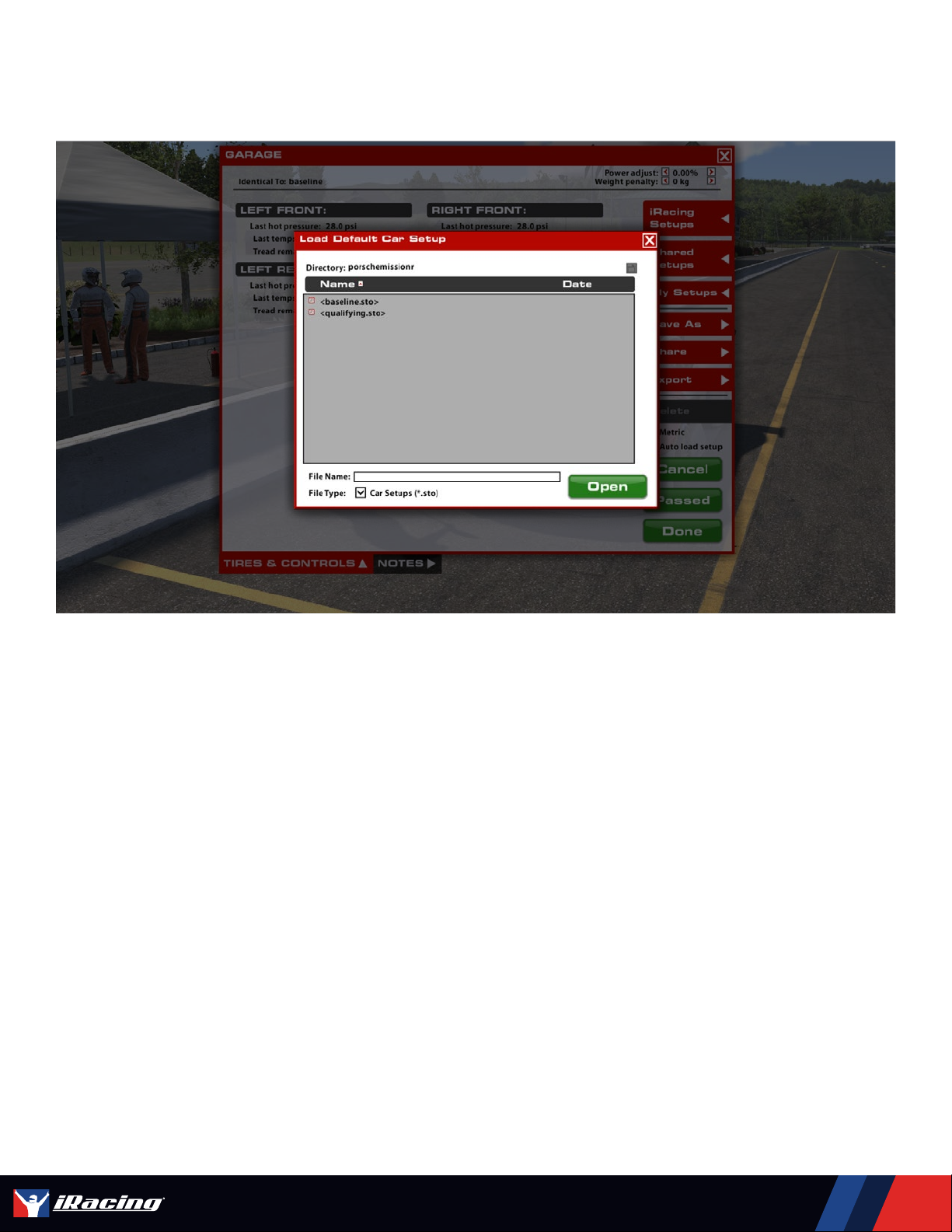
baseline setups for each track commonly raced by these cars. To access the baseline setups, simply open the Garage, click
iRacing Setups, and select the appropriate setup for your track of choice. If you are driving a track for which a dedicated baseline
setup is not included, you may wwselect a setup for a similar track to use as your baseline. After you have selected an appropriate
setup, get on track and focus on making smooth and consistent laps, identifying the proper racing line and experiencing tire wear
and handling trends over a number of laps.
Once you are confident that you are nearing your driving potential with the included baseline setups, read on to begin tuning the
car to your handling preferences.
GETTING STARTED
Starting the Mission R is very simple thanks to the electric powertrain. Pressing the Ignition button will turn on the vehicle,
powering the steering wheel and dash display. To start the motors, simply press the Start button and the powerrain will be
activated. The Mission R only has a forward and a reverse gear, so shifting up to 1st gear and applying the throttle will send you
out on track. Once running there is no shifting required.
PORSCHE MISSION R // INTRODUCTION