manuals.online logo
Brands
  1. Home
  2. •
  3. Brands
  4. •
  5. it
  6. •
  7. Speakers
  8. •
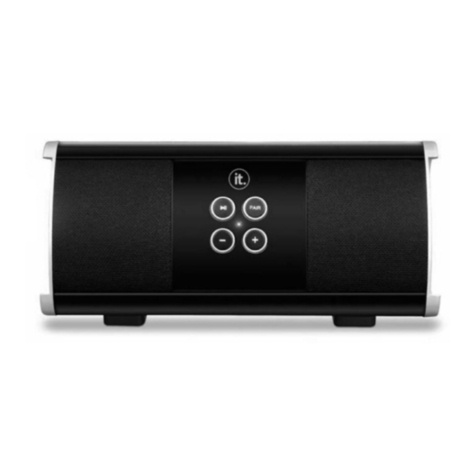
  9. it ITSB-203B User manual

it ITSB-203B User manual

Other it Speakers manuals

it ITSB-203B User manual

it

it ITSB-203B User manual

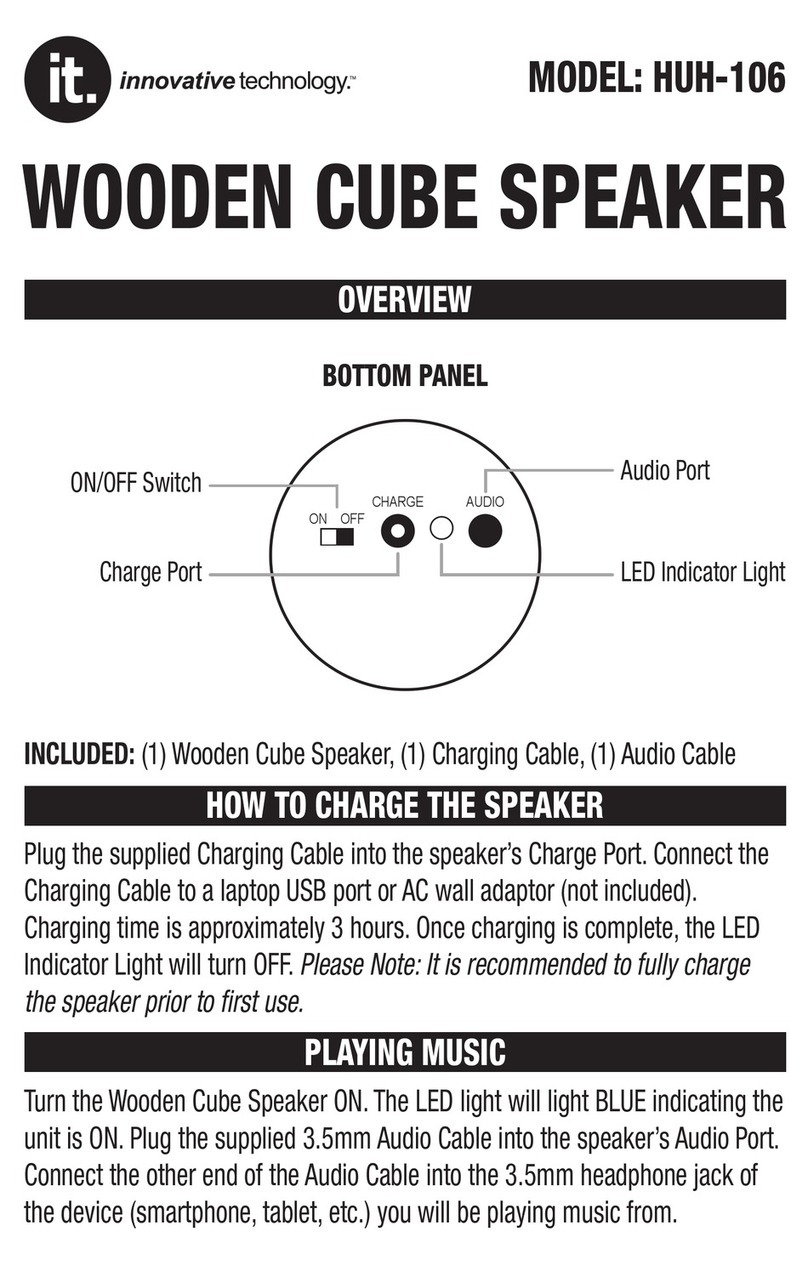
it HUH-106 User manual

it

it HUH-106 User manual

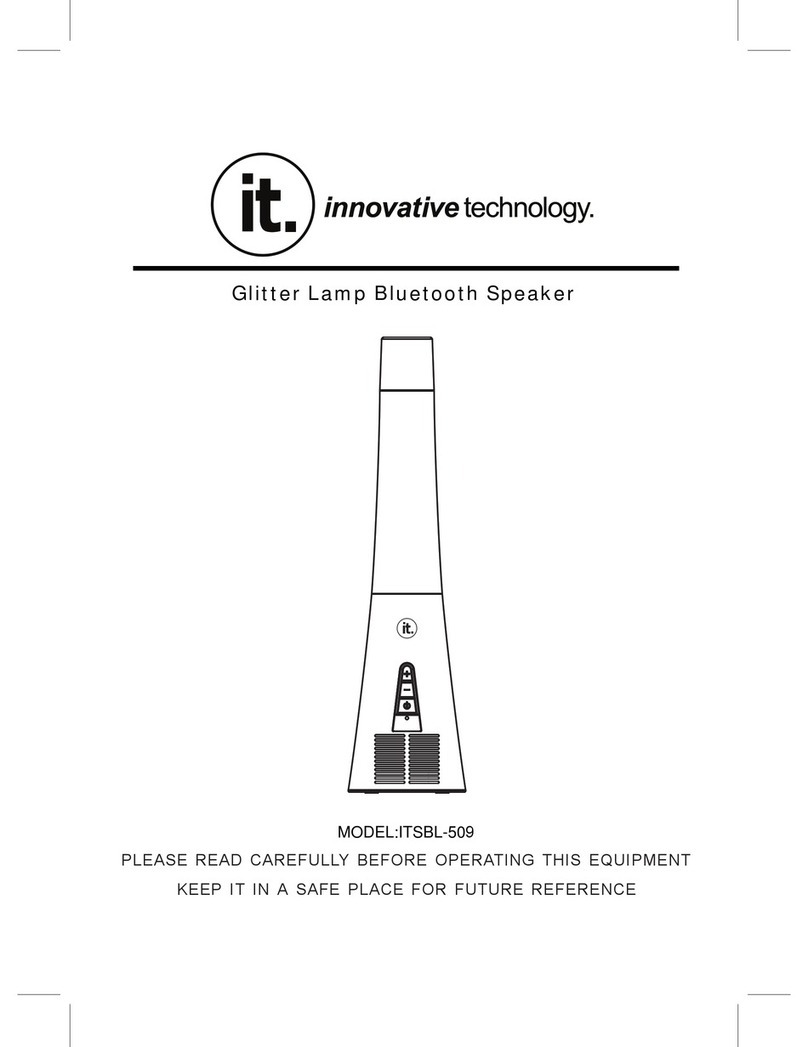
it ITSBL-509 User manual

it

it ITSBL-509 User manual

it ITW-105 User manual

it

it ITW-105 User manual

Popular Speakers manuals by other brands

Electro-Voice LR4S engineering data

Electro-Voice

Electro-Voice LR4S engineering data

Definitive Technology Sound Cylinder user guide

Definitive Technology

Definitive Technology Sound Cylinder user guide

AudioSource LS545 user manual

AudioSource

AudioSource LS545 user manual

Paso C402-T Instructions for use

Paso

Paso C402-T Instructions for use

Altec Lansing 416-8C LF SPEAKER manual

Altec Lansing

Altec Lansing 416-8C LF SPEAKER manual

Kenwood KFC-1072 Servise manual

Kenwood

Kenwood KFC-1072 Servise manual

Peavey ProSys 112 user guide

Peavey

Peavey ProSys 112 user guide

JBL Control Contractor 60 Series installation instructions

JBL

JBL Control Contractor 60 Series installation instructions

Aura STORM-8 owner's manual

Aura

Aura STORM-8 owner's manual

Oontz ANGLE 3 PLUS quick start guide

Oontz

Oontz ANGLE 3 PLUS quick start guide

Electro-Voice LR4A engineering data

Electro-Voice

Electro-Voice LR4A engineering data

Rave RK-650-ICA-B owner's manual

Rave

Rave RK-650-ICA-B owner's manual

Flux Reference Series installation manual

Flux

Flux Reference Series installation manual

Lanzar AQAWBS64BK installation manual

Lanzar

Lanzar AQAWBS64BK installation manual

DAPAudio DCS-6230 manual

DAPAudio

DAPAudio DCS-6230 manual

Aluratek ABS03F quick start guide

Aluratek

Aluratek ABS03F quick start guide

Kenwood KES-5A instruction manual

Kenwood

Kenwood KES-5A instruction manual

Sonance ORIGINAL SERIES instruction manual

Sonance

Sonance ORIGINAL SERIES instruction manual

manuals.online logo
manuals.online logoBrands
  • About & Mission
  • Contact us
  • Privacy Policy
  • Terms and Conditions

Copyright 2025 Manuals.Online. All Rights Reserved.

Innovative Technology Electronics Corp.
1 Channel Drive, Port Washington, NY 11050
Toll free: 1-877-483-2497
Website for support: www.ithomeproducts.com/support
There are no express warranties except as listed above.
REPAIR OR REPLACEMENT AS PROVIDED UNDER THIS WARRANTY IS THE
EXCLUSIVE REMEDY OF THE CUSTOMER, (IT) SHALL NOT BE LIABLE FOR
ANY INCIDENTAL OR CONSEQUENTIAL DAMAGES FOR BREACH OF ANY
EXPRESS OR IMPLIED WARRANTY ON THIS PRODUCT EXCEPT TO THE
EXTENT PROHIBITED BY APPLICABLE LAW. ANY IMPLIED WARRANTY OF
MERCHANTABILITY OR FITNESS FOR A PARTICULAR PURPOSE ON THIS
PRODUCT IS LIMITED IN DURATION TO THE DURATION OF THIS WARRANTY.
Some states do not allow the exclusion or limitation of incidental or
consequential damages, or limitations on how long an implied warranty lasts,
so the above exclusions or limitations may not apply to you. This warranty gives
you specific legal rights and you may also have other rights, which vary from
state to state.
BATTERY CHARGING
This speaker is powered by the internal rechargeable battery. When the battery
is nearly exhausted, a red indicator will light and flash, the speaker should be
charged as soon as possible. Connect the unit with USB cable to the USB
charge port, and the red indicator will turn solid red while charging. When
charging is completed, the red indicator will turn off.
NOTE:
--A complete charge takes about 2 hours.
--The battery will charge whether the speaker is switched on or off.
BLUETOOTH
Pairing and connection
1. Move the Power On/Off to the ON position. Blue light will be on.
2. Press the PAIR button on the front of the unit, the blue indicator will flash
quickly and enter pairing mode.
3. Please make sure your Bluetooth connection is activated on your device.
Each Bluetooth device is different so refer to your device’s operating manual if
you are unsure how to activate your Bluetooth connection. During searching,
the blue indicator will keep flashing. The Bluetooth device will scan for the unit
and identify it as ITSB-203B. Select ITSB-203B on your Bluetooth device to
connect.
4. When connected, the speaker will beep and the blue indicator will be solid.
NOTE:
--Make sure to disconnect the AUX IN cable before Bluetooth pairing.
--If the device asks to input a password during paring, please enter 0000.
--If the device is unable to connect with the speaker, turn off the speaker, then
turn on and reconnect again.
During playback:
--Press + and - buttons to adjust the volume level.
--During playback, press play/pause button to pause and press again to
resume.
NOTE:
--Play/Pause functions may not work with all Bluetooth devices.
--When the AUX IN cable is connected, the AUX IN source will be selected and
there will be no audio output from Bluetooth source.
FRONT
1. Play/Pause
2. Pair Button
3. Volume -
4. Volume +
5. LED Indicator
BACK
6. Power ON/OFF Switch
7. USB Charge Port
8. AUX IN Jack
US B CHA RG EPOWER
OFFON
AUX IN
1.
3.
2.
4.
5.
6. 7. 8.
V130626

FCC STATEMENT
1. This device complies with Part 15 of the FCC Rules. Operation is subject to the
following two conditions:
(1) This device may not cause harmful interference.
(2) This device must accept any interference received, including interference that may
cause undesired operation.
Changes or modifications not expressly approved by the party responsible for compliance
could void the user's authority to operate the equipment.
NOTE: This equipment has been tested and found to comply with the limits for a Class B
digital device, pursuant to Part 15 of the FCC Rules. These limits are designed to provide
reasonable protection against harmful interference in a residential installation.
This equipment generates uses and can radiate radio frequency energy and, if not
installed and used in accordance with the instructions, may cause harmful interference to
radio communications. However, there is no guarantee that interference will not occur in a
particular installation. If this equipment does cause harmful interference to radio or
television reception, which can be determined by turning the equipment off and on, the
user is encouraged to try to correct the interference by one or more of the following
measures:
Reorient or relocate the receiving antenna. 
Increase the separation between the equipment and receiver. 
Connect the equipment into an outlet on a circuit different from that to which the 
receiver is connected.
Consult the dealer or an e xperienced radio/TV technician for help.