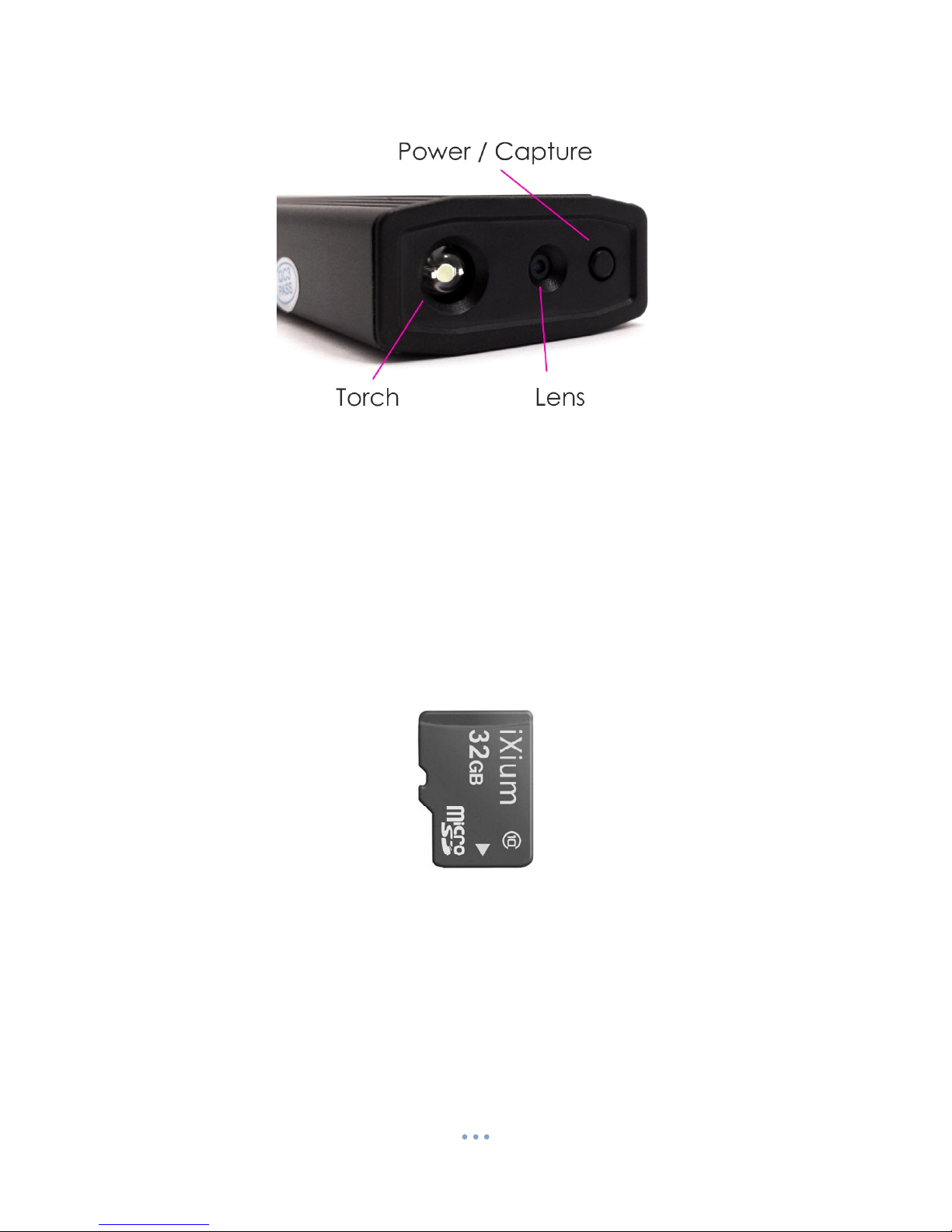
Power / Capture
Turn On
Press and hold the Power / Capture button, there will be a short vibration and the blue indicator will
come on (this should only take 2 or 3 seconds). The Lighter is now on a ready to use.
Turn Off
Press and hold the Power / Capture button, the indicator will flash quickly and go out (this should
only take 2 or 3 seconds). The Lighter is now turned off.
Video Recording
Turn the Lighter on; quickly press the Power / Capture button once, the camera will vibrate twice
and the indicator will go out, you are now recording a video. To end the recording just press the
Power / Capture button again the camera will vibrate three times and the indicator will come back
on solid.
Lighter Function
With the cap on the top of the lighter press and hold the lighter button, the filament will then light
up and it can be used like you would a normal lighter.
Torch Function
Press the torch button on the side of the lighter, the torch LED at the bottom of the lighter will come
on. To turn the torch off press the button again.
(turn over)