manuals.online logo
Brands
  1. Home
  2. •
  3. Brands
  4. •
  5. Kicker
  6. •
  7. Subwoofer
  8. •
  9. Kicker 19417164 User manual

Kicker 19417164 User manual

Other Kicker Subwoofer manuals
Kicker CompVR CVR8 User manual

Kicker

Kicker CompVR CVR8 User manual

Kicker CVX COMPVX10 User manual

Kicker

Kicker CVX COMPVX10 User manual

Kicker CompC Series User manual

Kicker

Kicker CompC Series User manual
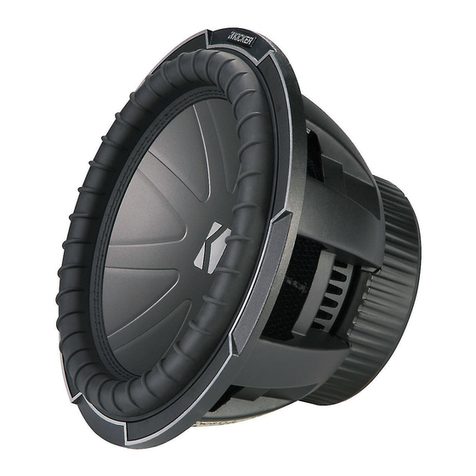
Kicker Q-CLASS CompQ12 User manual

Kicker

Kicker Q-CLASS CompQ12 User manual

Kicker Solo-Baric S8L7 User manual

Kicker

Kicker Solo-Baric S8L7 User manual
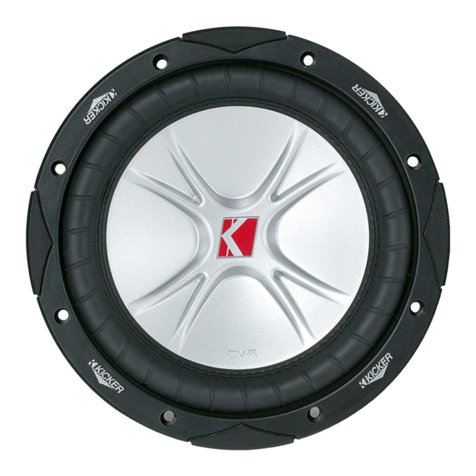
Kicker CompVR CVR10 User manual

Kicker

Kicker CompVR CVR10 User manual

Kicker COMPVT CVT124 User manual

Kicker

Kicker COMPVT CVT124 User manual
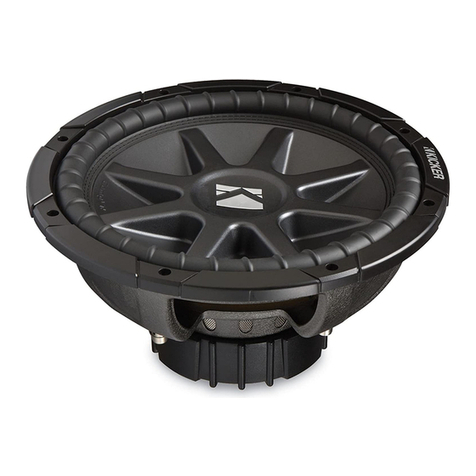
Kicker CompVR CVR12 User manual

Kicker

Kicker CompVR CVR12 User manual

Kicker Comp DC12 User manual

Kicker

Kicker Comp DC12 User manual

Kicker PTRTP10 User manual

Kicker

Kicker PTRTP10 User manual

Kicker L7T8 User manual

Kicker

Kicker L7T8 User manual
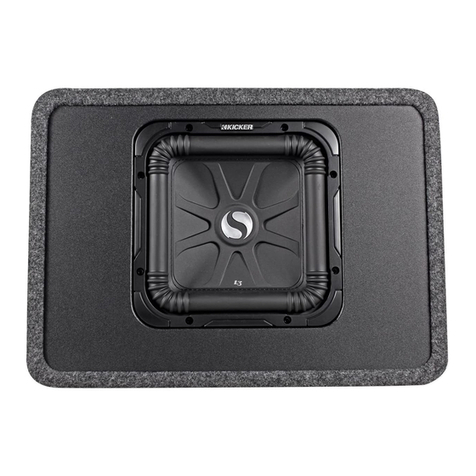
Kicker SOLO-BARIC DS12L3 User manual

Kicker

Kicker SOLO-BARIC DS12L3 User manual
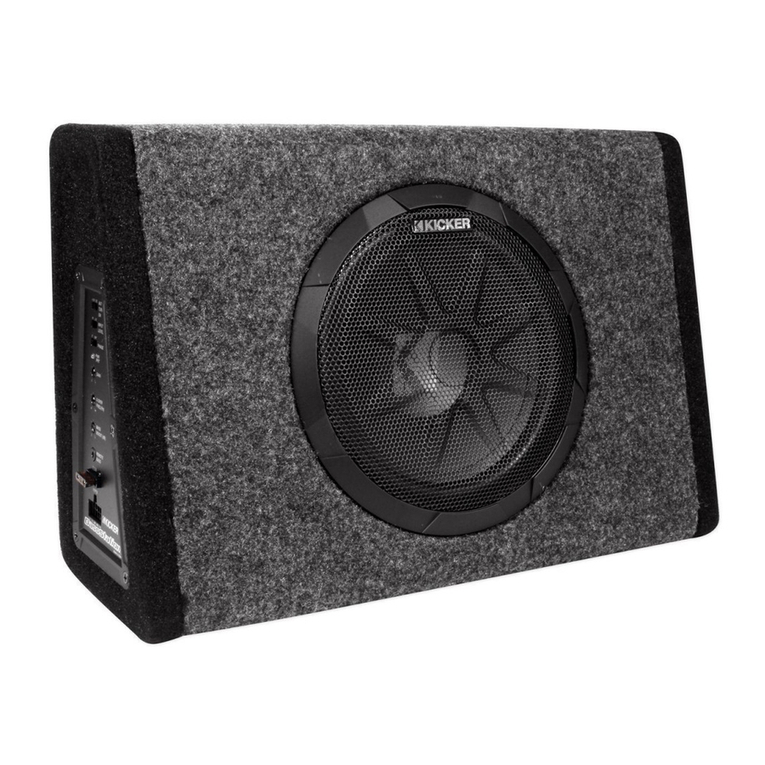
Kicker BassStation PT8 User manual

Kicker

Kicker BassStation PT8 User manual

Kicker S12L5 User manual

Kicker

Kicker S12L5 User manual
Kicker CompVR CVR10 User manual

Kicker

Kicker CompVR CVR10 User manual
Kicker Q-CLASS CompQ10 User manual

Kicker

Kicker Q-CLASS CompQ10 User manual

Kicker SOLOX User manual

Kicker

Kicker SOLOX User manual
Kicker Soundgate SWRA406 User manual

Kicker

Kicker Soundgate SWRA406 User manual

Kicker Comp C10 User manual

Kicker

Kicker Comp C10 User manual

Kicker Comp C10 User manual

Kicker

Kicker Comp C10 User manual

Kicker CompVR CVR15 User manual

Kicker

Kicker CompVR CVR15 User manual

Kicker S18X User manual

Kicker

Kicker S18X User manual

Kicker CompVR C18d User manual

Kicker

Kicker CompVR C18d User manual

Kicker Comp DC12 User manual

Kicker

Kicker Comp DC12 User manual

Popular Subwoofer manuals by other brands

Extron electronics SF 8CT SUB user guide

Extron electronics

Extron electronics SF 8CT SUB user guide

SVS PB-4000 quick start guide

SVS

SVS PB-4000 quick start guide

Pioneer S-DVR9SW Service manual

Pioneer

Pioneer S-DVR9SW Service manual

Yamaha YST-SW515 Service manual

Yamaha

Yamaha YST-SW515 Service manual

Velodyne SPL-800 ULTRA - REV B datasheet

Velodyne

Velodyne SPL-800 ULTRA - REV B datasheet

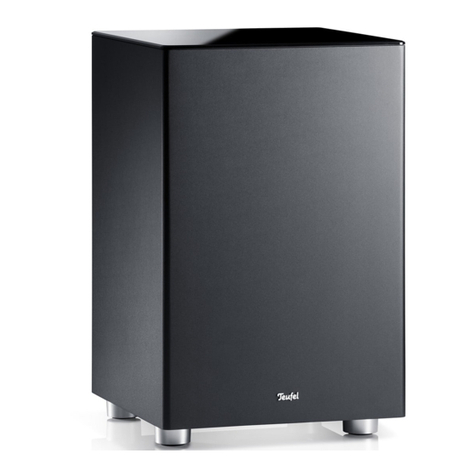
Teufel US 2110/1 SW operating instructions

Teufel

Teufel US 2110/1 SW operating instructions

Wet Sounds SS-65 user manual

Wet Sounds

Wet Sounds SS-65 user manual

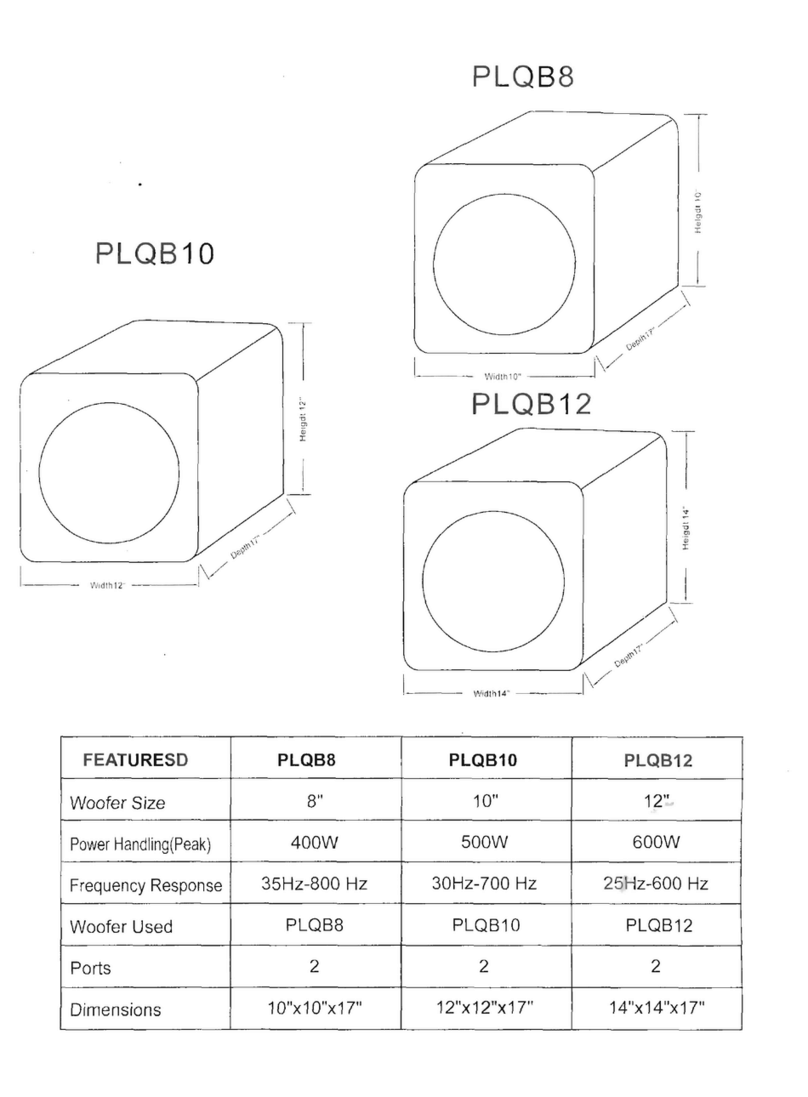
Pyle PLQB10 Specifications

Pyle

Pyle PLQB10 Specifications

Sony XS-L1536 Product guide

Sony

Sony XS-L1536 Product guide

Sony XS-AW8 operating instructions

Sony

Sony XS-AW8 operating instructions

B&C Speakers 15 HPL 76W Specifications

B&C Speakers

B&C Speakers 15 HPL 76W Specifications

Velodyne DD-18+ Specifications

Velodyne

Velodyne DD-18+ Specifications

Sonance Cinema Series SUB 10-150 Specifications

Sonance

Sonance Cinema Series SUB 10-150 Specifications

Hifonics HW-12 Owners & installation manual

Hifonics

Hifonics HW-12 Owners & installation manual

Yamaha 64263 owner's manual

Yamaha

Yamaha 64263 owner's manual

Magnat Audio ADR 130 BP user manual

Magnat Audio

Magnat Audio ADR 130 BP user manual

Technics SB-AS500 Operaing instructions

Technics

Technics SB-AS500 Operaing instructions

Lyngdorf BW-2 owner's manual

Lyngdorf

Lyngdorf BW-2 owner's manual

manuals.online logo
manuals.online logoBrands
  • About & Mission
  • Contact us
  • Privacy Policy
  • Terms and Conditions

Copyright 2025 Manuals.Online. All Rights Reserved.

1

19417164
Designed for 2019 and newer
Chevrolet® Silverado/GMC®
Sierra 1500 as well as 2020
and newer 2500/3500 Crew
Cab or Double Cab trucks.
SubwooferHarness
Fuse
AdaptorHarness

SubwooferPowerHarness
WireTies
SubwooferAssembly
©2023 Stillwater Designs
19417164-20231006

2

1. Disconnect negative battery cable.
2. Remove the cover of the battery junction box. Fig. 1
3. Make sure supplied fuse is not installed in fuse holder and connect the subwoofer power wire to
the stud pictured in figure 2. Torque to 4.7Nm (42in-lb)
Route the subwoofer power wire toward the passenger side firewall and secure with supplied wire
ties.
2019-2023 Trucks
4. Find the rubber grommet behind the battery and cut the end of the accessory tube. Feed the
power wires through the grommet tube into the cabin. Fig. 3 Continue to step 9.
Connect one power
harness to each
terminal
Fig. 2 Fig. 1
Fig. 3
3

2024 and newer Trucks
NOTE: The newer style grommet requires using a fish tape or some type of stiff wire to
penetrate the grommet. There is a provision in the grommet to allow the power
harness to pass through the grommet.
DO NOT TRY TO PENETRATE THE GROMMET ANY OTHER WAY THAN DESCRIBED.
5. Using electrical tape, tape the power harness to the fish tape or stiff wire as shown with one of
the three terminals pointed back along the power harness. Fig. 4
6. Start taping about two inches in front of the power harness and continue about two inches past
the terminal pointing backwards. Applying a thin coat of oil along the electrical tape will aid in
passing through the grommet. Fig. 5



7. Find the rectangular plastic
opening at the 6 o’clock position
of the grommet and insert the fish
tape or wire through it. There will
be some resistance until the
rubber is pierced. Pass the fish
tape into the cabin carefully to
avoid hitting any wires on the
inside of the cabin. You should
now be able to reach up to the
backside of the grommet
underneath the dash and pull the
fish tape and power harness into
the cabin. Fig. 6
Fig. 4 Fig. 5
Fish Tape or
Stiff Wire
Fig. 6
4

8. Install the white three pin power connector on the subwoofer power wire. Close the retainer.
Fig. 7
9. Connect the subwoofer power wire to the subwoofer harness. Fig. 8















10. If equipped with power seats, adjust the passenger seat as high as possible. Remove the panel
next to the seat. Fig. 9
11. Remove the front kick/sill trim panel as well as the rear sill panel. Fig. 10
12. Connect the ground wire to the ground point
located in the right front kick panel area. Fig.
11 Tighten to 7.5Nm (66in-lb)
Fig. 11
Fig. 8
Fig. 9 Fig. 10
Then close
retainer
Insert terminals first. Any
wire can be in any position.
Fig. 7
5




















13. Remove the four screws securing the front
and rear wire protector and route the
subwoofer harness alongside the factory
harness securing with supplied wire ties.
Replace wire protectors. Fig. 14









Fig. 12
Trucks without Bose® audio system
1. Locate the audio control module next to the
glove compartment and disconnect the two 28
pin connectors. Fig. 12
2. Find the connector with the solid blue and
brown/blue stripe wires and peal back the
cloth sheathing.
3. Connect the green wire of the adapter harness
to the blue wire and the brown wire of the
adapter harness to the brown/blue stripe wire -
See Splicing Technique Section.
4. Connect the adapter harness to the subwoofer
harness.

Fig. 13
Trucks with Bose® audio system
1. Find the harness that runs from the kick panel
area toward the rear of the truck.
2. Using a seam ripper, carefully cut a slit in the
sheathing.
3. Find the twist pair of wires that are yellow and
yellow/black. Connect the green wire of the
adapter harness to the yellow wire and the
brown wire of the adapter harness to the
yellow/black wire. Fig. 13 - See Splicing
Technique Section
4. Connect the adapter harness to the subwoofer
harness.
Fig. 14
6

14. Remove the two 10mm nuts securing the
jack bracket. Fig. 15
15. Remove the jack tool bag.

NOTE: If equipped with the optional
carpeted storage tray as pictured in
Fig. 12, remove at this time. The
storage tray cannot be used in
conjunction with the subwoofer. The
subwoofer by design provides an
optional storage area once it is
installed.
16. Remove the outer rear seat bolt on the
driver’s side. Fig. 16
17. Make cuts in the carpet according to the
measurement in Fig. 17. Only make cuts
where dotted lines are shown.

































Fig. 15
1inch
1inch
Fig. 17
Fig. 16
7

18. Route subwoofer harness from passenger’s
side to driver’s side under carpet.
Subwoofer harness should be routed
behind seat brackets. Routing from one
precut opening to the next will aid in
harness routing. Fig. 18








19. Route the black four pin subwoofer connector out of the hole that was cut near the stud where
the jack tools attach. Route the white amplifier connector behind seat bolts and out of the hole
that was cut near outer seat bolt. Fig. 19

NOTE: Some subwoofers may be
shipped with an additional 12-inch
adaptor harness connected to the
subwoofer amplifier. If so, tuck the
additional harness underneath the
carpet as well while positioning the
subwoofer into location.






20. Make wire harness connections to
subwoofer and amplifier and set subwoofer
in place aligning brackets with the stud and
seat bolt hole. Fig. 17
NOTE: If equipped with the optional
rear rubber floor liner, use the
subwoofer enclosure as a template to
mark the liner around the outside edge
of the subwoofer enclosure. Using a
razor knife or shears, remove the
portion of the rubber floor liner directly
below the subwoofer enclosure.
21. Reinstall the jack tool bag and nut.

NOTE: MAKE SURE WIRE HARNESS IS NOT BEING CRUSHED UNDER JACK
TOOL BAG!
Fig. 19
Fig. 17
Fig. 18
8

22. Reinstall seat bolt. Torque to 109Nm (80ft/lb)
23. Reinstall all previously removed parts in reverse order.
24. Install supplied fuses into fuse holders.
25. Reconnect negative battery cable. Tighten to 7.5Nm (66in-lb)




9

SplicingTechnique


Splicing Copper Wire Using Splice Sleeves. Special Tools:
•
EL-38125-10 Splice Sleeve Crimping Tool
•
J-38125-5A Ultra Torch Special Tool
•
J-38125-8 Splice Sleeve Crimping Tool
Note: The DuraSeal splice sleeves have the following 2critical features:
•
A special heat shrink sleeve environmentally seals the splice. The heat shrink sleeve contains a
sealing adhesive inside.
•
A cross hatched (knurled) core crimp provides the necessary low resistance contact integrity for
these sensitive, low energy circuits.

Use DuraSeal splice sleeves where there are special requirements such as moisture sealing. Follow the
instructions below in order to splice copper wire using DuraSeal splice sleeves.
Splice Sleeve Color Crimp Tool Nest Color
W i re G a u g e m m ² / ( A W G )
3 Crimp Nests 4 Crimp Nests 

Salmon (Yellow-Pink) 
19168446
Red (1) or Red/Green (1)
Red (2)
0.5–0.8/(18–20)
Blue 
19168447
Blue (2)
Blue (3)
1.0–2.0/(14–16)
Yellow 
19168448
Yellow (3)
Yellow (4)
3.0–5.0/(10–12)

Note: You must perform the following procedures in the listed order. Repeat the procedure if any wire strands
are damaged. You must obtain a clean strip with all of the wire strands intact.
Opentheharnessbyremovinganytape:

•
Use a sewing seam ripper, available from sewing supply stores, in order to cut open the harness in
order to avoid wire insulation damage.
•
Use the DuraSeal splice sleeves on all types of insulation except Tefzel and coaxial.


Cut as little wire off the harness as possible. You may need the extra length of wire in order to change the
location of a splice.
Adjust splice locations so that each splice is at least 40 mm (1.5 in) away from the other splices, harness
branches, or connectors.







10

Striptheinsulation:

•
When adding a length of wire to the existing harness, use the same size wire as the original
wire.
•
Perform one of the following items in order to find the correct wire size:
Find the wire on the schematic and convert to regional wiring gauge size.
If you are unsure of the wire size, begin with the largest opening in the wire stripper and work down until
achieving a clean strip of the insulation.
•
Strip approximately 5.0 mm (0.20 in) of insulation from each wire to be spliced.
•
Do not nick or cut any of the strands. Inspect the stripped wire for nicks or cut strands.
•
If the wire is damaged, repeat this procedure after removing the damaged section.


For high temperature wiring, slide a section of high
temperature SCT1 shrink tubing down the length of wire
to
be spliced. Ensure that the shrink tubing will not interfere
with the splice procedure.
Select the proper DuraSeal splice sleeve according to the
wire size. Refer to the above table at the beginning of the
repair procedure for the color coding of the DuraSeal
splice sleeves and the crimp tool nests.
The EL-38125-10 splice sleeve crimping tool has four crimp
nests. The largest crimp nest (4) is used for crimping 10
and 12 gauge wires. The second largest crimp nest (3) is
used for crimping 14 and 16 gauge
wires. The third
largest crimp nest (2) is used for crimping 18 and 20
gauge wires. The smallest crimp
nest (1) is used for
crimping 22 to 26 gauge wires. The crimp nests are
referenced in the table (farther
above) under the crimp
tool nest color.