Service Manual IW 1209.0W / IWT 1259.0W 9
For internal use only
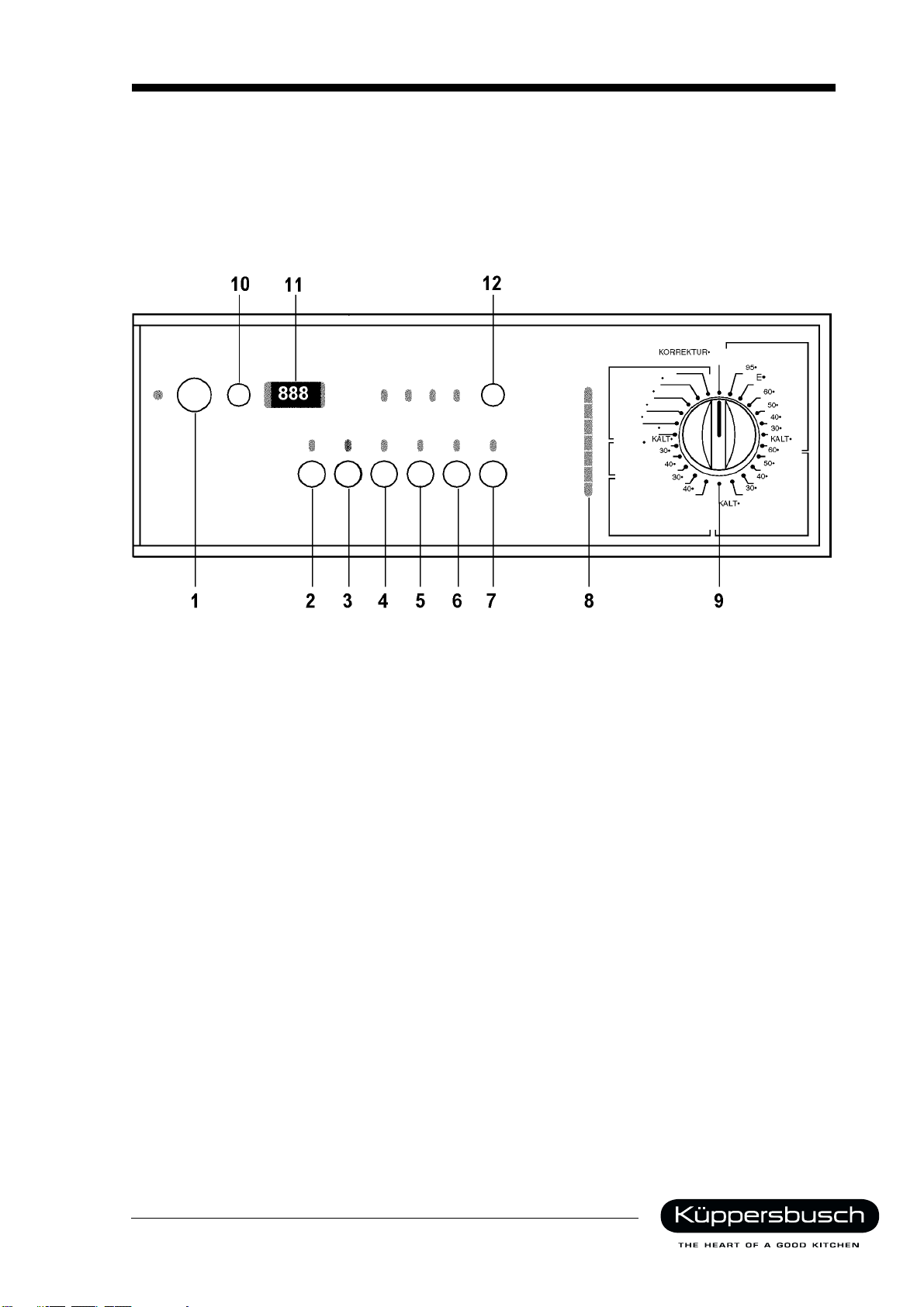
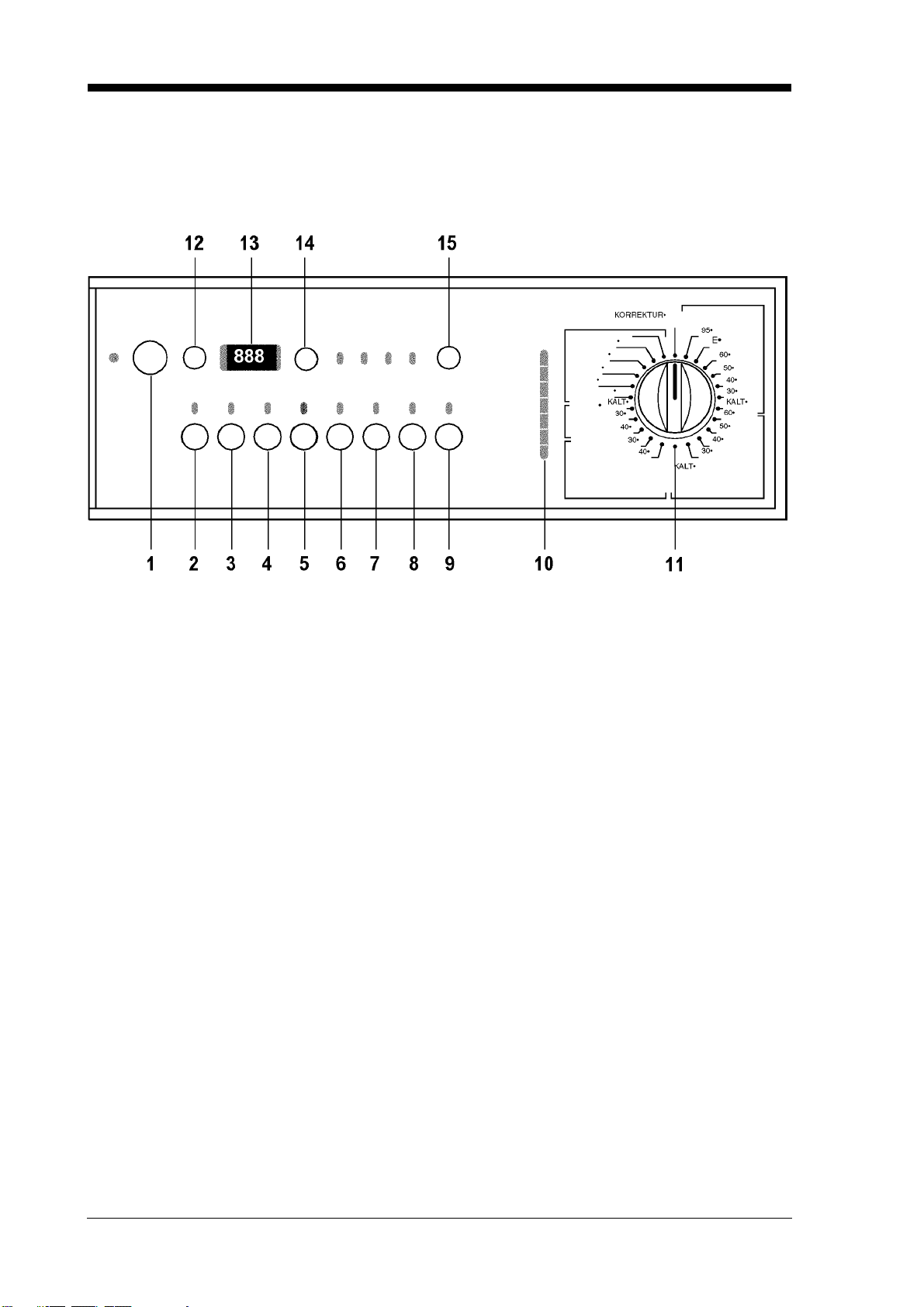
2.1.2 "Delay Timer" button
This button can be used to delay the programme start by between 1 and 19 hours. The delay time is
shown on the display. Pressing the “Start/ Pause” button starts the timer. The time remaining is updated
every hour in the display.
2.1.3 Display
The display shows:
In the RESET position: three flashing bars
When programming the machine, the programme time in flashing numerals until the "Start/ Pause"
button is pressed.
When setting the washing programmes, the programme time required for a full load appears in the
display. As soon as the weight of the load has been calculated, the display changes to show the
actual programme time.
When setting the drying programmes, the maximum drying time for a full load appears first. This is
then replaced with the actual drying time, based on the amount of moisture in the wash.
Once the programme has started, the time remaining figure is recalculated every 10 minutes. In the
last 20 minutes the time is recalculated every 5 minutes.
End of programme: three flashing "0"s show that the door can be opened.
Programme start can be delayed by 1 to 19 hours.
After the "Start/ Pause" is pressed, the delay time remaining is recalculated every hour.
Pre-heating phases are indicated by a dot that appears to the right of the digital display.
Fault codes E00-E10-E20.
2.1.4 "Spin Speed" button
This button is used to select the desired spin speed. The appropriate LED lights up.
If the spin speed for WHITES/COLOUREDS programmes is set to 1200 rpm or higher (1000 rpm with
the VP91J programme function), the intermediate spin cycles will run at 1200 rpm (1000 rpm with the
VP91J programme function). If the speed is set lower than 1200 rpm, the final rinse cycle level 2 will be
added, while the intermediate spin cycles run at the selected spin speed.
If a full wash/ dry programme has been selected, the spin speed can be reduced to a minimum of
900 rpm for WHITES/COLOUREDS and to a minimum of 700 rpm for WASH AND WEAR.
2.1.5 Buttons for "Automatic Drying” are available only on certain washer dryer models.
"Cupboard Dry" button
"Easy Ironing" button (for WHITES/COLOUREDS programmes only)
This button can be used to adjust the drying programme to suit the type of laundry being dried and the
degree of drying required. The drying time is set and monitored using "Fuzzy Logic".
The drying programme can be set to follow on automatically from the wash programme or it can be used
independently. If the spin speed has been set below 900 rpm for a WHITES/COLOUREDS wash
programme, or under 700 rpm for WASH AND WEAR programmes, the final spin cycle automatically
runs at the maximum selected speed.