manuals.online logo
Brands
  1. Home
  2. •
  3. Brands
  4. •
  5. Leica
  6. •
  7. Film Camera
  8. •
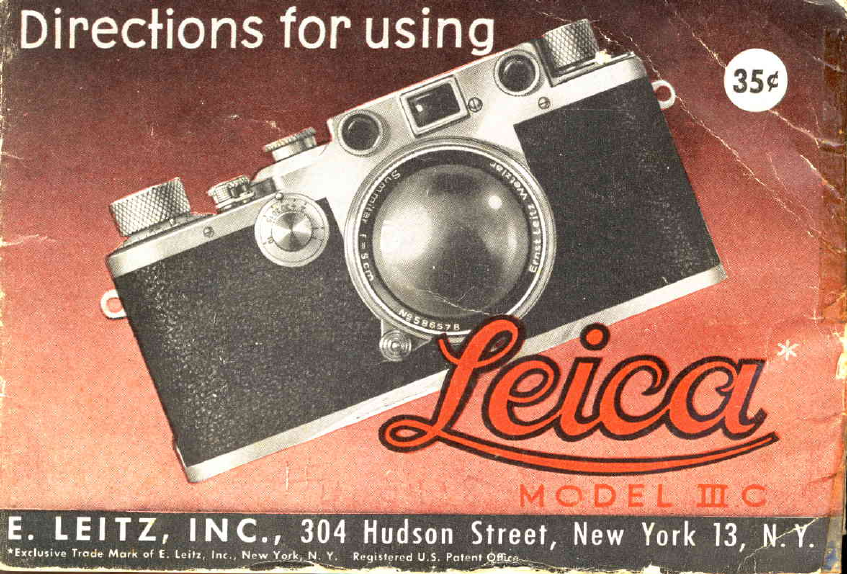
  9. Leica III C User manual

Leica III C User manual

Other Leica Film Camera manuals

Leica M6 TTL User manual

Leica

Leica M6 TTL User manual

Leica Z2X User manual

Leica

Leica Z2X User manual

Leica M3 User manual

Leica

Leica M3 User manual

Leica M2 User manual

Leica

Leica M2 User manual

Leica R7 User manual

Leica

Leica R7 User manual

Leica M User manual

Leica

Leica M User manual

Leica R-E User manual

Leica

Leica R-E User manual

Leica MP User manual

Leica

Leica MP User manual

Popular Film Camera manuals by other brands

Pentax IQZoom 60R operating manual

Pentax

Pentax IQZoom 60R operating manual

ZEISS IKON Contessa 35 manual

ZEISS IKON

ZEISS IKON Contessa 35 manual

ECLAIR NPR operating manual

ECLAIR

ECLAIR NPR operating manual

Sharp VC-C10PN Operation manual

Sharp

Sharp VC-C10PN Operation manual

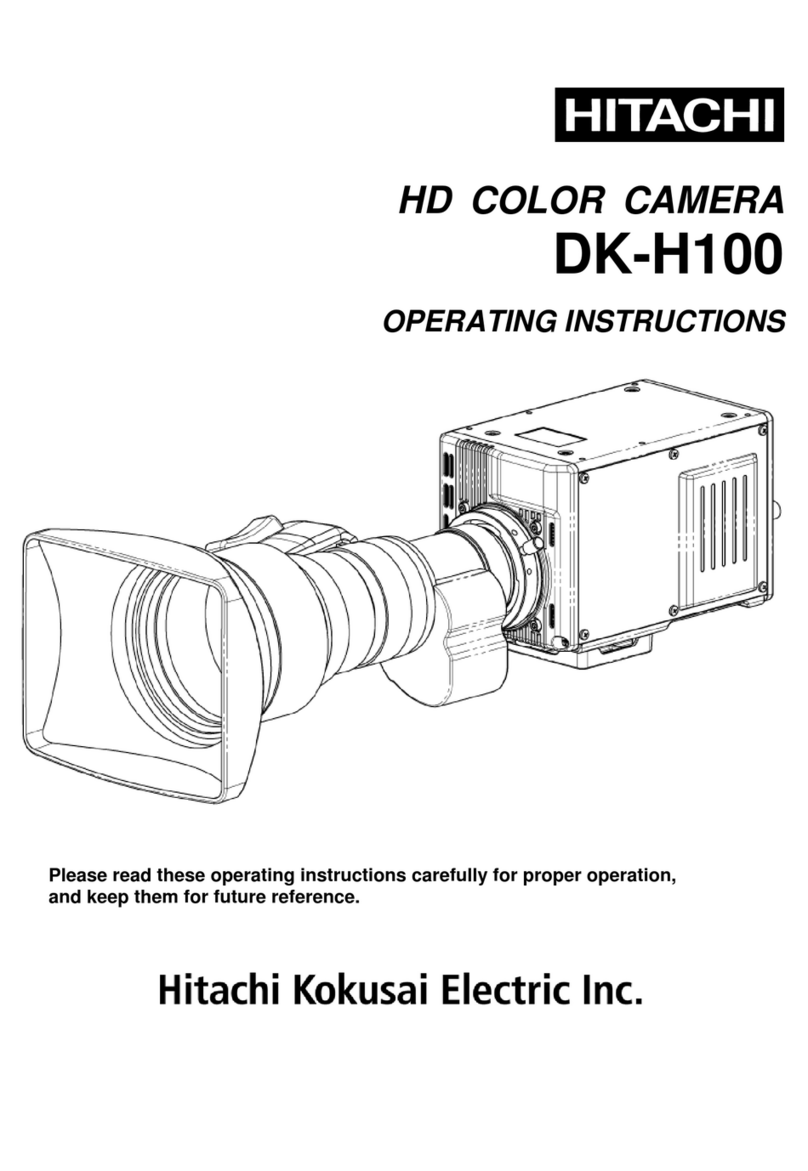
Hitachi DK-H100 operating instructions

Hitachi

Hitachi DK-H100 operating instructions

Polaroid SL92 Specifications

Polaroid

Polaroid SL92 Specifications

Canon Sure Shot Z115 instruction manual

Canon

Canon Sure Shot Z115 instruction manual

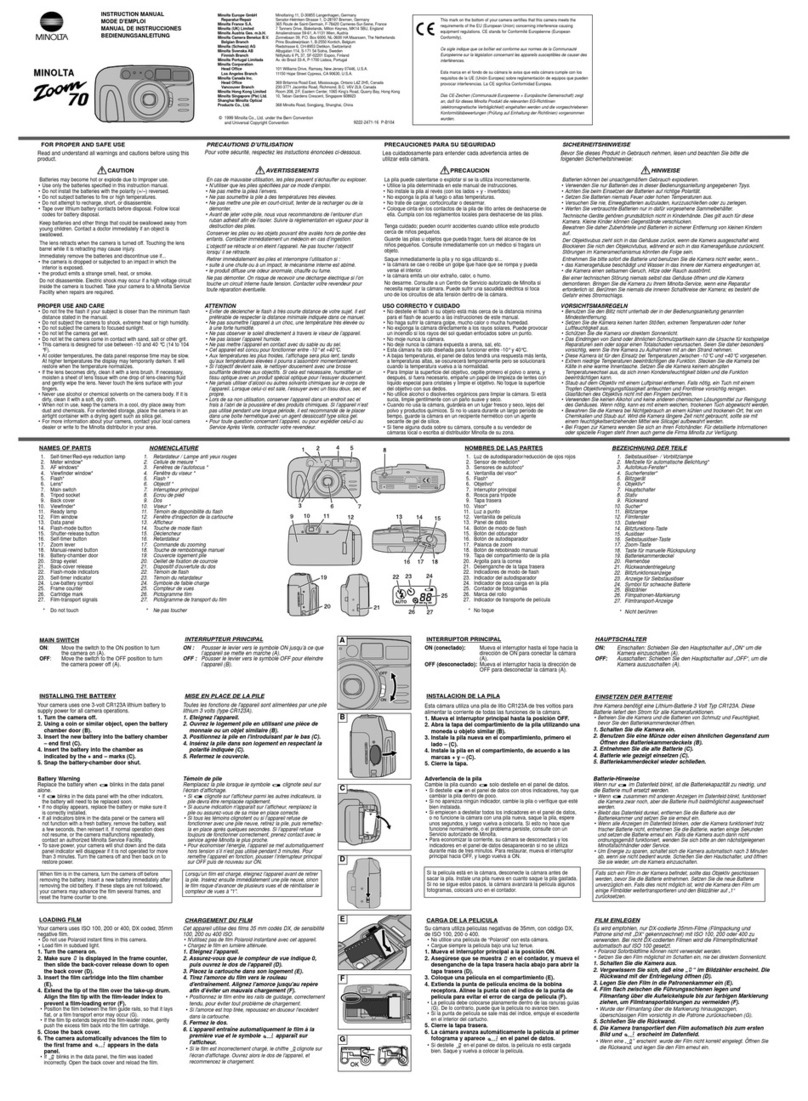
Minolta ZOOM 70 instruction manual

Minolta

Minolta ZOOM 70 instruction manual

Minolta MAXXUM 450SI - PART 2 manual

Minolta

Minolta MAXXUM 450SI - PART 2 manual

Minolta Maxxum 8000i manual

Minolta

Minolta Maxxum 8000i manual

Canon F-1 instructions

Canon

Canon F-1 instructions

FujiFilm GW690 2 Factory Service Manual and Parts List

FujiFilm

FujiFilm GW690 2 Factory Service Manual and Parts List

Canon EOS 1000 F instructions

Canon

Canon EOS 1000 F instructions

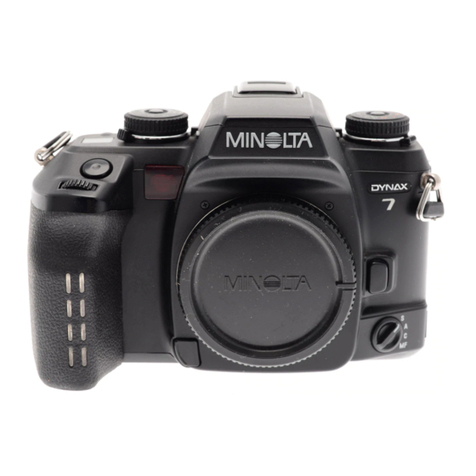
Minolta DYNAX 7 Repair guide

Minolta

Minolta DYNAX 7 Repair guide

SMENA 8M user guide

SMENA

SMENA 8M user guide

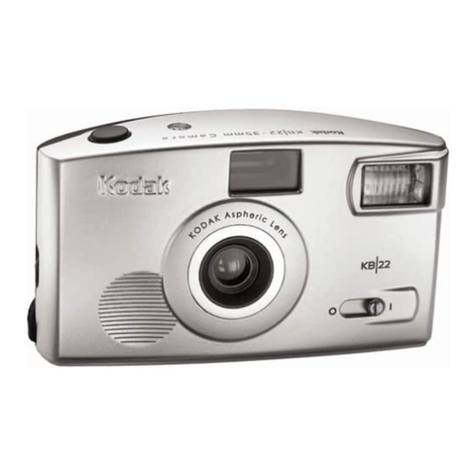
Kodak Auto-Focus Camera manual

Kodak

Kodak Auto-Focus Camera manual

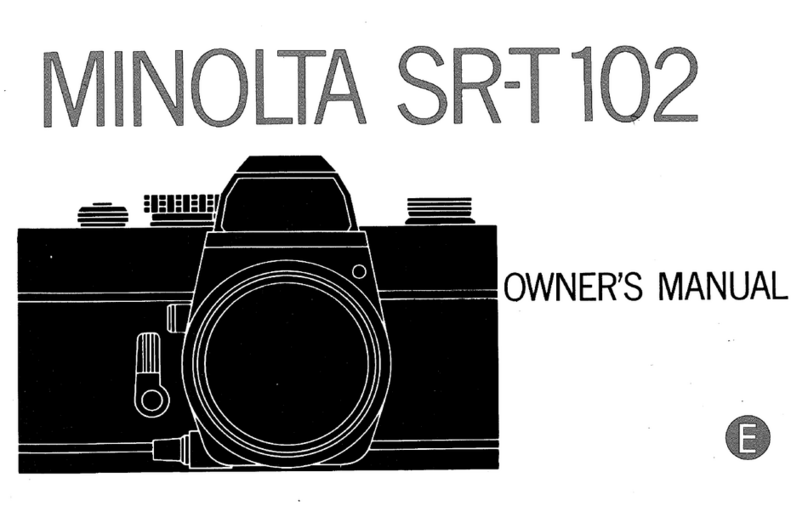
Minolta SR-T 102 manual

Minolta

Minolta SR-T 102 manual

Canon Canon 7 How to use

Canon

Canon Canon 7 How to use

manuals.online logo
manuals.online logoBrands
  • About & Mission
  • Contact us
  • Privacy Policy
  • Terms and Conditions

Copyright 2025 Manuals.Online. All Rights Reserved.

f,
It
{xl
tt4fhaltaatin&
While this instruction
booklet is written primorily for usewith the Model lllc
Leico
comero,informotion
in it is opplicoble to oll other Leicocomeros.
Every
Leico,
from the very firstModel A to the lotest
Model lllc Leicocomero
hosthe
somebosic
genqrol
design.
The moin
differencesbefween
thevorious
models
ore
theodditionol,
unusuol
Leicofeoturesoddedto eochsucceeding
model.
A brief
description
of eochmodelof the Leicocomero
isgivenon poges
44 lo 47.fhis
will enoble
you to identify
the model designotion
of your comero,so thot you
con eosilyopply the informotion
in thisbooklet
to it.
2
www.orphancameras.com
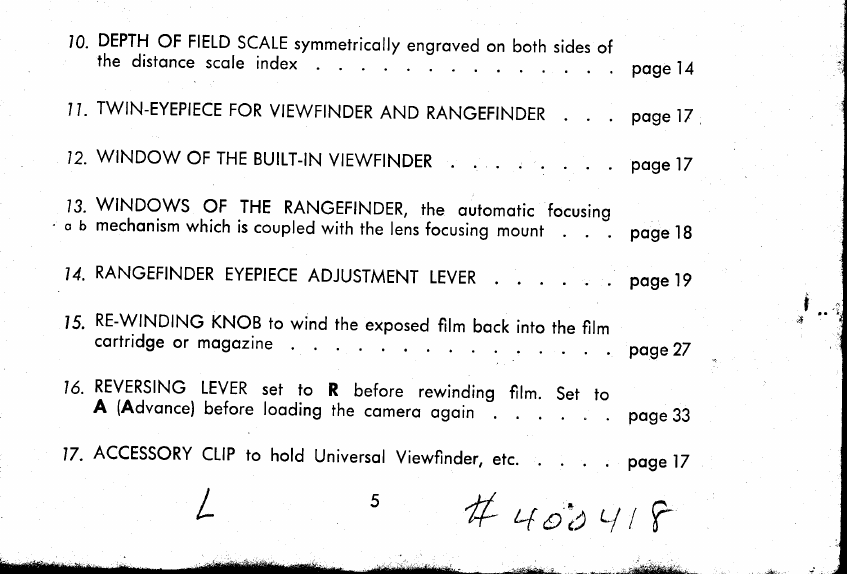
10.
DEPTH
oF FIELD
scALE
symmerricolly
engroved
onboth
sides
of
the distonce
scole
index
I
I. TWIN-EYEPIECE
FOR
VIEWFINDER
ANDRANGEFINDER
12.
WINDOW
OF
THE
BUILT-IN
VIEWFINDER :
13.
wlNDows oF THERANGEFINDER,
rhe outomoric
focusing
o
b mechonism
which
is
coupled
with
the
rens
focusing
mount
14.
RANGEFINDER
EYEPIECE
ADJUSTMENT
LEVER
15.
RE-WINDING
KNoBrowind
rhe
exposed
film
bock
into
the
film
cortridge
or mogozine
16.
REVERSING
LEVER
set to R before rewinding
film. set to
A (Advonce)
before
looding
thecomero
ogoin
lZ. ACCESSORY
CLIP
ro hold Universol
Viewfinder,
erc.
j
I
j
i ..
i;
;r4 iII
I
I
I
I
I
I
I
I
I
I
I
I
I
I
rl
I
*;a
L
poge
l4
poge
17
poge
17
poge
'18
poge
19
poge27
poge
33
poge
l7
44oit4r?
* *.;,ai#ii8,idi!,;
I'U
FERIUNT POINTEN
f] *,
.\t
C.CF-
'qv
^1\J'
hg9*'
4
'ri t//tN.tYEPtECE
FOR
VtEW.
.. IINDERANDRANGFFINTTFa
11
www.orphancameras.com
V.
h,
I.
5
I
t.
2.
3.
4.
5.
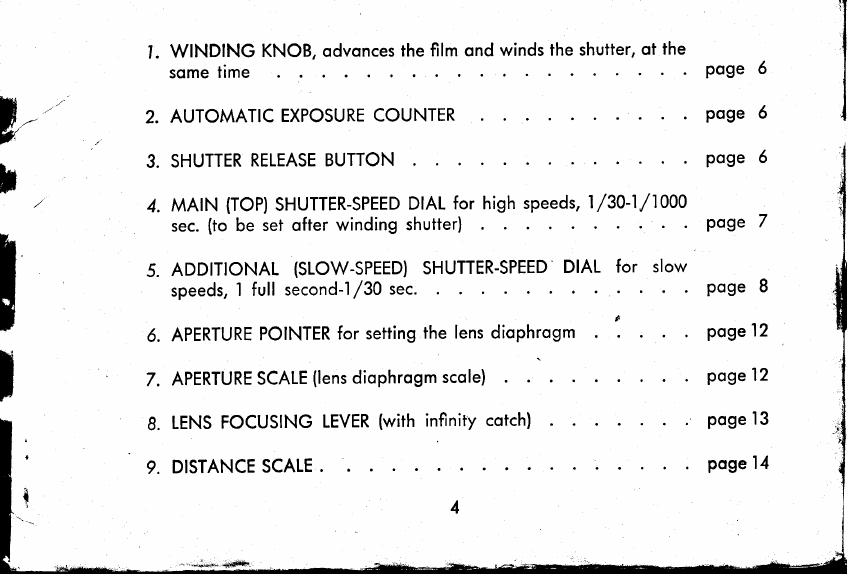
WINDING
KNOB,odvonces
the
filmond
winds
theshutter,
otthe
some
time
AUTOMATIC
EXPOSURE
COUNTER
SHUTTER
RELEASE
BUTTON
MAIN (TOP)
SHUTTER-SPEED
DIAL
for high
speeds,
1/30-1/1000
sec.
(tobe setofter
winding
shutter)
ADDITIONAL
{SLOW-SPEED)
SHUTTER-SPEED
DIAL for slow
speeds,
'l full second-1/30
sec.
6. APERTURE
POINTER
forsetting
thelensdiophrogm
7. APERTURE
SCALE
(lens
diophrogm
scole)
8. LENS
FOCUSING
LEVER
(with
infinity
cotch)
9. DISTANCE
SCALE
.
poge 6
poge 6
poge 6
poge 7
poge 8
poge
12
poge
12
poge
13
poge
14
Set
reversinglever
to A.
Turn
countirrgdiscio O position
ofter
inserti.rg
o newfllm.lt
wili
ouiomoticolly
recordthe
number
of exposures.
l. TurnWINDING KNOB
(os
indicoted
by orrow)
os
for
os it goes up to o stop.
Thissimultoneously
winds
the
shutter
ond
odvoncesthefilmforthe
next
exposure.
Double
exposuresore not possible.
2. AUTOMATIC
EXPOSURE
COUNTER.The
counting
disc
isturned
counter-clockwise
by meonsof two lugs.
(i.e.
inthe
oppositedirection
of theorrowon thewinding
knob).
The Leico
film mogozines
or doylight looding cortridges
con hold o strip
of film, 51/a
leet long,which is suffjcient
for 36 pictures
(24x36
mm in size).
3. SHUTTER
RELEASEBUTTON.
Theexposure
is
modeby
gentlypressingthe releose
button.
The
next
picture
conbe token
onlyofterogoin
turning
the
Winding Knob (1)
os for os it goes.
Accidentol
double
exposures
ore impossible.
A speciol
coble
releose
con be
screwed
over the releosebutton,
between
the button
ond
theoutercollor.
www.orphancameras.com
4. The MAIN (TOP)
SHUTTER-SPEED
DtALshows
exposure
figures
from 30 to .|000
which represents
froctions
of o second
(for instonce
40 : 1/40 sec.;
60: 1/60 sec.
etc.)
Intermediote
speeds
connot
be
set.
Setto B (Z),
theshutter
remoins
open
while
the
releose
button
is
pressed
down.
When setto the
red
figure
30-1,
the Additionol(Slow
Speed)
Diol (5)
is
put
in
oction
(next
poge).
The
Moin Shutter-Speed
Diol con be odjusted
only
ofter
the
shutter
hos
beenwound,
ositrevolves
when
the lotter
is releosed.
Re-winding
theshutter
brings
the
speed
diol
bock
to its
originolposition.
FIRST
turn
the
Winding
Knob
upuntil
it stops.
THEN
set Shutter-Speed
Diol to the
exposure
timedesired.
Lift
ond setDiolsothot
the index
orrow
points
to the
desired
speed.
Ee&i'ri9$ltfiB':rj :tr
5. ADDTTONAL
(SLOW
SPEED)
SHUT-
TER-SPEED
DIAL
for theslowinstontone-
ousspeeds
1/30
- I sec.
To operote
this Diol set Moin Shutter
Speed Diol - ofter shutter
hos been
wound
-- to thered
figure30
- l.
lt provides
exposuretimesof t/so,'lro,
t/to, t/to, t/n,7/2, ond I second.
The
figurescon conveniently
be reod from
obove.Intermediotespeeds
conolsobe
set
(e.g.
3
/ asec.beingholf
woy between
L/2 ond 1sec.)
When setto T, theshutteropens
on beingreleosed,ond remoins
open.Toclose
it, do not press
the releosebuttonogoin,but merelyturnthe SlowSpeed
Diol
bocko little
(toI or forther)
ond theshutter
will closeimmediotely.*
Theshutterolso closes
when the fllm is odvonced.
This
is importontfor photo-microgrophy
ond
otherspeciol
purposes.

www.orphancameras.com
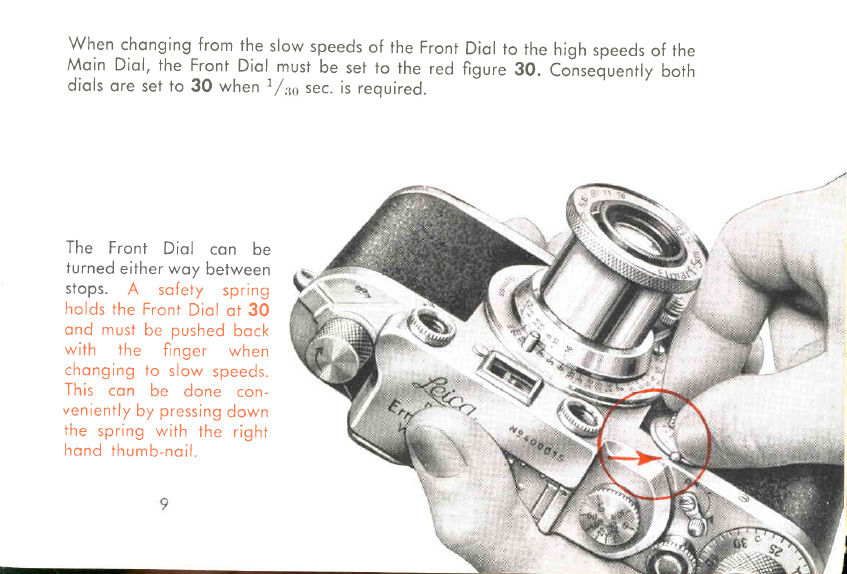
When chonging
from
the
slow
speeds
of the
Front
Moin Diol,the Front
Diol must
be set
to the red
diols
oreseito 30 when
1/36
sec.
is
required.
Diol
to the
high
speeds
of the
figure
30. Consequently
both
The Front Diol con be
turned
eitherwoy between
stops. A sofety spring
holds
theFront
Diol
ot 30
ond must
be pushed
bock
with the finger when
chonging
to slow
speeds.
This con be done con-
veniently
by
pressing
down
the spring
with the right
hond
thumb-noil.