manuals.online logo
Brands
  1. Home
  2. •
  3. Brands
  4. •
  5. Levo
  6. •
  7. Tablet Accessories
  8. •
  9. Levo G2 Deluxe Tablet Stand User manual

Levo G2 Deluxe Tablet Stand User manual

Popular Tablet Accessories manuals by other brands

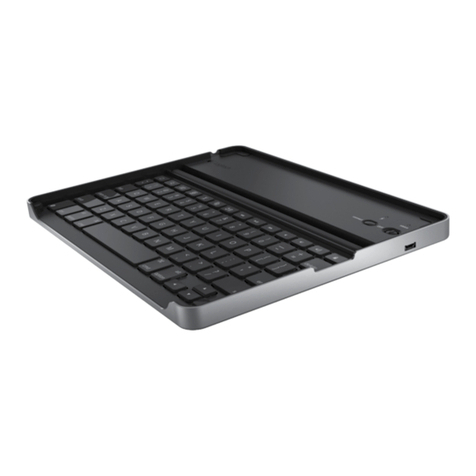
Logitech Logitech Keyboard Case user manual

Logitech

Logitech Logitech Keyboard Case user manual

Enabling Devices 4090 user guide

Enabling Devices

Enabling Devices 4090 user guide

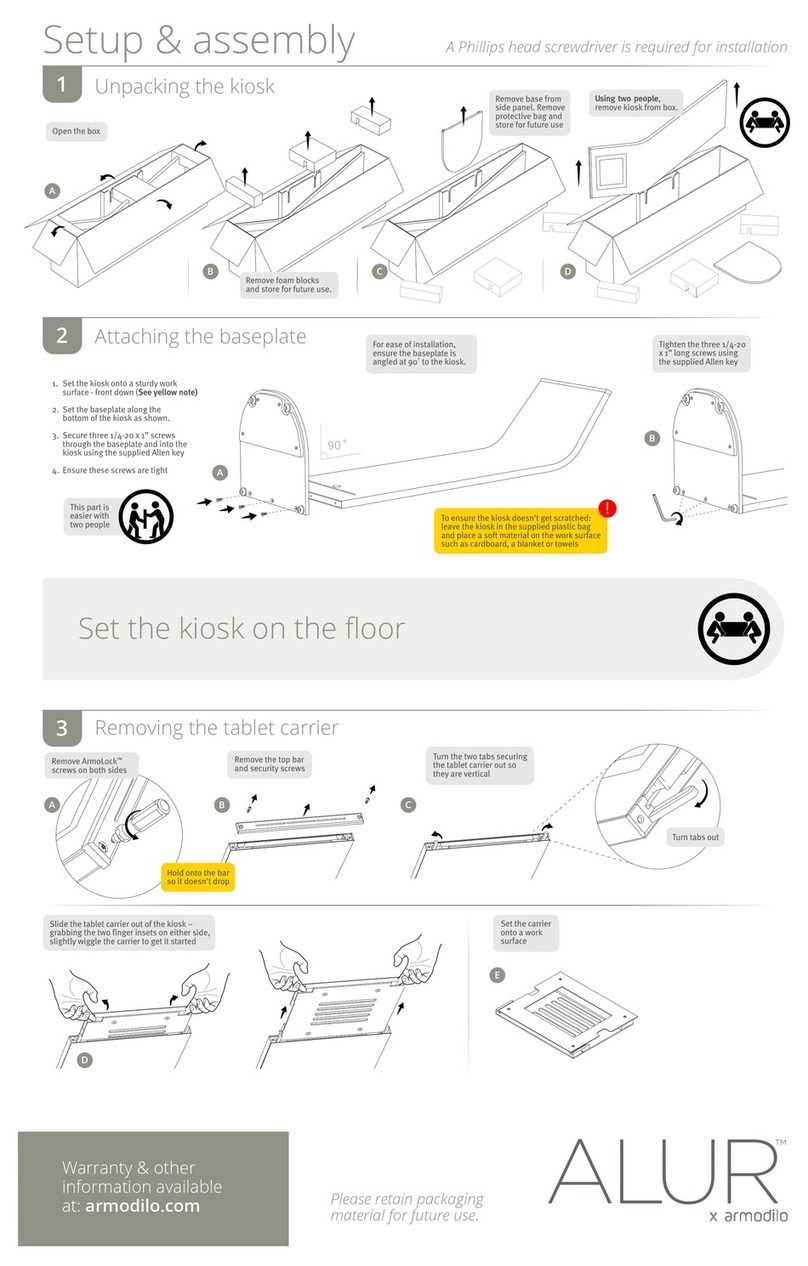
Armodilo ALUR Assembly instructions

Armodilo

Armodilo ALUR Assembly instructions

Thor’s Drone World Lifthor Mjolnir user manual

Thor’s Drone World

Thor’s Drone World Lifthor Mjolnir user manual

EARTO A1876 user manual

EARTO

EARTO A1876 user manual

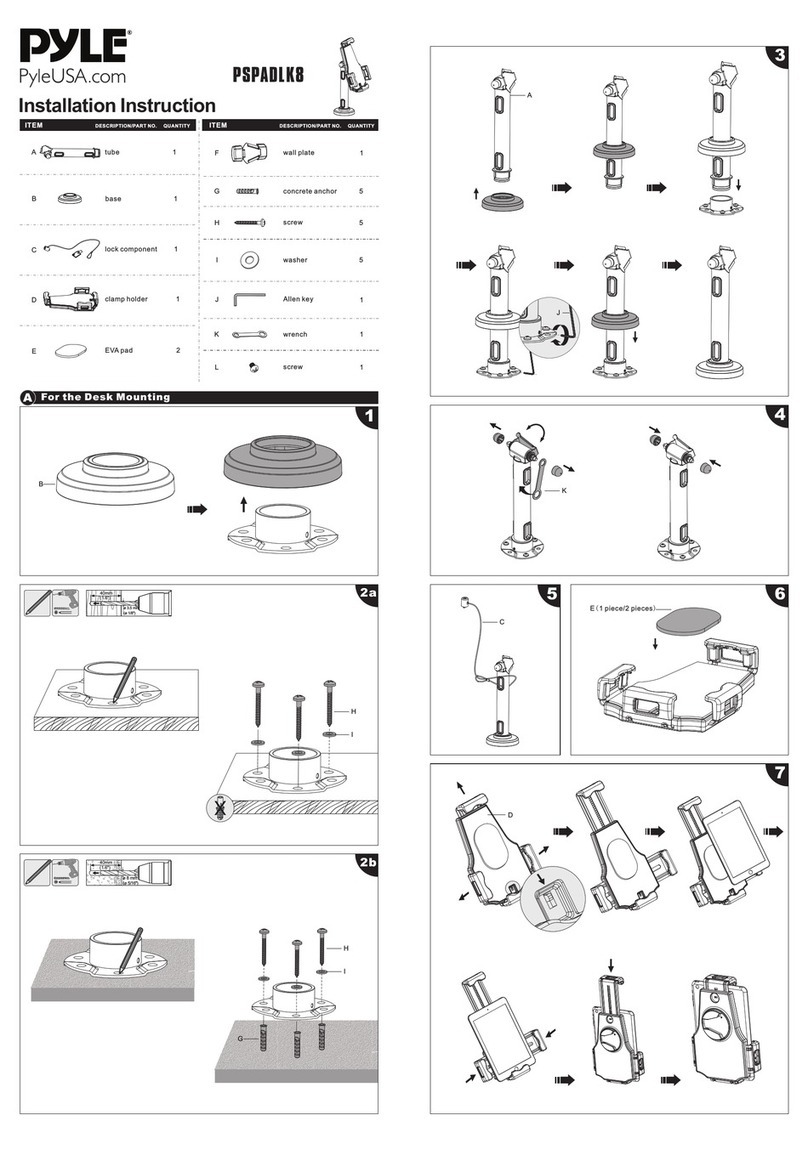
Pyle PSPADLK8 Installation instruction

Pyle

Pyle PSPADLK8 Installation instruction

MOB TUANUI user manual

MOB

MOB TUANUI user manual

Bretford PowerRack 10 manual

Bretford

Bretford PowerRack 10 manual

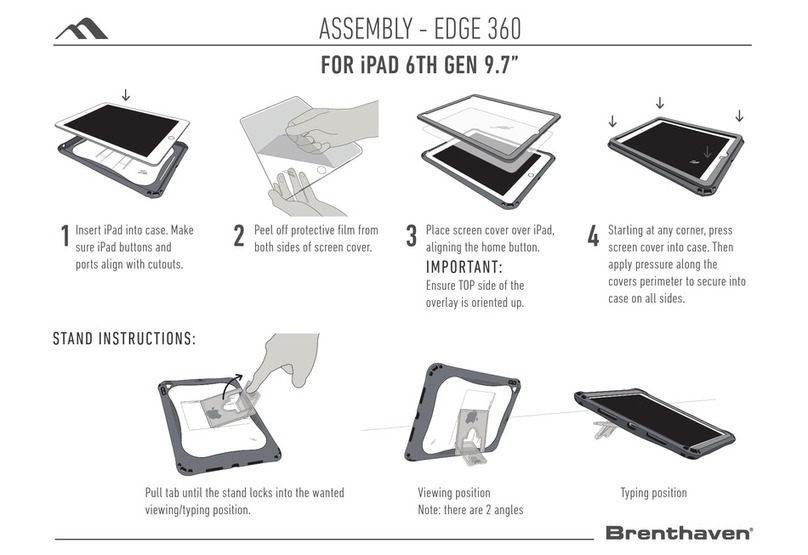
Brenthaven EDGE 360 manual

Brenthaven

Brenthaven EDGE 360 manual

Fujitsu Stylistic 3400 Installation and user guide

Fujitsu

Fujitsu Stylistic 3400 Installation and user guide

Logitech Hinge Setup guide

Logitech

Logitech Hinge Setup guide

Heckler Design WindFall STAND Assembly & installation

Heckler Design

Heckler Design WindFall STAND Assembly & installation

APLIC 303183 user manual

APLIC

APLIC 303183 user manual

Basalte eve Air quick start guide

Basalte

Basalte eve Air quick start guide

lilitab P Pro Assembly instructions

lilitab

lilitab P Pro Assembly instructions

Heckler Design WindFall CHECKOUT STAND Assembly & installation

Heckler Design

Heckler Design WindFall CHECKOUT STAND Assembly & installation

Zagg ZAGGfolio instruction manual

Zagg

Zagg ZAGGfolio instruction manual

Kensington KeyFolio Pro quick start guide

Kensington

Kensington KeyFolio Pro quick start guide

manuals.online logo
manuals.online logoBrands
  • About & Mission
  • Contact us
  • Privacy Policy
  • Terms and Conditions

Copyright 2025 Manuals.Online. All Rights Reserved.

Do Not Print This Page
PRINTING INSTRUCTIONS
SIZE: 11X17 INCHES
PRINT BOTH SIDES
COLORS: BLACK AND WHITE
PAPER: NOT SPECIFIED
FOLDS: 1
FINISHED SIZE: 8.5X11 INCHES
FOLD TO 8.5 X 11
COVER INSIDE BACK
MTM Warranty
We’re dedicated to making your LEVO experience the best it can
be. We provide a Three Year Warranty with this model# 33778.
See our website for details: www.LEVOstore.com.
MTM, Inc. is not responsible for damage to any device caused by
improperly securing device to LEVO.
As the manufacturer, we are most knowledgeable of this item. If you have any questions
or issues regarding your new LEVO, use one of the methods below to contact our
customer service.
email: sales@bookholder.com (best method to contact us)
Phone: 1-800-928-2322
Outside the USA 1-863-815-7077
www.LEVOstore.com
MTM Inc., U.S.A.
U.S. Patent No. 7,040,591 other patents pending
made in china
Questions?
Please do not contact your retailer
TENSION DIALS
The four TENSION DIALS
can be tightened or
loosened to your desire
with a coin. Using
a screwdriver will
damage the TENSION
DIAL.
HEIGHT LOCKS
Adjusting your LEVO’s
height is quick with
our LEVO quick snaps.
ALWAYS HOLD THE
PLATFORM WHILE
ADJUSTING HEIGHT.
The best way to
use your new
LEVO
Owner’s Manual
Item# 33760
Deluxe Tablet Floor Stand
LEVO FEATURES
ur LEVO experience the best it can
arrant
y
with this model# 33778.
ww.LEVOstore.com.
damage to any device caused by
LEVO.
s Manual
33760
et Floor Stand
YOUR LEVO BOOK HOLDER IS NOW READY TO SHOW YOU THE COOLEST WAY TO READ!
on your lap while you sit. Loosen
the strap from itself to allow space to insert
. Place the
first few pages of your book under the left
Pull the
downward, loop it around, and
firmly attach it to itself.
Securing the right
the size of your book. For large heavy books
(2 1/2 to 4 lbs.) leave 100 to 150 pages for
reading, and tightly strap the rest under the
right
can leave more pages for reading. Test your
mount by flipping the
down. Your book should remain firmly in
place.
5
Mounting your book is easiest with the
bookboard
the strap from itself to allow space to insert
your book behind the
first few pages of your book under the left
page-plate.
SECURING YOUR BOOK
Mounting your book is easiest with the bookboard on your lap while you sit.
Loosen the strap from itself to allow space to insert your book behind the page-
plate. Place the rst few pages of your book under the left page-plate.
Pull the strap tightly downward, loop it around, and rmly attach it to itself.
Securing the right page-plate will depend on the size of your book. For large
heavy books (2 1/2 to 4 lbs.) leave 100 to 150 pages for reading, and tightly strap
the rest under the right page-plate. For small light books, you can leave more
pages for reading. Test your mount by ipping the bookboard upside down. Your
book should remain rmly in place.
Turning Pages
Turning pages is easy, even with one hand. First, grasp the top of the page with
your left hand (if you use your right hand, you might tear your page). Tug the
page to the left, releasing it from the pageholder. Of course, you can use your
right hand to lift the page-holder if you choose.
Next, turn the page and lift the left pageholder with your remaining ngers. Tuck
the page under the page-holder and release. It takes a couple turns to get the
hang of it. You can experiment with one and two handed page turning to develop
your own technique.

PUSH
CASTERS into
holes in bottom
of HEAVY BASE.
1
2CSNAP
TABS into
RECEPTACLES.
2BSLIDE
TOP
CONNECTOR
CAP in place.
2DSPIN
CONNECTOR
CAP until very
tight.
SET
WASHER and
BASE COVER on
HEAVY BASE
2
TAB
RECEPTACLE
6
Book Platform (1)
Swing-arm (1)
Triple Column (1)
Top Connector
Cap (1)
Connector
Center (1)
Base Cover (1)
Heavy Base (1)
Base Washer (2)
Base Washer (2)
Casters (4)
Tension Dial (1)
Tension Ram (1)
ASSEMBLY
LEVO Deluxe Tablet Floor Stand - tem# 33778
SPIN
BOTTOM
CONNECTOR CAP
until very tight.
3SLOT
NOTCH
SLOT
NOTCH
2A
Separate
the Top
Connector
Cap and
Bottom
Connector
Cap from
Connector
Center
TIGHTEN
TENSION DIAL with coin until
snug. Do not overtighten. Do
not use a screwdriver.
4
Coin
TAB
RECEPTACLE
PUSH
Push Platform into Swing Arm until TAB snaps into
RECEPTACLE. Important - test the connection by pulling
on platform. Be sure the Platform does not pull out.
NOTE: this step is shown with optional Tablet Platform.
Mount the two page-holders
to the holes in the bottom
corners of the bookboard.
Follow the diagram for correct
hardware placement. Tighten
the small nut with just enough
force so the page-holders will
rotate with little eort. The
rotation lets you adjust the
page-holders to t any size
book. NOTE: the small nut has
a friction tting that keeps it
from loosening. You’ll need
to use a wrench (or pliers) to
tighten the nut.
Small Screw
Page Holder
Small Washer
Small Nut
Book
Platform
5
Book Platform (1)
Swing-arm (1)
Tri
p
le Column (1)
Top Connector
Cap (1)
Connecto
r
Center (1)
B
a
se Cover
(
1
)
Heavy Base (1)
Base Washer (2)
Base Washer (2
)
C
a
sters (4)
Tension Dial (1)
Tension Ram
(
(
(
(
(
(
(
(
(
1)
Bottom
Connector
Cap (1)