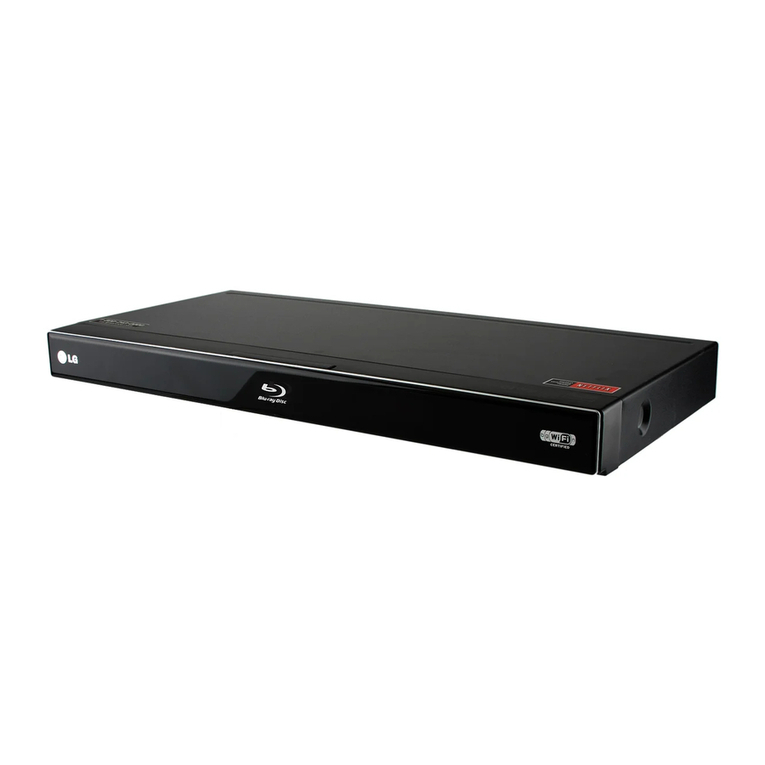
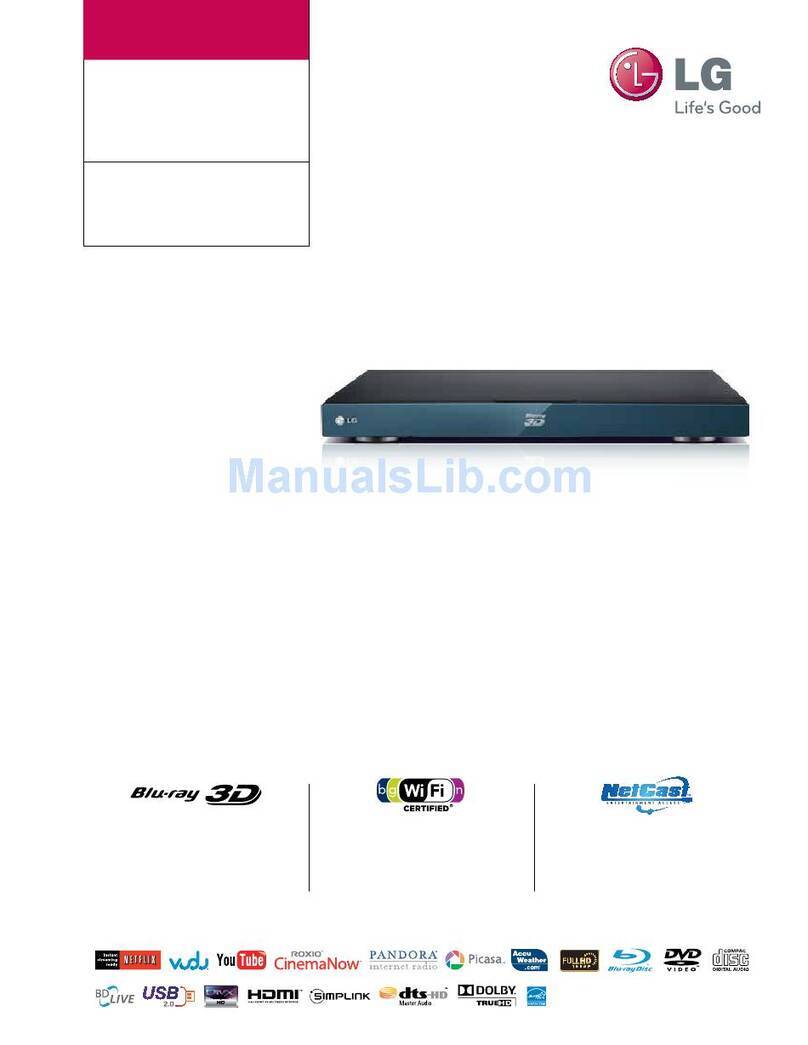
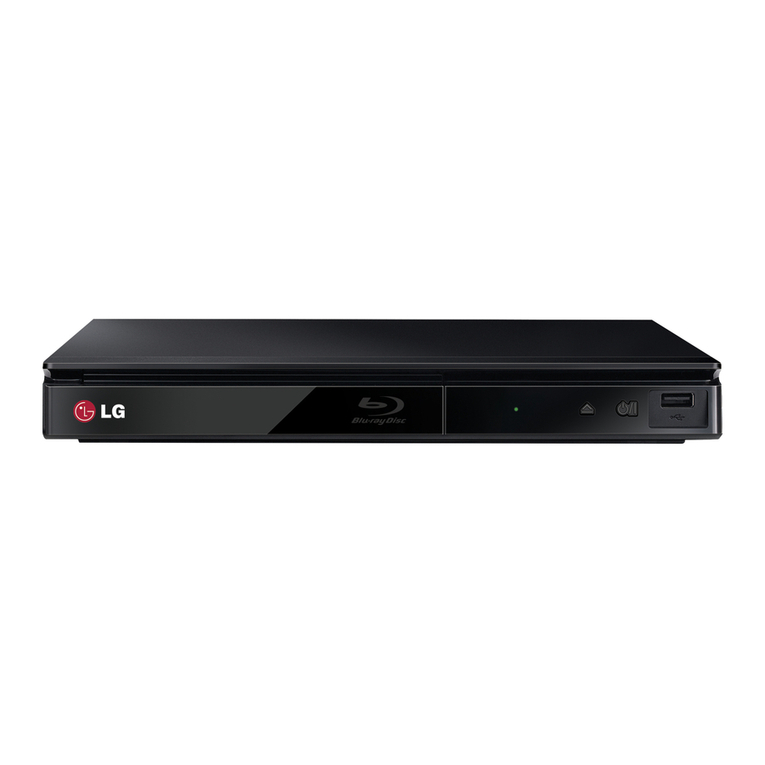
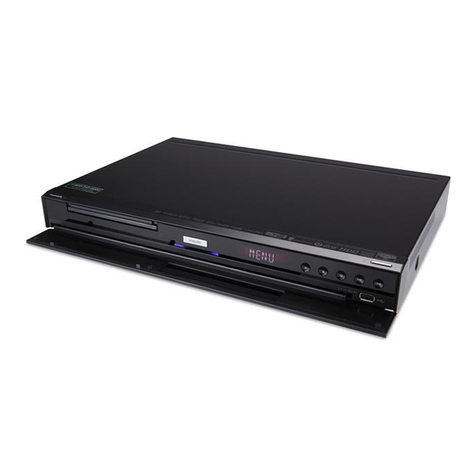
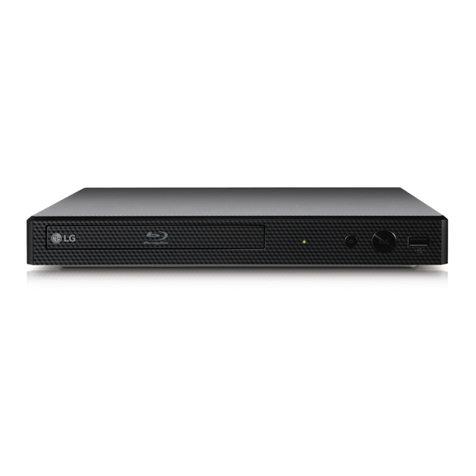
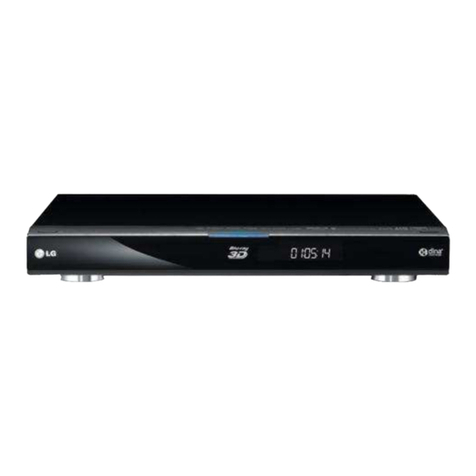
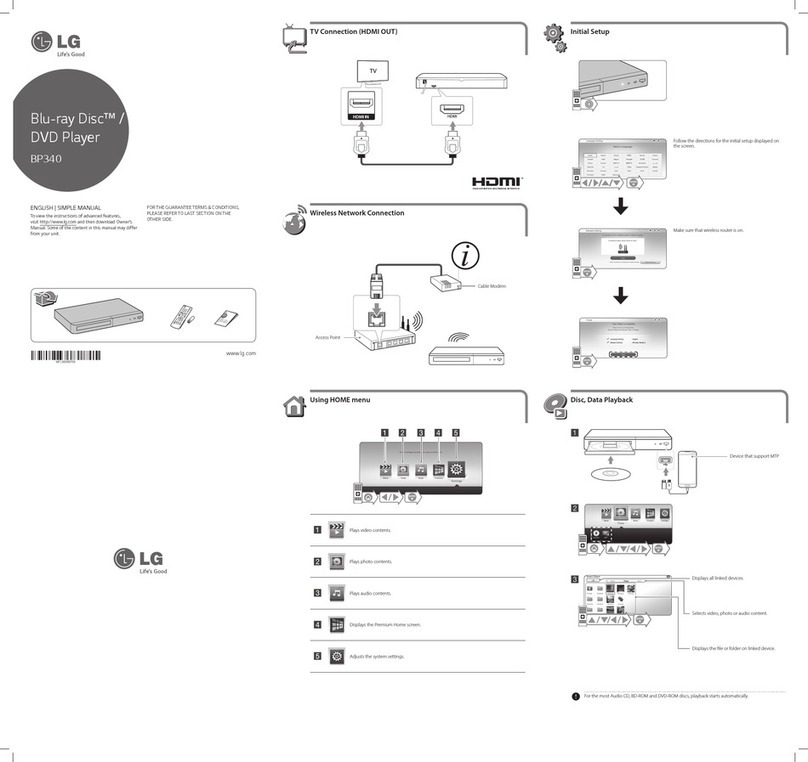
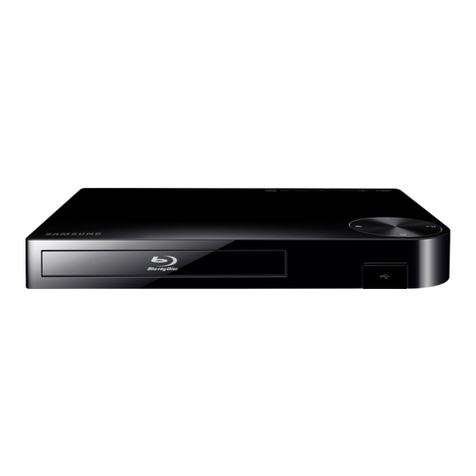
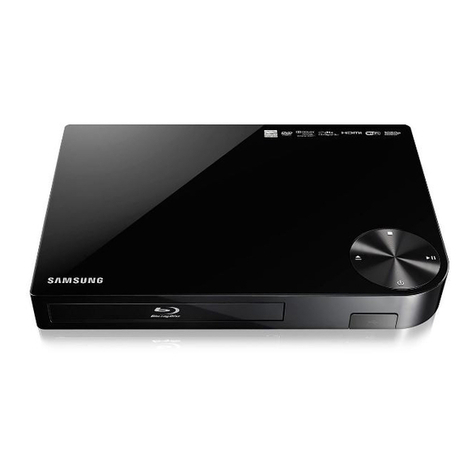
LG BD630 User manual
OWNER’S MANUAL
Network Blu-ray Disc™
Player
Please read this manual carefully before operating
your set and retain it for future reference.
BD630
P/NO : MFL67100461 www.lg.com
BD651-N_US_NO_DIVX black.indd 1 2011-01-21 �� 5:04:52

BD651-N_US_NO_DIVX black.indd 2 2011-01-21 �� 5:04:52
1 Getting Started
Getting Started 3
Getting Started
1
Safety Information
CAUTION
RISK OF ELECTRIC SHOCK
DO NOT OPEN
CAUTION: TO REDUCE THE RISK OF ELECTRIC
SHOCK DO NOT REMOVE COVER (OR BACK) NO
USER-SERVICEABLE PARTS INSIDE REFER SERVICING
TO QUALIFIED SERVICE PERSONNEL.
This lightning ash with arrowhead
symbol within an equilateral triangle
is intended to alert the user to the
presence of uninsulated dangerous
voltage within the product’s
enclosure that may be of sucient magnitude to
constitute a risk of electric shock to persons.
The exclamation point within an
equilateral triangle is intended
to alert the user to the presence
of important operating and
maintenance (servicing)
instructions in the literature accompanying the
product.
WARNING: TO PREVENT FIRE OR ELECTRIC SHOCK
HAZARD, DO NOT EXPOSE THIS PRODUCT TO RAIN
OR MOISTURE.
WARNING: Do not install this equipment in a
conned space such as a book case or similar unit.
CAUTION: Do not block any ventilation openings.
Install in accordance with the manufacturer’s
instructions.
Slots and openings in the cabinet are provided for
ventilation and to ensure reliable operation of the
product and to protect it from over heating. The
openings shall be never be blocked by placing
the product on a bed, sofa, rug or other similar
surface. This product shall not be placed in a built-
in installation such as a bookcase or rack unless
proper ventilation is provided or the manufacturer’s
instruction has been adhered to.
CAUTION: This product employs a Laser System.
To ensure proper use of this product, please read
this owner’s manual carefully and retain it for future
reference. Shall the unit require maintenance,
contact an authorized service center.
Use of controls, adjustments or the performance of
procedures other than those specied herein may
result in hazardous radiation exposure.
To prevent direct exposure to laser beam, do not try
to open the enclosure. Visible laser radiation when
open. DO NOT STARE INTO BEAM.
CAUTION concerning the Power Cord
Most appliances recommend they be placed upon
a dedicated circuit;
That is, a single outlet circuit which powers only
that appliance and has no additional outlets or
branch circuits. Check the specication page of this
owner’s manual to be certain. Do not overload wall
outlets. Overloaded wall outlets, loose or damaged
wall outlets, extension cords, frayed power cords, or
damaged or cracked wire insulation are dangerous.
Any of these conditions could result in electric
shock or re. Periodically examine the cord of your
appliance, and if its appearance indicates damage
or deterioration, unplug it, discontinue use of the
appliance, and have the cord replaced with an
exact replacement part by an authorized service
center. Protect the power cord from physical or
mechanical abuse, such as being twisted, kinked,
pinched, closed in a door, or walked upon. Pay
particular attention to plugs, wall outlets, and
the point where the cord exits the appliance. To
disconnect power from the mains, pull out the
mains cord plug. When installing the product,
ensure that the plug is easily accessible.
BD651-N_US_NO_DIVX black.indd 3 2011-01-21 �� 5:04:52

Getting Started4
Getting Started
1
This device is equipped with a portable battery or
accumulator.
Safety way to remove the battery or the
battery from the equipment: Remove the
old battery or battery pack, follow the steps
in reverse order than the assembly. To prevent
contamination of the environment and bring on
possible threat to human and animal health, the
old battery or the battery put it in the appropriate
container at designated collection points. Do
not dispose of batteries or battery together with
other waste. It is recommended that you use
local, free reimbursement systems batteries and
accumulators. The battery shall not be exposed to
excessive heat such as sunshine, re or the like.
CAUTION: The apparatus shall not be exposed to
water (dripping or splashing) and no objects lled
with liquids, such as vases, shall be placed on the
apparatus.
FCC Compliance Statement
This device complies with part 15 of the FCC
rules. Operation is subject to the following two
conditions:
(1) This device may not cause harmful interference,
and
(2) This device must accept any interference
received, including interference that may cause
undesired operation.
NOTE: This equipment has been tested and found
to comply with the limits for a Class B digital device,
pursuant to Part 15 of the FCC Rules. These limits are
designed to provide reasonable protection against
harmful interference in a residential installation. This
equipment generates, uses, and can radiate radio
frequency energy and, if not installed and used
in accordance with the instructions, may cause
harmful interference to radio communications.
However, there is no guarantee that interference
will not occur in a particular installation.
If this equipment does cause harmful interference
to radio or television reception, which can be
determined by turning the equipment o and
on, the user is encouraged to try to correct the
interference by one or more of the following
measures:
yReorient or relocate the receiving antenna.
yIncrease the separation between the equipment
and receiver.
yConnect the equipment into an outlet on a
circuit dierent from that to which the receiver is
connected.
yConsult the dealer or an experienced radio/TV
technician for help.
CAUTION: Any changes or modications not
expressly approved by the party responsible for
compliance could void the user’s authority to
operate this equipment.
BD651-N_US_NO_DIVX black.indd 4 2011-01-21 �� 5:04:52
Getting Started 5
Getting Started
1
Notes on Copyrights
yBecause AACS (Advanced Access Content
System) is approved as content protection
system for BD format, similar to use of CSS
(Content Scramble System) for DVD format,
certain restrictions are imposed on playback,
analog signal output, etc., of AACS protected
contents. The operation of this product and
restrictions on this product may vary depending
on your time of purchase as those restrictions
may be adopted and/or changed by AACS after
the production of this product.
yFurthermore, BD-ROM Mark and BD+ are
additionally used as content protection systems
for BD format, which imposes certain restrictions
including playback restrictions for BD-ROM
Mark and/or BD+ protected contents. To obtain
additional information on AACS, BD-ROM
Mark, BD+, or this product, please contact an
authorized Customer Service Center.
yMany BD-ROM/DVD discs are encoded with
copy protection. Because of this, you should only
connect your player directly to your TV, not to a
VCR. Connecting to a VCR results in a distorted
picture from copy-protected discs.
yThis product incorporates copyright protection
technology that is protected by U.S. patents
and other intellectual property rights. Use of
this copyright protection technology must be
authorized by Rovi, and is intended for home and
other limited viewing uses only unless otherwise
authorized by Rovi. Reverse engineering or
disassembly is prohibited.
yUnder the U.S. Copyright laws and Copyright
laws of other countries, unauthorized recording,
use, display, distribution, or revision of television
programs, videotapes, BD-ROM discs, DVDs, CDs
and other materials may subject you to civil and/
or criminal liability.
IMPORTANT SAFETY
INSTRUCTIONS
1. Read these instructions.
2. Keep these instructions.
3. Heed all warnings.
4. Follow all instructions.
5. Do not use this apparatus near water.
6. Clean only with dry cloth.
7. Do not block any ventilation openings.
Install in accordance with the manufacturer’s
instructions.
8. Do not install near any heat sources such
as radiators, heat registers, stoves, or other
apparatus (including ampliers) that produce
heat.
9. Do not defeat the safety purpose of the
polarized or grounding-type plug. A polarized
plug has two blades with one wider than the
other. A grounding type plug has two blades
and a third grounding prong. The wide blade or
the third prong are provided for your safety. If
the provided plug does not t into your outlet,
consult an electrician for replacement of the
obsolete outlet.
10. Protect the power cord from being walked on
or pinched particularly at plugs, convenience
receptacles, and the point where they exit from
the apparatus.
11. Only use attachments/accessories specied by
the manufacturer.
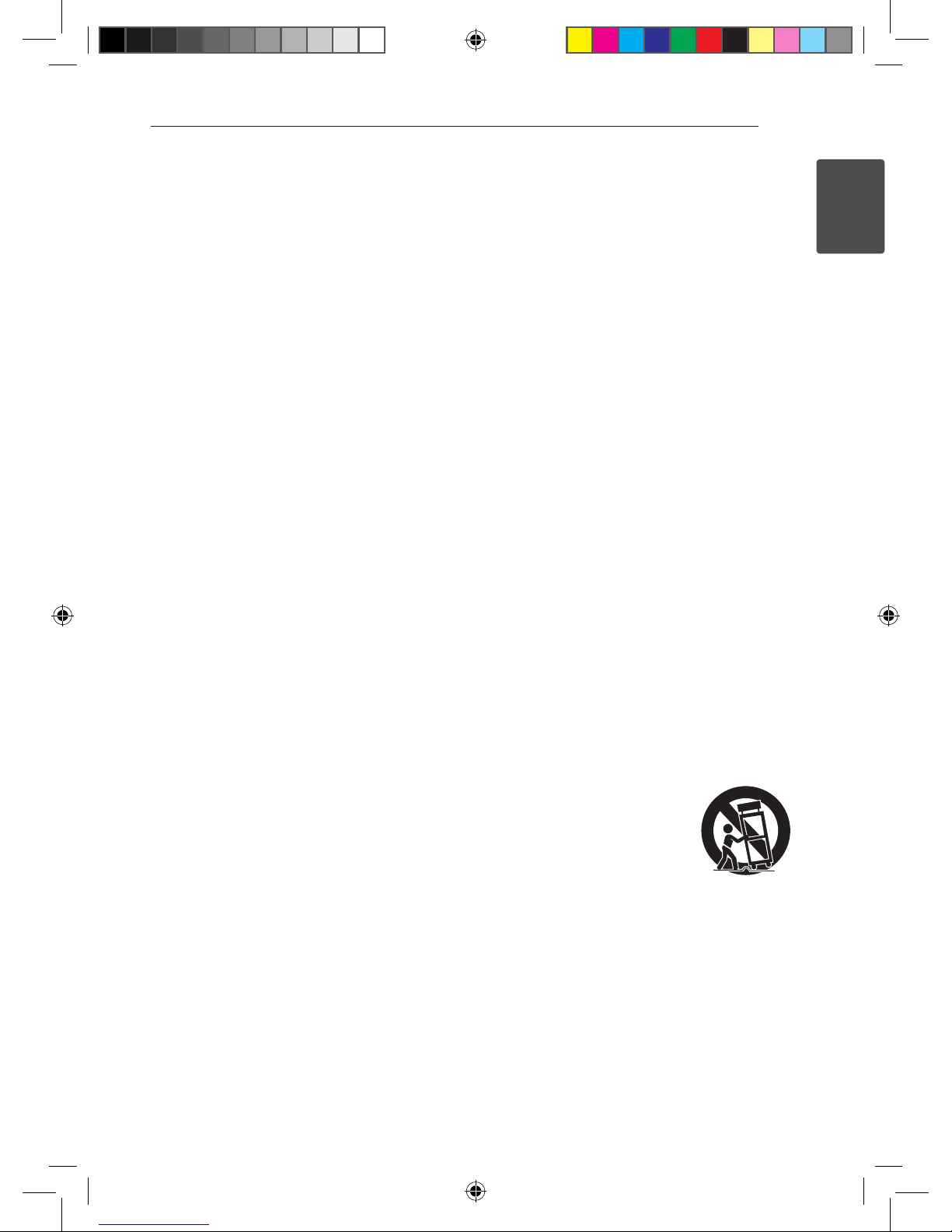
12. Use only with the cart, stand,
tripod, bracket, or table
specied by the manufacturer,
or sold with the apparatus.
When a cart is used, use
caution when moving the cart/
apparatus combination to avoid injury from tip-
over.
13. Unplug this apparatus during lightning storms
or when unused for long periods of time.
14. Refer all servicing to qualied service personnel.
Servicing is required when the apparatus has
been damaged in any way, such as power-
supply cord or plug is damaged, liquid has been
spilled or objects have fallen into the apparatus,
the apparatus has been exposed to rain or
moisture, does not operate normally, or has
been dropped.
BD651-N_US_NO_DIVX black.indd 5 2011-01-21 �� 5:04:52

Table of Contents6
Table of Contents
1 Getting Started
3 Safety Information
8 Introduction
8 – Playable Discs and symbols used in
this manual
9 – About the “7” Symbol Display
9 – Supplied Accessorries
10 – File compatibility
11 – AVCHD (Advanced Video Codec High
Definition)
12 – Certain System Requirements
12 – About Digital Multi-channel sound
12 – Compatibility Notes
12 – Regional Code
13 Remote control
14 Front panel
14 Rear panel
2 Connecting
15 Connecting to Your TV
15 – HDMI Connection
16 – What is SIMPLINK?
16 – Component Video Connection
17 – Video/Audio (Left/Right) Connection
17 – Resolution Setting
18 Connecting to an Amplifier
18 – Connecting to an Amplifier via HDMI
Output
18 – Connecting to an Amplifier via Digital
Audio Output
19 – Connecting to an Amplifier via 2
Channel Audio Output
19 Connecting to your Home Network
19 – Wired network connection
20 – Wired Network Setup
22 USB device connection
22 – Playback content in the USB device
3 System Setting
23 Settings
23 – Adjust the Setup Settings
23 – [DISPLAY] Menu
24 – [LANGUAGE] Menu
25 – [AUDIO] Menu
26 – [LOCK] Menu
27 – [NETWORK] Menu
28 – [OTHERS] Menu
4 Operating
29 General Playback
29 – Using [HOME] menu
29 – Playing a Disc
29 – Playing a file on a disc/USB device
30 – Enjoying BD-LiveTM
30 – Basic operations for video and audio
content
31 – Basic operations for photo content
31 – Using the disc menu
31 – Resume playback
32 Advanced Playback
32 – Repeat Playback
32 – Repeating a specific portion
32 – Enlarge the playback image
33 – Marker Search
33 – Using the search menu
34 – Changing content list view
34 – Viewing content information
34 – Selecting a subtitle file
35 – Last Scene Memory
35 – Options while viewing a photo
36 – Listening to music while slide show
36 On-Screen display
36 – Displaying content information on-
screen
37 – Playing from selected time
37 – Hearing a different audio
37 – Selecting a subtitle language
37 – Watching from a different angle
38 – Changing the TV Aspect Ratio
38 – Changing the Picture Mode
38 – Changing subtitle code page
39 Audio CD Recording
40 Enjoying the NetCast™ Entertainment
Access
BD651-N_US_NO_DIVX black.indd 6 2011-01-21 �� 5:04:53

Table of Contents 7
1
2
3
4
5
6
7
5 Troubleshooting
41 Troubleshooting
41 – General
42 – Picture
42 – Sound
43 – Network
43 – Customer Support
43 – Open source software notice
6 Appendix
44 Controlling a TV with the Supplied
Remote Control
44 – Setting up the remote to control your
TV
45 Network Software Update
45 – Network update notification
45 – Software Update
47 Area Code List
48 Language Code List
49 Trademarks and Licenses
50 Audio Output Specifications
52 Video Output Resolution
53 Specifications
54 Maintenance
54 – Handling the Unit
54 – Notes on Discs
55 Important Information Relating to
Network Services
7 Warranty
56 Limited Warranty
BD651-N_US_NO_DIVX black.indd 7 2011-01-21 �� 5:04:53

Getting Started8
Getting Started
1
Introduction
Playable Discs and symbols used in this manual
Media/Term Logo Symbol Description
Blu-ray
e
yDiscs such as movies that can be purchased or
rented.
yBD-R/RE discs that are recorded in BDAV format.
y
u
i
yBD-R/RE discs that contain Movie, Music or
Photo les.
yISO 9660+JOLIET, UDF and UDF Bridge format.
DVD-ROM
DVD-R
DVD-RW
DVD+R
DVD+RW
(8 cm / 12
cm disc)
r
yDiscs such as movies that can be purchased or
rented.
yVideo mode and nalized only
ySupports the dual layer disc also
oFinalized AVCHD format
y
u
i
yDVD±R/RW discs that contain Movie, Music or
Photo les.
yISO 9660+JOLIET, UDF and UDF Bridge format.
DVD-RW
(VR)
(8 cm / 12
cm disc)
r
VR mode and nalized only
Audio CD
(8 cm / 12
cm disc)
tAudio CD
CD-R/RW
(8 cm / 12
cm disc)
y
u
i
yCD-R/RW discs that contain Movie, Music or
Photo les.
yISO 9660+JOLIET, UDF and UDF Bridge format.
Note –,Indicates special notes and operating features.
Caution –>Indicates cautions for preventing possible
damages from abuse.
BD651-N_US_NO_DIVX black.indd 8 2011-01-21 �� 5:04:53
Getting Started 9
Getting Started
1
yDepending on the conditions of the
recording equipment or the CD-R/RW (or
DVD±R/RW) disc itself, some CD-R/RW (or
DVD±R/RW) discs cannot be played on the
unit.
yDepending on the recording software & the
nalization, some recorded discs (CD-R/RW,
DVD±R/RW, BD-R/RE) may not be playable.
yBD-R/RE, DVD±R/RW and CD-R/RW discs
recorded using a personal computer or a
DVD or CD Recorder may not play if the
disc is damaged or dirty, or if there is dirt or
condensation on the player’s lens.
yIf you record a disc using a personal
computer, even if it is recorded in a
compatible format, there are cases in which
it may not play because of the settings of
the application software used to create the
disc. (Check with the software publisher for
more detailed information.)
yThis player requires discs and recordings to
meet certain technical standards in order to
achieve optimal playback quality.
yPre-recorded DVDs are automatically set to
these standards. There are many dierent
types of recordable disc formats (including
CD-R containing MP3 or WMA les) and
these require certain pre-existing conditions
to ensure compatible playback.
yCustomers should note that permission
is required in order to download MP3 /
WMA les and music from the Internet.
Our company has no right to grant such
permission. Permission should always be
sought from the copyright owner.
yYou have to set the disc format option
to [Mastered] in order to make the discs
compatible with the LG players when
formatting rewritable discs. When setting
the option to Live System, you cannot use
it on LG player. (Mastered/Live File System :
Disc format system for windows Vista)
, Note About the “7” Symbol Display
“7” may appear on your TV display during
operation and indicates that the function explained
in this owner’s manual is not available on that
specic media.
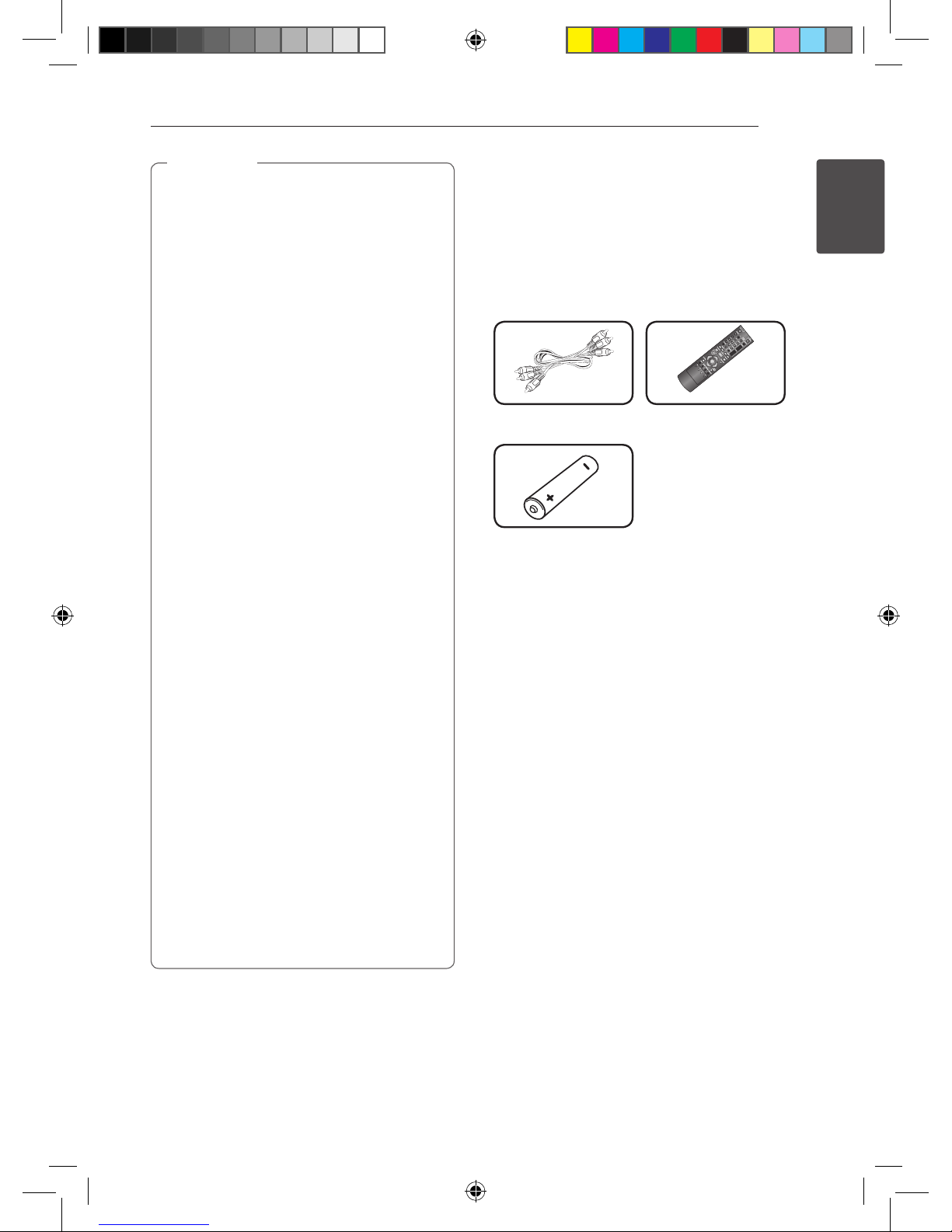
Supplied Accessorries
Audio / Video Cable (1) Remote control (1)
Battery (1)
BD651-N_US_NO_DIVX black.indd 9 2011-01-21 �� 5:04:54
Getting Started10
Getting Started
1
File compatibility
Video files
File
Location
File
Extension Codec Format Audio Format Subtitle
Disc,
USB
“.avi”, “.mpg”,
“.mpeg”, “.mkv”,
“.mp4”, “.asf”,
“.wmv”, “.m4v”
(DRM free)
XVID, MPEG1 SS,
H.264/MPEG-4 AVC,
MPEG2 PS, MPEG2 TS
Dolby Digital,
DTS, MP3,
WMA, AAC,
AC3
SubRip (.srt / .txt), SAMI (.smi),
SubStation Alpha (.ssa/.txt),
MicroDVD (.sub/.txt), VobSub
(.sub), SubViewer 1.0 (.sub),
SubViewer 2.0 (.sub/.txt), TMPlayer
(.txt), DVD Subtitle System (.txt)
Music files
File
Location
File
Extension Sampling Frequency Bitrate Note
Disc,
USB,
“mp3”, “.wma”,
“.wav”, “.m4a”
(DRM free)
within 32 - 48 kHz
(WMA),
within 11 - 48 kHz (MP3)
within 32 - 192
kbps (WMA),
within 8 - 320 kbps
(MP3),
Some wav les are
not supported on this
player.
Photo files
File
Location
File
Extension
Recommanded
Size
Note
Disc,
USB,
“.jpg”, “.jpeg”,
“.png”, “.gif”
Less than 4,000 x 3,000 x 24 bit/pixel
Less than 3,000 x 3,000 x 32 bit/pixel
Progressive and lossless
compression photo image les
are not supported.
BD651-N_US_NO_DIVX black.indd 10 2011-01-21 �� 5:04:54
Other manuals for BD630
1
Table of contents
Other LG Blu-ray Player manuals