manuals.online logo
Brands
  1. Home
  2. •
  3. Brands
  4. •
  5. Lian-Li
  6. •
  7. Fan
  8. •
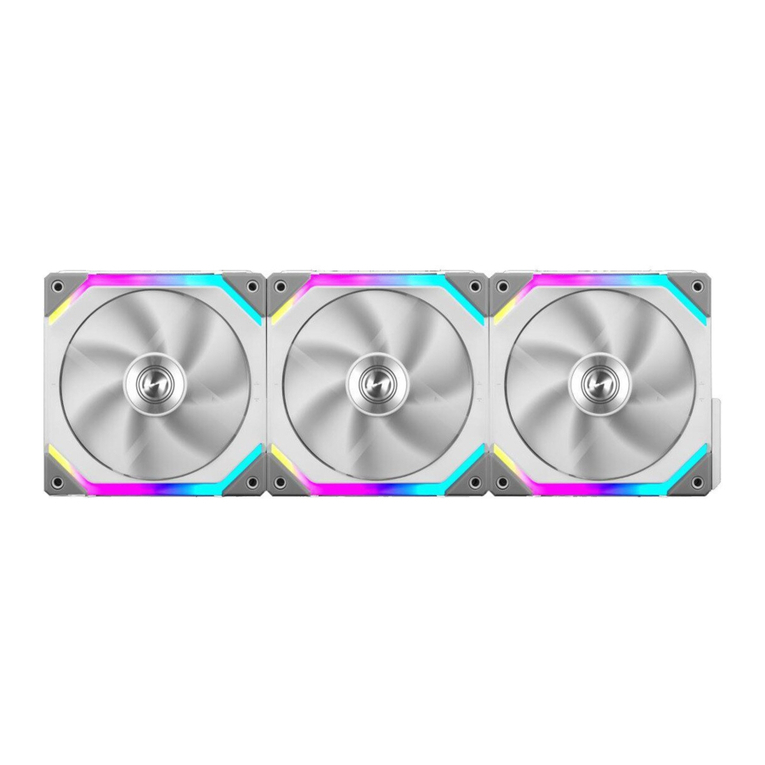
  9. Lian-Li UNI FAN SL-INF User manual

Lian-Li UNI FAN SL-INF User manual

Other Lian-Li Fan manuals

Lian-Li UNI FAN SL RGB User manual

Lian-Li

Lian-Li UNI FAN SL RGB User manual

Popular Fan manuals by other brands

Minka Group minkaAire Wave F843 instruction manual

Minka Group

Minka Group minkaAire Wave F843 instruction manual

Airflow Adroit DV50 instruction manual

Airflow

Airflow Adroit DV50 instruction manual

Vornado 270 Series owner's guide

Vornado

Vornado 270 Series owner's guide

comfort air TH-10D instruction manual

comfort air

comfort air TH-10D instruction manual

Livoo DOM386 instruction manual

Livoo

Livoo DOM386 instruction manual

Holmes BLIZZARD HAOF-90 owner's guide

Holmes

Holmes BLIZZARD HAOF-90 owner's guide

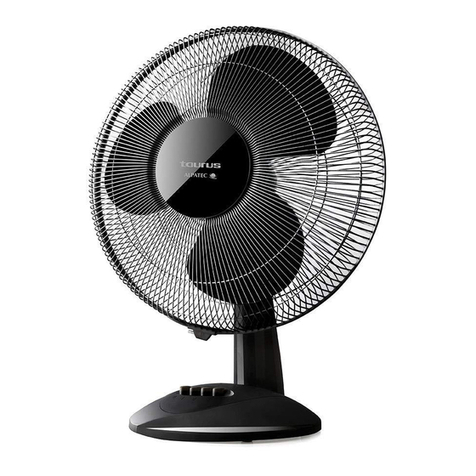
Taurus GRECO 16 ELEGANCE manual

Taurus

Taurus GRECO 16 ELEGANCE manual

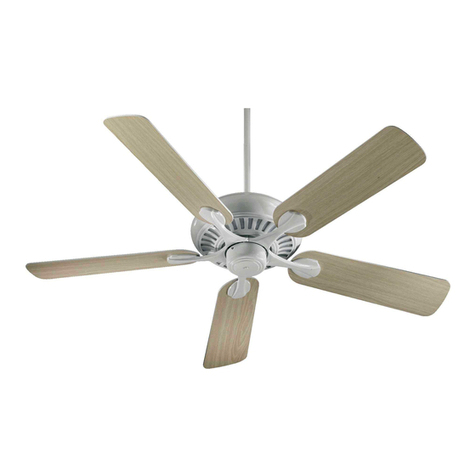
Quorum PINNACLE installation instructions

Quorum

Quorum PINNACLE installation instructions

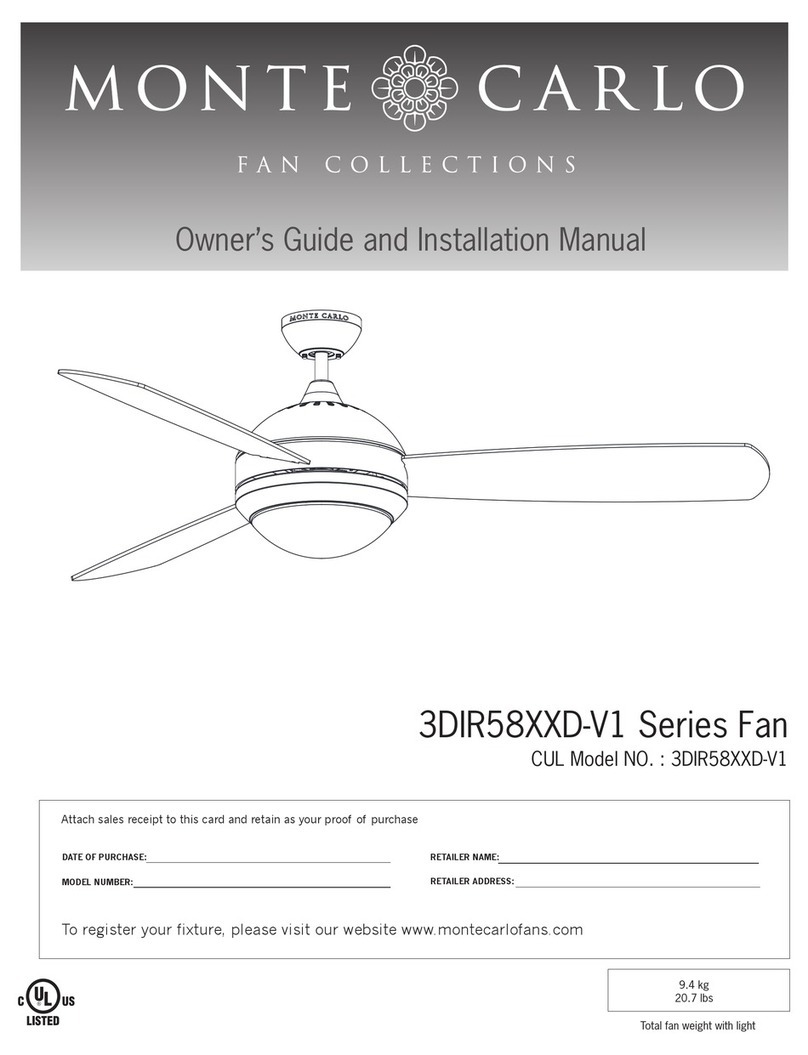
Monte Carlo Fan Company 3DIR58RBD-V1 Owner's guide and installation manual

Monte Carlo Fan Company

Monte Carlo Fan Company 3DIR58RBD-V1 Owner's guide and installation manual

Craftmade UH52 installation guide

Craftmade

Craftmade UH52 installation guide

Jocel JVA030658 instruction manual

Jocel

Jocel JVA030658 instruction manual

MIKA MFB1211/GR user manual

MIKA

MIKA MFB1211/GR user manual

Harbor Breeze RLG52NWZ5L manual

Harbor Breeze

Harbor Breeze RLG52NWZ5L manual

Allen + Roth L1405 instruction manual

Allen + Roth

Allen + Roth L1405 instruction manual

ViM KUBAIR F400 ECOWATT Technical manual

ViM

ViM KUBAIR F400 ECOWATT Technical manual

HIDRIA R10R-56LPS-ES50B-04C10 user guide

HIDRIA

HIDRIA R10R-56LPS-ES50B-04C10 user guide

BLAUBERG Ventilatoren CENTRO-M 100 L user manual

BLAUBERG Ventilatoren

BLAUBERG Ventilatoren CENTRO-M 100 L user manual

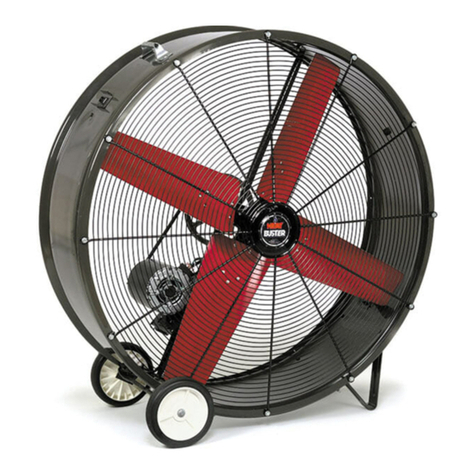
Triangle Engineering HEAT BUSTER SPL Series owner's manual

Triangle Engineering

Triangle Engineering HEAT BUSTER SPL Series owner's manual

manuals.online logo
manuals.online logoBrands
  • About & Mission
  • Contact us
  • Privacy Policy
  • Terms and Conditions

Copyright 2025 Manuals.Online. All Rights Reserved.

安裝指南
Power Module Installation /
Fan to Fan Connection /
Steps to Switch Orientation of the Cable on the Power Module /
電源⽚安裝
-
⾵扇連接⾵扇
電源⽚電線轉換⽅向⽰意
注意!電源⽚分為⼤⼩兩種卡榫 安裝時須,
Note! The socket for the power module
are in different size, please be aware of
the direction.
Installation Guide /
!
包裝內容物
Package Contents /
x 1 pc
注意⽅向性。
注意!若遇到⽔冷排出⽔位置影響電源⽚上
蓋 可將上蓋移除 以垂直⽅式⾛線, , 。
Note! The top cover is removable if it is
affected by the radiator inlet and outlet,
and route the cable vertically.
!
x 3 pcs
x 4 pcs
x 1 pc
x 1 pc
x 1 pc
1
2
Fixed
Release
Fixed
Release
Remove Release
Fixed
4 5 6
1 2 3
1
2
A 5銅板紙或模糙紙100P單 色雙面印 刷摺1摺 成A6
x 12 pcs
UNI FAN SL-INF RGB
控制器線材連接
⾵扇扣鎖拆除
注 意!若 遇 到 ⽔ 冷 排 出 ⽔ 位 置 影 響 ⾵ 扇 扣 鎖 可 將 ⾵ 扇,
卡扣鎖移除。
Note! The fan interlocking key is removable if it is
affected by the radiator inlet and outlet.
!
Controller Cable Connection /
Note! Press and pull out
the connector to release
the cable.
注意!按下 再拉出線材
接頭。
!
Remove the adhesive
撕下雙⾯膠
Use of Magnetic Adhesive Pad / 磁 性 膠 墊 使 ⽤
1
G50.12SLIN3.00
2
控制器 2 個 SATA 15 PIN線材電源全接情況下 最⼤ 輸出如下:,
1.控制器最⼤輸 出為 29 W。
2.採⽤ L-Conne c t 3󰷅軟體控制⾵扇設為定⾊⽩光 請將⽩光亮度降低, 。
3.同步主機板亮度開⾄ 1 00%的定⾊⽩光時 最多⽀援8顆infini t y Fan, 。
4.控制器上的SM type輸出⼝最⼤⽀援5 W (控制器上有2個 SM t ype輸出⼝)。
Restriction of Controller / 控 制 器 的 限 制
Maximum output of controller when connected BOTH SATA 15 PIN cable:
1. The maximum total output of the controller supports up to 29W.
2. Use L-Connect 3 to set static white, please lower the brightness.
3. When sync to motherboard and set as 100% brightness of static white, the
controller supports up to 8 UNI FAN SL Infinity.
4. Each SM type port supports up to 5W. (2 SM type port on controller)
Connect to USB
Connect to 5V ARGB
3 pin header
警告!請不要連接 錯誤類型 的
LED接頭 如果連接到12V接 ⼝, ,
將造成永久損壞。
Warning! Do not connect the
wrong type of LED connector. If it is
connected to the 12 V connector,
permanent damage will occur.
5 V 12 V
!
Connect to
PSU SATA 15 Pin
Connect to
1, or 2, or 3, or 4, or
splitt cable
1
34
2
* Splitter
*
GND VCC
DATA
- Control with L-Connect 3:
Connect up to 8 UNI FAN SL Infinity with splitter
when set as static white, lower the brightness if
necessary.
- Control with Motherboard software:
Connect up to 5 UNI FAN SL Infinity with splitter
when set as 100% brightness static white
分 接 線
* Splitter /分 接 線
Press
1 2 3
連接到1或2或3,,,
或4或分接線,
!
Remove the Fan Interlocking Key /
SM
Type
-採⽤ L-C o n n e c t 3軟體控制燈效:
 󰷅, ,使⽤此轉接線串接 8󰷅顆⾵扇 並設定為定⾊⽩光
 。將⽩光亮度降低
-同步主板燈效軟體:
 , ,亮度開⾄󰷅1 00 %󰷅定 ⾊⽩光模式 使⽤此轉接線材
 。最多⽀援 5󰷅顆 In f i n i t y Fa n