manuals.online logo
Brands
  1. Home
  2. •
  3. Brands
  4. •
  5. Lightcorp
  6. •
  7. Home Lighting
  8. •
  9. Lightcorp TLC-3800 User manual

Lightcorp TLC-3800 User manual

Other Lightcorp Home Lighting manuals

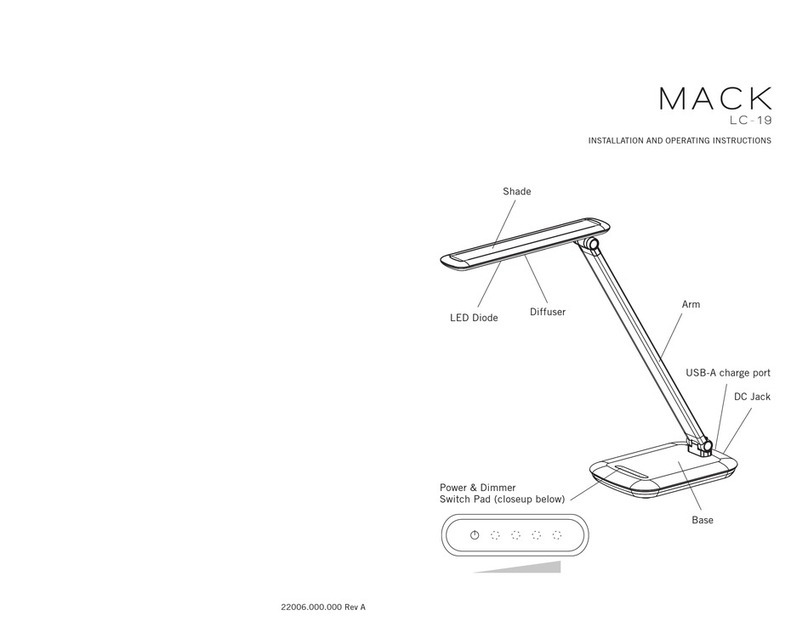
Lightcorp MACK LC-19 User manual

Lightcorp

Lightcorp MACK LC-19 User manual

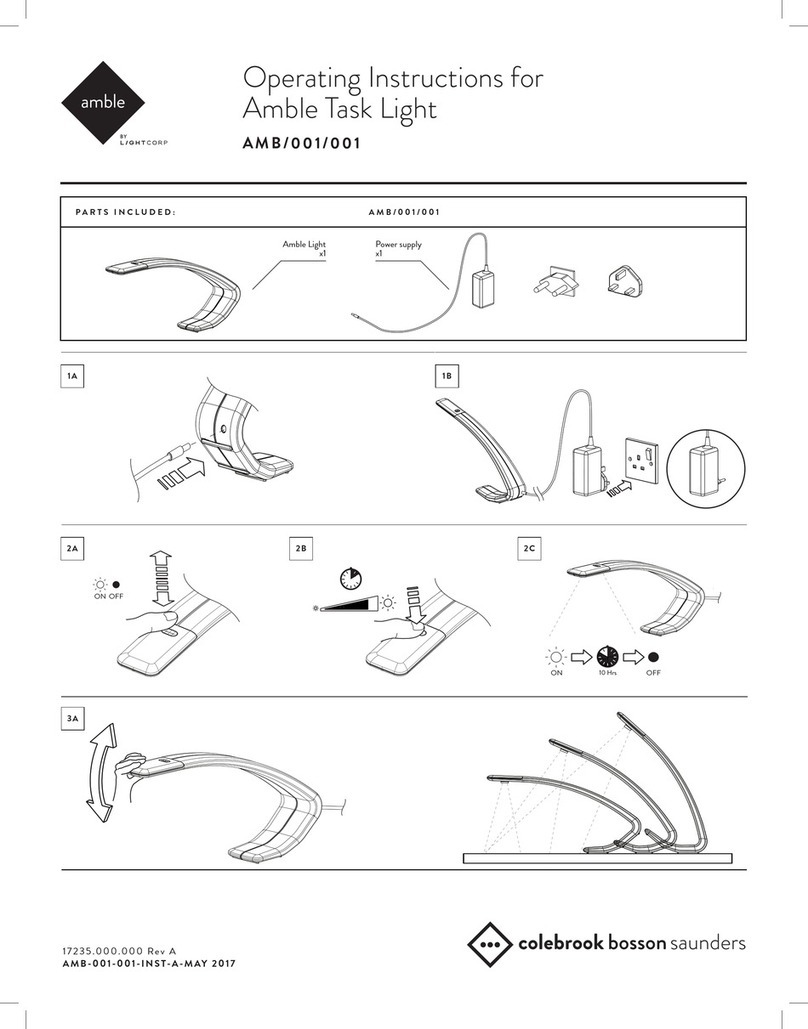
Lightcorp Amble AMB-001-001 User manual

Lightcorp

Lightcorp Amble AMB-001-001 User manual

Popular Home Lighting manuals by other brands

Philips LivingColors Iris user manual

Philips

Philips LivingColors Iris user manual

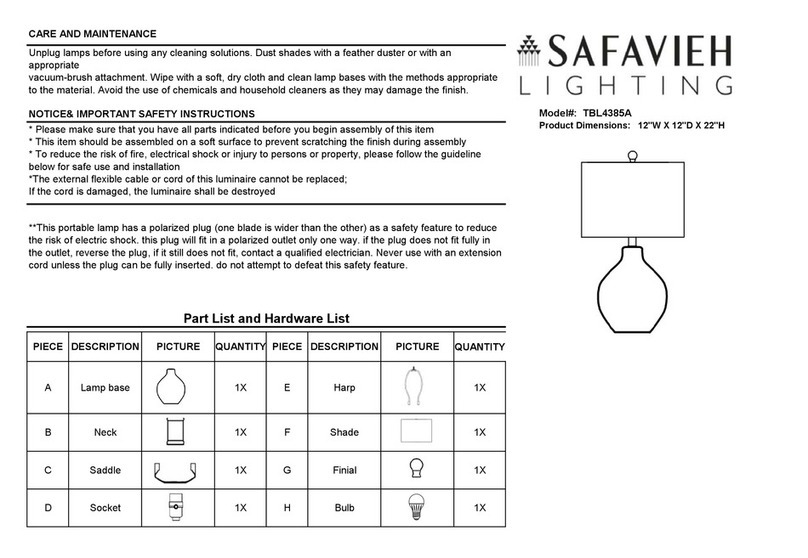
Safavieh Lighting TBL4385A Assembly instructions

Safavieh Lighting

Safavieh Lighting TBL4385A Assembly instructions

MOB MO6816 user manual

MOB

MOB MO6816 user manual

Schuller ALIVE operating manual

Schuller

Schuller ALIVE operating manual

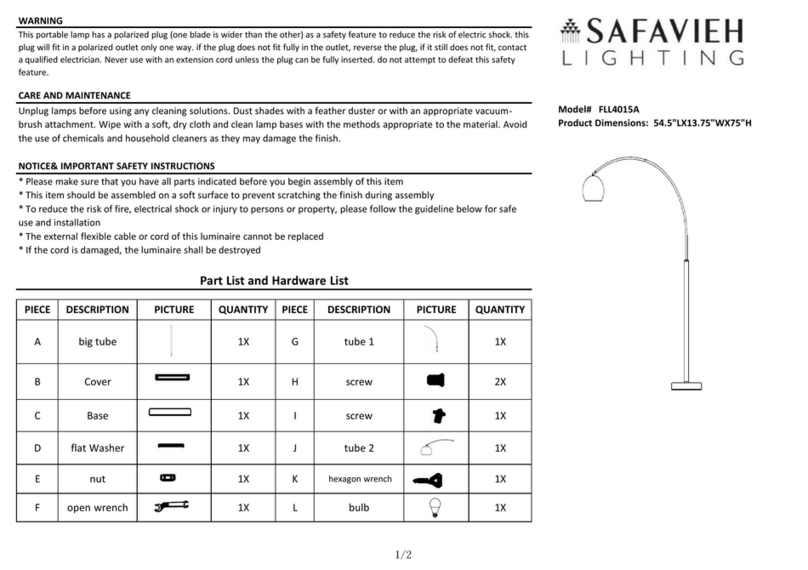
Safavieh Lighting SADE FLL4015A manual

Safavieh Lighting

Safavieh Lighting SADE FLL4015A manual

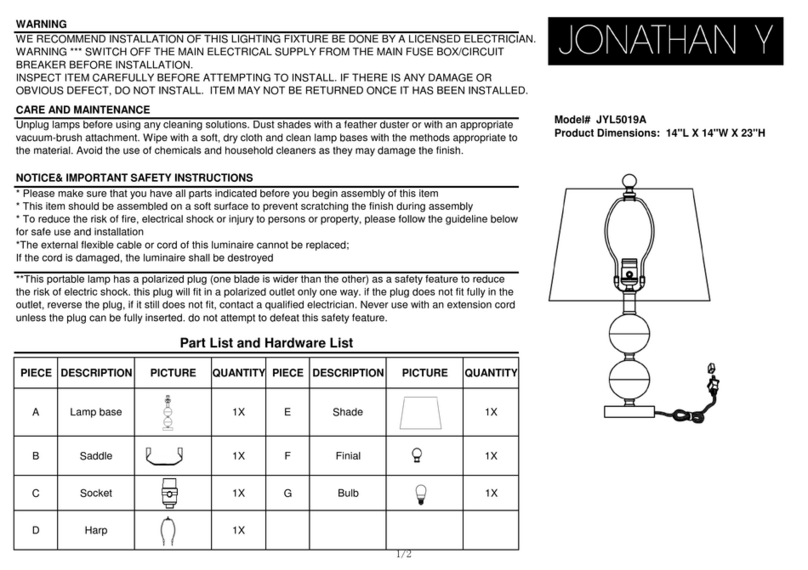
JONATHAN Y JYL5019A manual

JONATHAN Y

JONATHAN Y JYL5019A manual

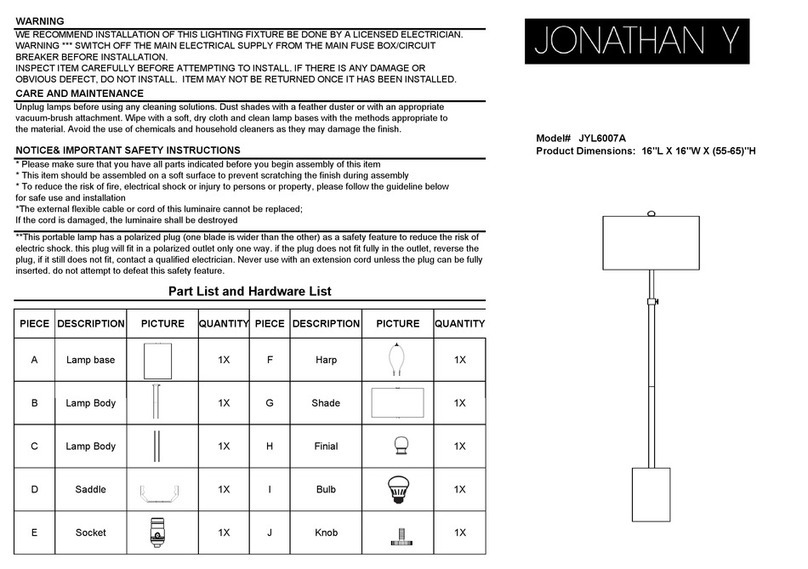
JONATHAN Y JYL6007A quick start guide

JONATHAN Y

JONATHAN Y JYL6007A quick start guide

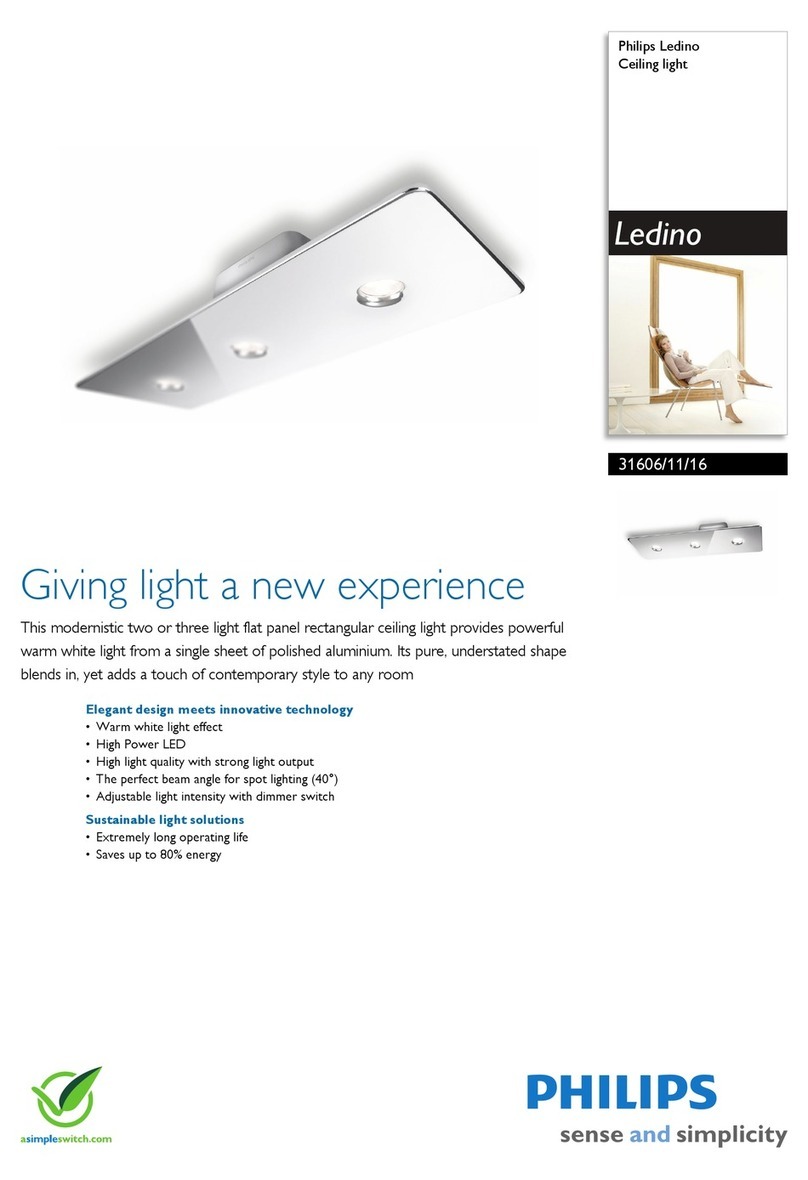
Philips Ledino 31606/11/16 Specifications

Philips

Philips Ledino 31606/11/16 Specifications

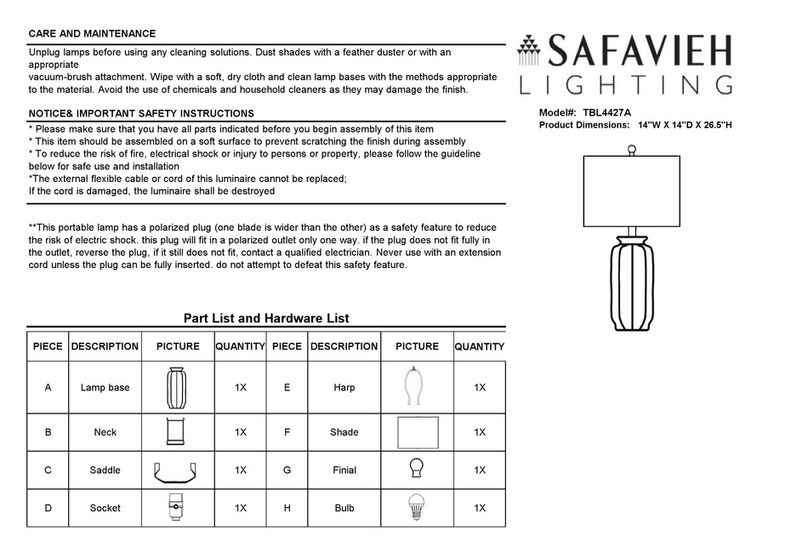
Safavieh Lighting CANDRI TBL4427A manual

Safavieh Lighting

Safavieh Lighting CANDRI TBL4427A manual

Hunter Bullet Spotlight Kit Owner's guide and installation manual

Hunter

Hunter Bullet Spotlight Kit Owner's guide and installation manual

Philips 405441213 user manual

Philips

Philips 405441213 user manual

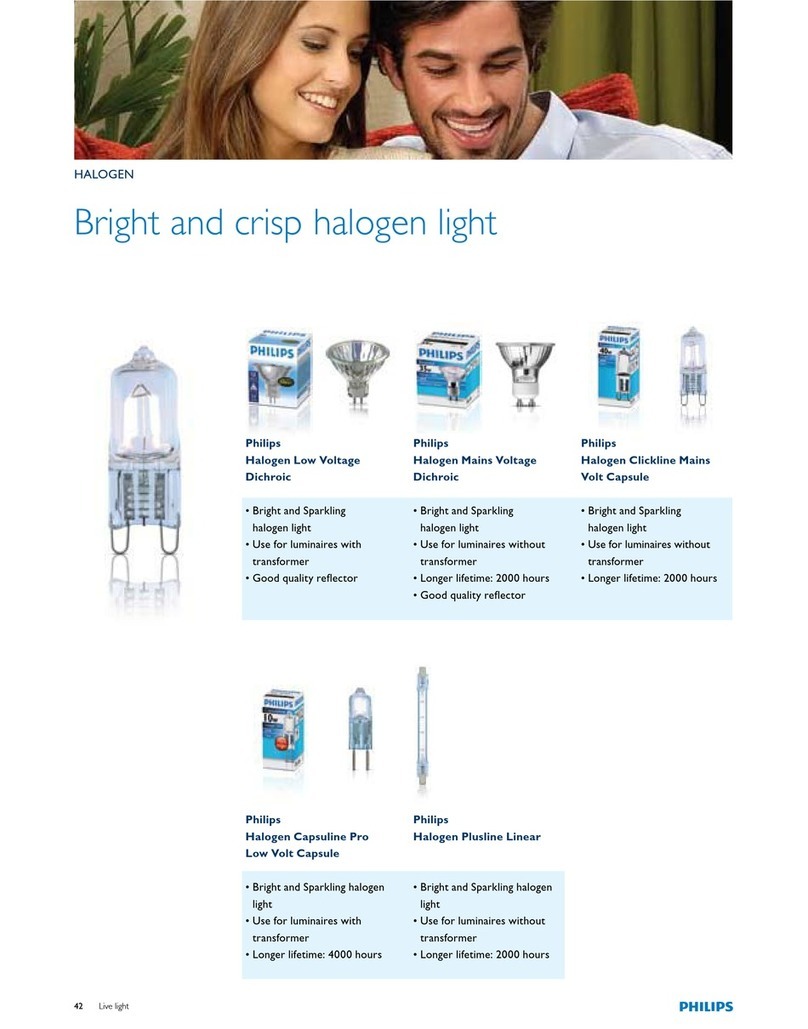
Philips Halogen Light Brochure & specs

Philips

Philips Halogen Light Brochure & specs

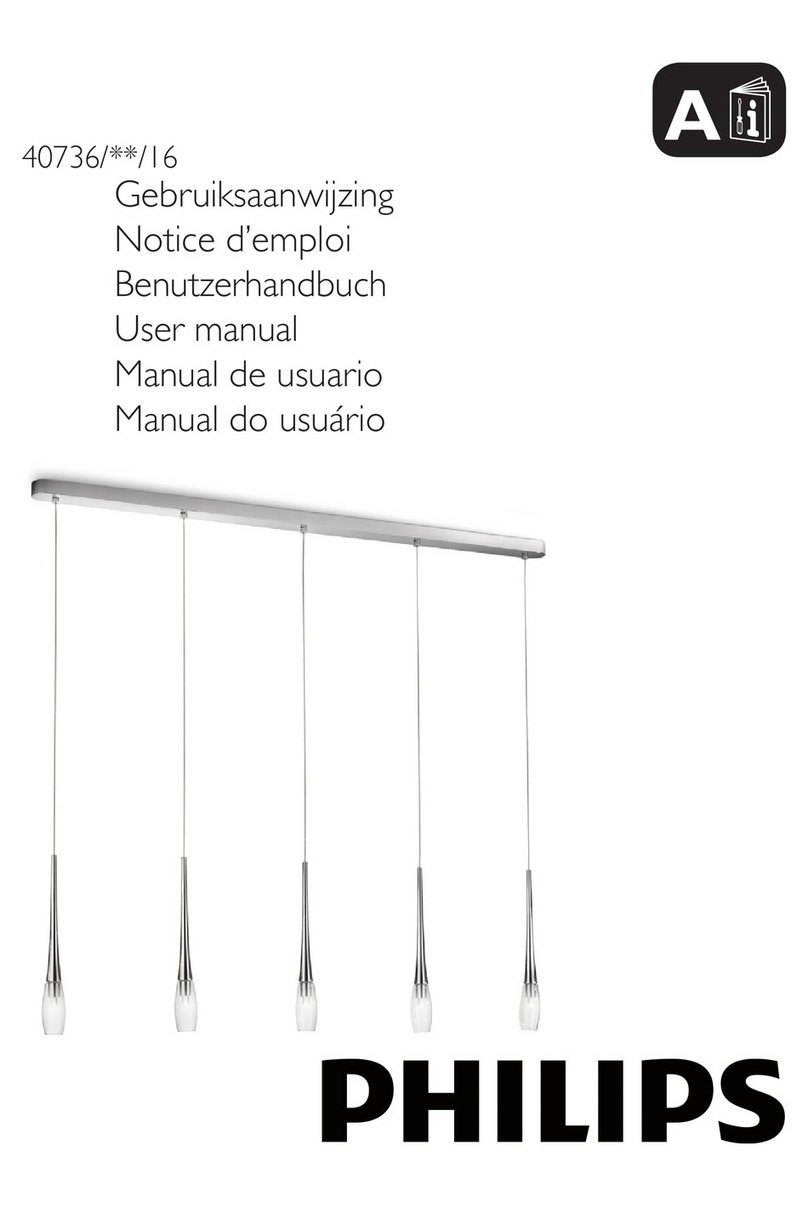
Philips 40736-11-16 user manual

Philips

Philips 40736-11-16 user manual

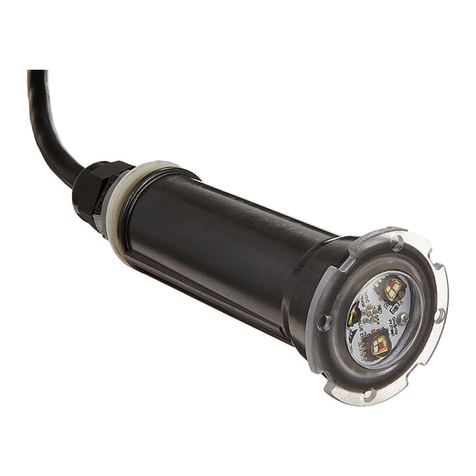
Pentair GLOBRITE Installation and user guide

Pentair

Pentair GLOBRITE Installation and user guide

Philips 55592-30-16 user manual

Philips

Philips 55592-30-16 user manual

Livoo Night light user manual

Livoo

Livoo Night light user manual

Schwaiger NFL45 user guide

Schwaiger

Schwaiger NFL45 user guide

FRITZ HANSEN AQ01 PLUG-IN manual

FRITZ HANSEN

FRITZ HANSEN AQ01 PLUG-IN manual

manuals.online logo
manuals.online logoBrands
  • About & Mission
  • Contact us
  • Privacy Policy
  • Terms and Conditions

Copyright 2025 Manuals.Online. All Rights Reserved.

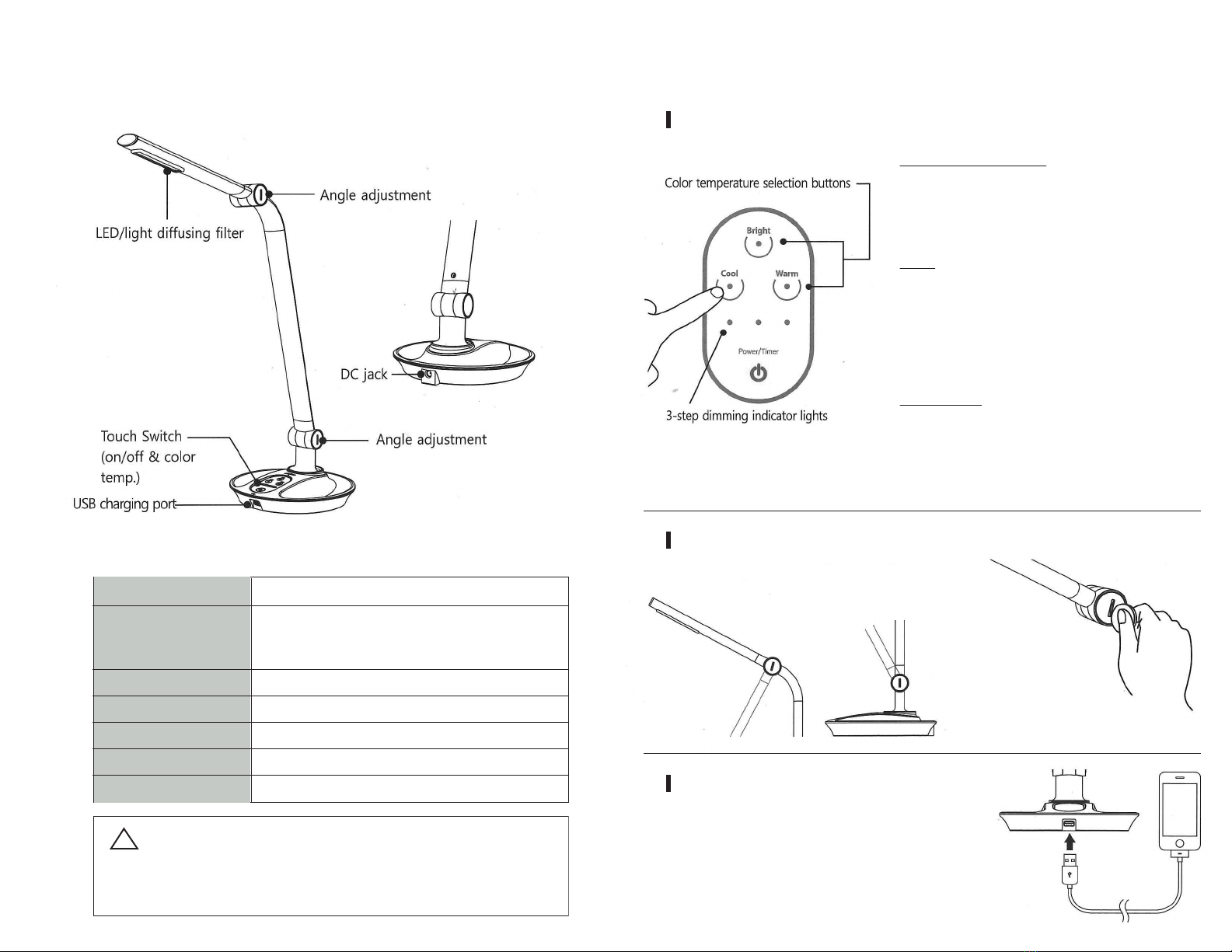
2. Features and Operation
Color temperature adjustment and dimming system
To adjust color temperature
Select the respective button on the keypad for desired light:
• Cool light- blue hue. (6200K-6500K CCT)
• Bright light- yellow-orange hue. (4500K-4700K CCT)
• Warm light- red hue. (2500K-3300K CCT)
To dim
A 3-step dimming feature is available in all three color
temperature settings. To adjust brightness level, press
desired color temperature setting button once for low, twice
for mid or three times for the brightest setting. The number
of illuminated dimming indicator lights will correspond to
the brightness level currently displaying.
To set the timer
Press and hold the power/Timer button for 2 sec. to activate
timer. Indicator light will circulate around the keypad to
indicate timer has been set. Light will automatically shut o
after 50 minutes. Repeat the steps if you wish to engage the
timer again.
Angle Adjustment
USB Charging
Insert USB cable (of Smart phone or Tablet)
to the USB charging port on the front side of
base to charge the appliances.
17127.000.000 Rev A
Fixture oers adjustable arm for user preference
If the lamp arm does not stay
in desired position, carefully
tighten the hinge clockwise with
a coin.
*
1. Product Description
General Specication
Model TLC-3800
Cool : 6,200~6,500K
Color Temperature Bright : 4,500~4,700K
Warm : 2,500~3,300K
Light Output 84-511 lm
CRI ≥ 82
Power DC 12Vm 1.5A
Power consumption 9.5W(Lighting), 6.5W(Charging) Max 16W
USB Charging port DC 5V, 1A
!
Use only the power supply provided.
Veuillez utiliser uniquement l’adaptateur dédié d’alimentation fourni.
Using a power supply other than the power supply included in this
packaging will void the product warranty.