manuals.online logo
Brands
  1. Home
  2. •
  3. Brands
  4. •
  5. Listen
  6. •
  7. Carrying Case
  8. •
  9. Listen LA-322 User manual

Listen LA-322 User manual

This manual suits for next models

2

Popular Carrying Case manuals by other brands

Philips Ledino 57910/31/96 null

Philips

Philips Ledino 57910/31/96 null

Fujitsu PenCentra 130 User instructions

Fujitsu

Fujitsu PenCentra 130 User instructions

BASETech 65 88 00 operating instructions

BASETech

BASETech 65 88 00 operating instructions

Sibel Pilotrol quick start guide

Sibel

Sibel Pilotrol quick start guide

Dicota Hypertec N12628NHY Specifications

Dicota

Dicota Hypertec N12628NHY Specifications

NEC MultiSync SC-EX23 user manual

NEC

NEC MultiSync SC-EX23 user manual

Sony LCM-GWA instructions

Sony

Sony LCM-GWA instructions

NANUK 923 installation instructions

NANUK

NANUK 923 installation instructions

Dicota DataCart user manual

Dicota

Dicota DataCart user manual

Hypertec TSV154V1HY Specification sheet

Hypertec

Hypertec TSV154V1HY Specification sheet

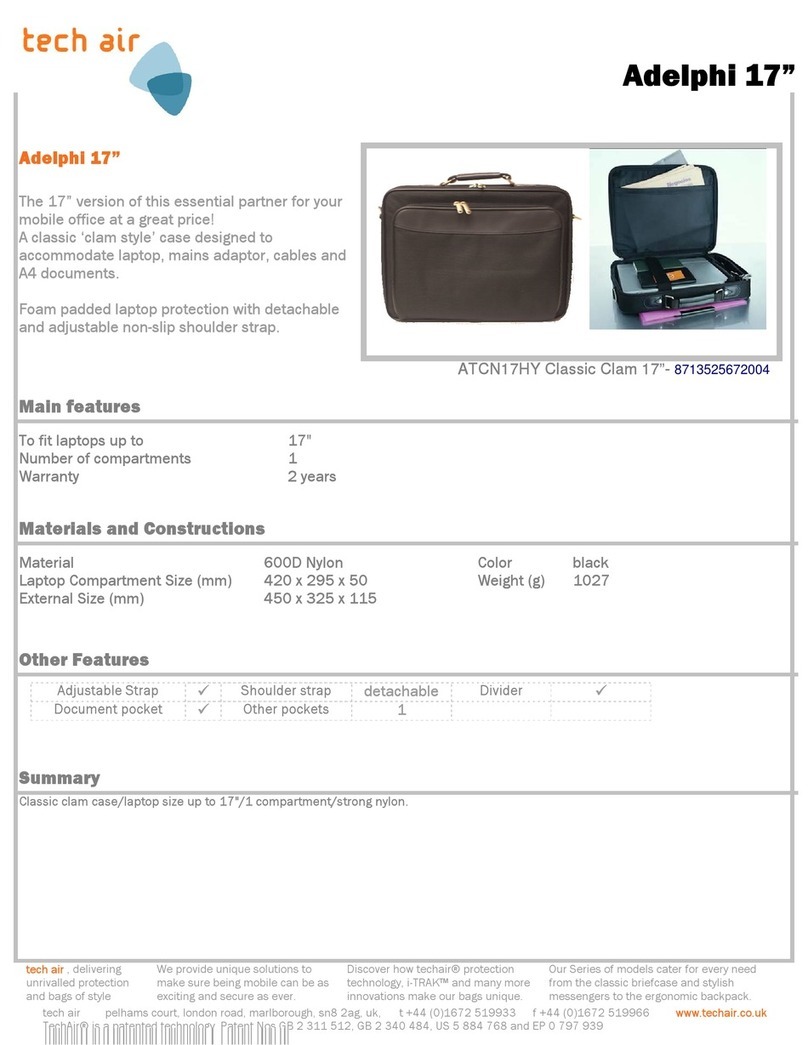
tech air Adelphi 17" Specification sheet

tech air

tech air Adelphi 17" Specification sheet

Panasonic FZ-VSTN12U operating instructions

Panasonic

Panasonic FZ-VSTN12U operating instructions

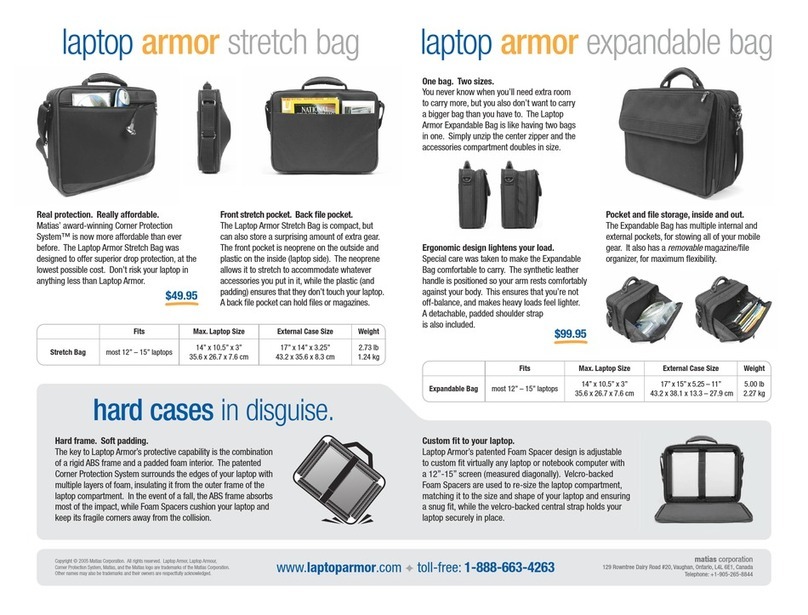
Matias Laptop Armor Stretch Bag Specification sheet

Matias

Matias Laptop Armor Stretch Bag Specification sheet

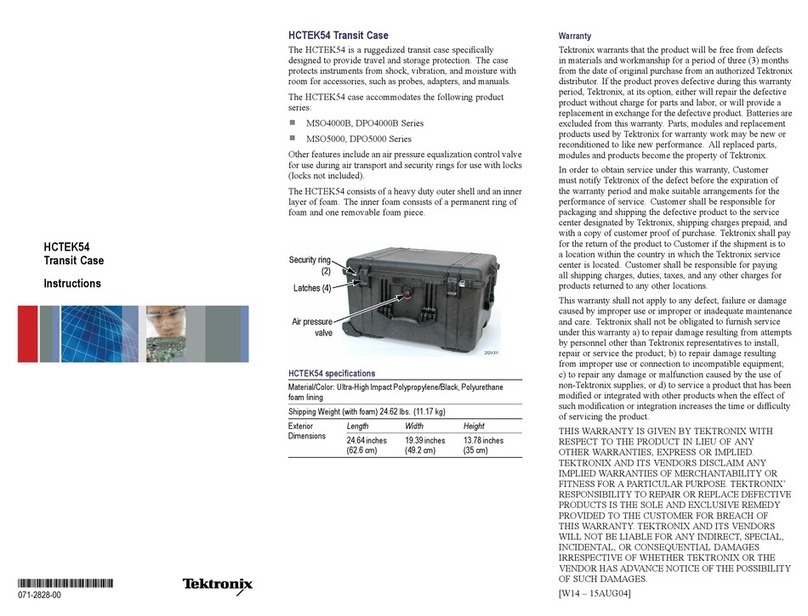
Tektronix HCTEK54 instructions

Tektronix

Tektronix HCTEK54 instructions

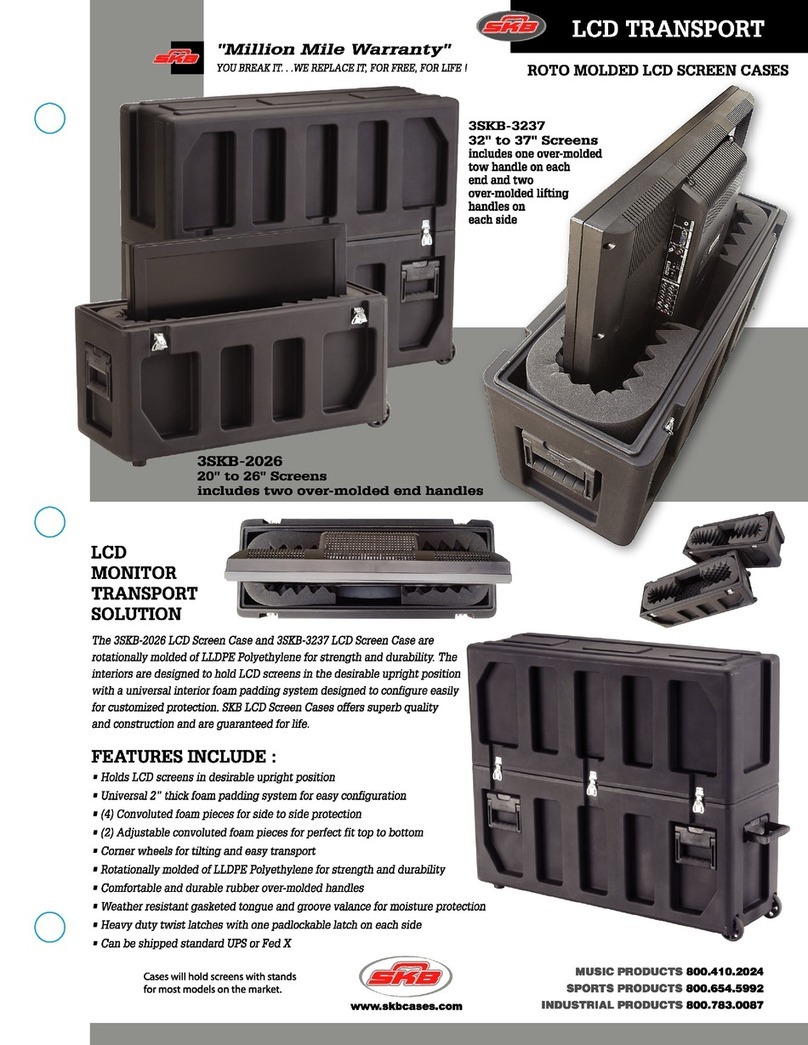
SKB 3SKB-2026 Specifications

SKB

SKB 3SKB-2026 Specifications

Crye Precision EXP 2100 PACK Operator's manual

Crye Precision

Crye Precision EXP 2100 PACK Operator's manual

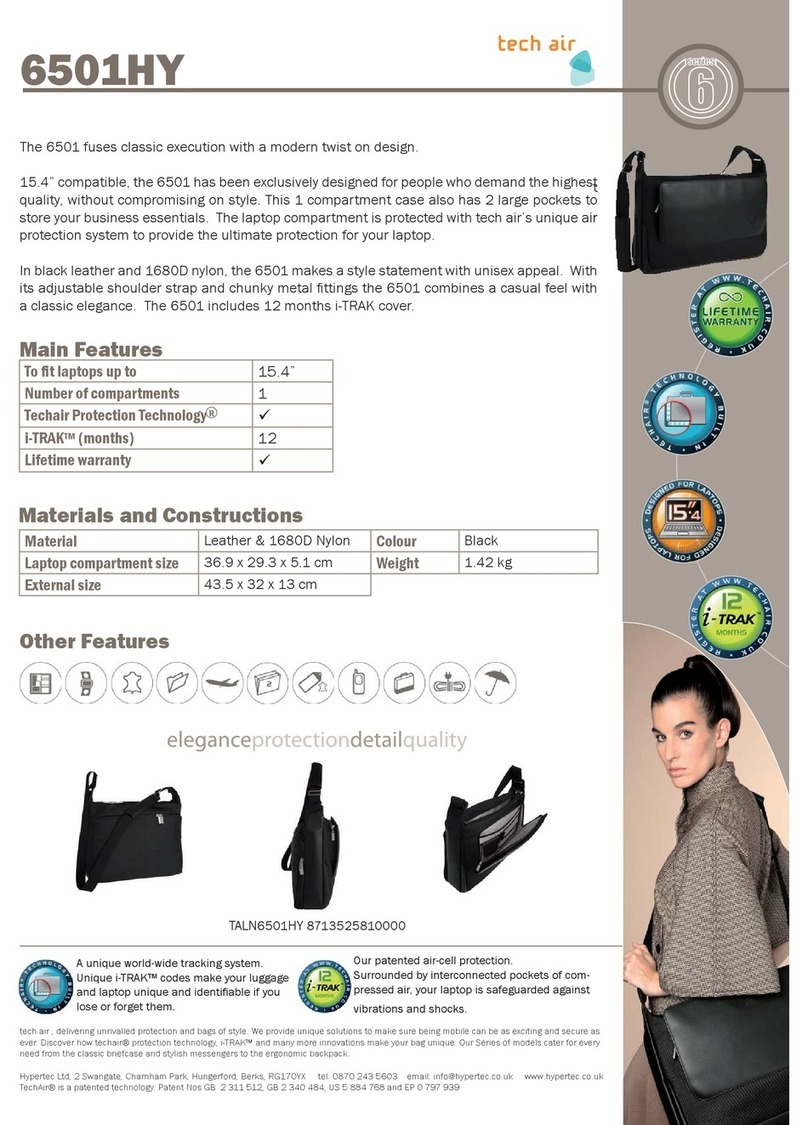
Hypertec 6501HY Specification sheet

Hypertec

Hypertec 6501HY Specification sheet

Dicota N14608PHY specification

Dicota

Dicota N14608PHY specification

manuals.online logo
manuals.online logoBrands
  • About & Mission
  • Contact us
  • Privacy Policy
  • Terms and Conditions

Copyright 2025 Manuals.Online. All Rights Reserved.

10
8-Unit Cases
8-Unit Case Package Contents
3
LA-321/324 Contents
• LA-321 8-Unit Charging/Carrying
Case or LA-324 8-Unit Charging/
Carrying Case
• Power Supply
• Keys
•Shoulder Carrying Strap
LA-322 Contents
• LA-322 8-Unit Storage/Carrying Case
• Keys
• Shoulder Carrying Strap
LA-321/324 Highlights
•Sturdy case with hard foam interior and durable latches
•Charges up to 8 receivers or portable transmitters with NiMH batteries
•Removable charging platform
•Large pocket stores power supply, earphones and/or other accessories
•Center pocket stores earphones or other accessories
•Earphones can remain attached to receivers during storage and charging
•SmartCharge™ charging technology built into Listen products prevents overcharge
•Case comes with keys and can be locked for security
•Detachable nylon carrying strap
•Convenient removable lid (LA-324 model only)
3
LA-322 Highlights
•Sturdy case with hard foam interior and durable latches
•Stores up to 8 receivers or portable transmitters
•Pocket stores earphones and/or other accessories
•Earphones can remain attached to receivers during storage
•Case comes with keys and can be locked for security
•Detachable nylon carrying strap
11
8-Unit Cases
8-Unit Case Specications
Specication LA-321/324
Power Primary Power Input 100-240 VAC, 50-60 Hz, 1200 mA
Secondary Power Output 7.5 VDC, 4A, 30W
Physical
Description Black, grey, and chrome lockable hard case. Interior foam.
Weight 6.2 lbs. (2.80 kg)
Shipping Weight 9.0 lbs. (4.00 kg)
Shoulder Carrying Strap Length Adjustable 33.00 to 53.00 in. (83.0 to 135.0 cm)
Power Cord Length 12.0 ft. (3.7 m)
Size W x H x D 15.75 x 9.80 x 7.00 in. (40.0 x 25.0 x 18.0 cm)
Specication LA-322
Power None
Physical
Description Black, grey, and chrome lockable hard case. Interior foam.
Weight 6.2 lbs. (2.80 kg)
Shipping Weight 8.0 lbs. (3.60 kg)
Shoulder Carrying Strap Length Adjustable 33.00 to 53.00 in. (83.0 to 135.0 cm)
Size W x H x D 15.75 x 9.80 x 7.00 in. (40.0 x 25.0 x 18.0 cm)
12
8-Unit Cases
LA-321/324 Charging Instructions
Plug power supply into power source.
Any 110 to 120 VAC outlet can be used. The power must stay connected during
the full 13 hour charge cycle.
1
2Plug power into case.
The green LED next to the power connector will illuminate
indicating the case is powered.
green LED lit when
power is connected
Check Battery Select Switch.
Make sure that you are using NiMH batteries and that the
battery select switch is in the correct position. Charging will only occur when the
Listen product’s battery selection switch is set to the “NiMH” position. This switch
is located inside the battery compartment of the product.
3
Warning: Do not attempt to charge alkaline batteries. This may damage the unit
and case, and will void the warranty!
Turn units to be charged OFF.
For optimal charging, receivers and transmitters should be turned OFF* during
the charge cycle. Portable transmitters manufactured prior to 2003 require that
the unit be turned ON to begin charging. Once charging begins, turn the
unit OFF.
4
LT-700 power switch
Receiver power
switch - turn
clockwise until you
hear a ‘click’
Enlarged area of interior of
LR-500
13
8-Unit Cases
LA-321/324 Charging Instructions (cont.)
Place units in charging slots.
It may be necessary to press the units down
into the pocket to ensure that it is touching
the charging contacts.
5
Verify units are charging.
Watch units for 10 seconds before leaving them to charge. Once placed in the
charging slots, the red LED on top of Listen’s portable receivers and transmitters will
glow continuously for 1-2 seconds, then extinguish. The units will then evaluate
battery status for 5-7 seconds. If the battery select switch is positioned in the NiMH
setting, the red LED will begin to flash indicating that the units are charging.
NOTE: If batteries are completely discharged, the red LED will remain solid while the
batteries are reconditioned. Unit should begin flashing after 5-10 minutes. The
LED may flicker during the reconditioning process.
Verify Full Charge.
Each unit’s red LED will stop flashing once charging is complete. Charging time for
full recharge on completely discharged batteries is 13 hours.
NOTE: If a unit is removed from the case during the charge cycle, and then
reinserted, it will begin a new charge cycle.
WARNING: The case lid MUST be open or removed while the units are charging. The
charging process generates heat and ventilation is required. It is best to
store your charging case at room temperature away from heat sources
and direct sunlight.
6
7