Contents
Unpacking.......................................................... 4
Product Overview ............................................. 5
Blu-ray Player..................................................................5
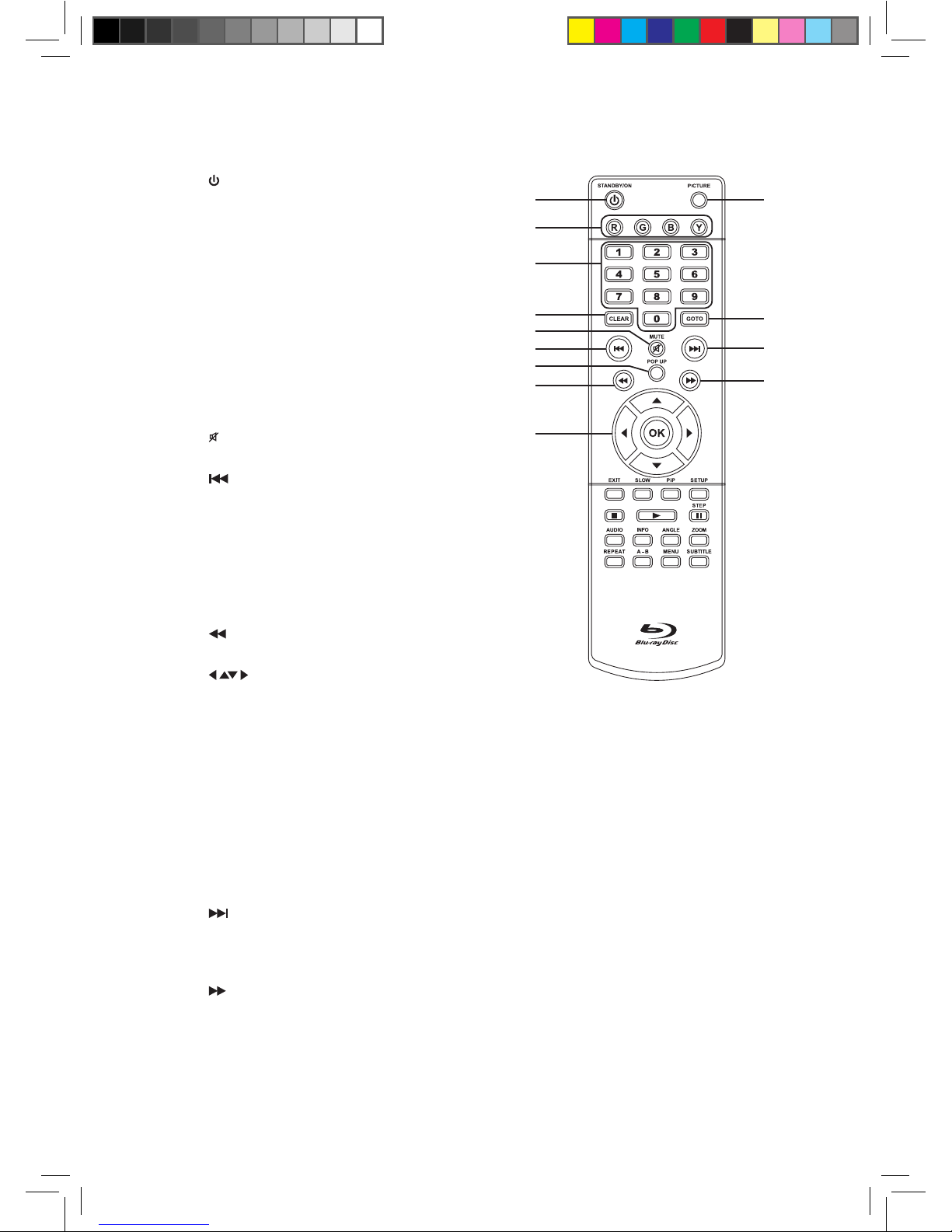
Remote Control..............................................................6
Battery Installation for the Remote Control.. 8
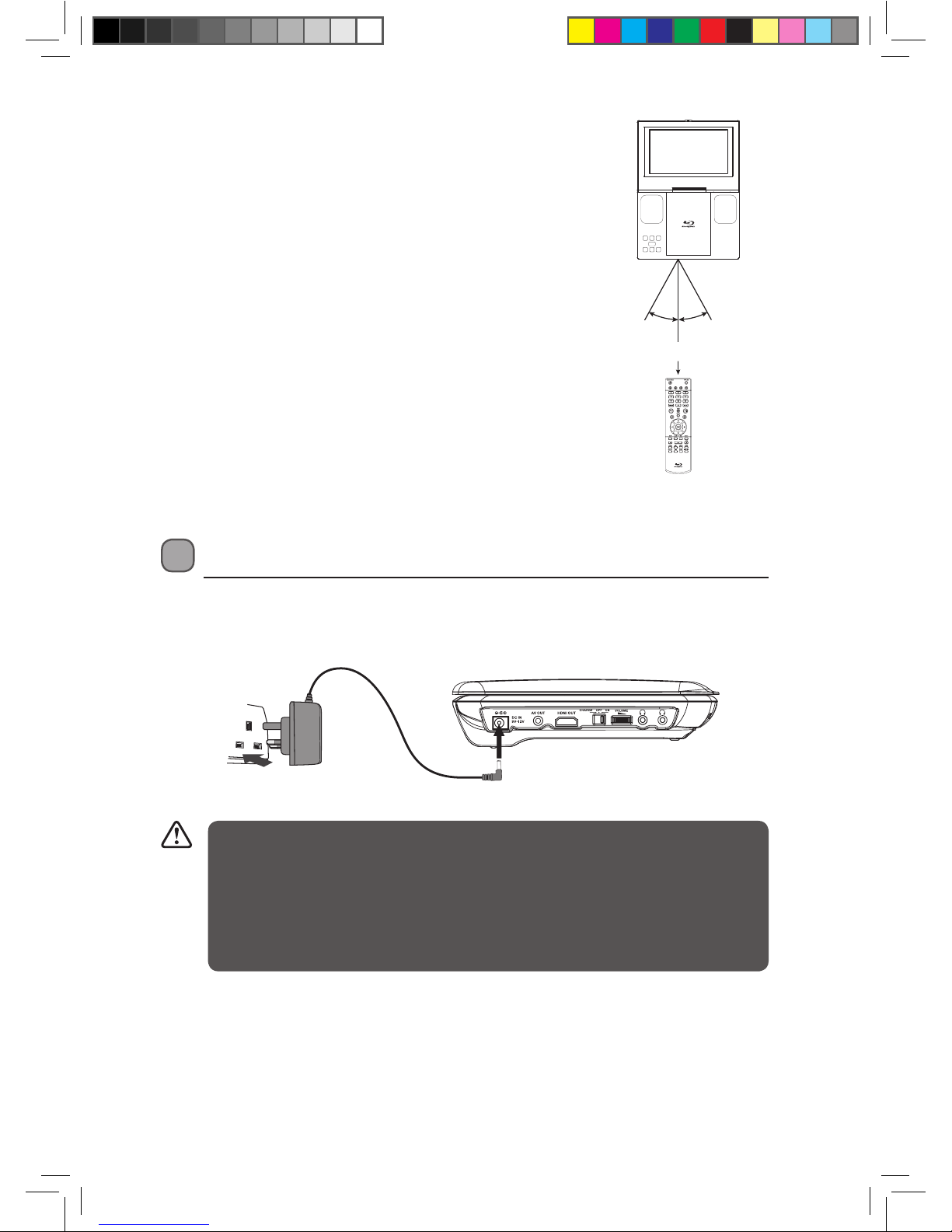
Remote Control Operation Range..........................9
Power Supply..................................................... 9
Using the Mains Adapter (for indoor use) ...........9
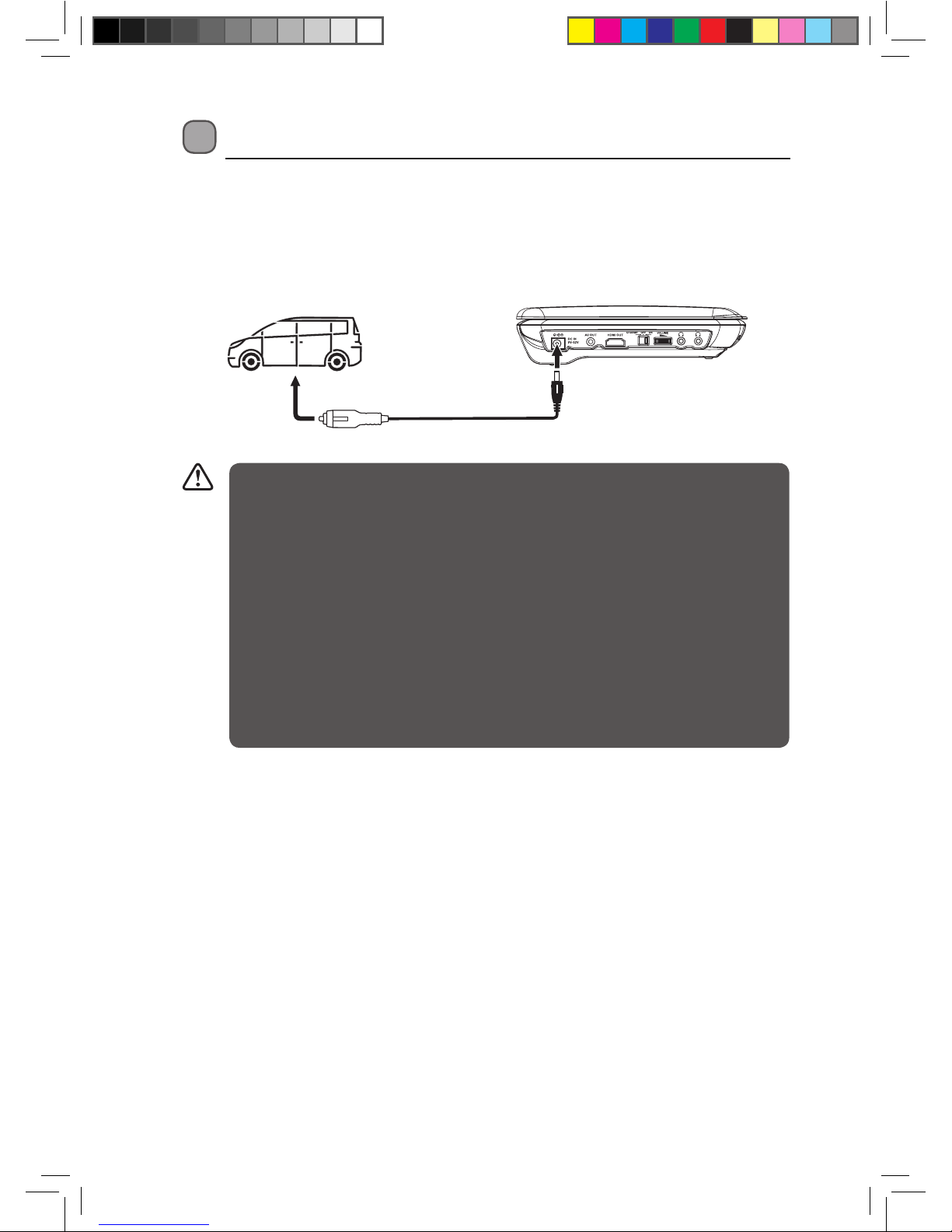
Using in a Car................................................... 10
Connecting for In-car Use....................................... 10
Using the Built-in Battery ...............................11
Charging the Battery.......................................11
Connections..................................................... 12
Connecting a TV ......................................................... 12
Connecting an Audio Receiver ............................. 13
Using USB port ............................................................ 13
Using Headphones / Earphones .......................... 14
Ethernet Socket – Connecting to a Home
Network ......................................................................... 14
Carrying Bag Installation............................... 15
To Attach the Unit’s Case to a Headrest ............ 15
Compatible Disc Types ................................... 16
Supported Formats ................................................... 16
Region Code................................................................. 16
Turning On the Blu-ray Player ....................... 17
Playing a Blu-ray Disc or DVD ........................ 17
Playing a Disc............................................................... 17
Pausing Playback (Still Mode)................................ 18
Stopping Playback..................................................... 18
Skipping to a Dierent Track ................................. 18
Slow Forward............................................................... 18
Zooming into an image........................................... 18
Fast Forward / Fast Reverse.................................... 18
Audio Selection .......................................................... 19
Subtitle Selection....................................................... 19
Angle Selection........................................................... 19
Using the PiP (Picture-in-picture) mode...........20
Using a Disc Pop Up Menu .....................................20
Menu Function............................................................20
Displaying Disc Information .................................. 21
Using the Picture Menu........................................... 21
Locating a Desired Section ............................ 21
Locating a specic title ............................................21
Locating a specic chapter ....................................22
Locating a specic time...........................................22
Playing Picture Files ....................................... 23
Playing Picture Files from a disc or USB drive. 23
Repeat Playback.............................................. 23
Repeating playback (Blu-ray Disc or DVD) .......23
Repeating playback (CD).........................................24
Repeating a specic section (Blu-ray Disc/DVD/
CD)....................................................................................24
Customising the Language Settings ............ 25
Customising the Video Settings.................... 26
Customising the Rating Settings .................. 27
Customising the General Settings ................ 28
Maintenance.................................................... 29
Hints and Tips.................................................. 30
Specications .................................................. 31
L9BDVD11_IB_final110705_running change.indd 3 05/07/2011 1:43 PM