manuals.online logo
Brands
  1. Home
  2. •
  3. Brands
  4. •
  5. Magic Chef
  6. •
  7. Refrigerator
  8. •
  9. Magic Chef MCBM920W User manual

Magic Chef MCBM920W User manual

Other Magic Chef Refrigerator manuals

Magic Chef MCBR170B User manual

Magic Chef

Magic Chef MCBR170B User manual

Magic Chef MCR32CHW User manual

Magic Chef

Magic Chef MCR32CHW User manual

Magic Chef MCBR170W User manual

Magic Chef

Magic Chef MCBR170W User manual

Magic Chef MCBR445W1F User manual

Magic Chef

Magic Chef MCBR445W1F User manual

Magic Chef AON-C502 User manual

Magic Chef

Magic Chef AON-C502 User manual

Magic Chef MCBR350WEF User manual

Magic Chef

Magic Chef MCBR350WEF User manual

Magic Chef HMBR265WE1 User manual

Magic Chef

Magic Chef HMBR265WE1 User manual

Magic Chef HMCR320RE User manual

Magic Chef

Magic Chef HMCR320RE User manual

Magic Chef MCBR170W User manual

Magic Chef

Magic Chef MCBR170W User manual

Magic Chef HMCR320RE User manual

Magic Chef

Magic Chef HMCR320RE User manual

Magic Chef MCBR980W User manual

Magic Chef

Magic Chef MCBR980W User manual

Magic Chef MCBR415S User manual

Magic Chef

Magic Chef MCBR415S User manual

Magic Chef MCBR402S User manual

Magic Chef

Magic Chef MCBR402S User manual

Magic Chef MCBR360S User manual

Magic Chef

Magic Chef MCBR360S User manual

Magic Chef MCBR465S User manual

Magic Chef

Magic Chef MCBR465S User manual

Magic Chef MCBR170B User manual

Magic Chef

Magic Chef MCBR170B User manual

Magic Chef MCBR170B User manual

Magic Chef

Magic Chef MCBR170B User manual

Magic Chef MCBR405B User manual

Magic Chef

Magic Chef MCBR405B User manual

Magic Chef MCSR-6085W User manual

Magic Chef

Magic Chef MCSR-6085W User manual

Magic Chef MCBM920W1 User manual

Magic Chef

Magic Chef MCBM920W1 User manual

Magic Chef HMBR350WEF User manual

Magic Chef

Magic Chef HMBR350WEF User manual

Magic Chef MCBR160B2 User manual

Magic Chef

Magic Chef MCBR160B2 User manual

Magic Chef MCBR445B1 User manual

Magic Chef

Magic Chef MCBR445B1 User manual

Magic Chef MCBR170B User manual

Magic Chef

Magic Chef MCBR170B User manual

Popular Refrigerator manuals by other brands

Frigidaire FRS26TS7DW2 Use & care manual

Frigidaire

Frigidaire FRS26TS7DW2 Use & care manual

Fisher Scientific 10ECEEFSA manual

Fisher Scientific

Fisher Scientific 10ECEEFSA manual

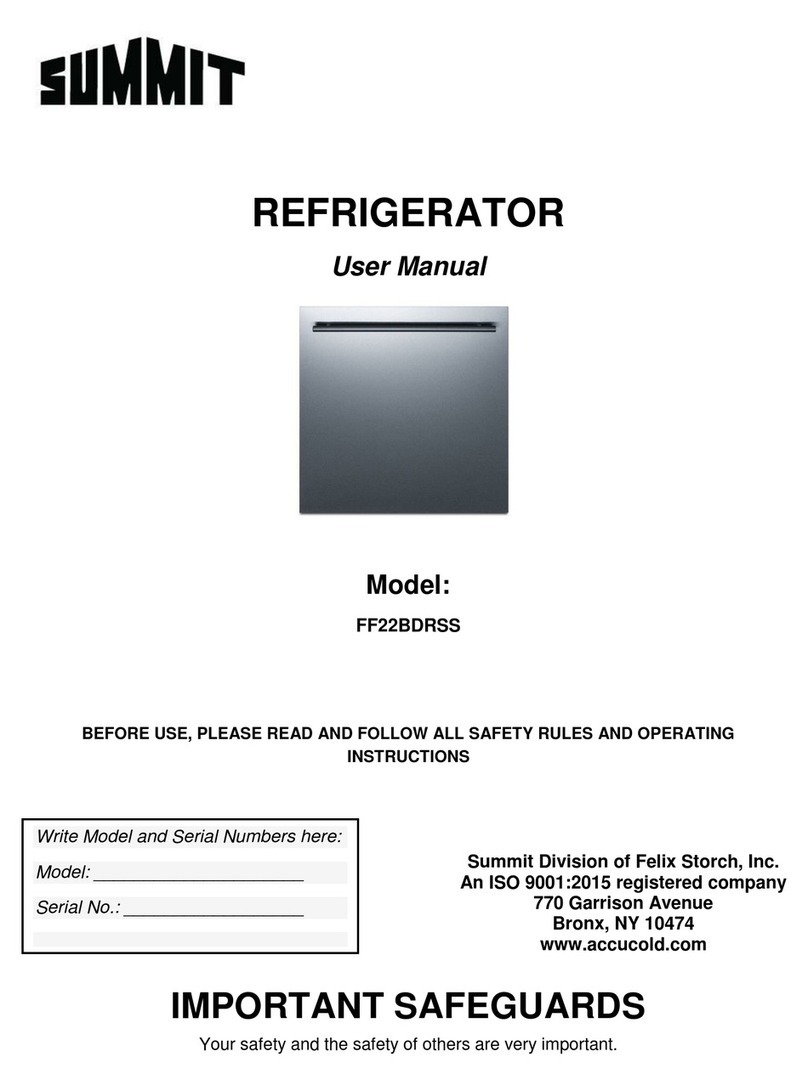
Summit FF22BDRSS user manual

Summit

Summit FF22BDRSS user manual

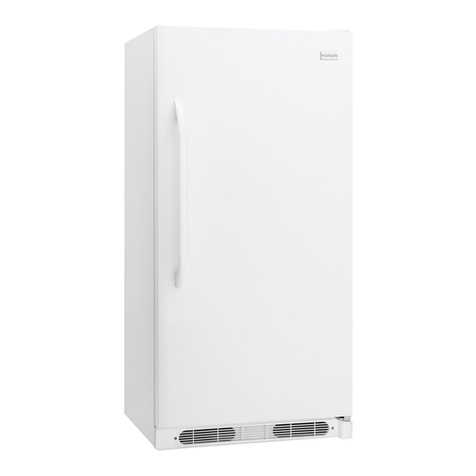
Frigidaire FFRU17B2QWE use & care

Frigidaire

Frigidaire FFRU17B2QWE use & care

Hotpoint ENBGH 19xxx FW operating instructions

Hotpoint

Hotpoint ENBGH 19xxx FW operating instructions

Hitachi R-SG28KPH instruction manual

Hitachi

Hitachi R-SG28KPH instruction manual

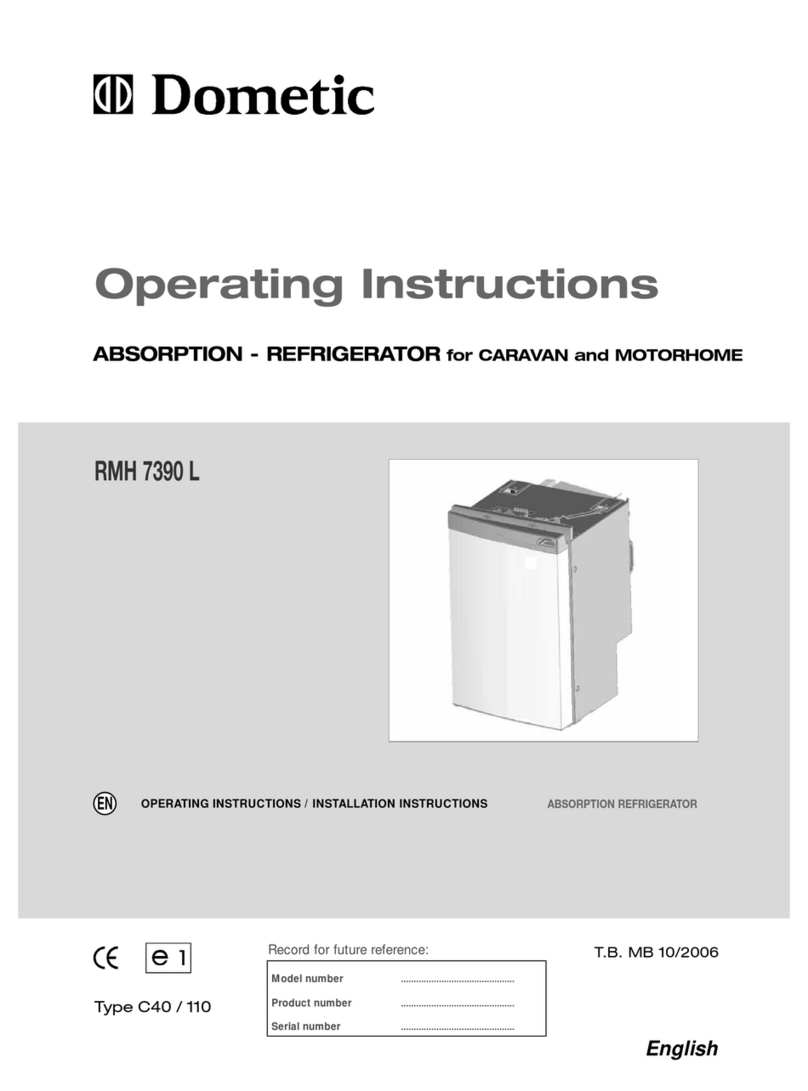
Dometic RMH 7390 L operating instructions

Dometic

Dometic RMH 7390 L operating instructions

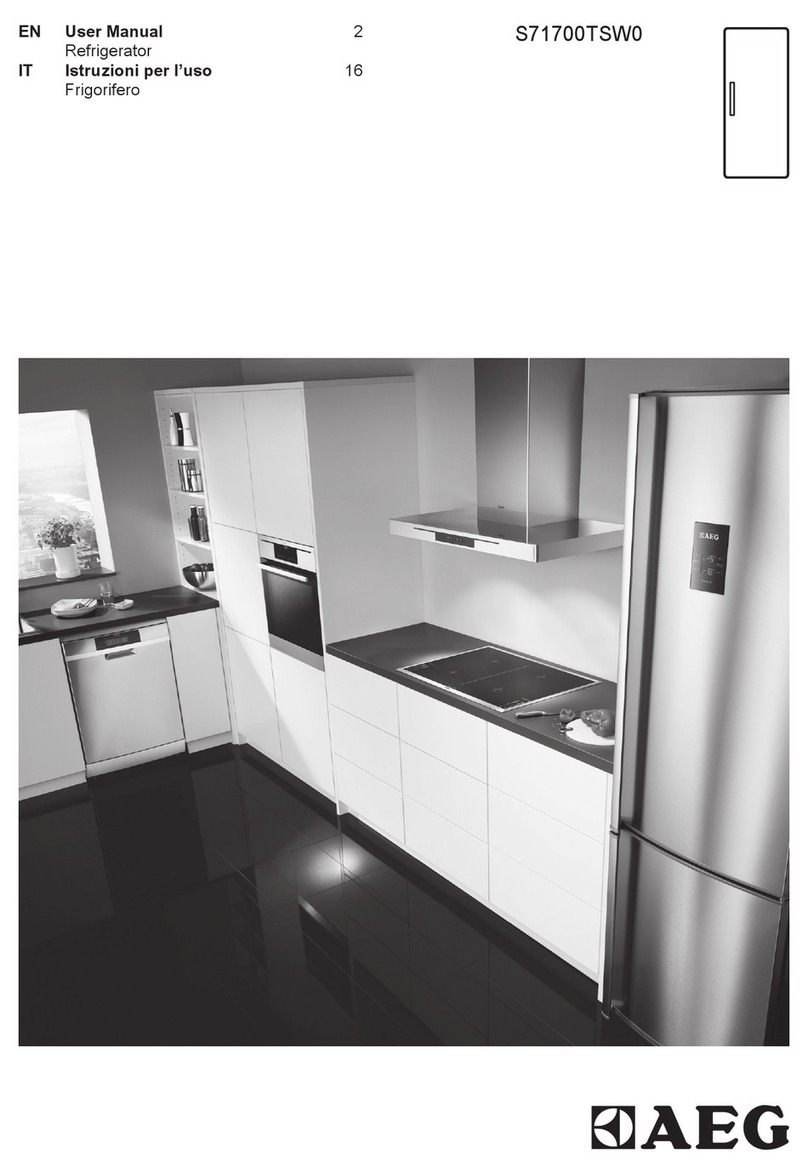
AEG S71700TSW0 user manual

AEG

AEG S71700TSW0 user manual

Electrolux ENB3669 Instruction book

Electrolux

Electrolux ENB3669 Instruction book

Electrolux ERN 2930 Instruction book

Electrolux

Electrolux ERN 2930 Instruction book

Beko GNE 60520 X user manual

Beko

Beko GNE 60520 X user manual

Jenn-Air JUR248LBES00 Use & care guide

Jenn-Air

Jenn-Air JUR248LBES00 Use & care guide

Dometic RGE 4000 Installation and operating manual

Dometic

Dometic RGE 4000 Installation and operating manual

Dometic L-0191B Brochure & specs

Dometic

Dometic L-0191B Brochure & specs

LG LRBP1031W - 10 Cu. Ft. Cabinet Depth Bottom Freezer... owner's guide

LG

LG LRBP1031W - 10 Cu. Ft. Cabinet Depth Bottom Freezer... owner's guide

Daewoo RN-33 Series user manual

Daewoo

Daewoo RN-33 Series user manual

Haier RF-8888-174 Service manual

Haier

Haier RF-8888-174 Service manual

Blaupunkt 5CK2 Series user manual

Blaupunkt

Blaupunkt 5CK2 Series user manual

manuals.online logo
manuals.online logoBrands
  • About & Mission
  • Contact us
  • Privacy Policy
  • Terms and Conditions

Copyright 2025 Manuals.Online. All Rights Reserved.

9.2 CU.FT. BOTTOM FREEZER REFRIGERATOR
INSTRUCTION MANUAL
Model No.: MCBM920W
To ensure ro er use of this a liance and your safety, lease read the
following instructions com letely before o erating this a liance.
Product Registration Co y
Thank you for purchasing a Magic Chef product. The first step in protecting your
new product is to complete the product registration form on our website at
www.mca liance.com/register .The benefits of registering your product
include the following.
1. Registering your product will allow us to contact you regarding a safety
notification or product update.
2. In the event that warranty service is re uired, registering your product will
allow for more efficient warranty service processing.
3. In the event of an insurance loss registering your product could act as
your proof of purchase.
Once again thank you for purchasing a Magic Chef product.
TABLE OF CONTENTS
NAMES OF THE PARTS+++++++++++++++++++++ 2
SPECIFICATIONS+++++++++++++++++++++++.. 3
IMPORTANT SAFETY INSTRUCTIONS++++++++++++++ 4
INSTALLATION INSTRUCTION
BEFORE USING YOUR REFRIGERATOR++++++++..++ 4
INSTALLING YOUR REFRIGERATOR ++++++++++++ 4
ELECTRICAL CONNECTION++++++++++++++++ 5
OPERATING THE REFRIGERATOR
TEMPERATURE CONTROL++++++++++++++++.. 6
OPERATING THE FREEZER COMPARTMENT
TEMPERATURE CONTROL++++++++++++++++.. 6
ICE TRAY+++++++++++++++++++++++++ 6
THE FREEZER COMPARTMENT++++++++++++++. 6
CHANGING THE LIGHT+++++++++++++++++++++.. 7
CHANGING THE REVERSIBLE DOOR +++++++++++++++ 7-8
CARE AND MAINTENANCE
CLEANING YOUR REFRIGERATOR+++++++++++++ 9
VACATION TIME+++++++++++++++++++++. 9
MOVING YOUR REFRIGERATOR++++++++++++++ 9
ENERGY SAVING TIPS++++++++++++++++++. 9
TROUBLESHOOTING GUIDE++++++++++++++++++. 10-11
REFRIGERATOR WARRANTY+++++++++.++++++++.. 12
2
NAMES OF THE PARTS
MODEL NO. MCBM920W
1
Interior Light 7
Freezer Shelf
2
Refrigerator Temperature Control 8
Freezer Basket
3
Freezer Temperature Control 9
Refrigerator Door Racks
4
Refrigerator Shelves 10
Can Dispenser
5
Glass Crisper Cover 11
Bottle Storage Bin
6
Crisper



WARNING



: Never touch the interior of the Freezer Chamber or frozen foods in the
compartment with wet hands as this could result in frost bite.
3
SPECIFICATIONS – Model # MCBM920W
Product Description
Magic Chef Refrigerator
Model No.
MCBM920W
Capacity
9.2 Cu. Ft.
Width
Height
Depth
Unit Dimensions
( inches )
23 4/5”
59 4/5”
26 2/3”
Net Weight ( lbs)
134( lbs )
4
IMPORTANT SAFETY INSTRUCTIONS



WARNING



To reduce the risk of fire, electrical shock,
or injury when using your refrigerator,
follow these basic precautions:
• Read all instructions before using the refrigerator.
• DANGER or WARNING: Risk of child entrapment.
• To avoid the possibility of child entrapment, please take the following precautions
before throwing out the refrigerator.
- Remove all doors from the unit.
- Leave the shelves in place so that children may not easily climb inside.
• Never allow children to operate, play with, or crawl inside the refrigerator.
• Refrigerants: All refrigeration products contain refrigerants, which under the
guidelines of federal law must be removed before disposal of product. It is the
consumer’s responsibility to comply with federal and local regulations when
disposing of this product.
• Never clean refrigerator parts with flammable fluids. The fumes can create a fire
hazard or explosion.
• Do not store or use gasoline or any other flammable vapors and li uids in the vicinity
of this or any other refrigerator. The fumes can create a fire hazard or an explosion.
-Save these instructions-
INSTALLATION INSTRUCTIONS
Before Using Your Refrigerator
• Remove the exterior and interior packing.
• Before connecting the refrigerator to the power source, let it stand upright for approximately 4
hours. This will reduce the possibility of a malfunction in the cooling system from improper handling
during transportation.
• Clean the interior surface with lukewarm water using a soft cloth. (Cleaning instruction on page 9)
Installing Your Refrigerator
• This appliance is designed to be free standing only, and should not be recessed or built-in.
• Place your refrigerator on a floor that is strong enough to support the refrigerator when it is fully
loaded.
• Allow 5 inches of space between the back and sides of the refrigerator, which allows the proper air
ventilation. Adjust the feet to keep the refrigerator level.
• Locate the refrigerator away from direct sunlight and sources of heat (stove, heater, radiator, etc.).
Direct sunlight may affect the acrylic coating and heat sources may increase electrical consumption.
Ambient temperature below 50°F (10°C) or above 85°F (29.4°C) will hinder the performance of this
appliance. This unit is not designed for use in a garage or any other outside installation.
• Avoid locating the refrigerator in moist areas.
• Plug the refrigerator into dedicated, properly installed-grounded wall outlet. Do not under any
circumstances cut or remove the third (ground) prong from the power cord. Any uestions
concerning power and/or grounding should be directed toward a certified electrician or an
authorized service center. This unit is not designed to be installed in an RV or used with an
inverter.
• After plugging the appliance into a wall outlet, turn the unit on and allow the unit to cool down for
2~3 hours under before placing food in the refrigerator or freezer compartment.

5
Electrical Connection
This refrigerator should be properly grounded for your safety. The power cord of this refrigerator is
e uipped with a three-prong plug which mates with standard three prong wall outlets to minimize the
possibility of electrical shock.
Do not, under any circumstances, cut or remove the third ground prong from the power cord supplied.
This refrigerator re uires a standard 115/120 Volt A.C. ~/60Hz electrical outlet with three-prong ground.
This refrigerator is not designed to be used with an inverter.
The cord should be secured behind the refrigerator and not left exposed or dangling to prevent
accidental injury.
Never unplug the refrigerator by pulling the power cord. Always grip the plug firmly and pull straight out
from the receptacle.
Do not use an extension cord with this appliance. If the power cord is too short, have a ualified
electrician or service technician install an outlet near the appliance. Use of an extension cord can
negatively affect the performance of the unit.
If any problems with the appliance persist, please contact our Customer Service Dept. to consult with a
representative at 888 775-0202 or visit our website to re uest warranty service at
www.mca liance.com.


WARNING


Improper use of the grounded plug can result in the risk of electrical shock. If the power cord is
damaged, have it replaced by an authorized service center.
6
OPERATING THE REFRIGERATOR
Tem erature Control
• Your refrigerator has a separate control for regulating the
temperature for each section independently. The temperature controls are
located at the rear of refrigerator section. (See the graphics shown
above).
• The first time you turn the unit on, adjust the temperature control knob to
“coldest” and run for at least 2 hours before putting foods inside. This will
ensure the cabinet is thoroughly chilled before food is put in. After 24 to
48 hours, adjust the temperature control to the setting that best suits your
needs.
• The range of the temperature controls are from position “ COLD” to “COLDEST ” in refrigerator
section.
• NOTE;
• If the unit is unplugged, loses power; you must wait 3 to 5 minutes before restarting the
unit. If you attempt to restart before this time delay, the refrigerator will not start.
• Large amounts of food will lower the cooling efficiency of the appliance.
• Do not place the foods on the air outlet, and leave spaces for airflow.
• If you choose to change the thermostat setting, adjust thermostat control by one increment
at a time. Allow several hours for temperature to stabilize between adjustments.
• Adjusting the temperature control in the refrigerator compartment will affect the temperature
in both the refrigerator and the freezer compartment.
OPERATING THE FREEZER COMPARTMENT
Tem erature Control
• Your refrigerator has a separate control for regulating the
temperature for each section independently. The temperature controls
are located at the rear of refrigerator section. (See the graphics shown
above).
• The first time you turn the unit on, adjust the temperature control knob
to “COLDEST” and run for at least 2 hours before putting foods inside.
This will ensure the cabinet is thoroughly chilled before food is put in.
• The range of the FREEZER temperature control is from position "COLD" to "COLDEST". Adjust the
temperature control to the setting that best suits your needs.
Ice Tray
To make ice, pour cool water into ice tray and place it in the freezer for two
hours. To release ice cubes, twist the ice tray and the ice cubes will separate
from the ice tray. To shorten the time of making ice, you can set the temperature
control knob at a colder position.
Notes:
Do not store can foods or food stored in glass containers in the freezer
compartment.
The Freezer Com artment
• This compartment is designed for the long-term storage of frozen food.
• The storage life of frozen foods varies and the recommended storage time should not be exceeded.
• Place frozen food into the freezer as uickly as possible after purchase. If there are instructions on
the packet, carefully follow these instructions regarding storage times.
7
CHANGING THE LIGHT
Before removing the light bulb, turn off the refrigerator first and then unplug the unit from the wall outlet.
Failure to do so could result in electrical shock or personal injury.
• As shown in Figure step 1, remove the lamp cover;
• As shown in Figure step 2, use left hand to press the LED light panel to inside along the direction of
arrow B and pull out the circuit boards along the direction of “arrow C” with flat head screwdriver.
• As shown in Figure step 3, hold down of wire terminal with left hand and remove the LED lamp
circuit with right hand seizing the other wire terminal .
• Replace with LED light that is the same shape and size.
• Reinstall the LED light panel and lamp cover.
CHANGING THE REVERSIBLE DOOR
Your refrigerator is built with a reversible door. You have the choice of either opening it from the left or
the right side. In order to reserve the opening direction of your door, please follow these simple
instructions:
Step 1 Step 3
Step 2
8
IMPORTANT:
Before you begin, unplug refrigerator or disconnect power. Remove food and any adjustable door or
utility bins from doors.
Door and Hinge Removal
1. Unplug refrigerator or disconnect power.
2. Keep both doors closed until you are ready to lift them free from the cabinet.
NOTE: Provide additional support for the doors while the hinges are being moved. Do not
depend on the door magnets to hold the doors in place while you are working.
3. Remove the parts for the top hinge as shown in Top Hinge graphic. Lift the freezer door from
the cabinet.
4. Remove the parts for the center hinge as shown in the Center Hinge graphic. Lift the
refrigerator door free from the cabinet.
5. Remove the parts for the bottom hinge as shown in the Bottom Hinge graphic.
Door Reversal
Cabinet
1. Remove the cover of upper hinge hole from left side and move them to opposite side (see
Graphic 1).
2. Remove hole plugs from left side and move them to opposite side (see Graphic 2)
Doors
1. Remove door hinge hole plug from the top of freezer and refrigerator door (see graphic 4)
2. Remove the door stop from refrigerator door and move to the other side (see graphic 5)
3. Take out the left door stop of freezer door and screw from the accessory bag and fix it on the
handle (see graphic 3)
Note: The left door and the right door stop of the freezer door are different. They can’t replace
each other.
Door and Hinge Re lacement
1. Replace the parts for the bottom hinge as shown (see Bottom Hinge graphic). Tighten screws.
Replace the refrigerator door.
NOTE: Provide additional support for the doors while the hinges are being moved. Do not
depend on the door magnets to hold the doors in place while you are working.
2. Assemble the parts for the center hinge as shown and tighten all screws (see Center Hinge
graphic). Replace the freezer door.
3. Assemble the parts for the top hinge as shown (see Top Hinge graphic). Do not tighten screws
completely.
4. Line up the doors so that the bottom of the freezer door aligns evenly with the top of the
refrigerator door. Tighten all screws.
Final Ste s
1. Check all holes to make sure that hole plugs and screws are in place.
2. Plug in refrigerator or reconnect power.
3. Reset the controls (see “ temperature control” section).
4. Return all removable door parts to doors and food to product.