6
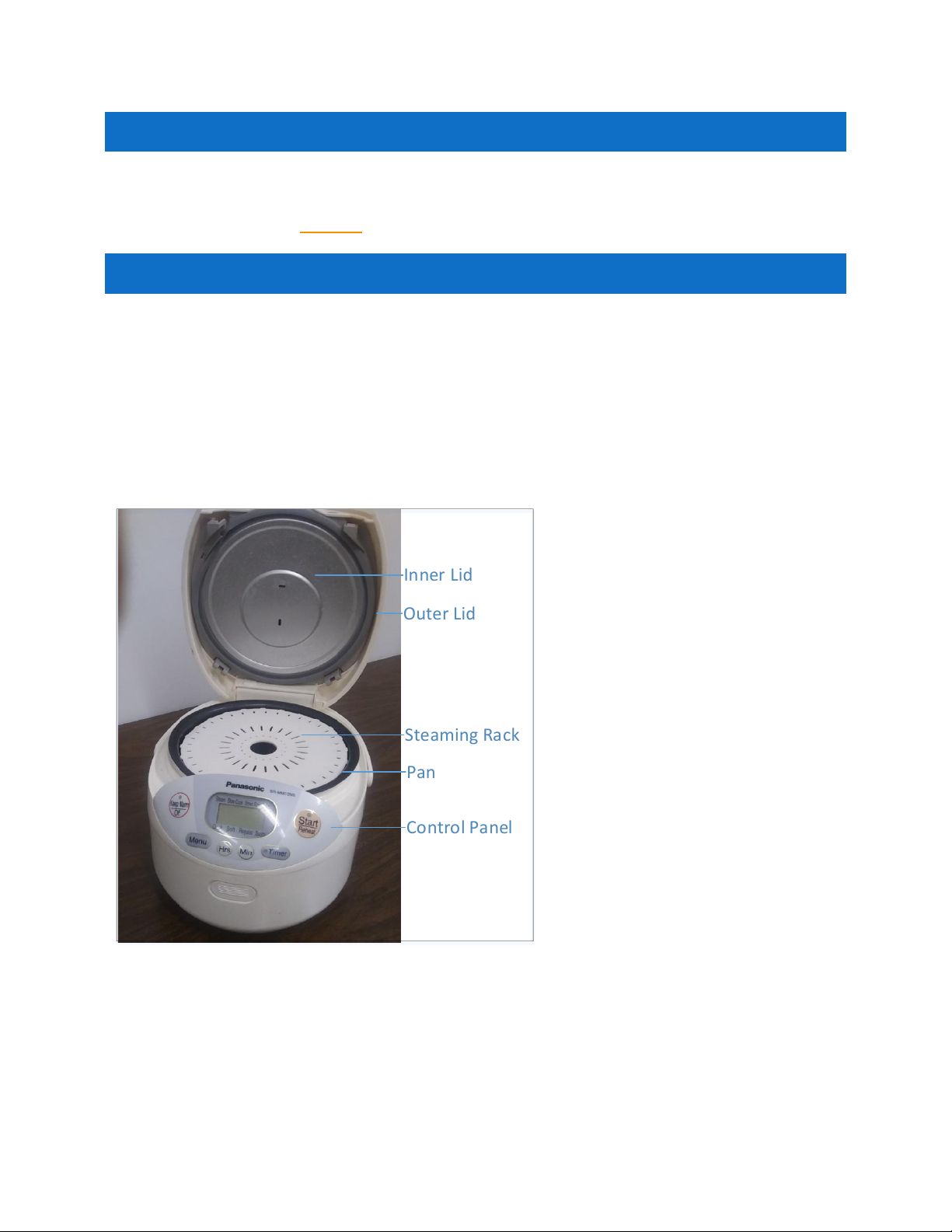
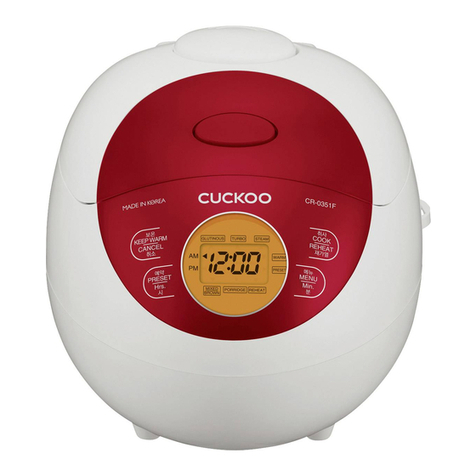
CONTROL PANEL
PROCESS INSTRUCTIONS
INSERTING RICE, VEGETABLE, OR MEAT
1. Press the eject button on the front of the unit and take out the pan.
2. Use the cup to measure the amount of rice, vegetable, or meat you need, and transfer the
rice into the pan.
3. Use the cup to measure the amount of water you need and transfer the water into the
pan.
4. Put the pan back into the main unit.
5. Insert the steaming rack if you want to steam vegetables.
6. Close the lid.
PROGRAMMING THE UNIT FOR COOKING
1. Press the menu button to select a cooking menu:
Or:
Press the minute button to set a custom time and go to step 6.
2. Choose one of the Menu Option.
3. Press the Start/Reheat button
4. Wait until the cooking is complete.
Or:
Press the stop button if you want to stop the cooking before the timer runs out.
SERVING RICE, VEGETABLE, OR MEAT
1. Open the lid an take the pan out.
2. Serve the rice, vegetable or meat you cooked.
USAGE RECOMMENDATION
The unit will work properly if:
1. You put the appropriate amount of rice in the pan
2. You chose the right setting for the rice, meat or vegetable you intend to cook.
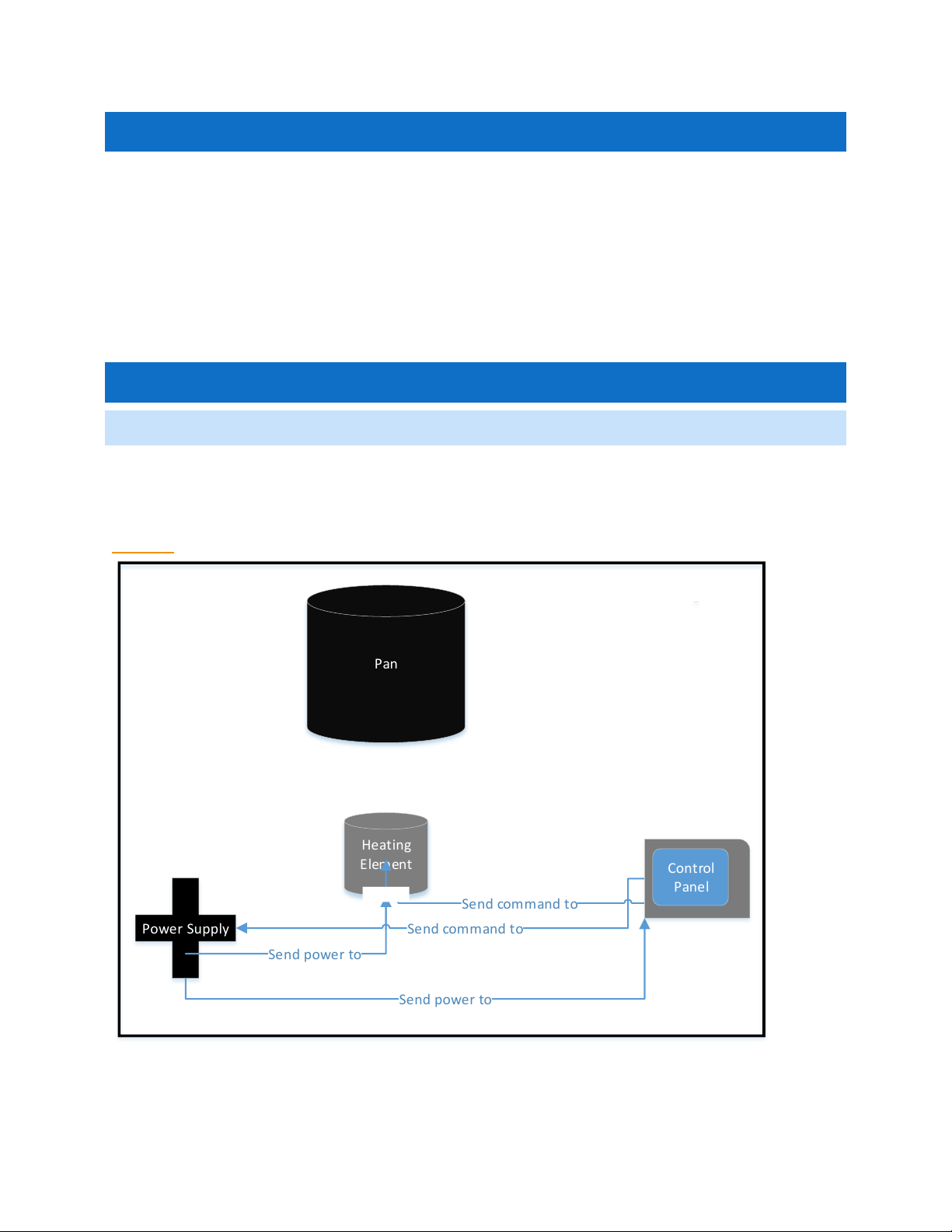
3. There is no broken connection between the control panel, the power supply,
and the heating element.