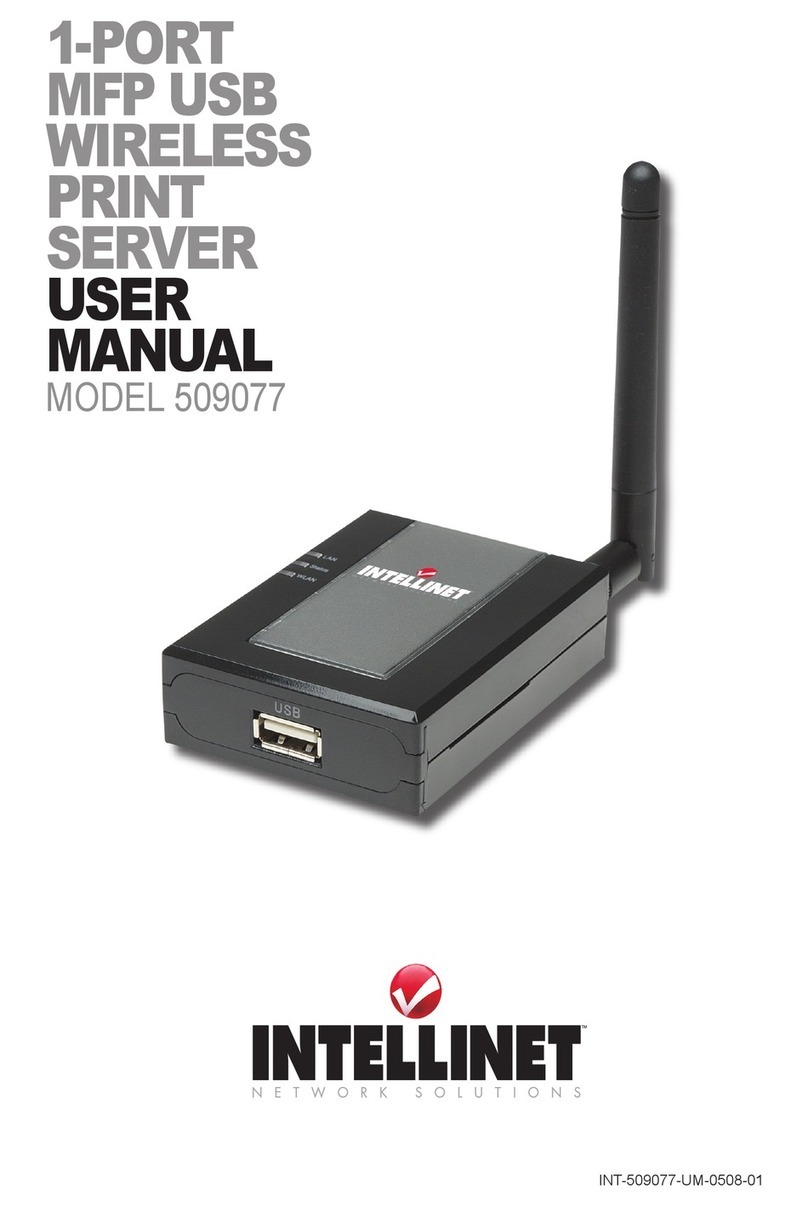
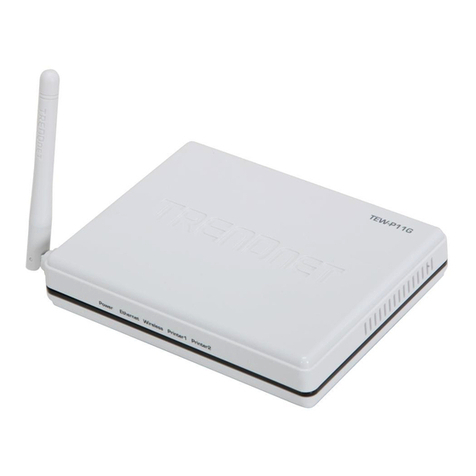
MicroNet SP766W User manual

Micronet
R
Faster and Easier Networks
User Manual
Wireless Print Server
Model No.: SP766W
http://www.micronet.info

Federal Communication Commission Interference
Statement
This equipment has been tested and found to comply with the limits for a
Class B digital device, pursuant to Part 15 of FCC Rules. These limits are
designed to provide reasonable protection against harmful interference in
a residential installation. This equipment generates, uses, and can radiate
radio frequency energy and, if not installed and used in accordance with
the instructions, may cause harmful interference to radio communications.
However, there is no guarantee that interference will not occur in a
particular installation. If this equipment does cause harmful interference to
radio or television reception, which can be determined by turning the
equipment off and on, the user is encouraged to try to correct the
interference by one or more of the following measures:
1. Reorient or relocate the receiving antenna.
2. Increase the separation between the equipment and receiver.
3. Connect the equipment into an outlet on a circuit different from that to
which the receiver is connected.
4. Consult the dealer or an experienced radio technician for help.
FCC Caution
This equipment must be installed and operated in accordance with
provided instructions and a minimum 20 cm spacing must be provided
between computer mounted antenna and person’s body (excluding
extremities of hands, wrist and feet) during wireless modes of operation.
This device complies with Part 15 of the FCC Rules. Operation is subject
to the following two conditions: (1) this device may not cause harmful
interference, and (2) this device must accept any interference received,
including interference that may cause undesired operation.
Any changes or modifications not expressly approved by the party
responsible for compliance could void the authority to operate equipment.

Federal Communication Commission (FCC) Radiation
Exposure Statement
This equipment complies with FCC radiation exposure set forth for an
uncontrolled environment. In order to avoid the possibility of exceeding
the FCC radio frequency exposure limits, human proximity to the antenna
shall not be less than 20cm (8 inches) during normal operation.
The antenna(s) used for this transmitter must not be co-located or
operating in conjunction with any other antenna or transmitter.
R&TTE Compliance Statement
This equipment complies with all the requirements of DIRECTIVE
1999/5/EC OF THE EUROPEAN PARLIAMENT AND THE COUNCIL of
March 9, 1999 on radio equipment and telecommunication terminal
Equipment and the mutual recognition of their conformity (R&TTE)
The R&TTE Directive repeals and replaces in the directive 98/13/EEC
(Telecommunications Terminal Equipment and Satellite Earth Station
Equipment) As of April 8, 2000.
Safety
This equipment is designed with the utmost care for the safety of those
who install and use it. However, special attention must be paid to the
dangers of electric shock and static electricity when working with electrical
equipment. All guidelines of this and of the computer manufacture must
therefore be allowed at all times to ensure the safe use of the equipment.
EU Countries Intended for Use
The ETSI version of this device is intended for home and office use in
Austria, Belgium, Denmark, Finland, France, Germany, Greece, Ireland,
Italy, Luxembourg, the Netherlands, Portugal, Spain, Sweden, and the
United Kingdom.
The ETSI version of this device is also authorized for use in EFTA
member states: Iceland, Liechtenstein, Norway, and Switzerland.
EU Countries Not intended for use : None.

COPYRIGHT
Copyright ©2006/2007 by this company. All rights reserved. No part of
this publication may be reproduced, transmitted, transcribed, stored in a
retrieval system, or translated into any language or computer language, in
any form or by any means, electronic, mechanical, magnetic, optical,
chemical, manual or otherwise, without the prior written permission of this
company.
DISCLAIMER
This company makes no representations or warranties, either expressed
or implied, with respect to the contents hereof and specifically disclaims
any warranties, merchantability or fitness for any particular purpose. Any
software described in this manual is sold or licensed "as is". Should the
programs prove defective following their purchase, the buyer (and not this
company, its distributor, or its dealer) assumes the entire cost of all
necessary servicing, repair, and any incidental or consequential damages
resulting from any defect in the software. Further, this company reserves
the right to revise this publication and to make changes from time to time
in the contents hereof without obligation to notify any person of such
revision or changes.

CONTENTS
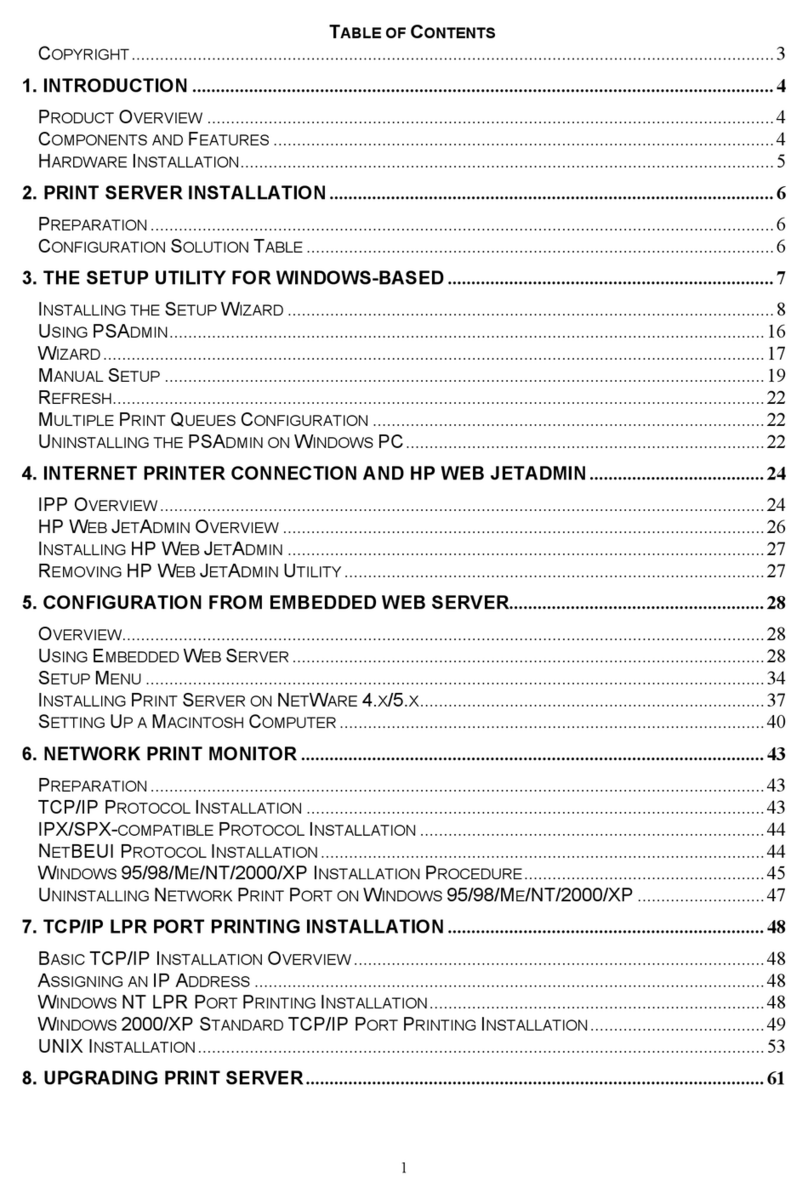
1. INTRODUCTION..........................................................................................1
1.1 PRODUCT INTRODUCTION ...........................................................................1
1.2 PRODUCT PACKAGE ..................................................................................1
1.3 NETWORK PRINTING ARCHITECTURE........................................................2
1.3.1 Print Server Network Functions........................................................3
1.3.2 Network Printing Functions for Clients ............................................4
1.3.3 Network Printing Functions for Network Server...............................6
1.4 NETWORK PRINTING ENVIRONMENT.........................................................7
1.5 CONTENTS OF THE USER’S MANUAL.........................................................9
1.6 FIRMWARE &PRINTING FUNCTION .........................................................10
2. HARDWARE INSTALLATION...............................................................11
3. WINDOWS PEER-TO-PEER NETWORK .............................................12
3.1 SYSTEM ARCHITECTURE .........................................................................12
3.2 ADMINISTRATOR INSTALLATION AND SETUP ..........................................13
3.3 ADMINISTRATOR UTILITIES.....................................................................20
3.4 CLIENT INSTALLATION AND SETUP .........................................................21
3.5 CLIENT UTILITIES....................................................................................26
3.5.1 Network Ports Quick Setup .............................................................27
3.5.2 Remote Ports (Utility) .....................................................................29
3.6 WINDOWS ADD PRINTER PROCEDURE .....................................................31
4. WINDOWS NT/2000/2003 NETWORK ...................................................35
4.1 SYSTEM ARCHITECTURE .........................................................................35
4.2 WINDOWS NT/2000/2003 SERVER INSTALLATION AND SETUP ...............36
4.3 USER INSTALLATION AND SETUP ............................................................37
5. NETWARE NETWORK............................................................................38
5.1 SYSTEM ARCHITECTURE .........................................................................38
5.2 NETWARE 3.X/4.X/5.X INSTALLATION &SETUP .....................................40

5.2.1 Installation Using PCONSOLE.......................................................40
6. UNIX SYSTEM NETWORK.....................................................................43
6.1 INTRODUCTION........................................................................................43
6.2 ENABLE PRINT SERVER’S TCP/IP SUPPORT............................................43
6.3 SETUP PRINT SERVER’S IP ADDRESS.......................................................44
6.3.1 DHCP..............................................................................................44
6.3.2 BOOTP............................................................................................44
6.4 VERIFY PRINT SERVER’S IP ADDRESS.....................................................45
6.5 CONFIGURE REMOTE LPD PRINTING ON THE HOST ................................46
7. CONFIGURATION UTILITY..................................................................48
7.1 INTRODUCTION........................................................................................48
7.2 SEARCH FOR ALL AVAILABLE PRINT SERVERS .......................................49
7.3 STATUS OF PRINT SERVER.......................................................................50
7.4 SETUP THE PRINT SERVER.......................................................................51
7.5 GENERAL CONFIGURATION.....................................................................52
7.6 TCP/IP CONFIGURATION ........................................................................53
7.7 NETWARE PRINT SERVER CONFIGURATION.............................................55
7.8 APPLETALK CONFIGURATION..................................................................56
7.9 BONJOUR CONFIGURATION......................................................................57
7.10 SNMP CONFIGURATION..........................................................................58
7.11 SMB CONFIGURATION ............................................................................59
7.12 SYSTEM CONFIGURATION........................................................................60
7.13 WIRELESS CONFIGURATION.....................................................................62
7.14 WIZARD...................................................................................................70
7.15 REPORT....................................................................................................73
8. WEB MANAGEMENT ..............................................................................74
8.1 INTRODUCTION........................................................................................74
8.2 LOGIN .....................................................................................................74

8.3 DEVICE STATUS ......................................................................................75
8.3.1 System..............................................................................................75
8.3.2 Printer.............................................................................................75
8.3.3 TCP/IP.............................................................................................76
8.3.4 SMB.................................................................................................76
8.3.5 SNMP ..............................................................................................77
8.3.6 NetWare...........................................................................................77
8.3.7 AppleTalk ........................................................................................78
8.3.8 Bonjour............................................................................................78
8.4 SETUP WIZARD .......................................................................................79
8.4.1 System..............................................................................................79
8.4.2 Wireless...........................................................................................82
8.4.3 TCP/IP.............................................................................................88
8.4.4 SMB.................................................................................................89
8.4.5 SNMP ..............................................................................................90
8.4.6 NetWare...........................................................................................91
8.4.7 AppleTalk ........................................................................................92
8.4.8 Bonjour............................................................................................93
8.4.9 Save Settings....................................................................................93
8.5 SYSTEM TOOLS .......................................................................................94
8.5.1 Load Default....................................................................................94
8.5.2 Upgrade Firmware from Browser...................................................95
8.5.3 Backup Setting.................................................................................96
8.5.4 Restore System.................................................................................96
9. TELNET MANAGEMENT ........................................................................97
9.1 INTRODUCTION..........................................................................................97
9.2 LOGIN........................................................................................................97
9.3 GET SETTING VALUES –“GET”COMMAND................................................98

9.4 MODIFY SETTING VALUES –“SET”COMMAND........................................103
9.5 OTHER COMMANDS.................................................................................108
9.5.1 ipconfig..........................................................................................108
9.5.2 reboot ............................................................................................108
9.5.3 exit.................................................................................................108
9.5.4 help................................................................................................108
10. IPP PRINTING ........................................................................................109
10.1 INTRODUCTION......................................................................................109
10.2 SYSTEM SETUP ......................................................................................109
10.2.1 Print Server Side .........................................................................109
10.2.2 Client Side...................................................................................109
11. LPR SETTING IN MAC OS...................................................................114
12. UPNP SETUP...........................................................................................118
13. WINDOWS XP SP2 SETUP ...................................................................123

1
1. Introduction
1.1 Product Introduction
Thank you for purchasing and using our print server. This print server
allows your printer to become a shared device on the network. It offers
printing flexibility and manageability on your Local Area Network at an
extremely low cost and with an absolute minimum setup and maintenance
required.
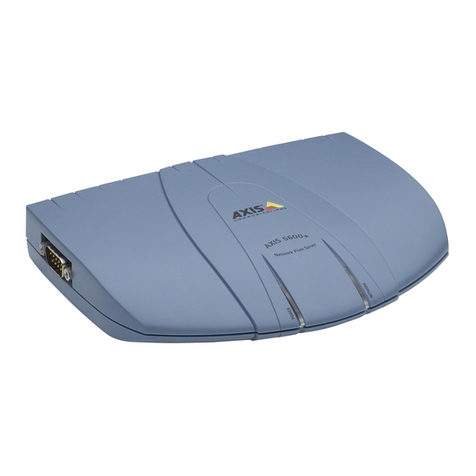
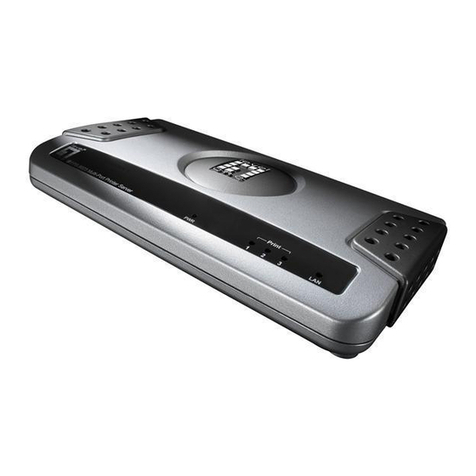
This print server provides IEEE 802.11g/b wireless LAN (up to 54Mbps
data transfer rate), an Ethernet network port (10/100Mbps Ethernet), two
USB 2.0 ports and one Parallel port for printers.
This print server supports IPX/SPX, NetBEUI, TCP/IP and AppleTalk
protocols. It is the best network printing solutions for various common
network operating systems such as Windows 95/98SE/Me/NT/2000/XP/
2003, NetWare, Unix/Linux and MAC OS, etc.
With the help of Installation Wizard, you can easily and instantly complete
the settings for the printing environment, and start enjoying the fantastic
features provided by the print server.
In the following chapters, we will introduce in detail the printing features,
installation methods, and system configuration for different network
environments.
If you would like to set up and install print server quickly, please refer to
the Quick Installation Guide that comes along with this print server.
1.2 Product Package
This package contains the following components:
zPrint Server
zOne Antenna
zPower Adapter
zUser manual and Utility CD

2
zQuick Installation Guide
1.3 Network Printing Architecture
This section illustrates how print server functions and operates on the
network. Before you install and use print server, it is strongly
recommended that you read this section completely, and select only the
chapters you need according to your network operating system by
“Contents of the User’s Manual” in next section.
This section will first introduce the role every component plays in the
network-printing environment.
zPrint Server
zClient User
zNetwork Server (optional)
Windows NT Server
NetWare Server
Windows 98Windows NT
Workstation Windows 2000
Unix Print Server
Network Printing Environment
Print Server
Client User Network Server
Table of contents
Other MicroNet Print Server manuals