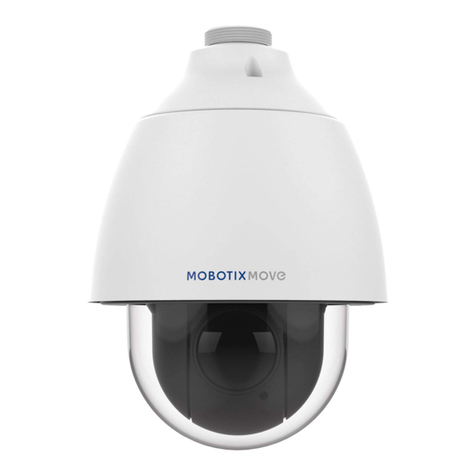
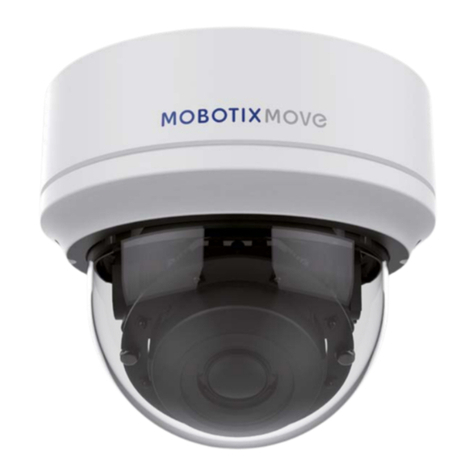
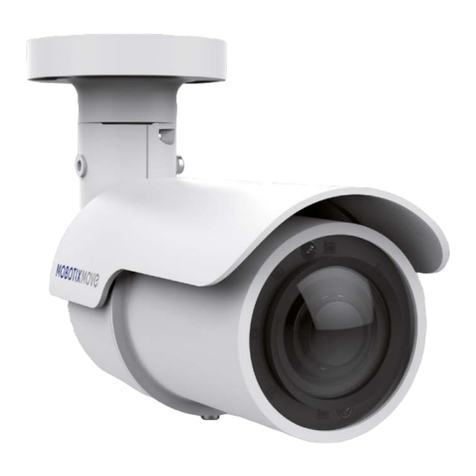
Camera’s Connectors
No. Connector Pin Denition Remarks
1 RJ-45 –For network and PoE connections
2 Reset-Button –Press the button with a proper tool for at least 20 seconds to reboot the camera.
3 microSD Card Slot –Insert the microSD card into the microSD card slot to store videos and snapshots. Do not
remove the microSD card when the camera is powered on.
Before Logging Into the Camera
A client program will be automatically installed to the PC when connecting to the camera. Before logging into the
camera, please ensure downloading the ActiveX control is allowed by either changing the ActiveX controls and
plug-ins or setting Internet’s security level to default. For further details, please refer to the User’s Manual.
ActiveX Controls and Plug-ins Settings Internet Security Level
Step 1: Start the Internet Explorer (IE).
Step 2: Select <Tools> from the main menu of the browser.
Step 3: Click on the <Security> tab and select vInternet>, and
click on <Custom level> to change ActiveX settings.
Step 4: Set “ActiveX controls and plug-ins” items to <Prompt>
or <Enable>.
Step 1: Start the IE Internet Explorer (IE).
Step 2: Select <Tools> from the main menu of the browser
Then click on <Internet Options>.
Step 3: Click on the <Security> tab and select <Internet>.
Step 4: Down the page, click on <Default Level> and <OK> to
conrm the setting. Close the browser window, and
open a new one later for accessing the IP camera.