manuals.online logo
Brands
  1. Home
  2. •
  3. Brands
  4. •
  5. MTB
  6. •
  7. Calculator
  8. •
  9. MTB DigiPass GO-6 User manual

MTB DigiPass GO-6 User manual

Popular Calculator manuals by other brands

Texas Instruments BA II Plus user guide

Texas Instruments

Texas Instruments BA II Plus user guide

Kompernass KH 2283 instruction manual

Kompernass

Kompernass KH 2283 instruction manual

Helwett Packard 9100A Operating and programming manual

Helwett Packard

Helwett Packard 9100A Operating and programming manual

Calculated Industries 3423 user guide

Calculated Industries

Calculated Industries 3423 user guide

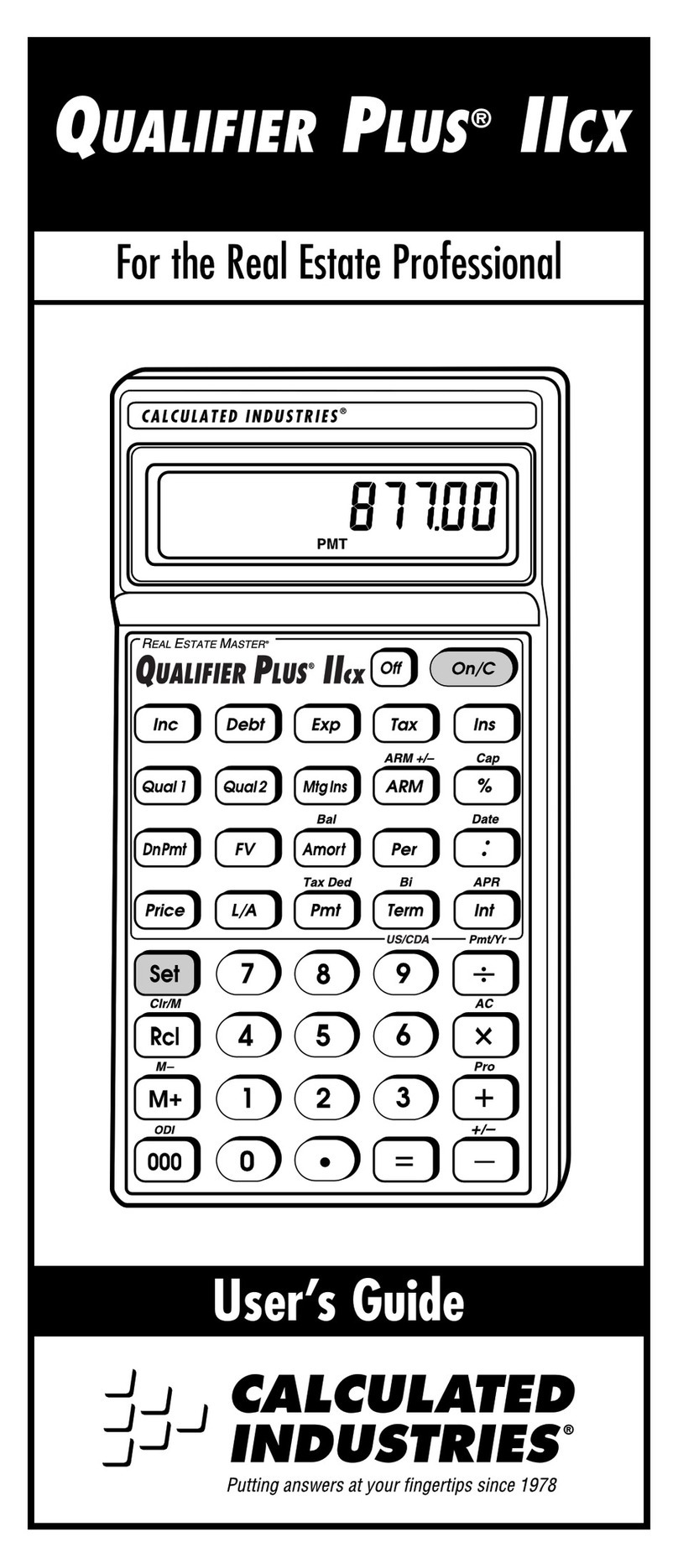
Calculated Industries Qualifier Plus IIcx user guide

Calculated Industries

Calculated Industries Qualifier Plus IIcx user guide

HP 35s Instruction guide

HP

HP 35s Instruction guide

LEXIBOOK EL350 instruction manual

LEXIBOOK

LEXIBOOK EL350 instruction manual

HP HP-97 Service manual

HP

HP HP-97 Service manual

Casio fx-3800P Operation manual

Casio

Casio fx-3800P Operation manual

Canon P26-DHIII instructions

Canon

Canon P26-DHIII instructions

Sharp EL-9900 Operation manual

Sharp

Sharp EL-9900 Operation manual

Casio MS-7UC user guide

Casio

Casio MS-7UC user guide

Sharp WriteView EL-W506 operation instruction

Sharp

Sharp WriteView EL-W506 operation instruction

Casio CLASSPad300 - ClassPad 300 Touch-Screen Graphing Scientific... user guide

Casio

Casio CLASSPad300 - ClassPad 300 Touch-Screen Graphing Scientific... user guide

Casio CFX-9970G user guide

Casio

Casio CFX-9970G user guide

Sharp EL2192RII - Printing Calculator Operation manual

Sharp

Sharp EL2192RII - Printing Calculator Operation manual

Casio HR-110S Operation manual

Casio

Casio HR-110S Operation manual

HP 20b Business Consultant manual

HP

HP 20b Business Consultant manual

manuals.online logo
manuals.online logoBrands
  • About & Mission
  • Contact us
  • Privacy Policy
  • Terms and Conditions

Copyright 2025 Manuals.Online. All Rights Reserved.

Code calculator DigiPass GO-6
allows customers to
other necessary operations, using a unique
digit
Using DigiPass GO-6 to generate
access and authorization codes
Multi et. The generated device values
are unique
DigiPass GO-6 use:
Press the button on the device;
Read on the screen 6-digit
authorization code
Enter this code in the
Internet bank
Each generated code is visible
on the screen
minute.
The device DigiPass GO-6 at the same time
guarantees both
DigiPass GO-6 is an alternative to
authentication device
limits on transactions than for code cards
users
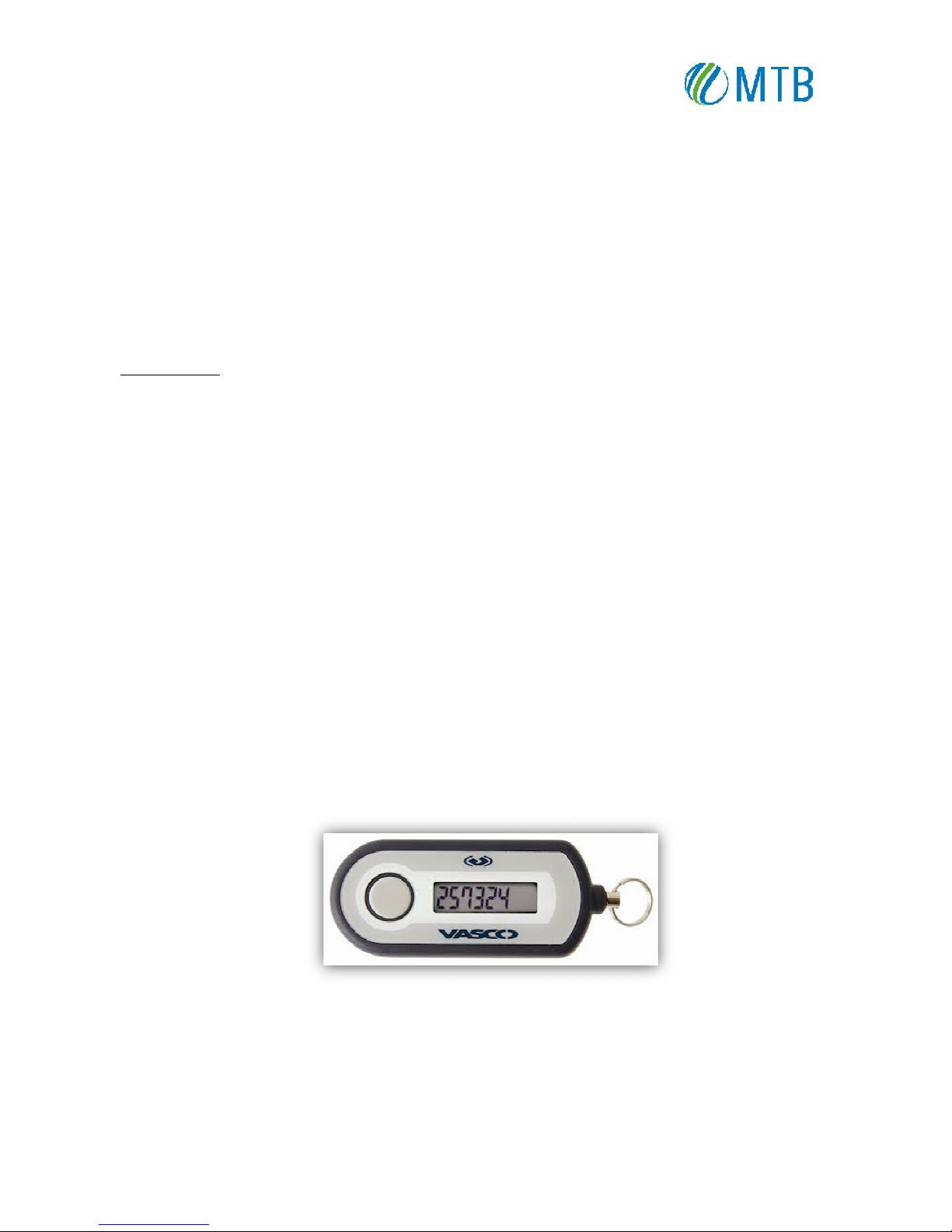
In appearance the device DigiPass GO-6 is
like
Provide safety
of your DigiPass device and do not allow any
If you have lost your
DigiPass or it has been stolen
In order to
receive new Digipass device you have to visit the Bank.
DigiPass GO-6
USER MANUAL
allows customers to
identify themselves in Internet bank Multi et, to
sign
digit
combination.
access and authorization codes
provides a high level security
of working
are unique
and each of them can be used only for a limited
period of time.
authorization code
;
Internet bank
next to “Code of DigiPass";
on the screen
only 20 seconds and for Internet bank enter
ing
guarantees both
a high level of security and convenience of
authentication device
DigiPass 260 and code card. For DigiPass GO-
6
users
.
like
Keychain - easy and simple to use.
of your DigiPass device and do not allow any
body to have access to your PI -code.
DigiPass or it has been stolen
inform the Bank immediately.
receive new Digipass device you have to visit the Bank.
sign
payments and authorize
of working
with Internet bank
period of time.
ing
is feasible only fractional
remote access to the Bank.
6
users are available higher