3
Setup
1. Remove vacuum tank, then ll solution tank. Fill solution with water or approved
cleaning agent. For best results, ll with warm water (140o). Replace vacuum tank.
Flammable materials can cause an explosion or re. Do not use ammable solutions
or materials in tank(s).
FOR SAFETY: When using machine, follow mixing and handling instructions on
chemical containers.
ATTENTION: If using powdered cleaning chemicals, mix prior to adding.
2. Attach solution hose (located front of machine). NOTE: Make sure the quick
disconnect snap together rmly. As you do this, always inspect hoses for cracks or
fraying. Do not use if hoses are damaged.
3. Attach other end of solution hose to wand.
4. Attach vacuum hose to recovery tank.
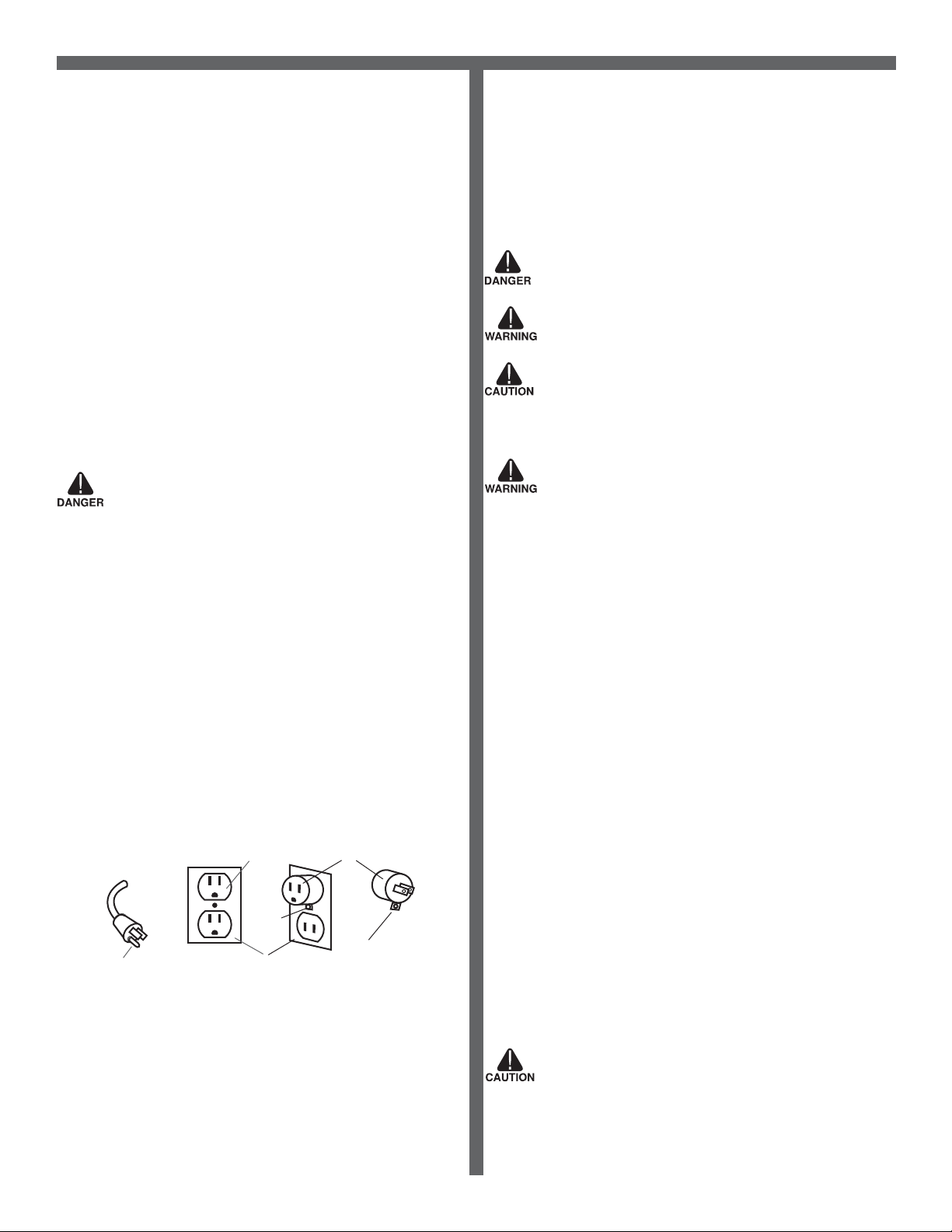
5. Plug machine’s cord into a grounded wall outlet. FOR SAFETY: Do not operate
machine unless cord is properly grounded. FOR SAFETY: Do not operate machine
with the use of an extension cord.
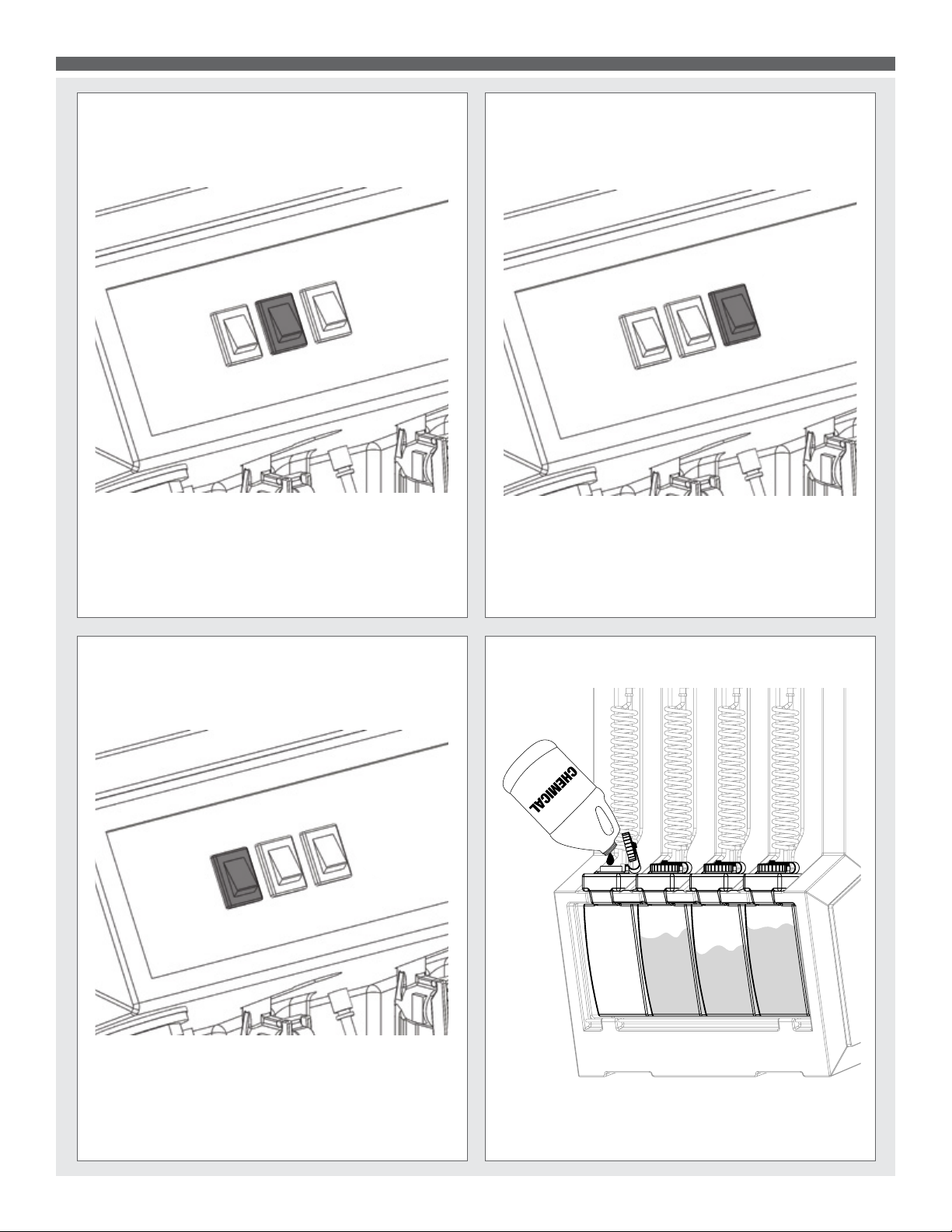
6. Turn on pump. Key tool until you have a steady ow.
7. Release tool trigger. Turn on heater.
8. Wait 8 –10 minutes for unit to pre-heat.
9. Re-key upholstery tool until hot water begins owing.
10. Once hot water is owing, release trigger and pre-heat an additional 4–5 minutes.
11. Turn on vacuum motor.
12. Begin cleaning. Make two dry passes to every wet pass.
13. For oor cleaning, unplug tool and attach oor wand.
14. Work away from cords to avoid damage.
15. Use a defoamer in your recovery tank.
16. To clean heavily soiled areas, repeat cleaning from different directions.
17. When vacuum tank is full, empty tanks.
18. When work is complete, unplug cords and hoses.
19. Wrap and clean hoses. Clean all tanks.
Pre-Operation
1. Vacuum carpet and upholstery and remove other debris.
2. Perform machine setup procedures.
3. Inspect power cord for damage.
Operation
1. Turn pump switch on.
2. Pull up on tool lever to release air in the line. Hold lever until a steady ow of water
comes out of the wand.
3. Once pump is primed and there is pressure in the solution line, turn on heater switch
(if model is equipped with heater) and wait a few minutes for water to heat up.
4. Once water is heated, turn on vacuum and begin cleaning.
Note: When cleaning upholstery, always check manufacturer’s cleaning instructions.
1. Work away from outlet and power cord to prevent cord damage.
2. Use a recommended foam control solution in the recovery tank to prevent vacuum
motor damage. Periodically check for excessive foam buildup in solution tank, and
recovery tank.
3. To clean heavily soiled areas, repeat cleaning path from different direction.
4. When vacuum tank is full, it is time to empty the dirty water from the recovery tank,
and rell solution tank.
5. After cleaning, relieve water pressure from tool before disconnecting hose
Squeeze trigger for ve seconds after turning main power switch off.
After Use
1. Unplug.
2. Empty solution tank and rinse it with clean water.
3. Inspect hoses and replace if damaged.
4. Remove recovery tank and empty. Clean lter.
5. Inspect solution lter. Clean or replace if damaged.
6. Store the machine in a clean, dry place.
7. Open recovery tank cover to promote air circulation.
8. Do not expose to rain. Store indoors.
Chemical Dispensing
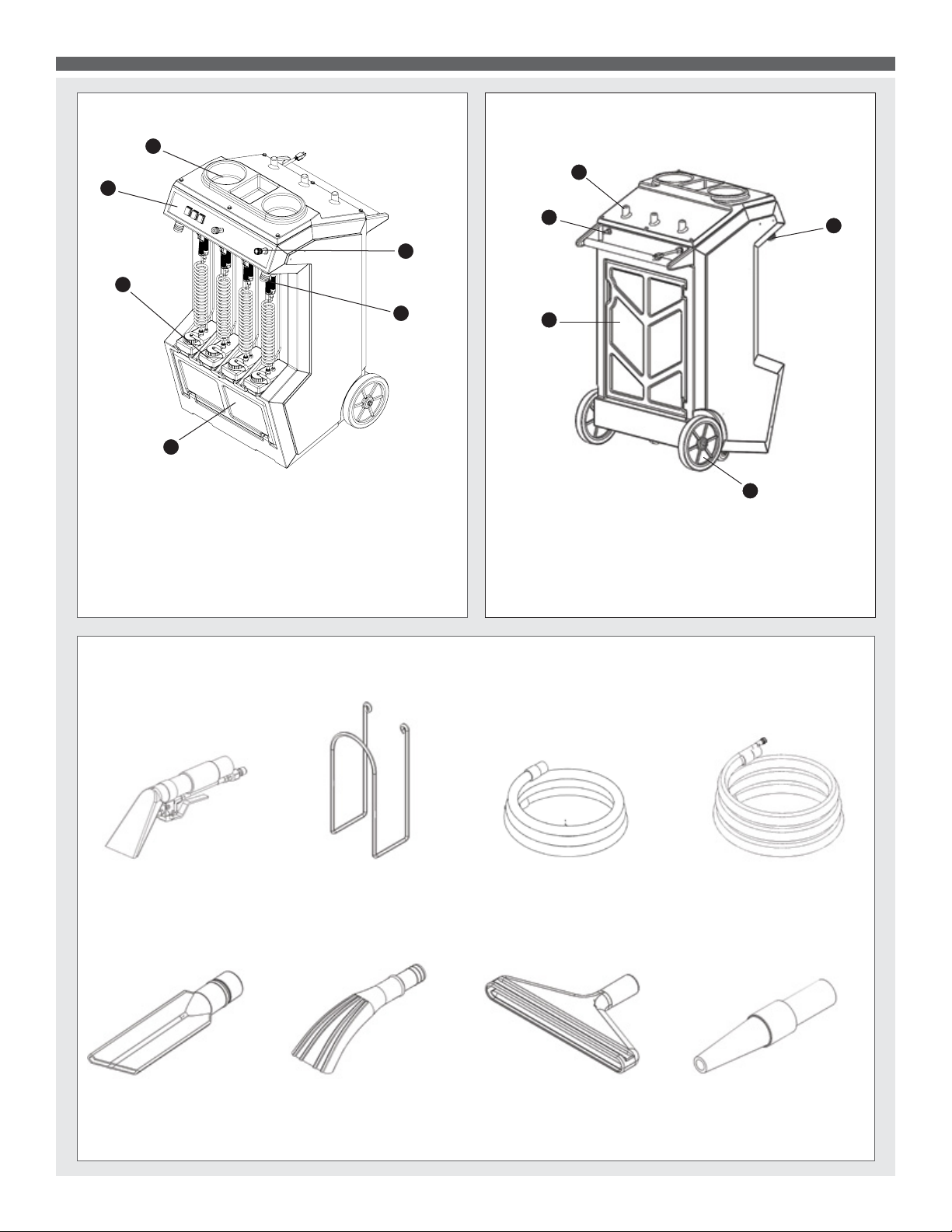
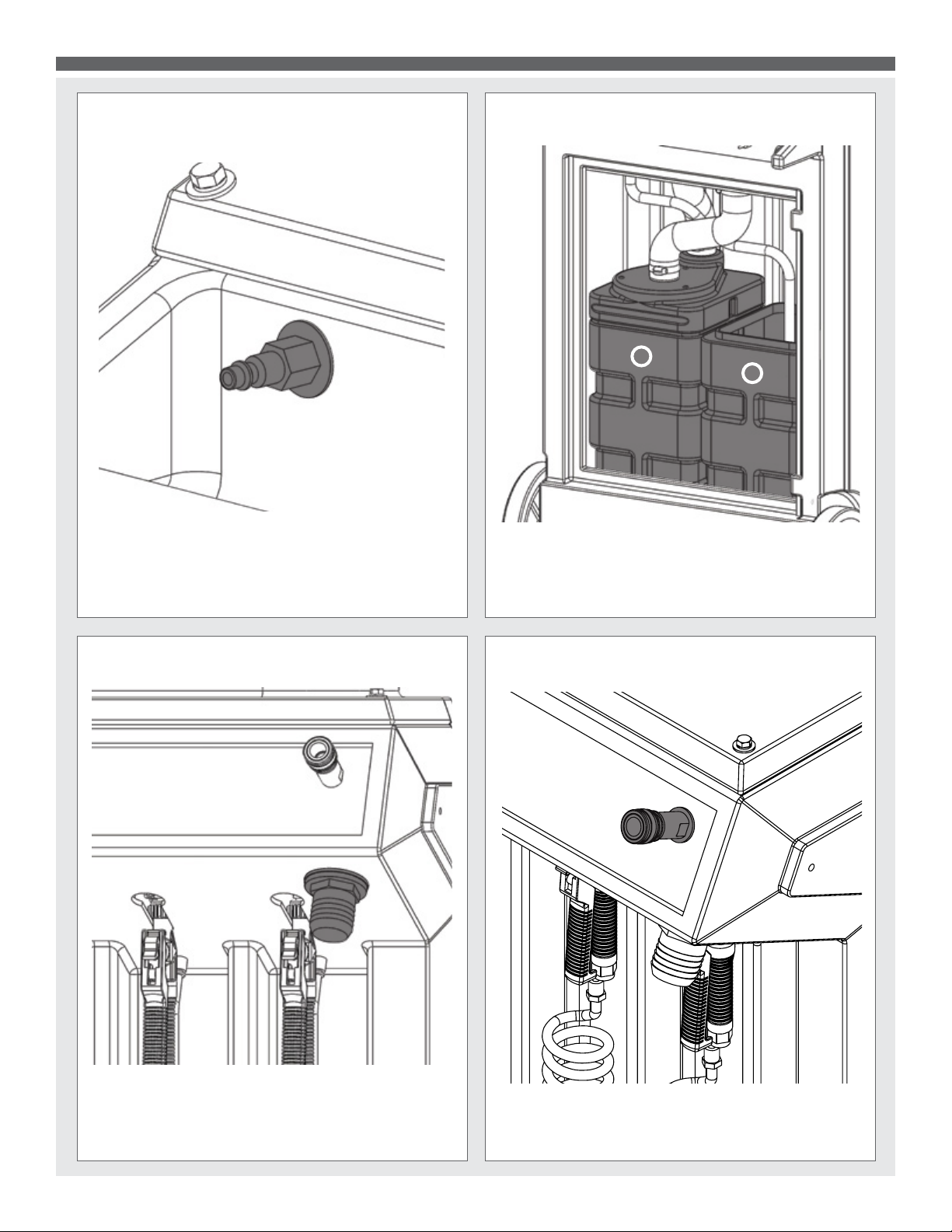
The Prep Center comes standard with four chemical dispensing bottles. They are
powered by an air compressor (not included). Hook your shop air source to the rear
air inlet, and use the regulator on the front of the unit to adjust the air to desired
pressure (between 5 and 40 PSI.)
To ll:
1. Turn off or disconnect air compressor.
2. Pull trigger on one of the guns until all air in system is purged. IMPORTANT – If
this step is skipped bottle may be ejected or damaged while being removed. Bodily
injury could also result.
3. Open chemical tank door.
4. Unscrew tank from block.
5. Remove tank and ll with desired chemical.
6. Reinstall tank – you must make sure the top of the tank seals to the gasket in the
white block, or air will leak from the system. Improperly tightened bottles may be
ejected by the compressed air.
7. Close door, and re-activate compressed air.
To spray:
1. Select the gun that corresponds to the desired chemical.
2. Use twist cap on nozzle to adjust spray pattern and distance.
3. Pull trigger to spray.
Air Blower Attachment
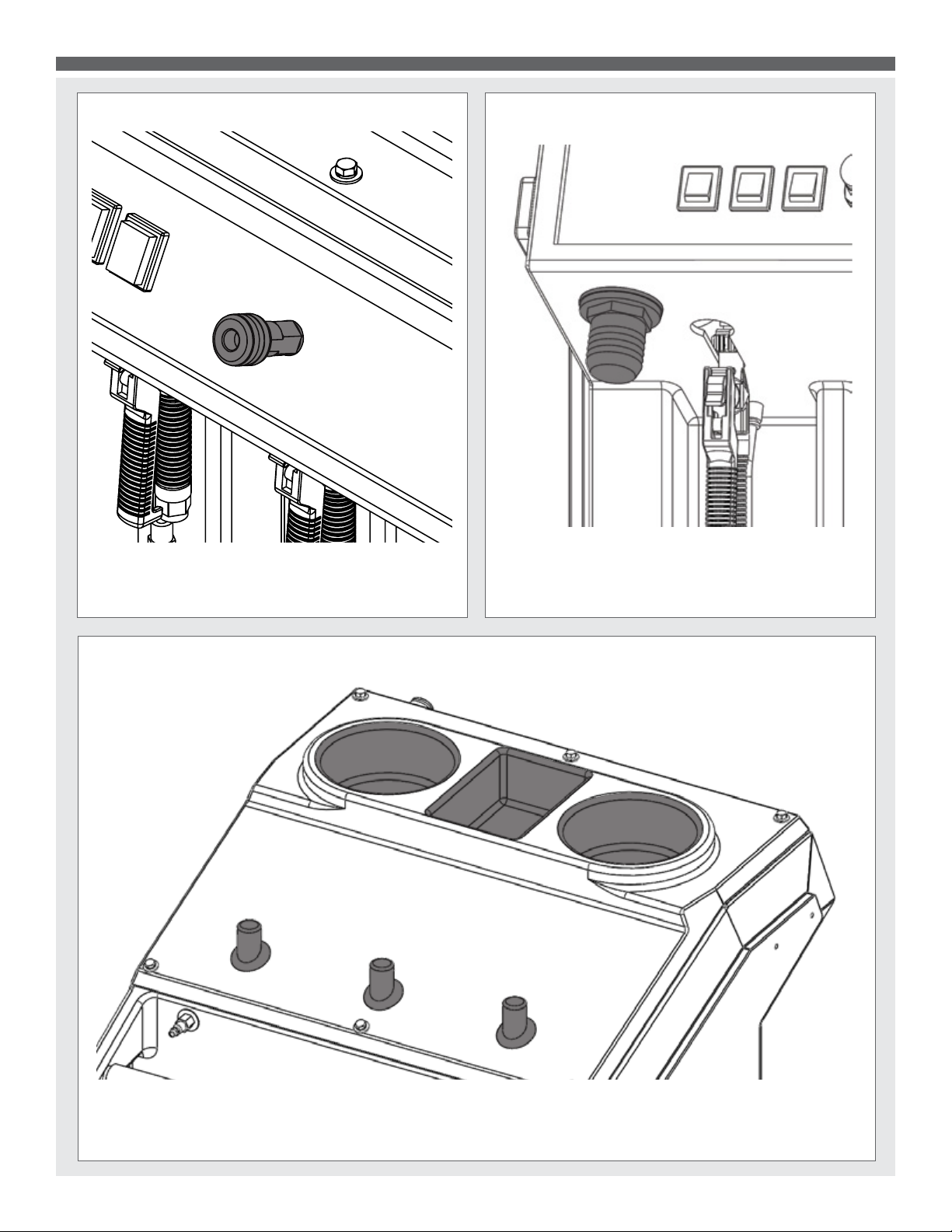
The Prep Center features an air-blower on the control panel. Note that the vacuum
motor must be running for the blower to operate. Hook you blower hose to the blower
port, and then use the two provided tools for a variety of tasks:
Air purging:
Use the cone shaped nozzle to blow out vents, crevices, and more in the vehicle.
Interior drying:
Roll the included window attachment up in the window of the vehicle for hot air
interior drying.
Exterior drying:
Use the cone shaped attachment to dry windshields and body panels.
Maintenance Schedule
Maintenance item Daily Once a week
Clean and inspect Tanks
Clean and inspect Hoses
Check power supply cable
Clean machine with all purpose cleaner and cloth
Check spray nozzles
Flush solution system with Mytee system maintainer
Remove and clean oat shut-off screen from tank
Inspect vacuum hoses for holes and loose cuffs
Inspect machine for water leaks and loose hardware
x
x
x
x
x
x
x
x
x
Trouble Shooting
There is no power.
1. Plug machine in proper outlet.
2. Check circuit breaker; reset circuit breaker, other items should not run on the
same circuit as machine. Outlet must be a 20-amp circuit.
3. If the wire from power cord has become disconnected from terminal block
reattach wire.
Pump does not work properly.
1. Snap quick disconnects rmly together.
2. Check solution tank; may be empty.
3. Jets clogged, remove jet and ush clean.
4. Filters clogged, remove lters and rinse clean with water.
5. Heater is blocked; ush out with Mytee’s system maintainer.
6. If brass check valve is stuck replace valve.
7. Check pump wire. May need to reconnect wire.
8. Switch plate switch may need to be replaced.
9. If pump motor brushes are worn, replace pump.
10. If solution tank is empty, ll solution tank up with a premixed detergent.
11. If pump is pulsating, tighten all hoses. Check for leaks.
12. Bad pressure switch, replace with new pressure switch.
Heater does not work properly.
1. If sensor mounted on the heater has popped, reset sensor by pushing in button.
2. Heating element may need to be replaced.
3. Worn out automatic sensor needs to be replaced with new sensor.
4. Replace switch if switch on switch plate is bad.
5. Reconnect heater wire if has become disconnected.
GENERAL INFORMATION