EnglishDeutsch
 logo
Brands
  1. Home
  2. •
  3. Brands
  4. •
  5. NEC
  6. •
  7. Monitor
  8. •
  9. NEC LCD1570NX - MultiSync - 15" LCD Monitor User manual

NEC LCD1570NX - MultiSync - 15" LCD Monitor User manual

Other manuals for LCD1570NX - MultiSync - 15" LCD Monitor

4

Other NEC Monitor manuals

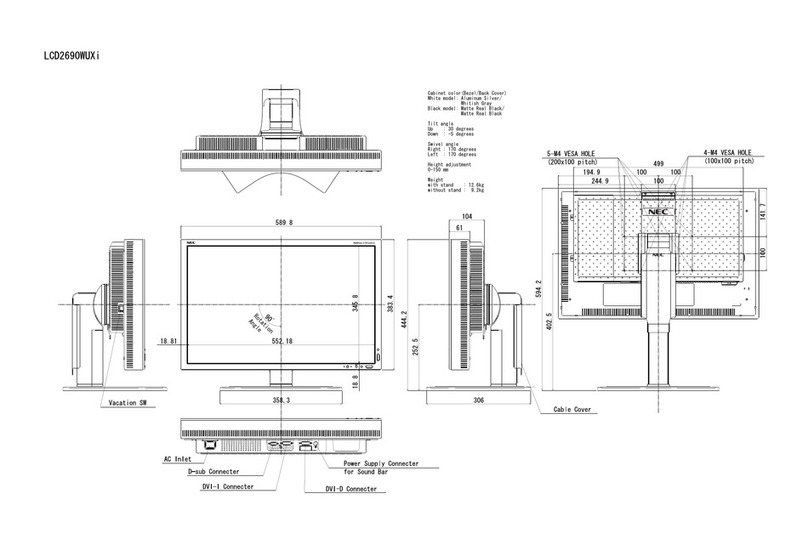
NEC MultiSync LCD2690WUXi User guide

NEC

NEC MultiSync LCD2690WUXi User guide

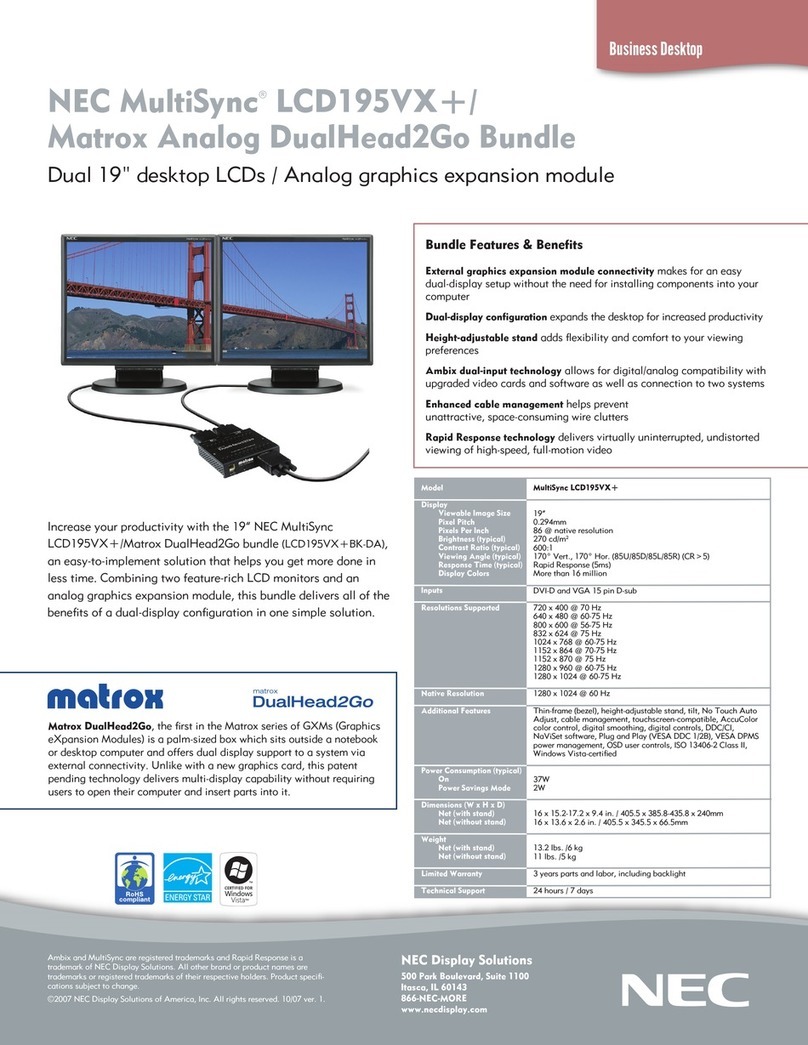
NEC LCD195VX-BK - MultiSync - 19" LCD Monitor User manual

NEC

NEC LCD195VX-BK - MultiSync - 19" LCD Monitor User manual

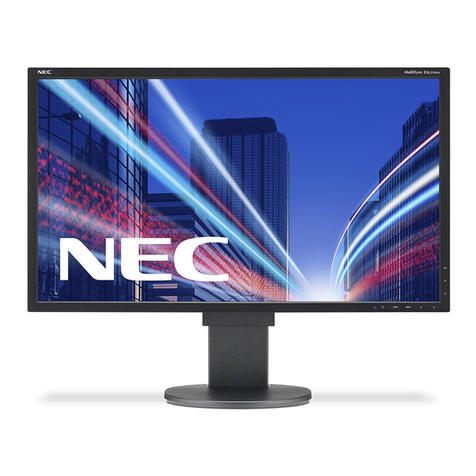
NEC MultiSync EA223WM User manual

NEC

NEC MultiSync EA223WM User manual

NEC MultiSync FP912SB User manual

NEC

NEC MultiSync FP912SB User manual

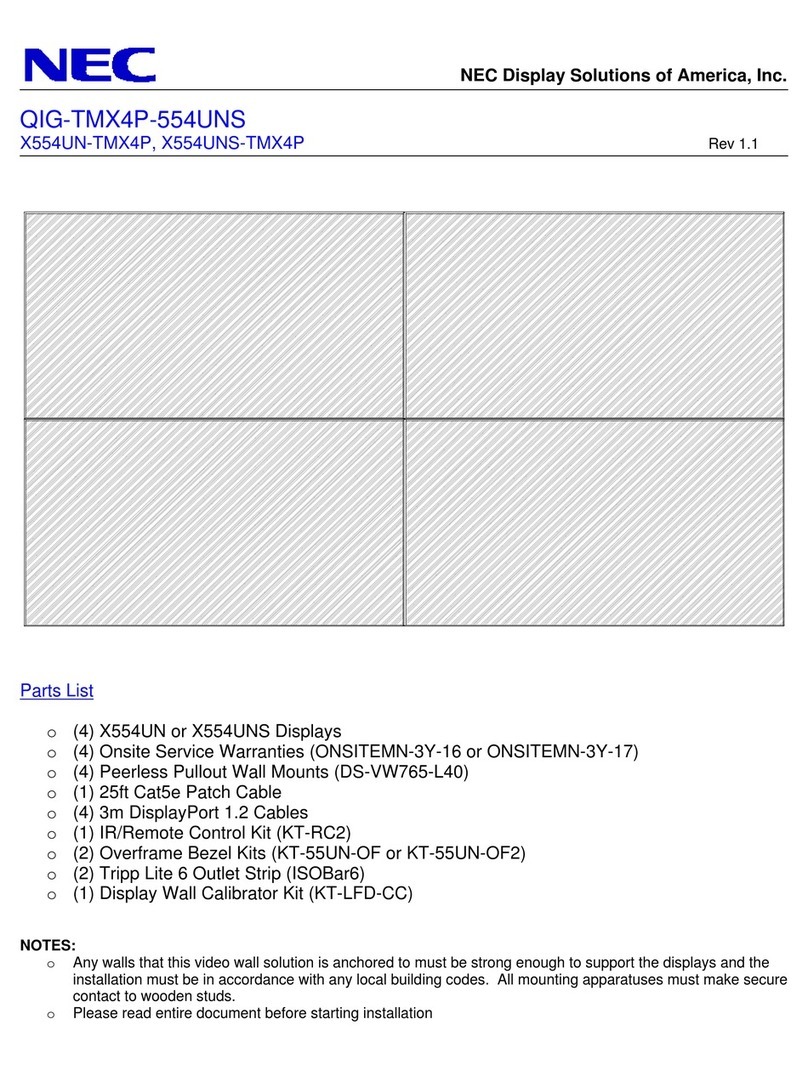
NEC X554UN-TMX4P User manual

NEC

NEC X554UN-TMX4P User manual

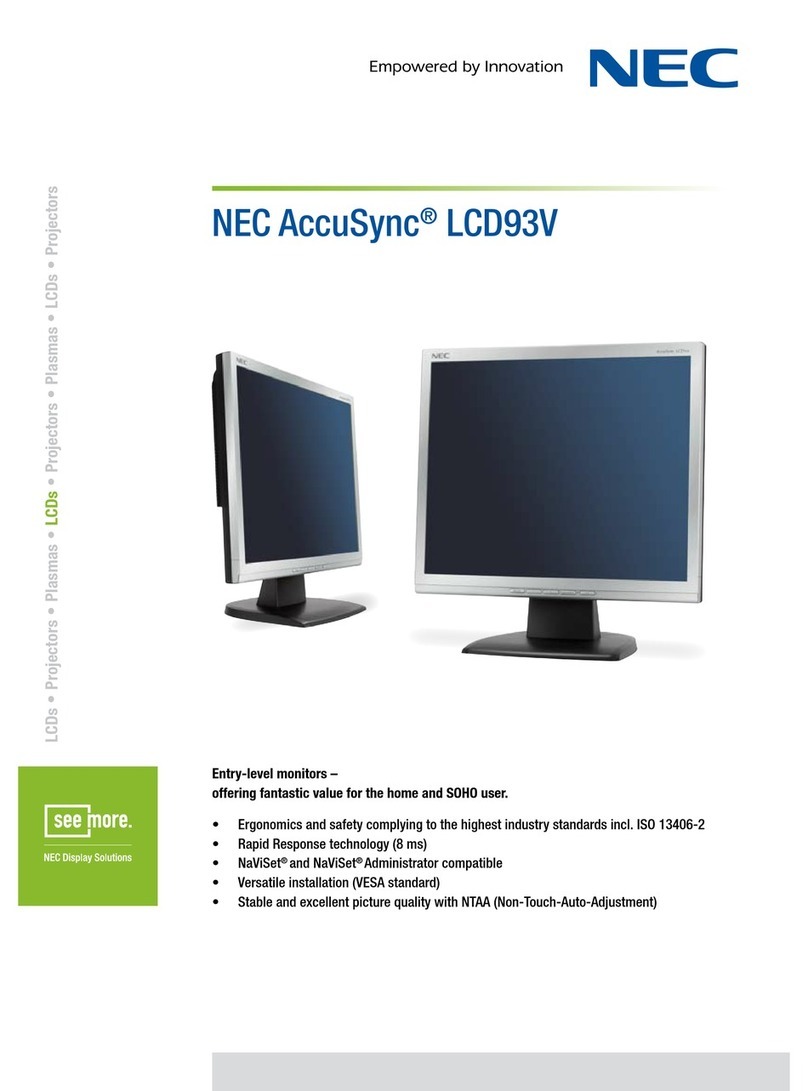
NEC AccuSync LCD93V User manual

NEC

NEC AccuSync LCD93V User manual

NEC LCD1720M - MultiSync - 17" LCD Monitor User manual

NEC

NEC LCD1720M - MultiSync - 17" LCD Monitor User manual

NEC 90 User manual

NEC

NEC 90 User manual

NEC PlasmaSync 42XM4 User guide

NEC

NEC PlasmaSync 42XM4 User guide

NEC MultiSync LCD3210  LCD3210 LCD3210 User guide

NEC

NEC MultiSync LCD3210 LCD3210 LCD3210 User guide

NEC MultiSync X464UN User manual

NEC

NEC MultiSync X464UN User manual

NEC NMV 1700V User manual

NEC

NEC NMV 1700V User manual

NEC MultiSync EA224WMi User guide

NEC

NEC MultiSync EA224WMi User guide

NEC LCD2690WUXI2-BK - MultiSync - 26" LCD... User manual

NEC

NEC LCD2690WUXI2-BK - MultiSync - 26" LCD... User manual

NEC AccuSync LCD4000 User guide

NEC

NEC AccuSync LCD4000 User guide

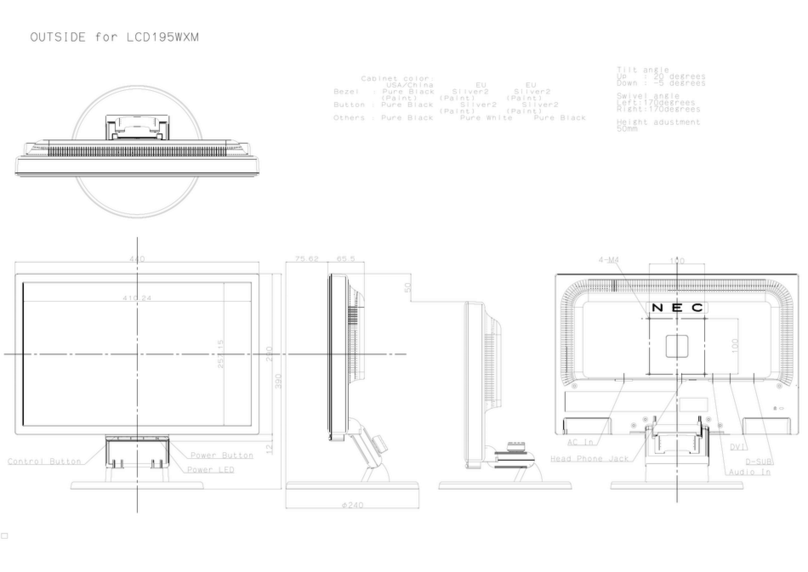
NEC MultiSync LCD195WXM Parts list manual

NEC

NEC MultiSync LCD195WXM Parts list manual

NEC MultiSync LCD195NX User manual

NEC

NEC MultiSync LCD195NX User manual

NEC MultiSync X431BT User manual

NEC

NEC MultiSync X431BT User manual

NEC E868 User manual

NEC

NEC E868 User manual

NEC V221W Parts list manual

NEC

NEC V221W Parts list manual

NEC HR17 MultiSync User manual

NEC

NEC HR17 MultiSync User manual

NEC MultiSync LCD3210  LCD3210 LCD3210 User manual

NEC

NEC MultiSync LCD3210 LCD3210 LCD3210 User manual

NEC MultiSync EA271Q User manual

NEC

NEC MultiSync EA271Q User manual

NEC PlasmaSync 3300 User manual

NEC

NEC PlasmaSync 3300 User manual

Popular Monitor manuals by other brands

Linear Acoustic LQ-1000 user guide

Linear Acoustic

Linear Acoustic LQ-1000 user guide

AOC I2579V user manual

AOC

AOC I2579V user manual

ViewSonic VX1945WM - ViewDock - 19" LCD Monitor null

ViewSonic

ViewSonic VX1945WM - ViewDock - 19" LCD Monitor null

ViewSonic VA705M null

ViewSonic

ViewSonic VA705M null

BenQ FP757 null

BenQ

BenQ FP757 null

ViewSonic VA703MB - 17" LCD Monitor null

ViewSonic

ViewSonic VA703MB - 17" LCD Monitor null

Gateway FPD1520 user guide

Gateway

Gateway FPD1520 user guide

Furuno Mu 120c Operator's manual

Furuno

Furuno Mu 120c Operator's manual

Asus VB171D - 17" LCD Monitor Service manual

Asus

Asus VB171D - 17" LCD Monitor Service manual

Dell S2230MX Setting up

Dell

Dell S2230MX Setting up

Philips 107C64 user manual

Philips

Philips 107C64 user manual

Dell S2409WFP user guide

Dell

Dell S2409WFP user guide

EverFocus EN-7517E instruction manual

EverFocus

EverFocus EN-7517E instruction manual

Panasonic TH152UX1 - 152" PLASMA TV Service manual

Panasonic

Panasonic TH152UX1 - 152" PLASMA TV Service manual

Dell Precision 7680 Connection guide

Dell

Dell Precision 7680 Connection guide

LG 50PM1M -  - 50" Plasma Panel Service manual

LG

LG 50PM1M - - 50" Plasma Panel Service manual

Bosch DDU 9 manual

Bosch

Bosch DDU 9 manual

Acer A231HL user manual

Acer

Acer A231HL user manual

https://manuals.online logo
https://manuals.online logoBrands
  • About & Mission
  • Contact us
  • Privacy Policy
  • Terms and Conditions

Copyright 2026 Manuals.Online. All Rights Reserved.

LCDs
•
Projectors
•
Plasmas
•
LCDs
•
Projectors
•
Plasmas
•
LCDs
•
Projectors
MultiSync® LCD1570NX
Fully featured office monitors with outstanding display quality and ergonomic performance.
Ergonomics and safety complying to the highest industry standards incl. ISO 13406-2
•
ErgoDesign®: Height adjustable stand (75 mm)
•
Safety of investment with analog/digital interface
•
Versatile and easy installation (VESA standard) with NaViSet and NaViKey
•
Stable and excellent picture quality with NTAA (Non-Touch-Auto-Adjustment)
•
LCDs
•
Projectors
•
Plasmas
•
LCDs
•
Projectors
•
Plasmas
•
LCDs
•
Projectors
•
Plasmas
•
LCDs
•
Projectors
•
Plasmas
•
LCDs
MultiSync® LCD1570NX
TECHNICAL SPECIFICATIONS
Panel Technology TN+ film TFT
Screen Size [inch/cm] 15 / 38.0
Pixel Pitch [mm] 0.297
Viewing Angle [°] 130 horizontal / 100 vertical (typ. at contrast ratio 10:1)
160 horizontal / 140 vertical (typ. at contrast ratio 5:1)

Contrast Ratio (typ.) 450:1
Brightness (typ.) [cd/m²] 250
Response Time (typ.) [ms] 16 (11 white / black; 5 black / white)
Colours [Mio.] 16.2
Horizontal Frequency [kHz] 31.5 - 60.1
Vertical Frequency [Hz] 56 - 75
Optimum Resolution 1024 x 768 at 60 Hz

Supported Resolutions 1024 x 768; 832 x 624; 800 x 600; 720 x 400; 640 x 480
Connectors Digital: 1 x DVI-D; Analog: 1 x mini D-sub 15 pin
Plug & Play VESA DDC/CI; DDC2B/2Bi; EDID Standard
Adjust Functions Auto Adjust; Brightness; Colour Temperature Control; Contrast; Fine Adjust (analog); Intelligent Power
Management; Language Select; Monitor Information; NTAA (Non-Touch-Auto-Adjustment); On-Screen-
Manager (OSM) lock-out; sRGB
Safety and Ergonomics CE; TCO 03; TÜV Ergonomics; TÜV GS; GEEA/Energy Label; Energy Star; FCC Class B; PCT/Gost; UL/
C-UL or CSA; CCC; ISO 13406-2 (pixel failure class II); MPR II/ MPR III; RoHS
Power Consumption on Mode [W] 20 (typ.)
Power Consumption Power-Saving Mode [W] < 2
Power Supply 100-120 V/220-240 V; 0.2 A/0.2 A; internal power supply
Ambient Temperature (operating) [°C] +5 to +35
Ambient Humidity (operating) [%] 10 to 80
VESA Mounting [mm] 75 x 75
ErgoDesign®: Height adjustable Stand [mm] 75
Screen Tilt / Swivel [°] -5 to +30 / -170 to +170
Dimensions (W x H x D) [mm] 336 x 305 x 183
Bezel Width [mm] 15.3
Weight [kg] 3.8
Cable Management yes
Kensington Lock yes
Benefits NaViSet® and NaViSet® Administrator compatible; Rapid Response Technology; sRGB Support
Audio Functions None
Colour Versions Silver Front Bezel, Black Back Cabinet
Silver Front Bezel, Light Grey Back Cabinet
Shipping Content Monitor; Power Cable; Signal Cable VGA - VGA; CD-ROM; Sales Office List; User Manual
Warranty 3 years warranty incl. backlight
All hardware and software names are brand names and/or registered trademarks of the respective manufacturers. All rights reserved. All specifications are subject to change without notice. 02/2008
www.nec-display-solutions.co.uk
NEC Display Solutions UK Ltd, 32 Southwark Bridge Road, London SE1 9EU
Phone: 0207 202 6300, e-mail: [email protected]
For further information on NEC products call: 08701 201160