EnglishDeutsch
 logo
Brands
  1. Home
  2. •
  3. Brands
  4. •
  5. NEC
  6. •
  7. Monitor
  8. •
  9. NEC LCD195VX-BK - MultiSync - 19" LCD Monitor User manual

NEC LCD195VX-BK - MultiSync - 19" LCD Monitor User manual

Other manuals for LCD195VX-BK - MultiSync - 19" LCD Monitor

1

This manual suits for next models

1

Other NEC Monitor manuals

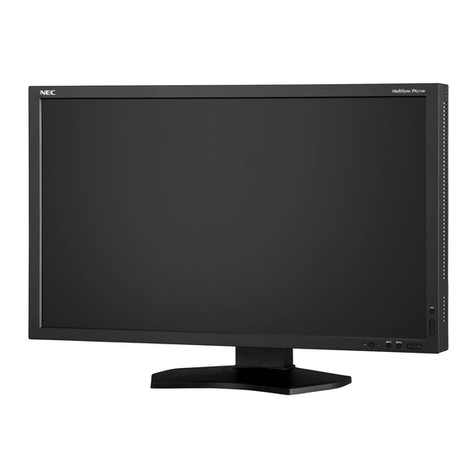
NEC MultiSync PA242W User manual

NEC

NEC MultiSync PA242W User manual

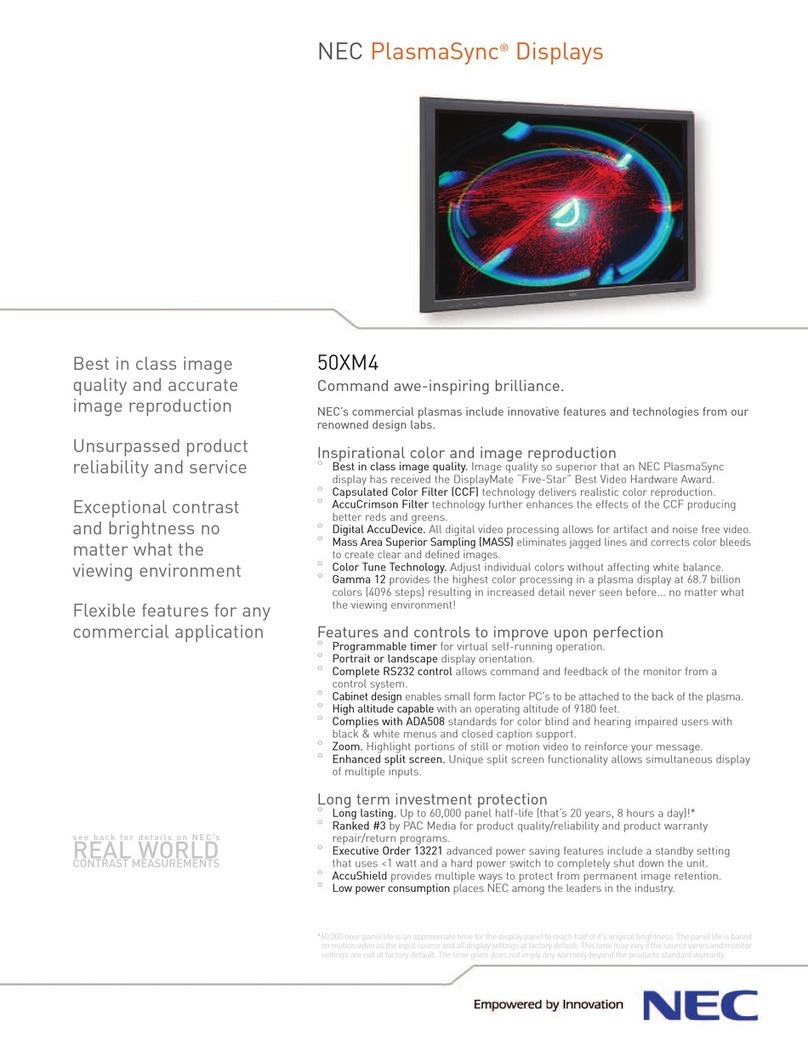
NEC PlasmaSync 50XM4 User manual

NEC

NEC PlasmaSync 50XM4 User manual

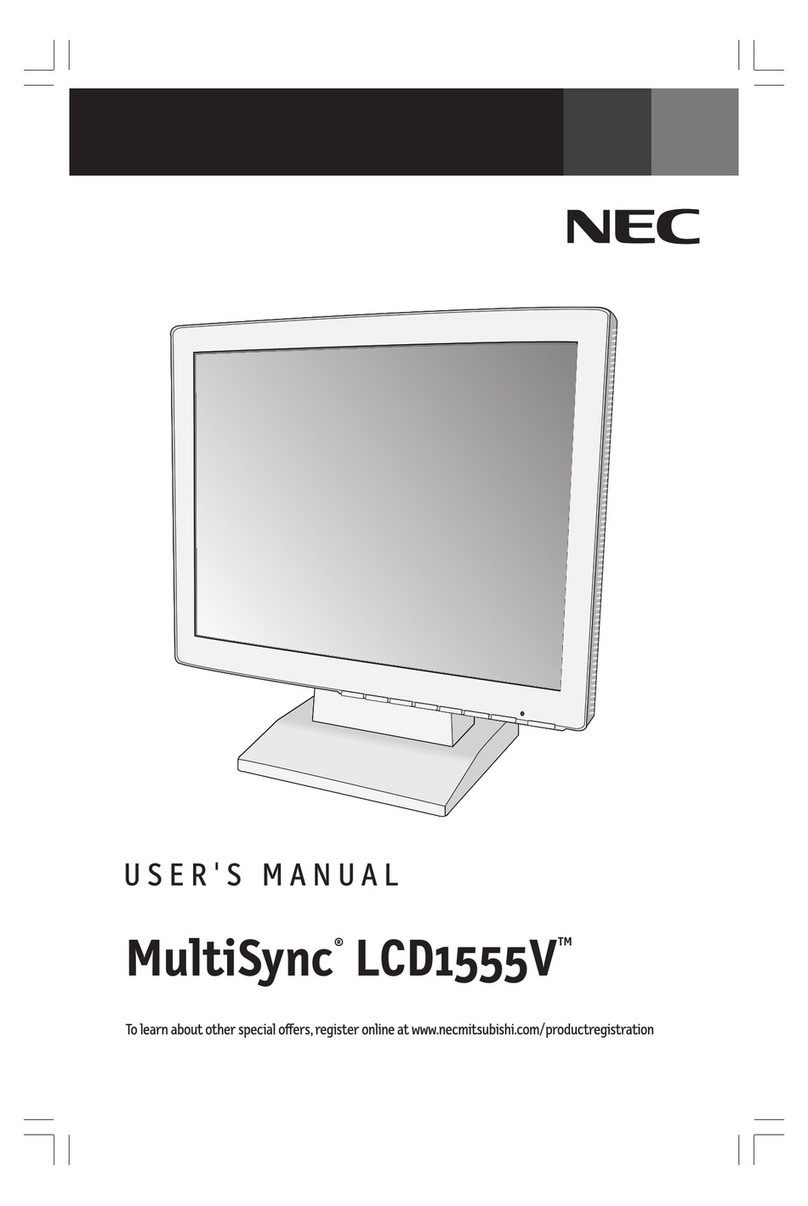
NEC LCD1555V User manual

NEC

NEC LCD1555V User manual

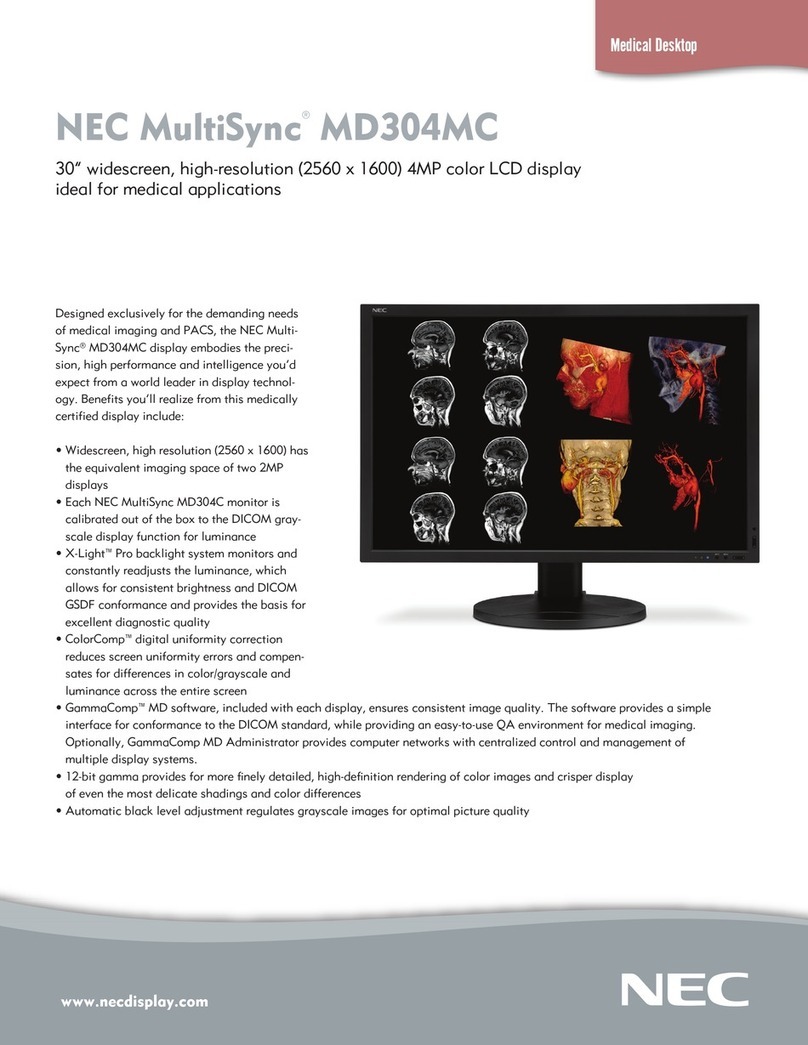
NEC MD304MC - MultiSync - 29.8" LCD Monitor User manual

NEC

NEC MD304MC - MultiSync - 29.8" LCD Monitor User manual

NEC PlasmaSync 60XC10 User manual

NEC

NEC PlasmaSync 60XC10 User manual

NEC EA222WME-BK User manual

NEC

NEC EA222WME-BK User manual

NEC MultiSync WD551 User manual

NEC

NEC MultiSync WD551 User manual

NEC LCD22WV User manual

NEC

NEC LCD22WV User manual

NEC MultiSync V520 User manual

NEC

NEC MultiSync V520 User manual

NEC MultiSync SC40 User manual

NEC

NEC MultiSync SC40 User manual

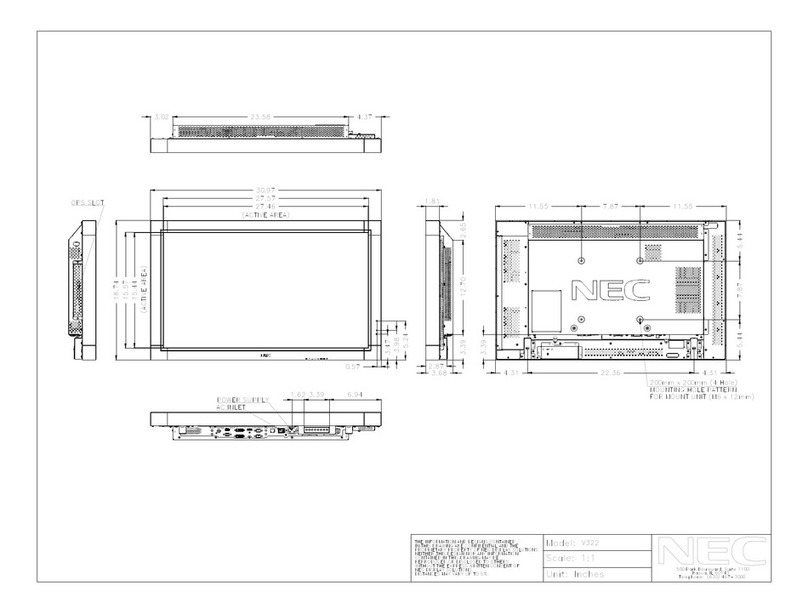
NEC MultiSync V322 Guide

NEC

NEC MultiSync V322 Guide

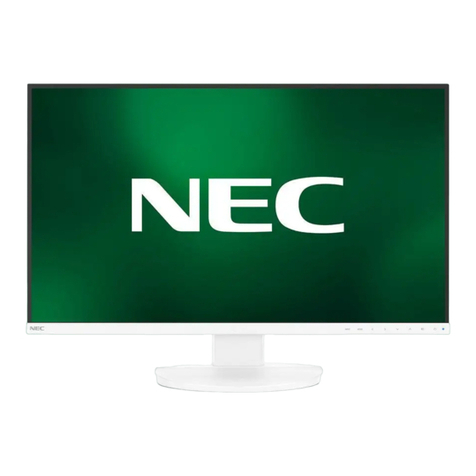
NEC MultiSync EA271Q-WH User manual

NEC

NEC MultiSync EA271Q-WH User manual

NEC LCD175VXM - MultiSync - 17" LCD Monitor User manual

NEC

NEC LCD175VXM - MultiSync - 17" LCD Monitor User manual

NEC MultiSync E221W User manual

NEC

NEC MultiSync E221W User manual

NEC FA Series User manual

NEC

NEC FA Series User manual

NEC 61XR3 User manual

NEC

NEC 61XR3 User manual

NEC MultiSync LCD1770GX User manual

NEC

NEC MultiSync LCD1770GX User manual

NEC MultiSync LCD1700M User manual

NEC

NEC MultiSync LCD1700M User manual

NEC PlasmaSync 42VM5 Manual

NEC

NEC PlasmaSync 42VM5 Manual

NEC NEC MultiSync LCD1850E  LCD1850E LCD1850E User manual

NEC

NEC NEC MultiSync LCD1850E LCD1850E LCD1850E User manual

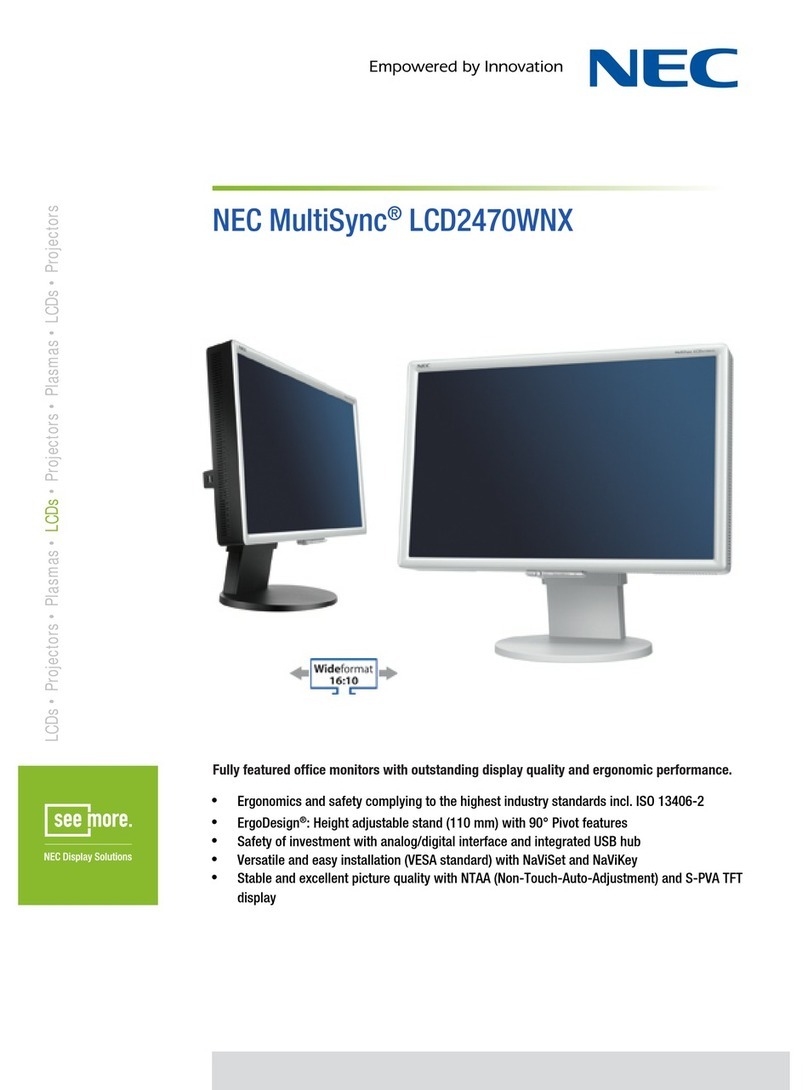
NEC LCD2470WNX - MultiSync - 24" LCD Monitor User manual

NEC

NEC LCD2470WNX - MultiSync - 24" LCD Monitor User manual

NEC PlasmaSync 42XR5 User manual

NEC

NEC PlasmaSync 42XR5 User manual

NEC LCD1560M - MultiSync - 15" LCD Monitor User manual

NEC

NEC LCD1560M - MultiSync - 15" LCD Monitor User manual

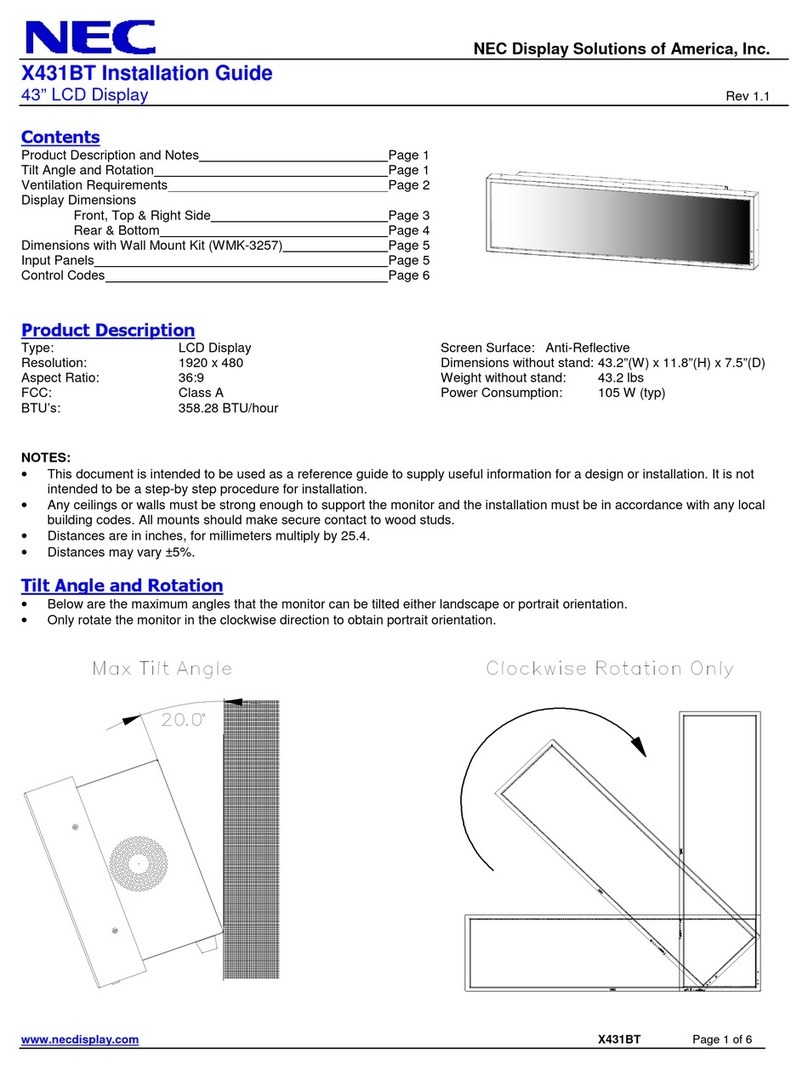
NEC MultiSync X431BT User manual

NEC

NEC MultiSync X431BT User manual

Popular Monitor manuals by other brands

Linear Acoustic LQ-1000 user guide

Linear Acoustic

Linear Acoustic LQ-1000 user guide

AOC I2579V user manual

AOC

AOC I2579V user manual

ViewSonic VX1945WM - ViewDock - 19" LCD Monitor null

ViewSonic

ViewSonic VX1945WM - ViewDock - 19" LCD Monitor null

ViewSonic VA705M null

ViewSonic

ViewSonic VA705M null

BenQ FP757 null

BenQ

BenQ FP757 null

ViewSonic VA703MB - 17" LCD Monitor null

ViewSonic

ViewSonic VA703MB - 17" LCD Monitor null

Gateway FPD1520 user guide

Gateway

Gateway FPD1520 user guide

Furuno Mu 120c Operator's manual

Furuno

Furuno Mu 120c Operator's manual

Asus VB171D - 17" LCD Monitor Service manual

Asus

Asus VB171D - 17" LCD Monitor Service manual

Dell S2230MX Setting up

Dell

Dell S2230MX Setting up

Philips 107C64 user manual

Philips

Philips 107C64 user manual

Dell S2409WFP user guide

Dell

Dell S2409WFP user guide

EverFocus EN-7517E instruction manual

EverFocus

EverFocus EN-7517E instruction manual

Panasonic TH152UX1 - 152" PLASMA TV Service manual

Panasonic

Panasonic TH152UX1 - 152" PLASMA TV Service manual

Dell Precision 7680 Connection guide

Dell

Dell Precision 7680 Connection guide

LG 50PM1M -  - 50" Plasma Panel Service manual

LG

LG 50PM1M - - 50" Plasma Panel Service manual

Bosch DDU 9 manual

Bosch

Bosch DDU 9 manual

Acer A231HL user manual

Acer

Acer A231HL user manual

https://manuals.online logo
https://manuals.online logoBrands
  • About & Mission
  • Contact us
  • Privacy Policy
  • Terms and Conditions

Copyright 2026 Manuals.Online. All Rights Reserved.

NEC Display Solutions
500 Park Boulevard, Suite 1100
Itasca, IL 60143
866-NEC-MORE
www.necdisplay.com
Ambix and MultiSync are registered trademarks and Rapid Response is a
trademark of NEC Display Solutions. All other brand or product names are
trademarks or registered trademarks of their respective holders. Product specifi-
cations subject to change.
©2007 NEC Display Solutions of America, Inc. All rights reserved. 10/07 ver. 1.
Business Desktop
NEC MultiSync®LCD195VX+/
Matrox Analog DualHead2Go Bundle
Dual 19" desktop LCDs / Analog graphics expansion module
Bundle Features & Benefits
External graphics expansion module connectivity makes for an easy
dual-display setup without the need for installing components into your
computer
Dual-display configuration expands the desktop for increased productivity
Height-adjustable stand adds flexibility and comfort to your viewing
preferences
Ambix dual-input technology allows for digital/analog compatibility with
upgraded video cards and software as well as connection to two systems
Enhanced cable management helps prevent
unattractive, space-consuming wire clutters
Rapid Response technology delivers virtually uninterrupted, undistorted
viewing of high-speed, full-motion video
MultiSync LCD195VX+
19”
0.294mm
86 @ native resolution
270 cd/m2
600:1
170° Vert., 170° Hor. (85U/85D/85L/85R) (CR>5)
Rapid Response (5ms)
More than 16 million
DVI-D and VGA 15 pin D-sub
720 x 400 @ 70 Hz
640 x 480 @ 60-75 Hz
800 x 600 @ 56-75 Hz
832 x 624 @ 75 Hz
1024 x 768 @ 60-75 Hz
1152 x 864 @ 70-75 Hz
1152 x 870 @ 75 Hz
1280 x 960 @ 60-75 Hz
1280 x 1024 @ 60-75 Hz
1280 x 1024 @ 60 Hz
Thin-frame (bezel), height-adjustable stand, tilt, No Touch Auto
Adjust, cable management, touchscreen-compatible, AccuColor
color control, digital smoothing, digital controls, DDC/CI,
NaViSet software, Plug and Play (VESA DDC 1/2B), VESA DPMS
power management, OSD user controls, ISO 13406-2 Class II,
Windows Vista-certified
37W
2W
16 x 15.2-17.2 x 9.4 in. / 405.5 x 385.8-435.8 x 240mm

16 x 13.6 x 2.6 in. / 405.5 x 345.5 x 66.5mm
13.2 lbs. /6 kg
11 lbs. /5 kg
3 years parts and labor, including backlight
24 hours / 7 days
Model
Display
Viewable Image Size
Pixel Pitch
Pixels Per Inch
Brightness (typical)
Contrast Ratio (typical)
Viewing Angle (typical)
Response Time (typical)
Display Colors
Inputs
Resolutions Supported
Native Resolution
Additional Features
Power Consumption (typical)
On
Power Savings Mode
Dimensions (W x H x D)
Net (with stand)
Net (without stand)
Weight
Net (with stand)
Net (without stand)
Limited Warranty
Technical Support
Matrox DualHead2Go, the first in the Matrox series of GXMs (Graphics
eXpansion Modules) is a palm-sized box which sits outside a notebook
or desktop computer and offers dual display support to a system via
external connectivity. Unlike with a new graphics card, this patent
pending technology delivers multi-display capability without requiring
users to open their computer and insert parts into it.
Increase your productivity with the 19” NEC MultiSync
LCD195VX+/Matrox DualHead2Go bundle (LCD195VX+BK-DA),
an easy-to-implement solution that helps you get more done in
less time. Combining two feature-rich LCD monitors and an
analog graphics expansion module, this bundle delivers all of the
benefits of a dual-display configuration in one simple solution.