EnglishDeutsch
 logo
Brands
  1. Home
  2. •
  3. Brands
  4. •
  5. NEC
  6. •
  7. Monitor
  8. •
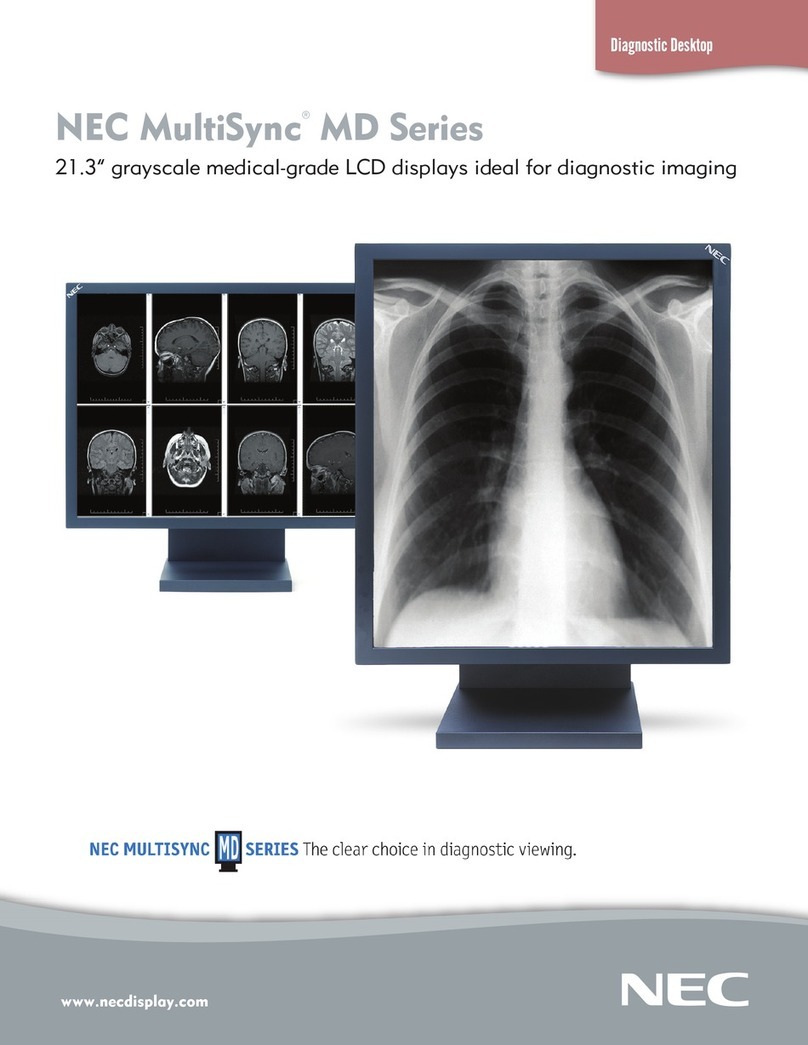
  9. NEC MD212MC - MultiSync - 21.3" LCD Monitor User manual

NEC MD212MC - MultiSync - 21.3" LCD Monitor User manual

Other manuals for MD212MC - MultiSync - 21.3" LCD Monitor

1

Other NEC Monitor manuals

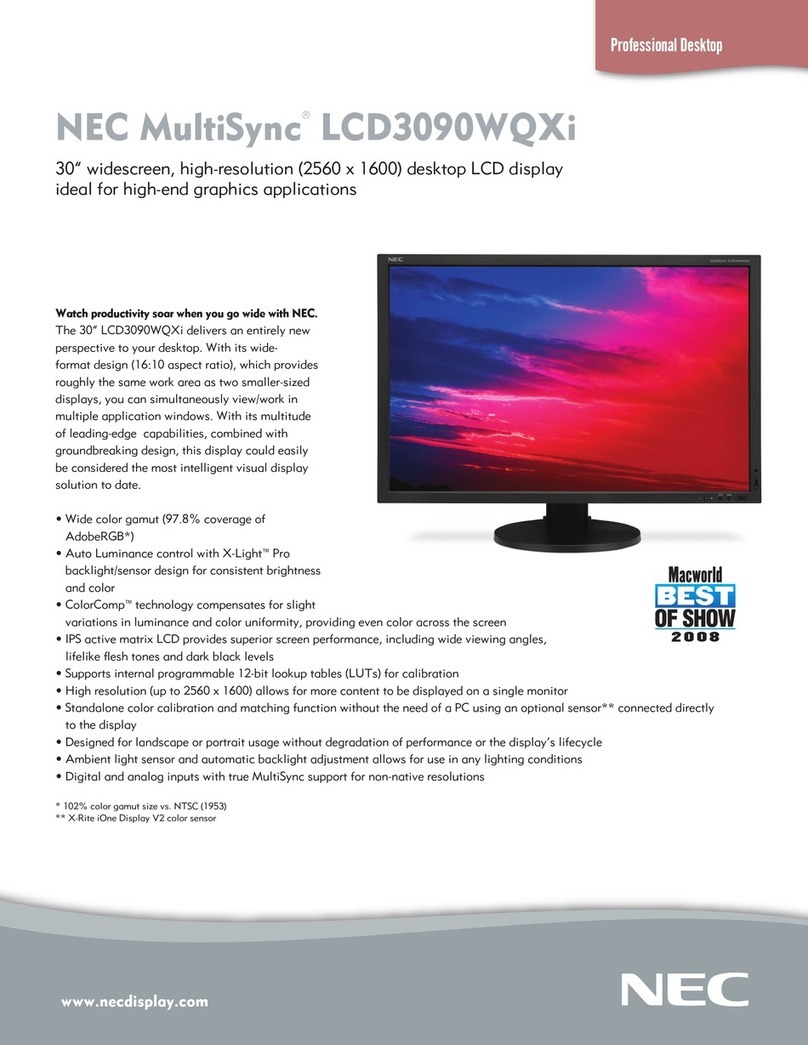
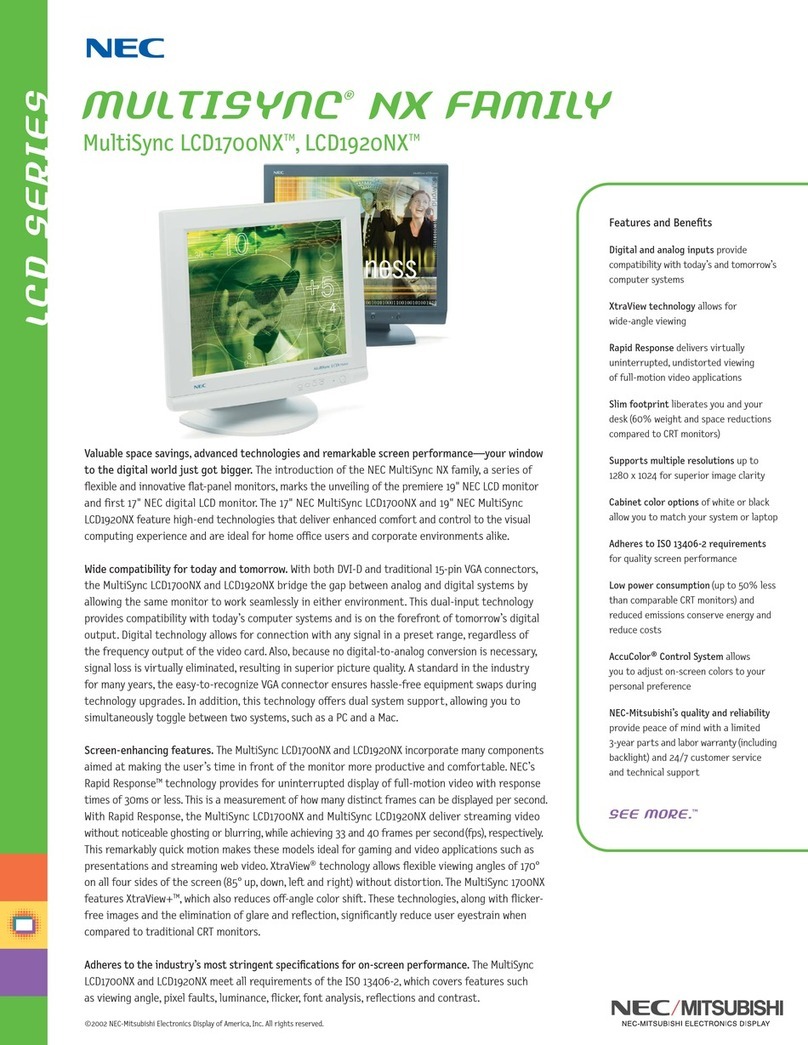
NEC MultiSync LCD3090WQXi User manual

NEC

NEC MultiSync LCD3090WQXi User manual

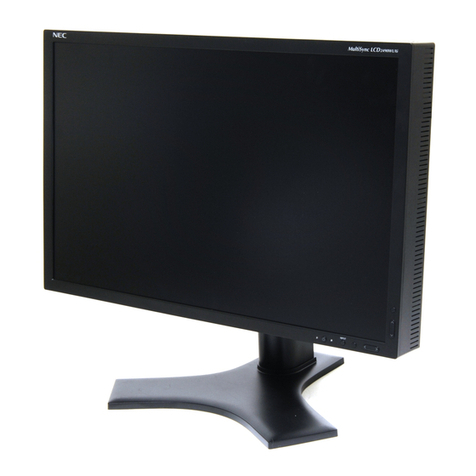
NEC MultiSync LCD2490WUXi User manual

NEC

NEC MultiSync LCD2490WUXi User manual

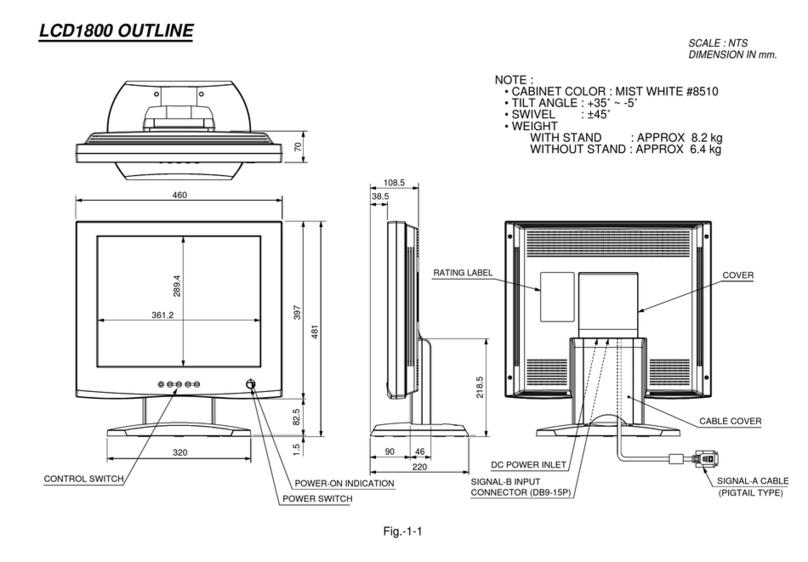
NEC MultiSync LCD1800 Parts list manual

NEC

NEC MultiSync LCD1800 Parts list manual

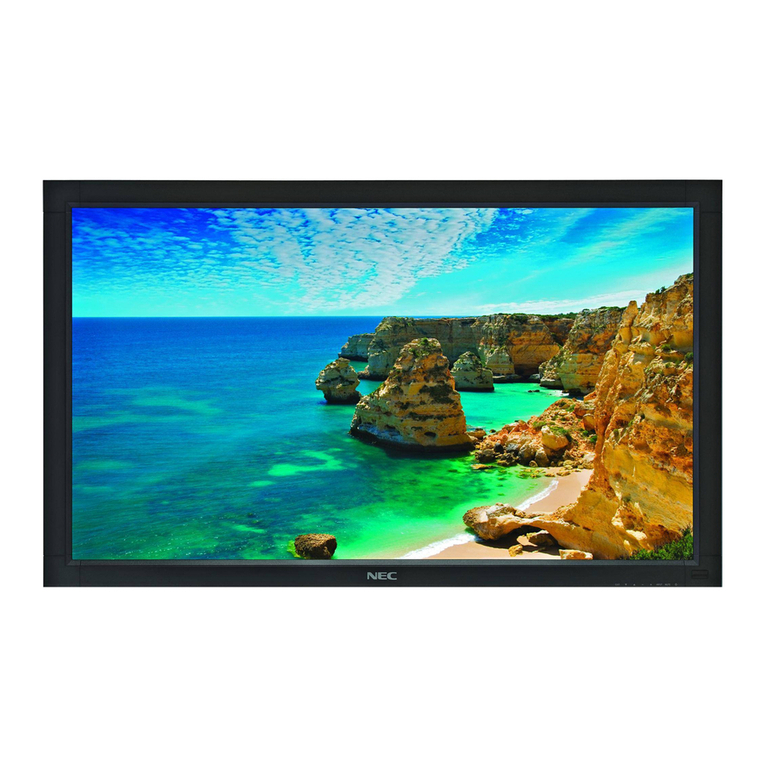
NEC LCD4615 - MultiSync - 46" LCD Flat Panel... User manual

NEC

NEC LCD4615 - MultiSync - 46" LCD Flat Panel... User manual

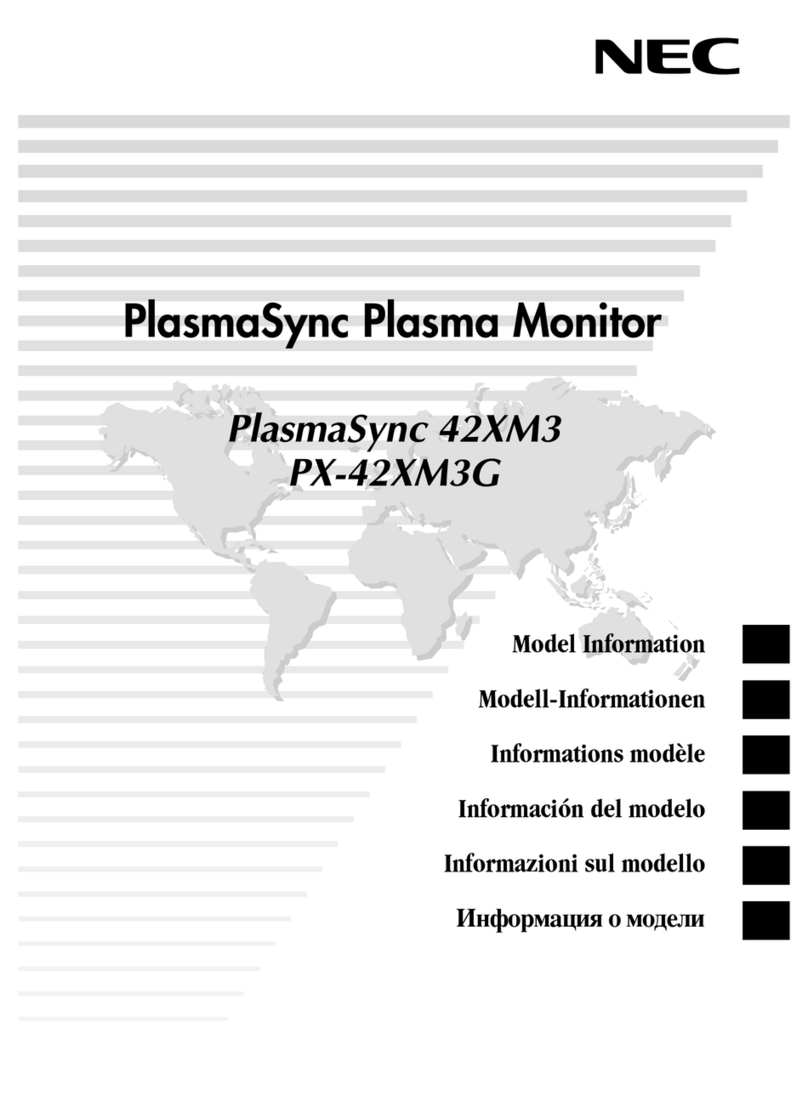
NEC PlasmaSync 61XM1A User manual

NEC

NEC PlasmaSync 61XM1A User manual

NEC LCD1711M User manual

NEC

NEC LCD1711M User manual

NEC MultiSync LCD1810X User guide

NEC

NEC MultiSync LCD1810X User guide

NEC FE700 - MultiSync - 17" CRT Display Guide

NEC

NEC FE700 - MultiSync - 17" CRT Display Guide

NEC AccuSync LCD72XM User manual

NEC

NEC AccuSync LCD72XM User manual

NEC MD304MC - MultiSync - 29.8" LCD Monitor User manual

NEC

NEC MD304MC - MultiSync - 29.8" LCD Monitor User manual

NEC LCD1920NX BK - MultiSync - 19" LCD Monitor User manual

NEC

NEC LCD1920NX BK - MultiSync - 19" LCD Monitor User manual

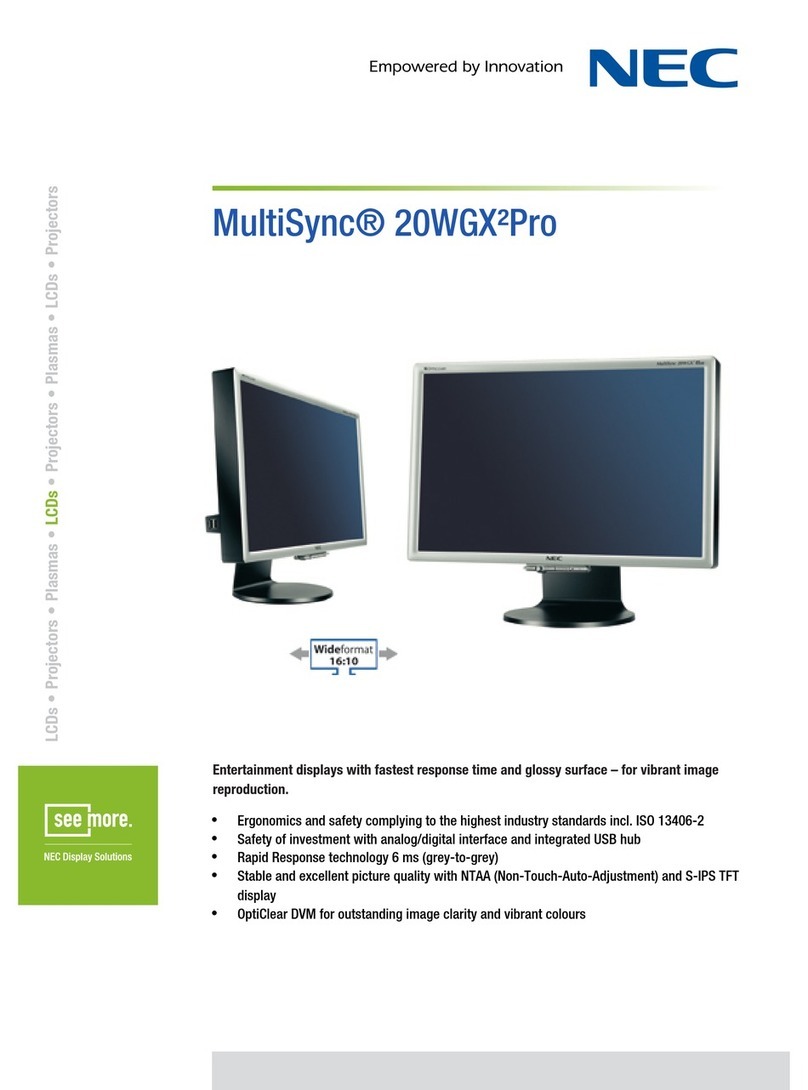
NEC MultiSync 20WGX²Pro User manual

NEC

NEC MultiSync 20WGX²Pro User manual

NEC PlasmaSync PX-42M2A User manual

NEC

NEC PlasmaSync PX-42M2A User manual

NEC MD21GS-2MP-BK-BB User manual

NEC

NEC MD21GS-2MP-BK-BB User manual

NEC 42XR3 User manual

NEC

NEC 42XR3 User manual

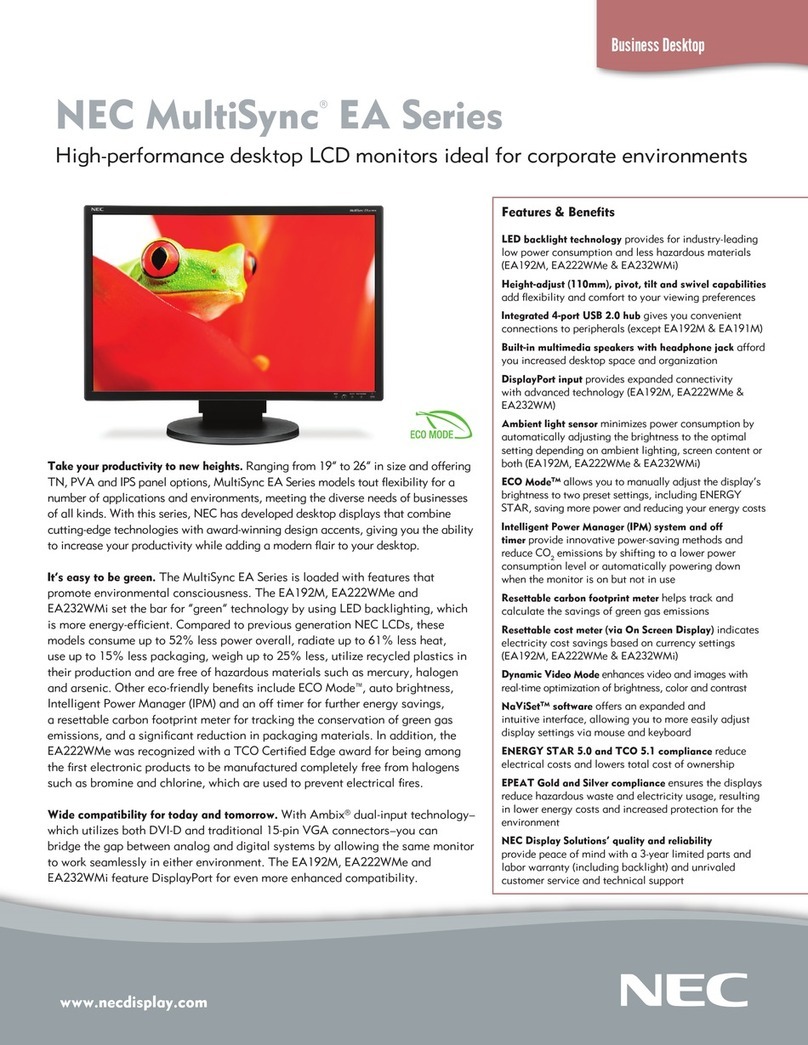
NEC MultiSync EA192M User manual

NEC

NEC MultiSync EA192M User manual

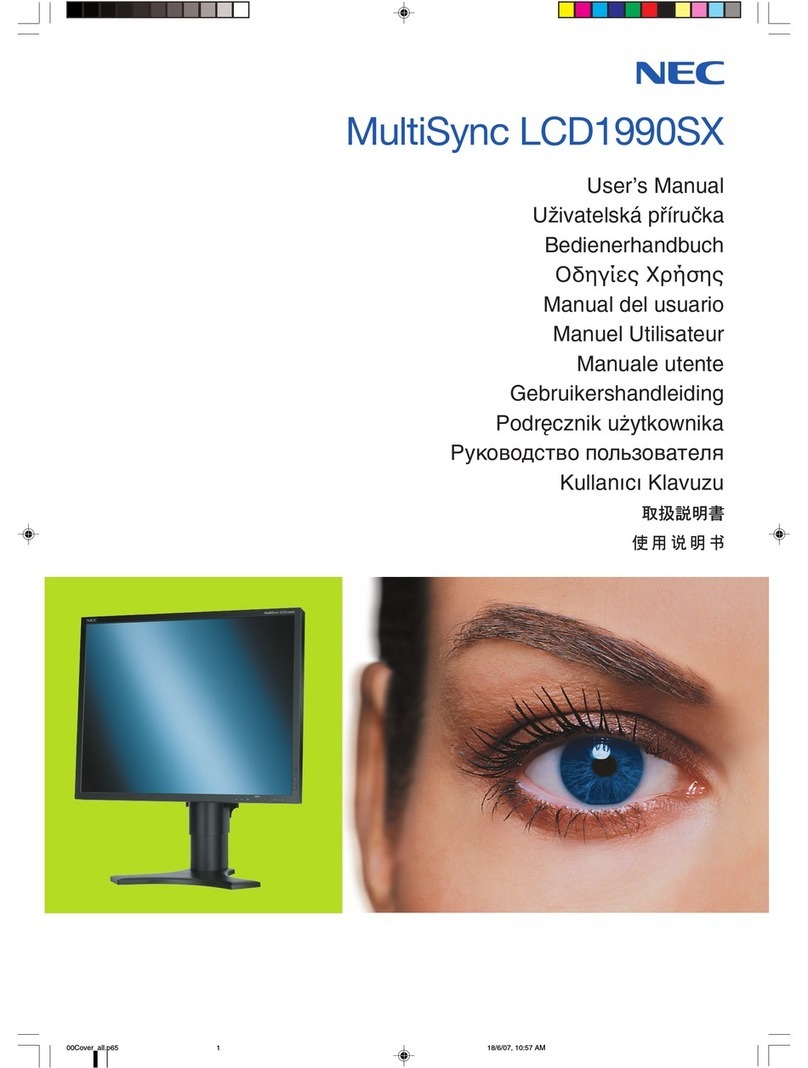
NEC LCD1990SX - MultiSync - 19" LCD Monitor User manual

NEC

NEC LCD1990SX - MultiSync - 19" LCD Monitor User manual

NEC MultiSync SC40 User manual

NEC

NEC MultiSync SC40 User manual

NEC MultiSync P403 User manual

NEC

NEC MultiSync P403 User manual

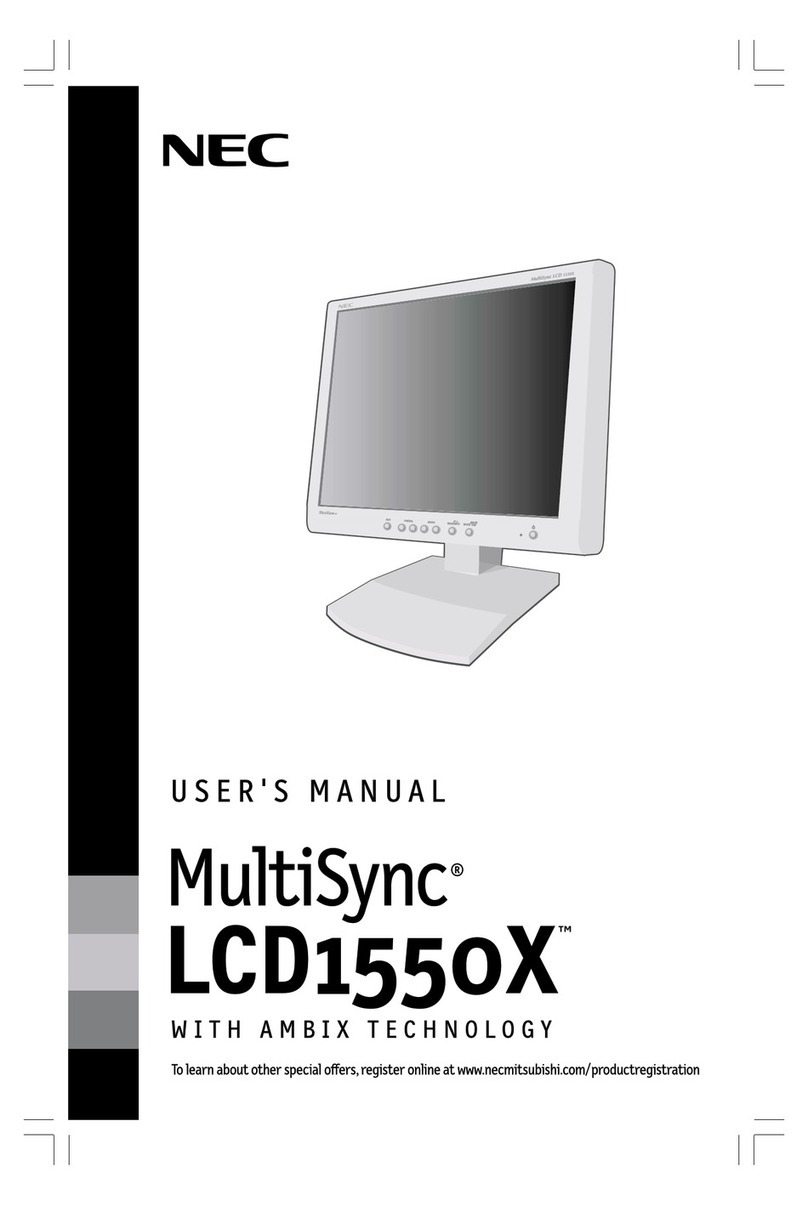
NEC NEC MultiSync LCD1550X  LCD1550X LCD1550X User manual

NEC

NEC NEC MultiSync LCD1550X LCD1550X LCD1550X User manual

NEC X461HB-R User manual

NEC

NEC X461HB-R User manual

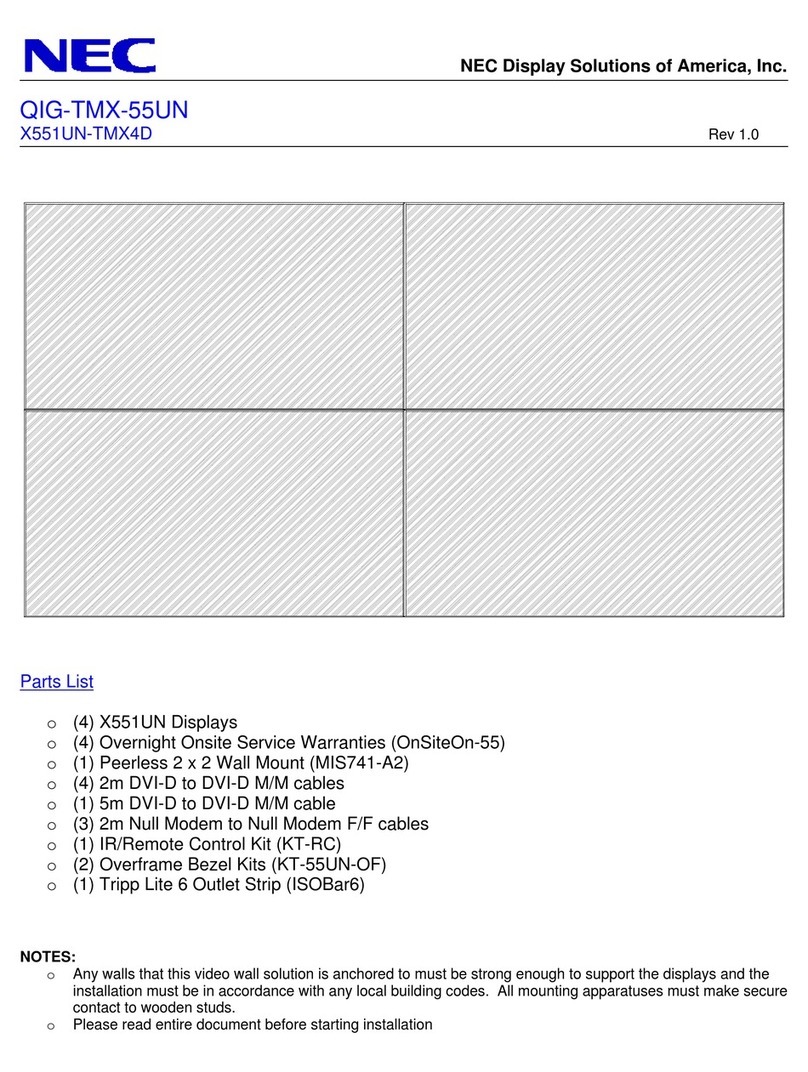
NEC X551UN-TMX4D User manual

NEC

NEC X551UN-TMX4D User manual

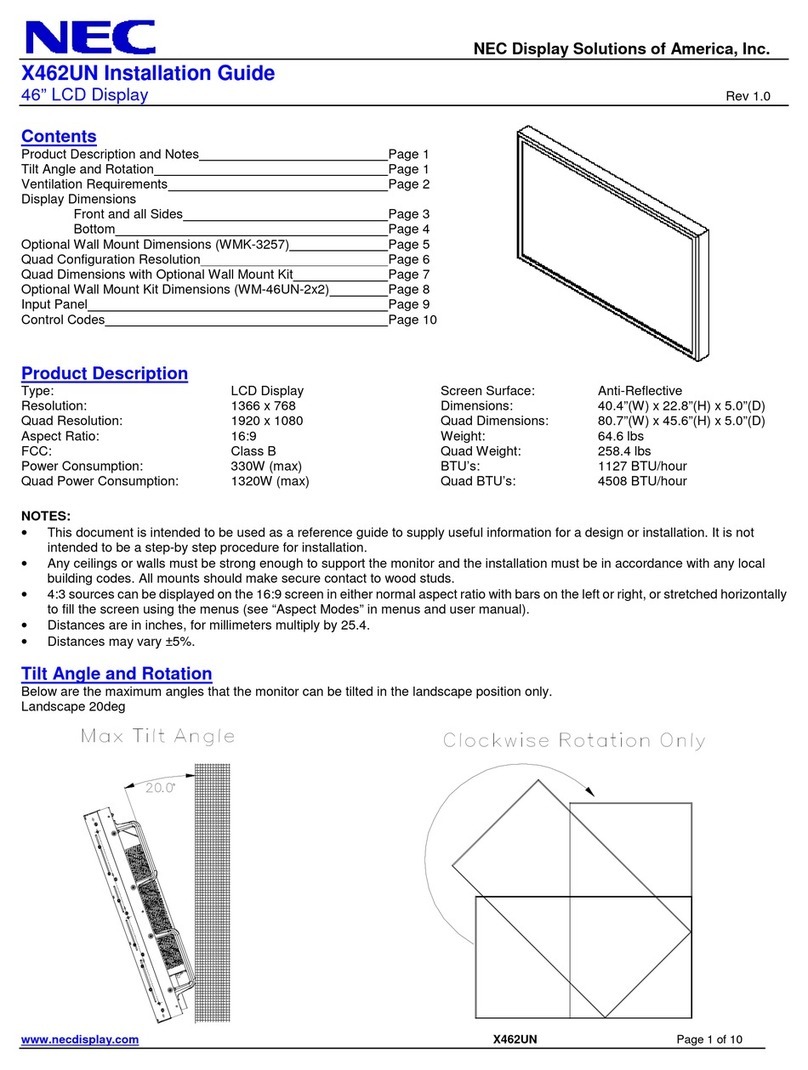
NEC MultiSync X462UN User manual

NEC

NEC MultiSync X462UN User manual

NEC PlasmaSync 50XM4 Quick setup guide

NEC

NEC PlasmaSync 50XM4 Quick setup guide

Popular Monitor manuals by other brands

Linear Acoustic LQ-1000 user guide

Linear Acoustic

Linear Acoustic LQ-1000 user guide

AOC I2579V user manual

AOC

AOC I2579V user manual

ViewSonic VX1945WM - ViewDock - 19" LCD Monitor null

ViewSonic

ViewSonic VX1945WM - ViewDock - 19" LCD Monitor null

ViewSonic VA705M null

ViewSonic

ViewSonic VA705M null

BenQ FP757 null

BenQ

BenQ FP757 null

ViewSonic VA703MB - 17" LCD Monitor null

ViewSonic

ViewSonic VA703MB - 17" LCD Monitor null

Gateway FPD1520 user guide

Gateway

Gateway FPD1520 user guide

Furuno Mu 120c Operator's manual

Furuno

Furuno Mu 120c Operator's manual

Asus VB171D - 17" LCD Monitor Service manual

Asus

Asus VB171D - 17" LCD Monitor Service manual

Dell S2230MX Setting up

Dell

Dell S2230MX Setting up

Philips 107C64 user manual

Philips

Philips 107C64 user manual

Dell S2409WFP user guide

Dell

Dell S2409WFP user guide

EverFocus EN-7517E instruction manual

EverFocus

EverFocus EN-7517E instruction manual

Panasonic TH152UX1 - 152" PLASMA TV Service manual

Panasonic

Panasonic TH152UX1 - 152" PLASMA TV Service manual

Dell Precision 7680 Connection guide

Dell

Dell Precision 7680 Connection guide

LG 50PM1M -  - 50" Plasma Panel Service manual

LG

LG 50PM1M - - 50" Plasma Panel Service manual

Bosch DDU 9 manual

Bosch

Bosch DDU 9 manual

Acer A231HL user manual

Acer

Acer A231HL user manual

https://manuals.online logo
https://manuals.online logoBrands
  • About & Mission
  • Contact us
  • Privacy Policy
  • Terms and Conditions

Copyright 2026 Manuals.Online. All Rights Reserved.

LCDs
•
Projectors
•
Plasmas
•
LCDs
•
Projectors
•
Plasmas
•
LCDs
•
Projectors
NEC MD212MC
NEC MD Series Digital Color Display Systems
Display Systems for Primary Diagnostics of Medical Images
The NEC MD212MC (L217TG) flat panel display systems for viewing of color and grayscale digital
images for diagnosis by trained physicians. Applications include diagnostics image reporting in
radiography as well as CT, MRI and other medical imaging techniques. To guarantee the display
performance as specified, a MD212MC display must only be used in conjunction with NEC approved
display controller boards.
Key Features:
• 21.3"(2.0 MP image resolution: 1200 x 1600 pixels in portrait orientation)
• Unique X-Light®3 Backlight System for long lasting stable white point and simple matching
in the field
• Individual factory calibrated DICOM gamma correction curve
• Precise DICOM GSDF calibration using internal 12-bit look-up table
• GammaCompMD Client Software compatible
TECHNICAL SPECIFICATIONS
Panel technology
Screen diagonal [inch/cm]
Active screen area [cm]
Native resolution [Megapixel]
Landscape / Portrait mode [Pixel]
Pixel pitch [mm]
Contrast ratio (typ.)
Viewing angle (H / V @ CR > 10:1)
Luminance (maximum Native)
Luminance (calibrated)
Response time (typ.) [ms]
Color reproduction [Bit-Depth]
Programmable gamma correction
Factory calibration
Signal inputs
Horizontal frequency [kHz]
Vertical frequency [Hz]
Power consumption (max.) [W]
Power saving mode [W]
Power requirements
Dimensions (W x H x D) [mm]
Weight (including stand) [kg]
Stand features
Safety and ergonomics
Ambient temperature (operating) [°C]
Ambient humidity (operating) [%]
VESA mounting interface [mm]
Kensington Lock (Theft security)
Other advanced features
Approved Display Controllers
Warranty
Shipping contents
Options
UA-SFT TFT
21.3 / 54.0
43.2 x 32.4
2
1600 x 1200 / 1200 x 1600 at 60 Hz
0.270 x 0.270
1050:1
176°/ 176°
850 cd/m2
400 cd/m2, recommended
35 (tr+ tf)
8-bit (256 grey tones per R G B input) with 16,777, 216 total colors
12-bit (4096 grey tones)
Gamma correction according to DICOM GSDF at 400 cd/m2
Digital: 1 x DVI-D; 1 x DVI-I; Analog: 1 x Mini D-Sub 15 pin
31.5 - 91.1
50.0 - 85.0
100
<2.0
100 - 240V AC 1.6 A/0.7 A; integrated power supply
352 x 488 - 638 x 306 (portrait orientation); 468 x 435 - 585 x 306 (landscape orientation)
10.7
150 mm height adjust range, Tilt, Swivel, Screen rotation
Pending: CE-MDD (EN60601-1, EN60601-1-2); TÜV Approved Medical Device (TÜV GM);
DIN V6868-57 Category A; FDA510(k), CCC
+5 to +35
30 to 80 (non-condensing)
100 x 100 (4 points)
yes
X-Light®backlight system with front 3-color sensor for stable white luminance and white point;
Individual factory calibrated DICOM gamma correction curve; Precise DICOM GSDF calibration
using internal 12-bit look-up table; Control buttons on cabinet back side, with virtual keypad on
screen; Multiple OSD lock-out modes to prevent tampering with calibrated screen
Choice of Matrox, AMD/ATI and nVIDIA models for best imaging performance and compatibility
with GammaCompMD software
3 years warranty incl. backlight
Display; Continental and UK power cord; Signal Cable DVI-D to DVI-D; Multiple language quick
reference guide; DVD-ROM with User Guides, GammaCompMD Client QA Software and approved
display controller drivers
Calibration instrument (MDSVSENSOR), Protective screen (click-on option)
MD212MC-01/09
NEC MD212MC
LCDs
•
Projectors
•
Plasmas
•
LCDs
•
Projectors
•
Plasmas
•
LCDs
•
Projectors
•
Plasmas
•
LCDs
•
Projectors
•
Plasmas
•
LCDs
All hardware and software names are brand names and/or registered trademarks of the respective manufacturers. All rights reserved. All specifications are subject to change without notice. 01/09
www.nec-display-solutions.com
NEC Display Solutions Europe GmbH
The data in this publication is for illustration purposes only and does not necessarily represent standards or specifications which must be met by NEC Display Solutions. All hardware and software names are
brand names and/or registered trademarks of the respective owners. All rights reserved, in particular for the case of granting of patent or petty patent. Availability and technical specifications are subject to
change without notice. Issue: 01/09
2 Megapixel
Single or Dual Display
AMD/ATI, Matrox and nVIDIA
PCI Express Bus
GammaCompMD Client
Software
Display Model variety
Display controller board variety
Software
NEC MD SERIES COLOR DISPLAY SYSTEMCONFIGURATIONS*
A typical NEC MD
Series Display
System configuration
1 Single or Dual head displays
2 Display Controller
Board
3 GammaCompMD
Quality Assurance Software
4Calibrator (optional)
CE-MDD declaration for model MD212MC is in accordance with the European Directive
93/42/EEC (Medical Device Directive). NEC MD Series Display Systems are registered as
medical devices at DIMDI and succeeded pre-qualification for the German X-ray ordi-
nance acceptance tests according to DIN V6868-57.
For further informationen please contact us at: [email protected]
www.medical.nec-display-solutions.com
3
4
2
1