1716
GENERAL MAINTENANCE
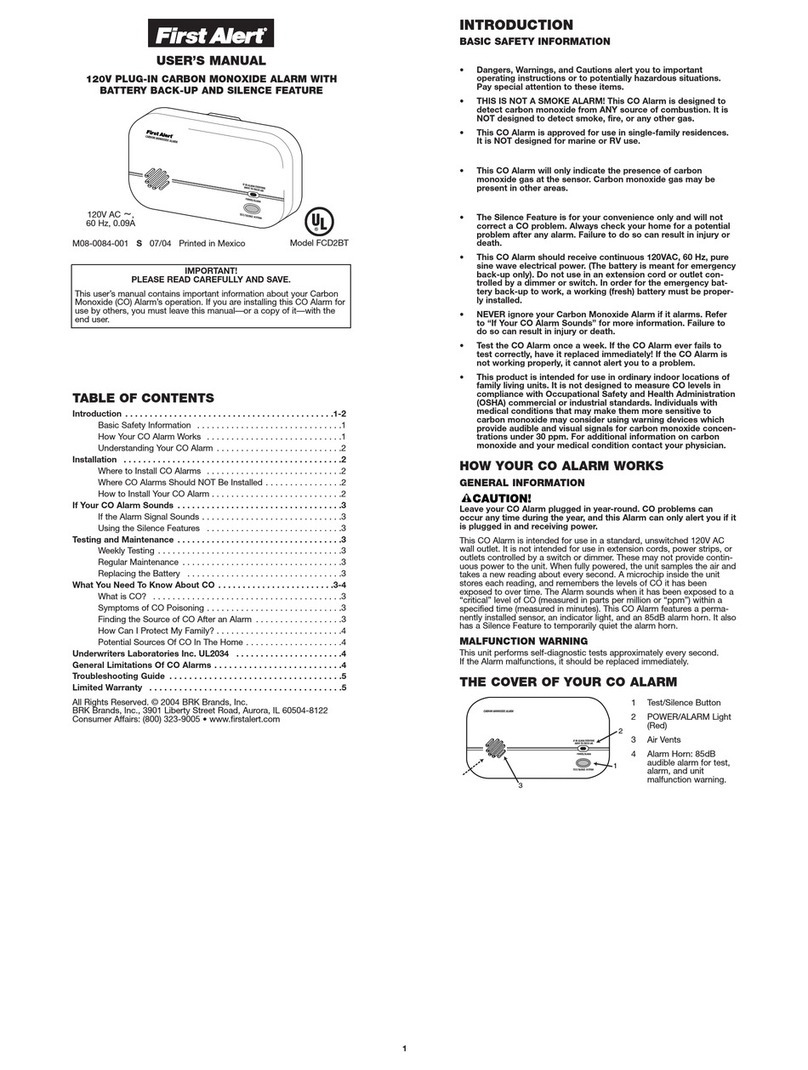
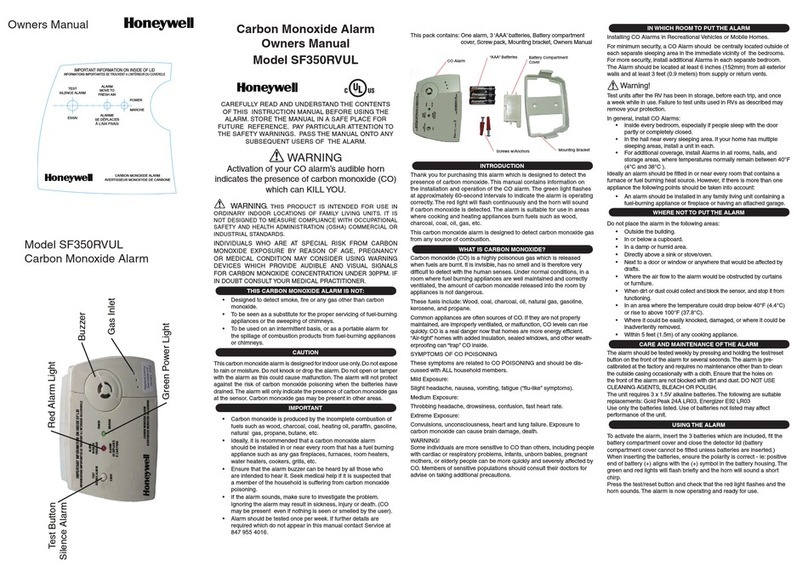
CLEANING YOUR NEST PROTECT
Like any photoelectric smoke alarm, Nest
Protect can get dusty. Do not clean it with
detergents or solvents (like Windex®) and do
not spray air fresheners, hair spray or other
aerosols near it. To dust Nest Protect:
H[cel[_j\hecj^[mWbbWdZjWa[e\\_jiXWYafbWj[$
FWiiWYWde\Yecfh[ii[ZW_hXWYaWdZ\ehj^
across the entire backplate and alarm.
8bemYecfh[ii[ZW_hWhekdZj^[XbWYaY_hYb[
that says Nest. This is the smoke chamber.
Do not get water inside the alarm or paint over it.
RESETTING NEST PROTECT
You can reset Nest Protect to erase all your
settings and reset the wireless interconnection
between Nest Protects. You may want to do this
before you move to a new house.
You’ll need to press and hold the Nest button
on Nest Protect to erase its settings. Follow the
steps below for each Nest Protect you want to
reset. You can’t erase the settings on your Nest
Protect from the Nest app.
Fh[iiWdZ^ebZj^[D[ijXkjjed$D[ijm_bbY^_c[
and glow blue.
A[[f^ebZ_d]j^[Xkjjedkdj_bD[ijFhej[YjiWoi
its version number. Then release the button.
D[ijFhej[Yjm_bbijWhjWl[hXWbYekdjZemdWdZ
tell you it’s erasing all settings. You can cancel by
pressing the Nest button during the countdown.
7\j[hW\[mi[YedZi_jm_bbh[ijWhj$
Your Nest Protect will still detect smoke and
carbon monoxide after being reset. You can see
complete instructions at nest.com/protect/reset
Test procedure
Fh[iij^[D[ijXkjjedjm_Y[jeijWhjWj[ij$
D[ijFhej[Yjm_bbiWo0ÆJ^_i_iedboWj[ij$J^[
alarm may sound.”
EdY[j^[D[ijFhej[YjoekÉl[j[ij[Z^WicWZ[
sure it’s working, it’ll tell you everything’s okay.
If they are interconnected, every Nest Protect
will speak up in the house. Walk to each one to
make sure you hear them.
WARNING
?\j^[WbWhc[l[h\W_bijej[ijYehh[Yjbo"
have it replaced immediately! If the alarm
is not working properly, it cannot alert you
to a problem.
:EDEJki[WcWjY^"Y_]Wh[jj[ehWdoej^[h
makeshift fire to test the smoke alarm.
Jej[ijj^[9EWbWhc"D;L;Hki[l[^_Yb[
exhaust! Exhaust may cause permanent
damage and voids your warranty.
D;L;Hki[Wdef[dÓWc[e\Wdoa_dZje
test this alarm. You might accidentally
damage or set fire to the unit or to your
home. The built-in self test accurately
tests the unit’s operation as required by
Underwriters Laboratories, Inc. (UL).
TESTING NEST PROTECT
SELF-MONITORING
Nest Protect continuously tests itself, so you
don’t have to wonder if it’s working.
When you turn out the lights for the night,
Nest Protect will glow green for a moment -
that means everything is working. If it glows
yellow, this means Nest Protect has detected
something wrong that needs your attention. Just
wave at it or push the Nest button to hear its
warning: either the batteries are low, Wi-Fi has
been down or there is an issue with its sensors.
TEST NEST PROTECT MANUALLY
Regulations require a weekly manual test.
After installation, test Nest Protect by pressing
the Nest button twice. Before sounding the
alarm, Nest Protect will give you a countdown so
that you have time to move away from the alarm.
WARNING
DO NOT stand close to the alarm when
the horn is sounding. Exposure at close
range may be harmful to your hearing.
When testing, step away when horn
starts sounding.
BACKUP BATTERY
In case of power outage, Nest Protect will use its
backup battery.
3 AA Energizer® Ultimate Lithium batteries (L91)
These backup batteries can be purchased at
your local retailer.
Nest Protect will let you know its backup
batteries are getting low before they need to
be replaced. Instead of lighting up green during
Nightly Promise, it’ll glow yellow. Once you wave
Wj_j"D[ijFhej[Yjm_bbiWo"ÆJ^[XWjj[ho_ibem$
Replace it soon.”
WARNING
Use only batteries specified by Nest. Use
of a different battery model will have a
detrimental effect on the smoke alarm
operation.
Never disconnect a wired alarm to stop an
unwanted alarm (caused by cooking smoke,
etc.). Removing power disables the alarm so
it cannot sense smoke, and removes your
protection. Instead open a window or fan
the smoke away from the unit.
The backup battery cannot work until
you install the battery in the correct
fei_j_edCWjY^Æ!ÇjeÆ!ÇWdZÆ#ÇjeÆ#Ç$
Page: 17Page: 16