manuals.online logo
Brands
  1. Home
  2. •
  3. Brands
  4. •
  5. New Star
  6. •
  7. Adapter
  8. •
  9. New Star Neomounts FPMA-VESAMAC2127 User manual

New Star Neomounts FPMA-VESAMAC2127 User manual

Other New Star Adapter manuals

New Star Neomounts AWL75-450WH User manual

New Star

New Star Neomounts AWL75-450WH User manual

New Star Neomounts FPMA-VESA440 User manual

New Star

New Star Neomounts FPMA-VESA440 User manual

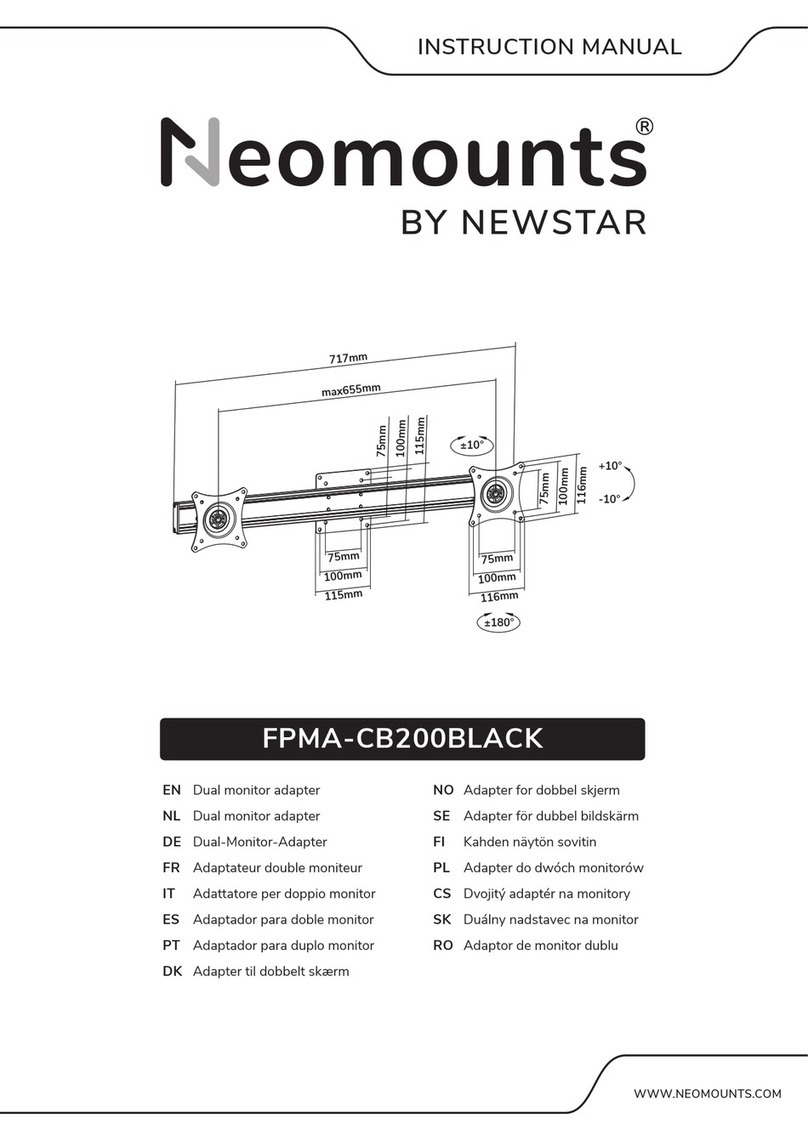
New Star Neomounts FPMA-CB200BLACK User manual

New Star

New Star Neomounts FPMA-CB200BLACK User manual

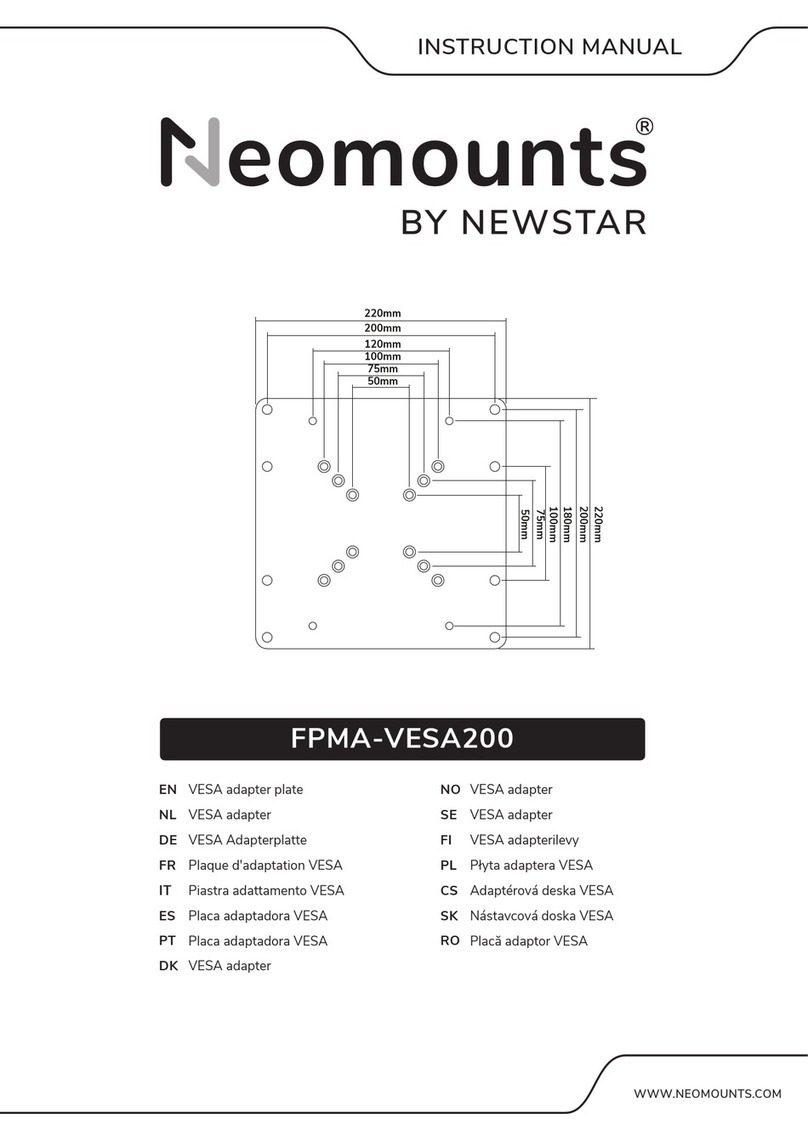
New Star FPMA-VESA200 User manual

New Star

New Star FPMA-VESA200 User manual

New Star FPMA-VESAMAC User manual

New Star

New Star FPMA-VESAMAC User manual

New Star Neomounts FPMA-VESA425 User manual

New Star

New Star Neomounts FPMA-VESA425 User manual

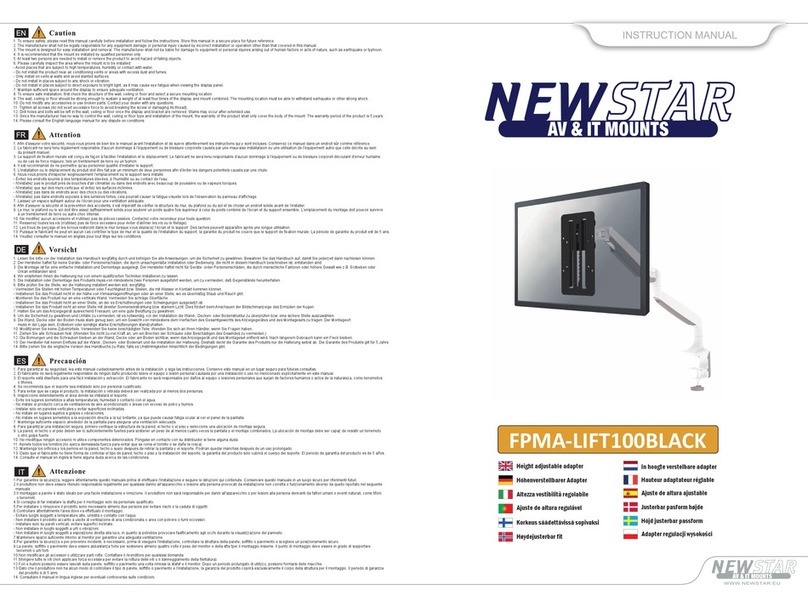
New Star FPMA-LIFT100BLACK User manual

New Star

New Star FPMA-LIFT100BLACK User manual

New Star Neomounts AWL75-450BL User manual

New Star

New Star Neomounts AWL75-450BL User manual

Popular Adapter manuals by other brands

Mini Gadgets BB2Outlet user manual

Mini Gadgets

Mini Gadgets BB2Outlet user manual

LSI LSISAS3442E-R Quick installation guide

LSI

LSI LSISAS3442E-R Quick installation guide

Moeller BBA -16 Series installation instructions

Moeller

Moeller BBA -16 Series installation instructions

Acer MWA3 quick start guide

Acer

Acer MWA3 quick start guide

Connect Tech ADG095 user guide

Connect Tech

Connect Tech ADG095 user guide

cable matters 604002 user manual

cable matters

cable matters 604002 user manual

Solwise PL-85PEW Easy start

Solwise

Solwise PL-85PEW Easy start

HP Photosmart 7100 user guide

HP

HP Photosmart 7100 user guide

HP E2494A installation guide

HP

HP E2494A installation guide

StarTech.com USB150WN1X1 quick start guide

StarTech.com

StarTech.com USB150WN1X1 quick start guide

Lindy 43198 user manual

Lindy

Lindy 43198 user manual

A&D AD-8527 instruction manual

A&D

A&D AD-8527 instruction manual

Motorola WU830G user guide

Motorola

Motorola WU830G user guide

Hawking HUF2 Specifications

Hawking

Hawking HUF2 Specifications

Allen-Bradley E3 Plus installation instructions

Allen-Bradley

Allen-Bradley E3 Plus installation instructions

Trust BT-2210Tp manual

Trust

Trust BT-2210Tp manual

HP NC7170 overview

HP

HP NC7170 overview

Uconnect BLE-485C user manual

Uconnect

Uconnect BLE-485C user manual

manuals.online logo
manuals.online logoBrands
  • About & Mission
  • Contact us
  • Privacy Policy
  • Terms and Conditions

Copyright 2025 Manuals.Online. All Rights Reserved.

FPMA-VESAMAC2127
IT
EN
NL
DE
FR
ES
PT
DK
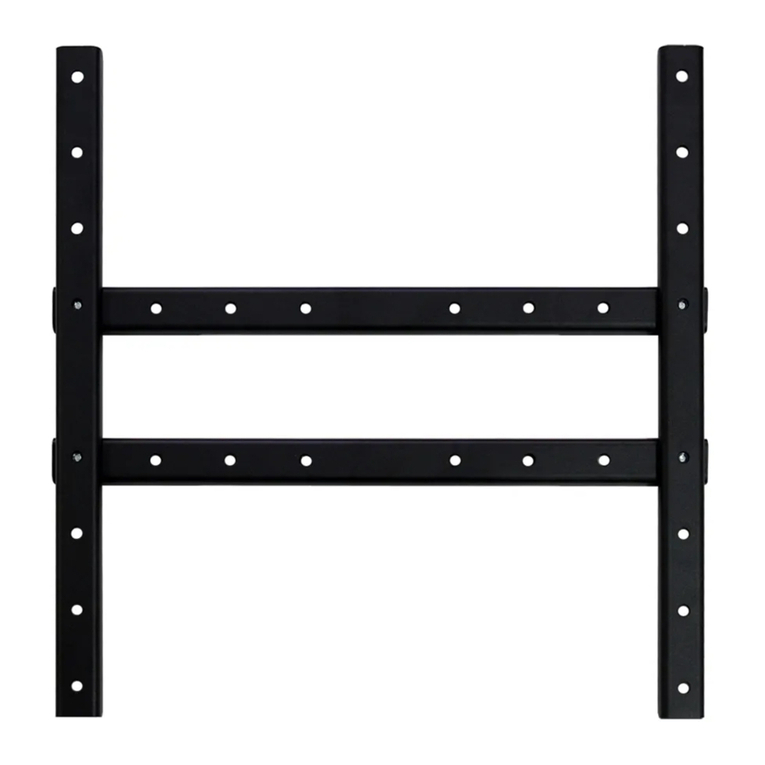
iMac VESA adapter plate
iMac VESA adapter
iMac VESA Adapterplatte
Plaque d'adaptation VESA iMac
piastra adattamento VESA iMac
placa adaptadora VESA iMac
iMac VESA adapter
NO
SE
FI
PL
CS
SK
RO
iMac VESA adapter
iMac VESA adapter
iMac VESA adapterilevy
Płyta adaptera VESA iMac
Adaptérová deska VESA iMac
Nástavcová doska VESA iMac
Placă adaptor VESA iMac
75mm
100mm
100mm
75mm
230mm
160mm
120mm
WWW.NEOMOUNTS.COM
INSTRUCTION MANUAL
PARTS
FPMA-VESAMAC2127
M4x12 (x2)
E
M5x14 (x4)
F
M5x16 (x4)
G
D5 (x4)
H
I (x4)
A (x1)
B (x1) C (x1) D (x1)
Tool
STEP 1
Install the adapter (A) to the desk mount
Bevestig de adapter (A) op de bureausteun
Installieren Sie den Adapter (A) an der Tischhalterung
Installez la barre adaptateur (A) sur le support de bureau
Installare l'adattatore (A) sul supporto da tavolo
Instale el adaptador (A) en el soporte de escritorio
Instale o adaptador (A) no suporte de mesa
Zainstaluj adapter (A) na uchwycie biurkowym
EN
NL
DE
FR
IT
ES
PT
PL
F
E
A
H
I
75x75 -
100x100 mm
0-15 kg |
0-33 lbs
For 21.5" iMac installation - Attach the screen onto the
bracket and secure it
Voor 21.5" iMac installatie - Bevestig het scherm aan de
steun en zet vast
Für die 21.5" iMac-Installation - Montage und Sicherung
des Bildschirmes an die Halterung
Pour l'installation d'iMac 21.5" - Accrochez l'écran sur le
cadre et fixez-le
Per installazione iMac da 21.5" - Appendere lo schermo
sulla staffa e fissarlo
Para instalación de 21.5" iMac - Cuelgue la pantalla en el
soporte y asegúrela
Para instalação do iMac de 21,5" - Pendure a tela no
suporte e prenda-a
Do instalacji 21.5" iMac - Zawieś monitor na wsporniku i
zabezpiecz go
EN
NL
DE
FR
IT
ES
PT
PL
For 27" iMac installation - Attach the screen onto the
bracket and secure it
Voor 27" iMac installatie - Bevestig het scherm aan de
steun en zet vast
Für die 27 "iMac-Installation - Montage und Sicherung
des Bildschirmes an die Halterung
Pour l'installation d'iMac 27" - Accrochez l'écran sur le
cadre et fixez-le
Per installazione iMac da 27" - Appendere lo schermo
sulla staffa e fissarlo
Para instalación de 27" iMac - Cuelgue la pantalla en el
soporte y asegúrela
Para instalação do iMac de 27" - Pendure a tela no
suporte e prenda-a
Do instalacji 27" iMac - Zawieś monitor na wsporniku i
zabezpiecz go
EN
NL
DE
FR
IT
ES
PT
PL
A
STEP 2
B
STEP 2
21,5"
27"
D
G
DB/C
G