2
How to Setup
Connecting the Camera to NGTeco Home App
Step 1: Download the App and Register Your Account
Search the NGTeco Home App in Apple App Store or Google Play
Store and download the app to your mobile phone.
Open the NGTeco Home App and log in with your account. If you
do not have an account, create an account with your phone
number or Email ID.
Step 2: Power on the Camera
Plug the camera into the power socket using the provided power
adapter. Wait for a few seconds until you hear the prompt, and
then the red LED blinks rapidly.
Note: If you did not hear the prompt, please press and hold the
“Reset” button until you hear “Reset successfully”
Step 3: Add the Camera to the App
Method 1: Connecting by Scanning the QR Code
Open the app, tap the “+” button on the top right corner of the
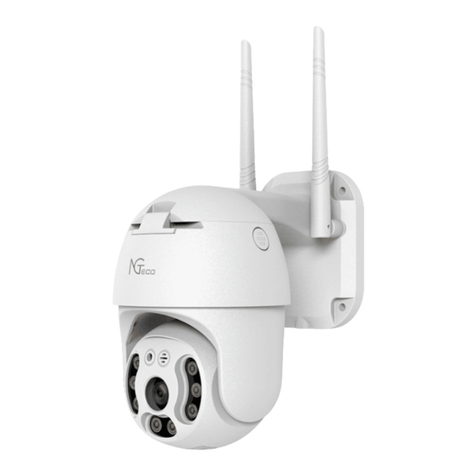
interface, and then select the “Mini PTZ” option and then
choose the corresponding model purchased.
1
Note: You are advised to enable Bluetooth. Enable Bluetooth to
add some Wi-Fi devices easily.