manuals.online logo
Brands
  1. Home
  2. •
  3. Brands
  4. •
  5. Ortech
  6. •
  7. Fan
  8. •
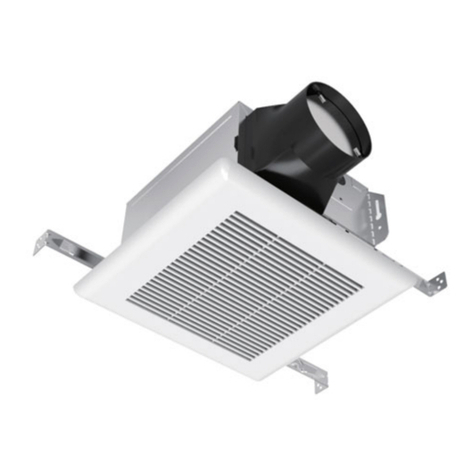
  9. Ortech Supreme Series User manual

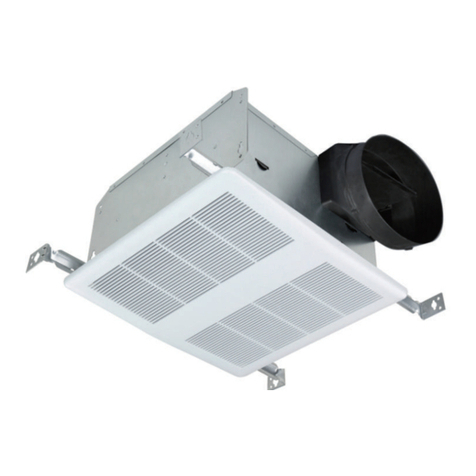
Ortech Supreme Series User manual

This manual suits for next models

1

Other Ortech Fan manuals

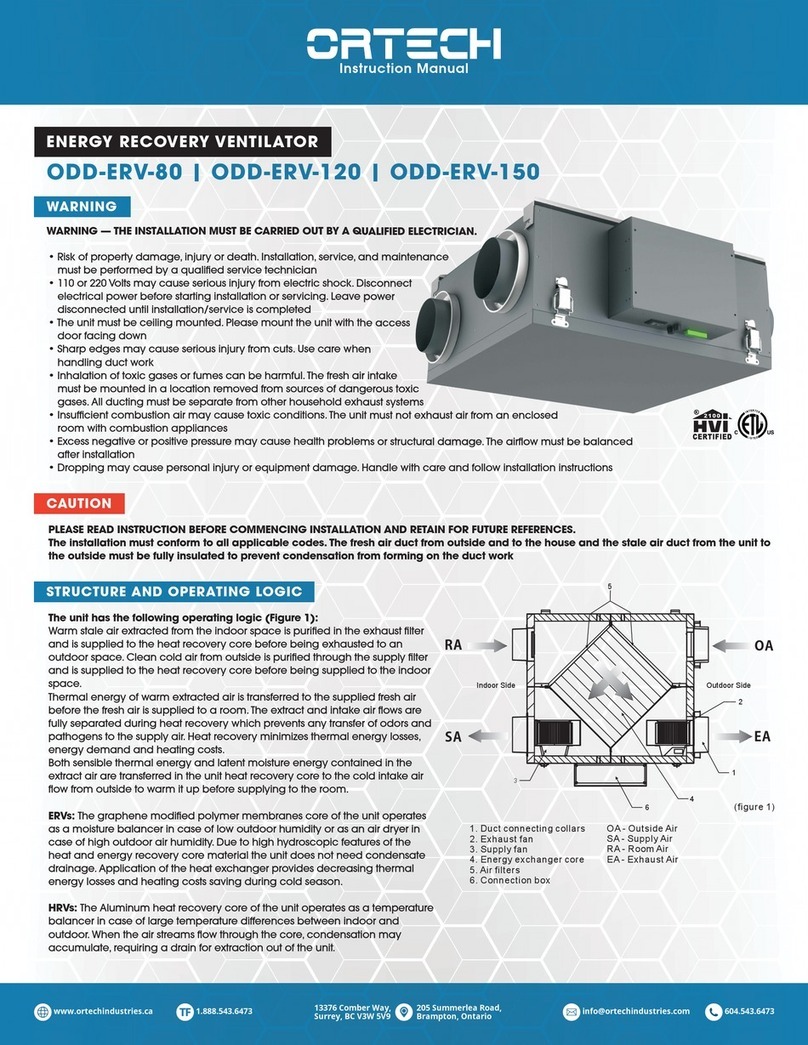
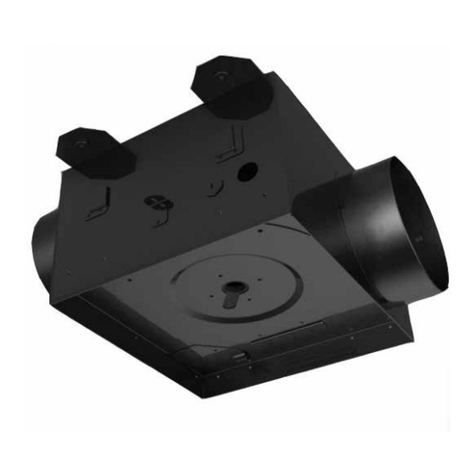
Ortech ODD-ERV-80 User manual

Ortech

Ortech ODD-ERV-80 User manual

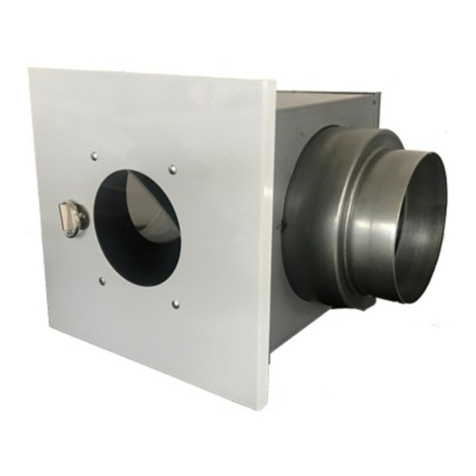
Ortech ODS-8003-14 User manual

Ortech

Ortech ODS-8003-14 User manual

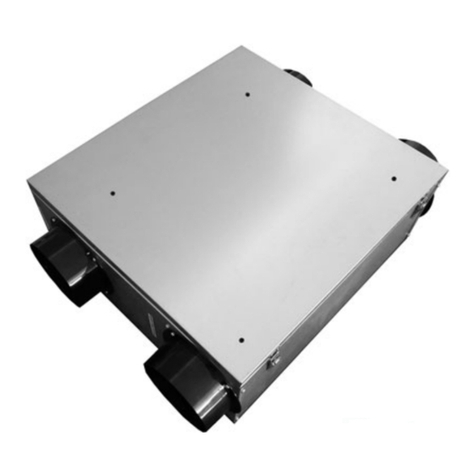
Ortech Universal Series User manual

Ortech

Ortech Universal Series User manual

Ortech ODDMF User manual

Ortech

Ortech ODDMF User manual

Ortech Universal Series User manual

Ortech

Ortech Universal Series User manual

Ortech ODDIN Supreme Series User manual

Ortech

Ortech ODDIN Supreme Series User manual

Ortech ODDMF-5-166 User manual

Ortech

Ortech ODDMF-5-166 User manual

Ortech ODSIN-80 User manual

Ortech

Ortech ODSIN-80 User manual

Ortech ODDMF-6-350 User manual

Ortech

Ortech ODDMF-6-350 User manual

Ortech Compact Series User manual

Ortech

Ortech Compact Series User manual

Ortech ODD-ERV-80 User manual

Ortech

Ortech ODD-ERV-80 User manual

Ortech Compact Series User manual

Ortech

Ortech Compact Series User manual

Ortech DC Motor Super Slim Series User manual

Ortech

Ortech DC Motor Super Slim Series User manual

Ortech SDF200 User manual

Ortech

Ortech SDF200 User manual

Ortech LINT TRAP-DS User manual

Ortech

Ortech LINT TRAP-DS User manual

Ortech OD-ERV 150AC User manual

Ortech

Ortech OD-ERV 150AC User manual

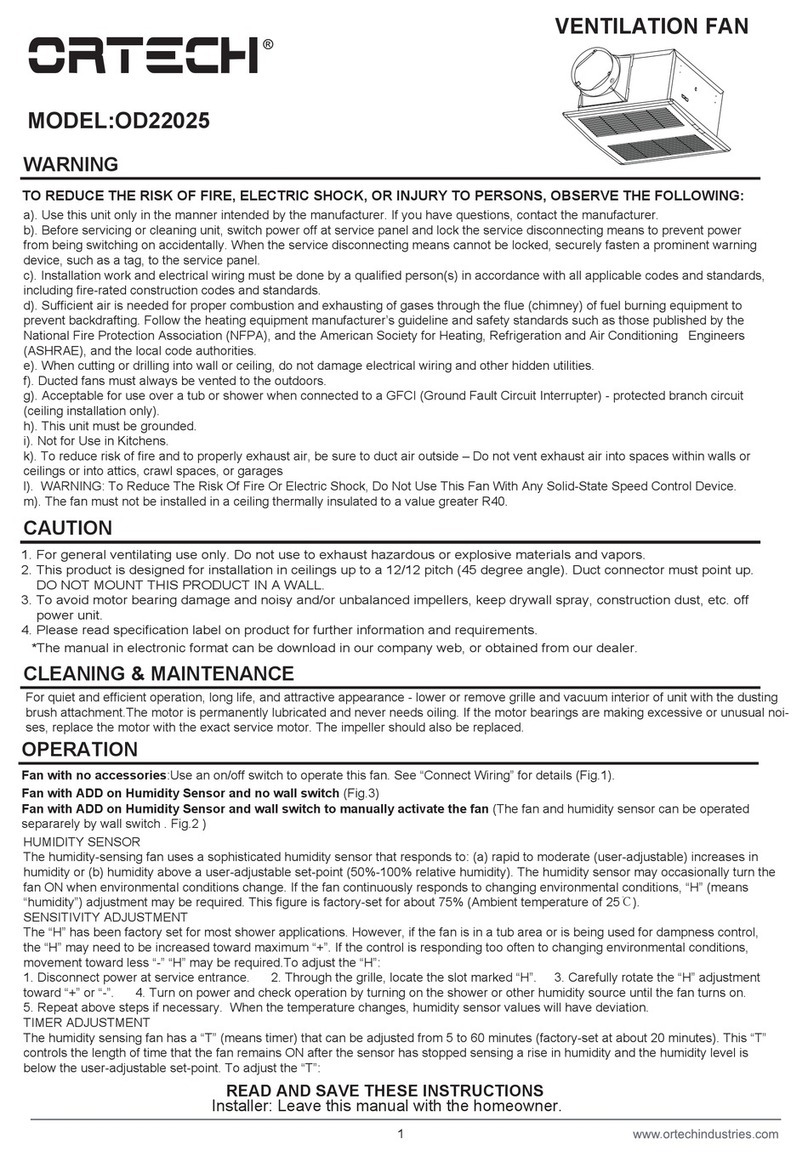
Ortech OD22025 User manual

Ortech

Ortech OD22025 User manual

Ortech Premium OD-9005 User manual

Ortech

Ortech Premium OD-9005 User manual

Ortech ODC-1008 User manual

Ortech

Ortech ODC-1008 User manual

Ortech ODDMF-6-350-Q User manual

Ortech

Ortech ODDMF-6-350-Q User manual

Ortech Universal Series User manual

Ortech

Ortech Universal Series User manual

Ortech OD-8003 User manual

Ortech

Ortech OD-8003 User manual

Ortech ODD-110 User manual

Ortech

Ortech ODD-110 User manual

Ortech Premium Series User manual

Ortech

Ortech Premium Series User manual

Popular Fan manuals by other brands

Minka Group minkaAire Wave F843 instruction manual

Minka Group

Minka Group minkaAire Wave F843 instruction manual

Airflow Adroit DV50 instruction manual

Airflow

Airflow Adroit DV50 instruction manual

Vornado 270 Series owner's guide

Vornado

Vornado 270 Series owner's guide

comfort air TH-10D instruction manual

comfort air

comfort air TH-10D instruction manual

Livoo DOM386 instruction manual

Livoo

Livoo DOM386 instruction manual

Holmes BLIZZARD HAOF-90 owner's guide

Holmes

Holmes BLIZZARD HAOF-90 owner's guide

Taurus GRECO 16 ELEGANCE manual

Taurus

Taurus GRECO 16 ELEGANCE manual

Quorum PINNACLE installation instructions

Quorum

Quorum PINNACLE installation instructions

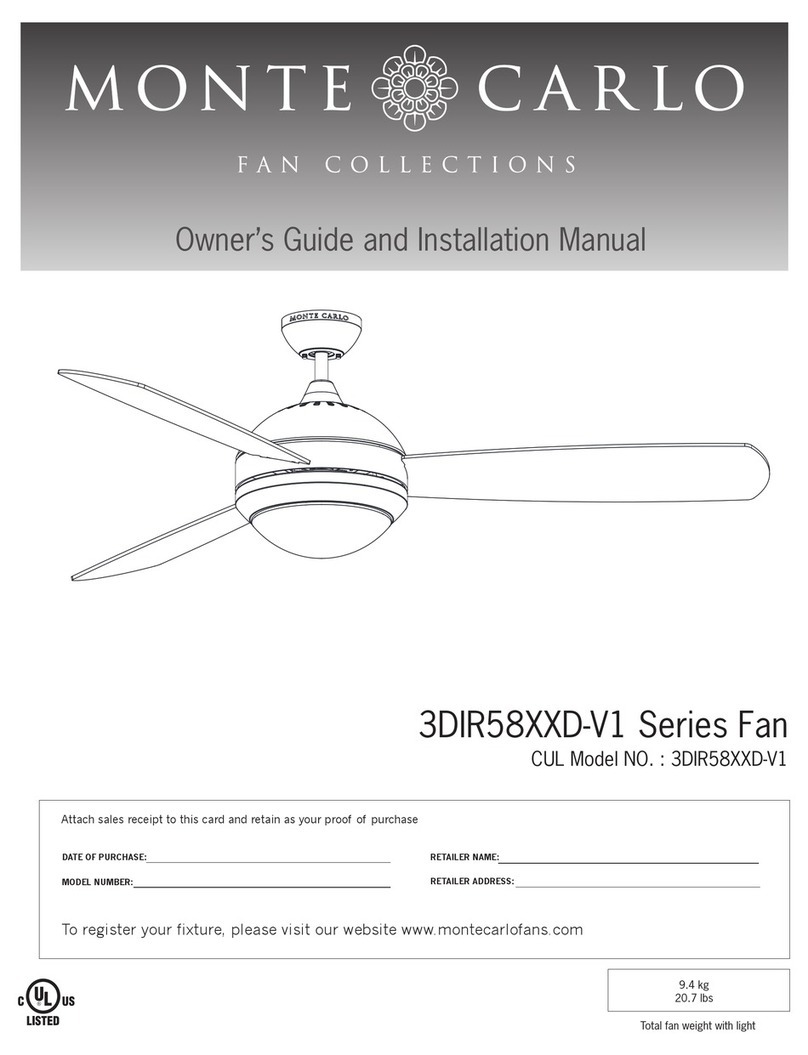
Monte Carlo Fan Company 3DIR58RBD-V1 Owner's guide and installation manual

Monte Carlo Fan Company

Monte Carlo Fan Company 3DIR58RBD-V1 Owner's guide and installation manual

Craftmade UH52 installation guide

Craftmade

Craftmade UH52 installation guide

Jocel JVA030658 instruction manual

Jocel

Jocel JVA030658 instruction manual

MIKA MFB1211/GR user manual

MIKA

MIKA MFB1211/GR user manual

Harbor Breeze RLG52NWZ5L manual

Harbor Breeze

Harbor Breeze RLG52NWZ5L manual

Allen + Roth L1405 instruction manual

Allen + Roth

Allen + Roth L1405 instruction manual

ViM KUBAIR F400 ECOWATT Technical manual

ViM

ViM KUBAIR F400 ECOWATT Technical manual

HIDRIA R10R-56LPS-ES50B-04C10 user guide

HIDRIA

HIDRIA R10R-56LPS-ES50B-04C10 user guide

BLAUBERG Ventilatoren CENTRO-M 100 L user manual

BLAUBERG Ventilatoren

BLAUBERG Ventilatoren CENTRO-M 100 L user manual

Triangle Engineering HEAT BUSTER SPL Series owner's manual

Triangle Engineering

Triangle Engineering HEAT BUSTER SPL Series owner's manual

manuals.online logo
manuals.online logoBrands
  • About & Mission
  • Contact us
  • Privacy Policy
  • Terms and Conditions

Copyright 2025 Manuals.Online. All Rights Reserved.

WARNING
Supreme Series
MODEL ODD-500-4
PLEASE READ INSTRUCTION BEFORE COMMENCING INSTALLATION AND RETAIN FOR FUTURE REFERENCES.
HVAC related products can cause death or injury, or damage to property.
If in any doubt about the installation or use of this product, consult a competent technician.
CLEANING & MAINTENANCE
WARNING — THE INSTALLATION MUST BE CARRIED OUT BY A QUALIFIED ELECTRICIAN.
1. For general ventilating use only. DO NOT use to exhaust hazardous or explosive materials and vapours
2. To avoid motor bearing damage and noisy and/or unbalanced impellers,
keep drywall spray, construction dust, etc. off power unit
3. Read specification label on product for further information and requirements
Instruction Manual
1-888-543-6473
1-888-541-6474
13376 Comber Way
Surrey BC V3W 5V9
[email protected]
www.ortechindustries.com
375 Admiral Blvd
Mississauga, ON L5T 2N1
Application Notice
1. Use this unit only in the manner intended by the manufacturer. Contact the manufacturer in case of questions
2. Acceptable for use over a tub or shower when connected to a GFCI (Ground Fault Circuit Interrupter) — protected branch circuit (ceiling installation only)
3. To reduce risk of fire and to properly exhaust air, be sure to duct air outside — DO NOT vent exhaust air into spaces within walls or ceiling or into attics, crawl spaces, or garages
4. Before servicing or cleaning unit, switch power off at service panel and lock the service disconnecting means to prevent power from being switching on accidentally. When the
service disconnecting means cannot be locked, securely fasten a prominent warning device, such as a tag, to the service panel
5. Installation work and electrical wiring must be done by a qualified person(s) in accordance with all applicable codes and standards, including fire-rated construction codes and
standards. Ducted fans must always be vented to the outdoors. This unit MUST be grounded, and is NOT RECOMMENDED for use in kitchens
6. The fan MUST NOT be installed in ceiling thermally insulated to a value greater than R40
7. When cutting or drilling into wall or ceiling, DO NOT damage electrical wiring and other hidden utilities
8. To reduce the risk of fire or electric shock, DO NOT use this fan within any solid-state speed control device
CAUTION
For quiet and efficient operation, long life, and attractive appearance — lower or remove grille and vacuum interior of unit
with the dusting brush attachment. The motor is permanently lubricated and never needs oiling. If the motor bearings are
making excessive or unusual noises, replace the motor with the exact service motor. The impeller should also be replaced.
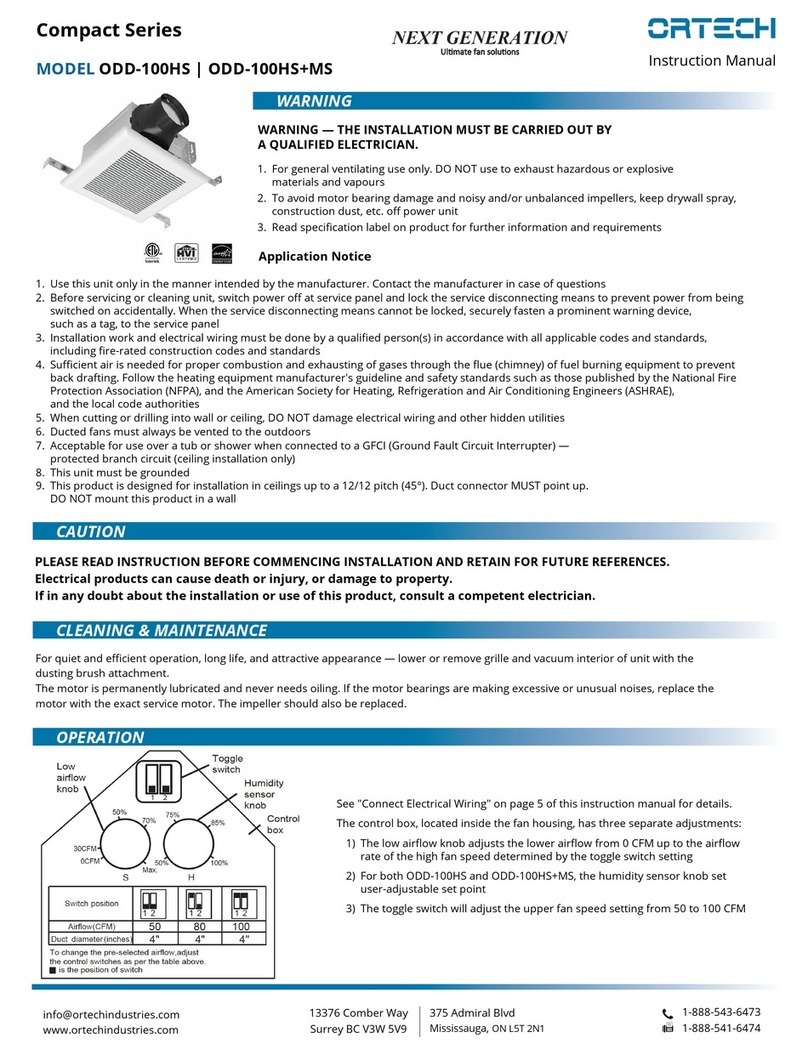
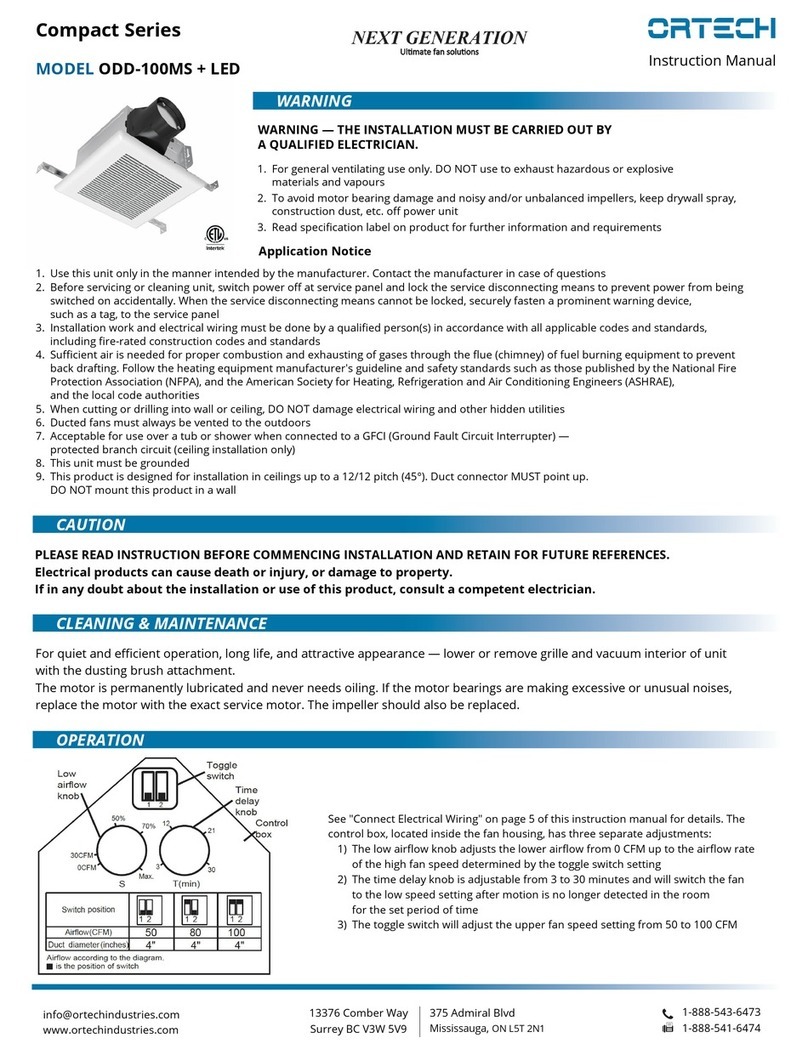
OPERATION
See "Connect Electrical Wiring" on page 3 of
this instruction manual for details
The control box, located inside the fan housing,
has two separate adjustments:
1) The low airflow knob adjusts the lower
airflow from 120 CFM up to the airflow rate
of the high fan speed determined by the
toggle switch setting
2) The toggle switch will adjust the upper fan
speed setting from 200 CFM to 500 CFM. Use
the optional accessory wall switch to operate
this fan. Use the low airflow knob to set the
motor speed according to diagram as you
need. You can also use the speed regulator
on the wall switch to set the speed, but
potentiometer MUST be rotated full CW for
control signal input. The wall switch can
control the start or stop of the fan
ON/OFF
switch
(optional)
Speed
controller
DMD-LED-3
Low airflow knob
Toggle switch
CAUTION

INSTALLATION GUIDE
Supreme Series
MODEL ODD-500-4Instruction Manual
1-888-543-6473
1-888-541-6474
13376 Comber Way
Surrey BC V3W 5V9
[email protected]
www.ortechindustries.com
375 Admiral Blvd
Mississauga, ON L5T 2N1
Plan the Installation
1. DO NOT use in a cooking area (see Fig.A above)
2. Two ways to connect ductwork to a factory-shipped unit (see Fig.B above)
Assembly Instructions
1. Before installation, you need to know
1. the diagram list on the right:
2. Mount with Hanger Bracket
Before installation, need to assembly hanger bracket
and rubber 3 to housing with screw.
Then install the rubber 1, rubber 2 and washer to
hanger bracket.
Use anchor bolts (not included) to secure housing
(see Fig. 1 on the right).
Screw Rubber 2
Rubber 1
Rubber 3 Washer Hanger
bracket
3.. Install duct work and junction box
Remove junction box cover and secure conduit or stress relief to
junction box knock-out hole.
Using connectors, connect house power wires to ventilating fan
wires (refer to the wiring diagram on the next page CONNECT
ELECTRICAL WIRING section) replace the junction box cover.
Squeeze the ductwork to fit the adapter then slip onto the adapter
and secure it with duct tape (not included). Run the ductwork to a
roof or wall cap (not included), secure all the ductwork connections
so that they are air tight.
Fig.BFig.A
INSTALLATION GUIDE
Supreme Series
MODEL ODD-500-4Instruction Manual
1-888-543-6473
1-888-541-6474
13376 Comber Way
Surrey BC V3W 5V9
[email protected]
www.ortechindustries.com
375 Admiral Blvd
Mississauga, ON L5T 2N1
Connect Electrical Wiring
Run 120V AC house wiring to the location of the fan. Use only
UL-approved connectors (not included) to attach the house
wiring to the wiring plate. Refer to the wiring diagram below,
and connect the wires as shown.
Assembly Instructions
3.. Install duct work and junction box (cont'd)
The ducting from this fan to the outside of building has a strong effect on the airflow, noise and energy use of the fan.
Use the shortest, straightest duct routing possible for best performance, and avoid installing the fan with smaller ducts than recommended.
Insulation around the ducts can reduce energy loss and inhibit mold growth. Fans installed with existing ducts may not achieve their rated airflow.
Install Grille
Install ceiling material to complete the ceiling construction.
Then, cut around the fan housing. To attach the grille assembly
to the fan housing, pinch the grille into the housing with the
grille springs in the appropriate slots. Push the grille assembly
towards the ceiling to secure.
Service Parts
WARNING
Before
replacing, be
sure to turn OFF
power at power
source
ORTECH reserves the right to modify at any time, without notice, any or all of our
product's features, designs, components and specifications to meet market changes.