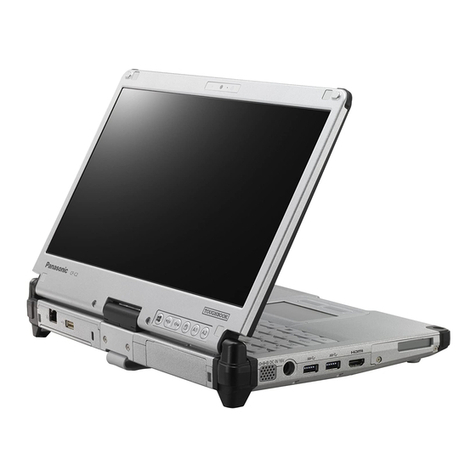
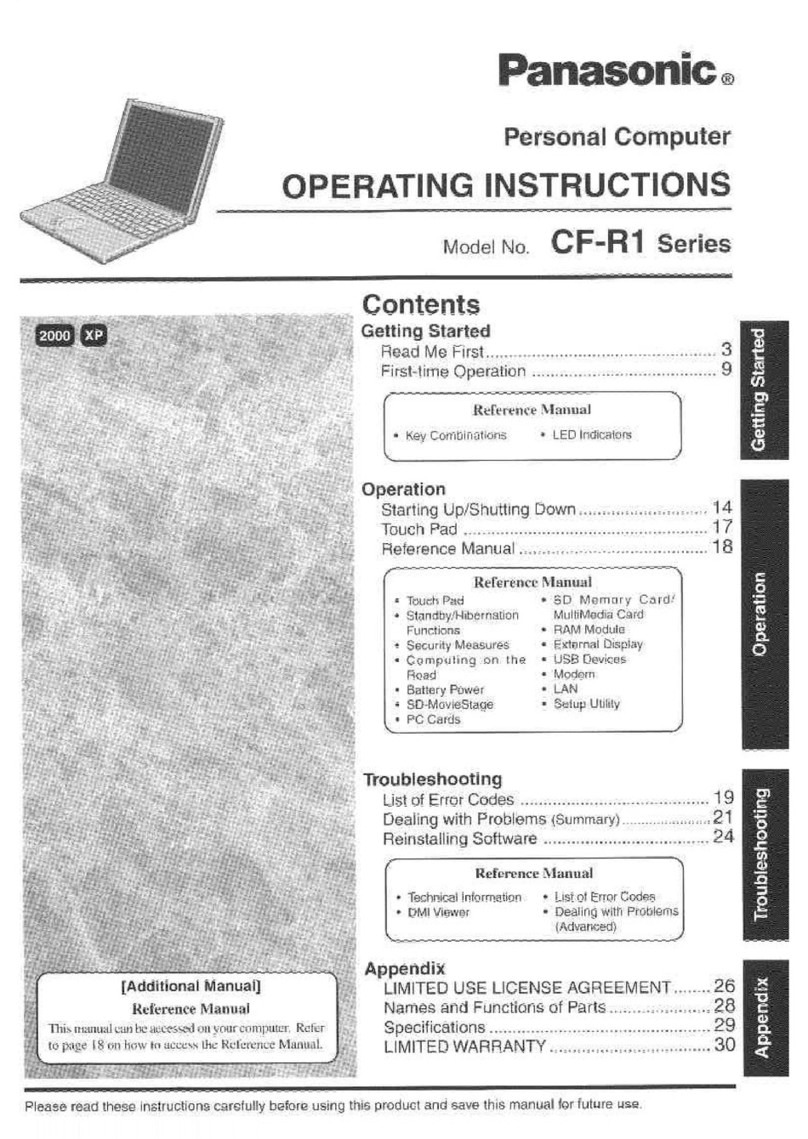
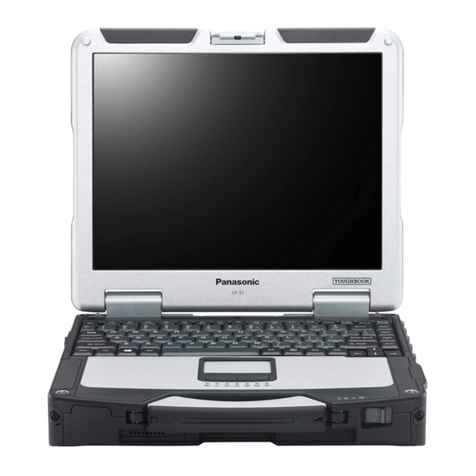
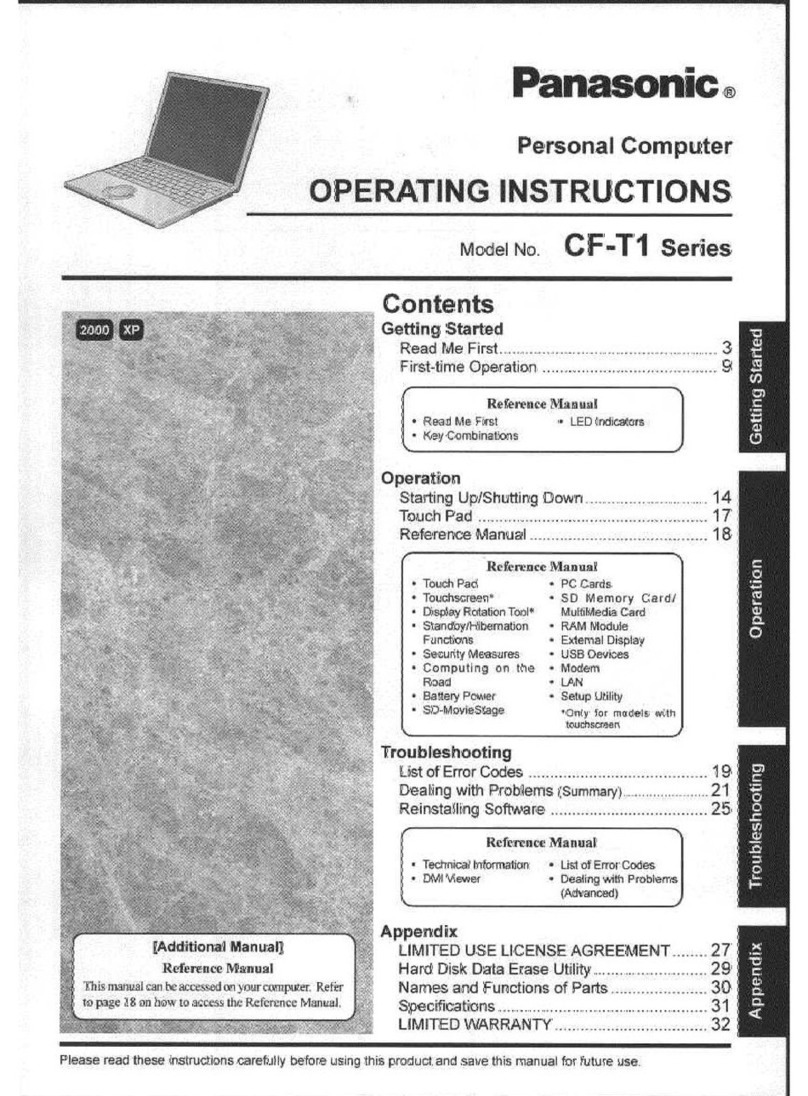
The Toughbook Executive CF-T7 is particularly easy to use with its touchscreen and a strap attached to the bottom of the case.
Another advantage is that its weight is only 1,385g and rugged build. Its robust magnesium alloy case protects the 12.1“ LCD
and against up to 100kgf pressure and falls of up to 76cm. Additionally, your data is protected by a shock resistant hard drive.
The water resistant keyboard keeps liquids from entering the inside of the CF-T7.
The Intel®Centrino®processor technology with WLAN ensures maximum wireless communication. An optional UMTS/HSDPA
module enables fast data transfer when WLAN hotspots are out of reach. You can work for up to 9.5 hours independent of
external energy sources due to its powerful Li-Ion battery. Be completely flexible in all respects.
www.toughbook.eu
As an ENERGY STAR®Partner, Matsushita Electric Industrial Co., Ltd. has determined that this product meets the ENERGY STAR®guidelines
for energy efficiency. Active Matrix colour display conforms to industry standards. Some displays may contain isolated illuminated or
dark pixels as an artefact of the manufacturing process (effective pixels: minimum 99.998%). RAM capacity calculated as follows:
1MB = 1,048,576 bytes. HDD capacity calculated as follows: 1GB = 1,000,000,000 bytes.
Panasonic and Toughbook are brand names and registered trademarks of Matsushita Electric Industrial Co., Ltd. Acrobat®is a registered
trademark of Adobe®Systems Incorporated. Centrino, Centrino Logo, Core Inside, Intel, Intel Logo, Intel Core, Intel Inside and Intel Inside
Logo are trademarks of Intel Corporation in the U.S. and other countries. Microsoft®and Windows®are registered trademarks of
Microsoft®Corporation of the United States and/or other countries. All other brand names shown are the registered trademarks of the
relevant companies. All rights reserved.All working conditions, times and figures quoted are optimum or ideal levels and may differ as a
result of individual and local circumstances.
Panasonic Marketing Europe GmbH, Panasonic Computer Products Europe Headquarters, Hagenauer Straße 43, 65203 Wiesbaden (Germany).
Mobile Computing Intel®Centrino®processor technology
Platform – Intel®Core™ 2 Duo processor U7500 (1.06GHz, 2MB L2 cache, FSB 533MHz)
– Mobile Intel®GM965 Express Chipset
– Intel®Wireless WiFi link 4965 AGN Network Connection (supporting 802.11 a/b/g)
OS Genuine Windows Vista®Business or
Genuine Windows®XP Professional (Service Pack 2 with Advanced Security Technologies (NTFS File system))
RAM 1GB (DDR2-533 SDRAM, expandable to 2GB)
Graphic Chip Intel®GM965 graphics controller; UMA (Win XP: max. 384MB; Win Vista®: max. 251MB)
HDD 80GB (shockresistant and easy accessible)
LCD 12.1˝anti-glare Active Matrix (TFT) colour LCD with touchscreen (flexibly mounted)
1024 x 768 pixel (XGA), 16 million colours
LCD Cabinet Magnesium alloy (withstands pressure of up to 100kgf)
Bluetooth™ Version 2.0 + EDR; slide on/off switch
WLAN IEEE 802.11a/b/g (max. 54Mbps); slide on/off switch
LAN IEEE 802.3 10Base-T, IEEE 802.3u 100Base-TX, IEEE 802.3ab 1000Base-T
Modem Data: 56kbps (V.92), FAX: 14.4kbps
Sound Analog Devices AD1884 (conforms to Intel®High Definition Audio)
Monaural speaker
Input Devices Touchscreen, Touchpad and Keyboard (both water resistant)
Indicators 8 LEDs (Power, ECO, Battery, HDD, Caps Lock, Scroll Lock, Num Lock, SD card)
Interfaces External display (VGA port): Mini Dsub, 15-pin
Headphone: Mini-jack, 3.5 DIA, stereo
Microphone: Mini-jack, 3.5 DIA, stereo
DC In: Jack
USB 2.0: 3x 4-pin
Modem: RJ-11
LAN: RJ-45
Mini Port Replicator: 50-pin
Expansion Slots PC Card: 1x Type I or Type II (3.3 V: 400mA, 5 V: 400mA)
SD/SDHC Memory Card: 1x
Optional RAM Module: 1x SO-DIMM (200-pin, 1.8 V, DDR2 SDRAM, PC2-4200 compliant)
Power AC Adaptor: Input: 100–240V AC, 50Hz/60Hz; Output: 16V DC, 3.75A
Battery: Li-ion (10.8V, 5.8Ah)
Battery life: Approx. 9.5h (JEITA Measurement Method 1.0, Windows Vista®)
Approx. 7.5h (Mobile Mark™ 2007, 60cd/m2, Windows®XP)
Charging time: Power off: approx. 5h; Power on: approx. 6.5h
Power Management Standby function, Hibernation function, ACPI BIOS
Software Microsoft®Internet Explorer, DirectX 10 (Win Vista®), Windows®Media Player, Windows®Movie Maker, Microsoft®.NET
Framework, Adobe Reader, Wireless Switch Utility, Bluetooth Stack for Windows by TOSHIBA, Infineon TPM Prof.
Package, Intel®Matrix Storage Manager, DMI Viewer, PC Information Viewer, PC Information Popup, Recover
Pro VX (Win XP), Fan Control Utility, Economy Mode (ECO) Setting Utility, Setup Utility, Hard Disk Data Erase Utility,
PC-Diagnostic Utility
Security Features TPM (Trusted Platform Module, TCG V1.2 compliant)
Password security (supervisor password, user password, hard disc lock)
Integrated hardware security lock slot
Dimensions (WxHxD) 268mm x 27.9mm/48.3mm* x 214.4mm / 10.6˝x 1.1˝/9˝* x 8.4˝(excluding protrusions; * front/back)
Weight 1385g / 3.0lb (including battery)
Integrated Options UMTS/HSDPA module (up to 3.6Mbps)
Accessories 512MB RAM module: CF-WMBA7512
1GB RAM module: CF-WMBA701G
AC adaptor: CF-AA1633AE, CF-AA1633AG, CF-AA1633AT
Battery pack: CF-VZSU51W
External Combo drive (USB): CF-VDRRT3U
Stylus Pen: CF-VNP004U
Mini Port Replicator: CF-VEBU05BU (4x USB 2.0, 1x VGA, 1x LAN, 1x DC-In)
Specification and configuration may vary depending on country. Accessories may vary depending on your notebook configuration. Consult a Panasonic sales
office near you for more details and availability of integrated options.
2007/11
Panasonic recommends Windows Vista®Business.