logo
Brands
  1. Home
  2. •
  3. Brands
  4. •
  5. Panasonic
  6. •
  7. Stereo System
  8. •
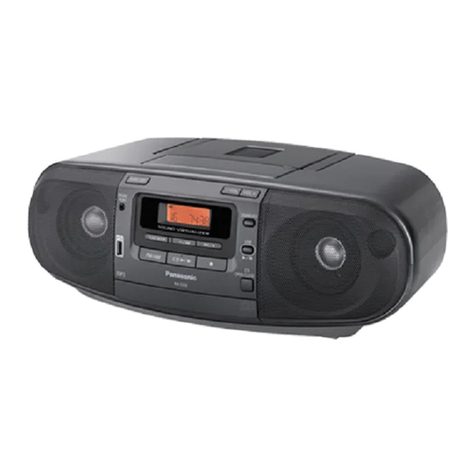
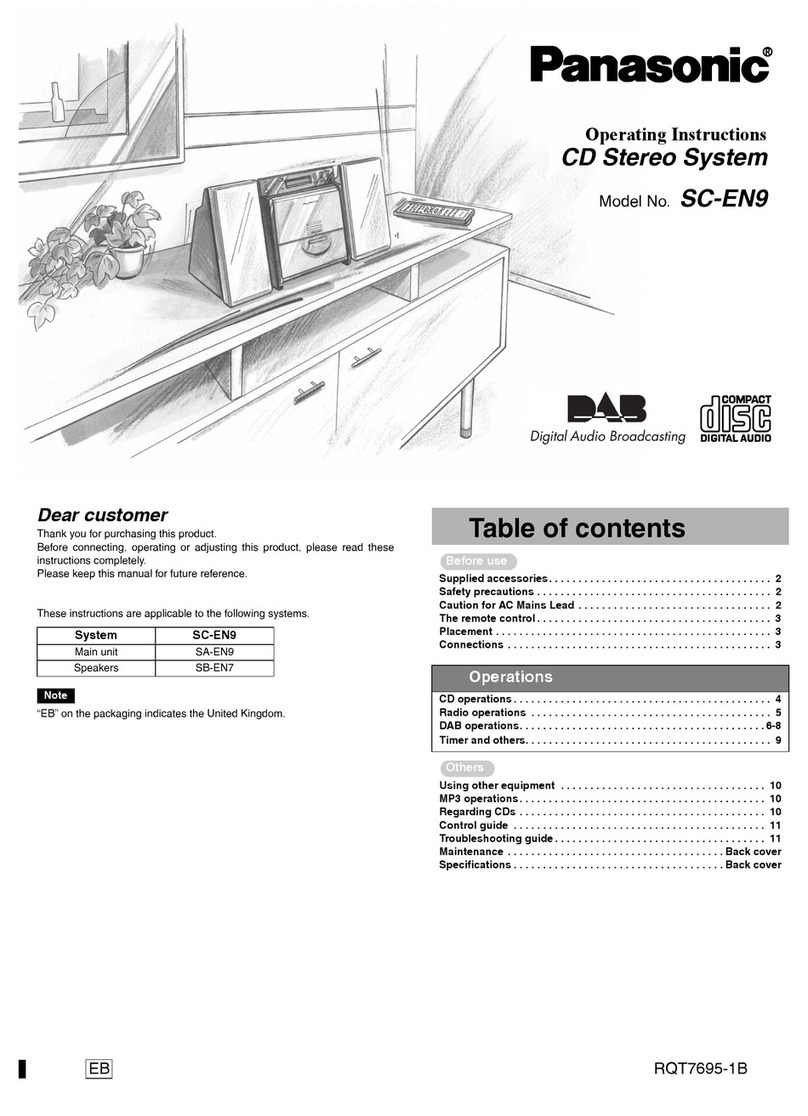
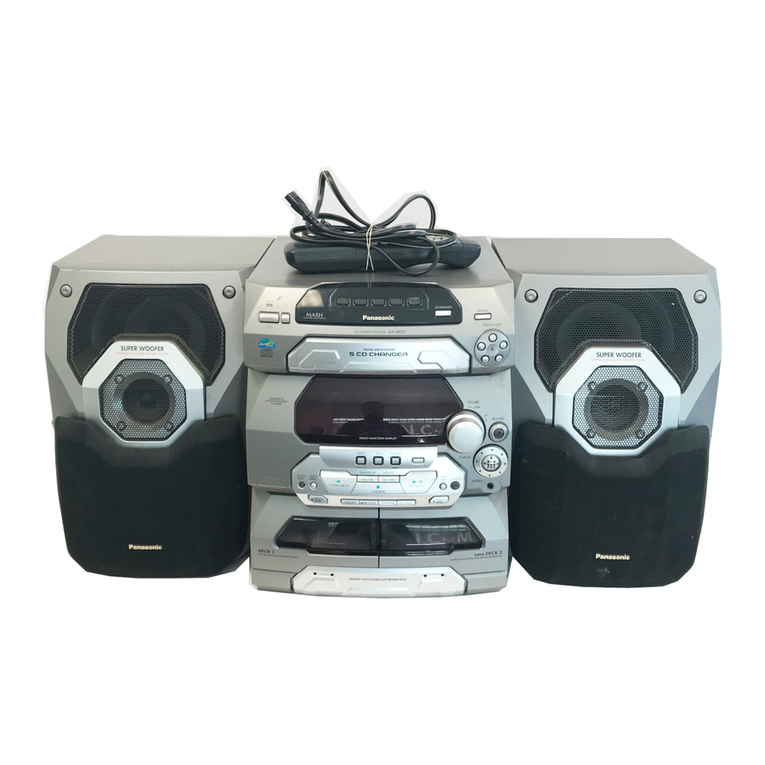
  9. Panasonic RX-ES22E User manual

Panasonic RX-ES22E User manual

Other manuals for RX-ES22E

1

This manual suits for next models

2

Other Panasonic Stereo System manuals

Panasonic SA-AK580 User manual

Panasonic

Panasonic SA-AK580 User manual

Panasonic SC-AKX660 User manual

Panasonic

Panasonic SC-AKX660 User manual

Panasonic RX-DT600 User manual

Panasonic

Panasonic RX-DT600 User manual

Panasonic SC-PMX7 User manual

Panasonic

Panasonic SC-PMX7 User manual

Panasonic RX-D17 User manual

Panasonic

Panasonic RX-D17 User manual

Panasonic SC-AK17 User manual

Panasonic

Panasonic SC-AK17 User manual

Panasonic SC-HC200 User manual

Panasonic

Panasonic SC-HC200 User manual

Panasonic SC-PM33 User manual

Panasonic

Panasonic SC-PM33 User manual

Panasonic SC-HC40DB User manual

Panasonic

Panasonic SC-HC40DB User manual

Panasonic SA-AK570PL Building instructions

Panasonic

Panasonic SA-AK570PL Building instructions

Panasonic SCAK14 - MINI HES W/CD-PLAYER User manual

Panasonic

Panasonic SCAK14 - MINI HES W/CD-PLAYER User manual

Panasonic CS-PMX100 User manual

Panasonic

Panasonic CS-PMX100 User manual

Panasonic SC-TM910DVD User manual

Panasonic

Panasonic SC-TM910DVD User manual

Panasonic SC-HC400 User manual

Panasonic

Panasonic SC-HC400 User manual

Panasonic SB-EN7 User manual

Panasonic

Panasonic SB-EN7 User manual

Panasonic SA-PM3E User manual

Panasonic

Panasonic SA-PM3E User manual

Panasonic SC-AK343 User manual

Panasonic

Panasonic SC-AK343 User manual

Panasonic SC-HC212 User manual

Panasonic

Panasonic SC-HC212 User manual

Panasonic SA-AKX74PH User manual

Panasonic

Panasonic SA-AKX74PH User manual

Panasonic SC-PMX100B User manual

Panasonic

Panasonic SC-PMX100B User manual

Panasonic SC-PMX92 User manual

Panasonic

Panasonic SC-PMX92 User manual

Panasonic RX-CT900 User manual

Panasonic

Panasonic RX-CT900 User manual

Panasonic SC-HC302 User manual

Panasonic

Panasonic SC-HC302 User manual

Panasonic SC-PM5DB User manual

Panasonic

Panasonic SC-PM5DB User manual

Popular Stereo System manuals by other brands

LG CM3330B owner's manual

LG

LG CM3330B owner's manual

Sony SS-CEP50 Service manual

Sony

Sony SS-CEP50 Service manual

Cetacea Sound CVS-II user guide

Cetacea Sound

Cetacea Sound CVS-II user guide

Denon UCD-250 Service manual

Denon

Denon UCD-250 Service manual

Sanyo DC-MX41i instruction manual

Sanyo

Sanyo DC-MX41i instruction manual

Sharp CD-ES600V Service manual

Sharp

Sharp CD-ES600V Service manual

Exibel BDX600-UK user manual

Exibel

Exibel BDX600-UK user manual

Sanyo DC-F320 Service manual

Sanyo

Sanyo DC-F320 Service manual

Philips FWM583X Specifications

Philips

Philips FWM583X Specifications

Sharp CD-C462 Service manual

Sharp

Sharp CD-C462 Service manual

Onkyo CBX 300 - CD / MP3 Clock Radio instruction manual

Onkyo

Onkyo CBX 300 - CD / MP3 Clock Radio instruction manual

Aiwa XR-EM70 Service manual

Aiwa

Aiwa XR-EM70 Service manual

Cyrus Lyric user guide

Cyrus

Cyrus Lyric user guide

Philips MCM159/98 quick start guide

Philips

Philips MCM159/98 quick start guide

Philips/Magnavox Magnavox FW 62C owner's manual

Philips/Magnavox

Philips/Magnavox Magnavox FW 62C owner's manual

RCA RS3965SB user manual

RCA

RCA RS3965SB user manual

Sharp XL-UH240 Operation manual

Sharp

Sharp XL-UH240 Operation manual

Philips FW 690 Instructions for use

Philips

Philips FW 690 Instructions for use

https://manuals.online logo
https://manuals.online logoBrands
  • About & Mission
  • Contact us
  • Privacy Policy
  • Terms and Conditions

Copyright 2025 Manuals.Online. All Rights Reserved.

Order No: MD0201021C2
PortableStereo CD System
RX-ES22E / RX-ES22EB / RX-ES22EG
Colour
(S)..........Silver Type
Tape Deck: SG2Mechanism Series
Traverse deck: RAE0155Z-1V Mechanism Series
SPECIFICATIONS
1
RADIO
Frequencyrange
AM 522-1629 kHz (9kHz steps)
FM 87.5-108 MHz (50 kHz steps)
TAPE RECORDER
Track System 4 track, 2channel, stereo
Recording system AC bias
Erasing system Multi Polemagnet
Monitorsystem Variablesound monitor
Frequencyrange
Normal position 50-14000 Hz
CD PLAYER
Sampling frequency 44.1kHz
Decoding 16 bit linear
Beam source Semiconductorlaser
(wavelength780 nm)
No. of channels 2channel, stereo
Wowand flutter Belowmeasurablelimit
D/Aconverter MASH (1bit DAC)
GENERAL
Power requirement
AC 230-240 V, 50 Hz
Power consumption 23 W
Battery 12 V [Eight R20/LR20 (D, UM-1)
batteries]
Donot use rechargeabletypebatteries
Memorybackup forcomputer/
clock 6V [FourR6/LR6(AA, UM-3)
batteries]
Donot use rechargeabletypebatteries
Speakers 8 cm 2.7 x2
Jacks
Output Phones: 3.5mm stereo(16-32 )
Dimensions(WxH xD) 529 x144 x276 mm
Mass 4.0kgwithout batteries
Notes:
1. Mass and dimensionsshown areapproximate.
2. Specificationsaresubject to changewithoutnotice.
2002 Matsushita Electronics (S) Pte. Ltd. All rights reserved.
Unauthorized copying and distribution isaviolation of law.
2
1. Before Repair and Adjustment
Disconnect AC power, discharge PowerSupplyCapacitors C301 through a 10 , 5 W resistor
toground. DO NOTSHORT-CIRCUITDIRECTLY (witha screwdriverblade, forinstance), as this
maydestroysolidstate devices.
Afterrepairs are completed, restore powergraduallyusing a variac, toavoidovercurrent.
Current consumption at AC 220 V, 240 V, 60 Hz inNO SIGNALmode shouldbe ~100 mA
respectively.
2. Protection Circuitry
The protection circuitrymayhave operatedif eitherof the following conditions are noticed:
-Nosound isheard when the power isturned on.
-Stops during aperformance.
The function of this circuitryis toprevent circuitrydamage if, forexample, the positive and
negative speakerconnection wires are “shorted”, orif speakersystems withanimpedance less
thanthe indicatedratedimpedance of the amplifierare used.
If this occurs, followthe procedure outlines below:
1. Turn off the power.
2. Determine the cause of the problem and correct it.
3. Turn on the power once againafter one minute.
Note:
Whenthe protection circuitryfunctions, the unit will not operate unless the poweris first turned
off and thenon again.
3. Accessories Remote Control Transmitter.....1 pc
AC Mains Lead(E/EG).....1 pc
3
AC Mains Lead(EB).....1 pc
4. Handling Precautions For Traverse Deck
The laserdiode inthe traverse deck (optical pickup) maybreak downdue topotential difference
causedbystatic electricityof clothes orhumanbody. So, be careful of electrostatic breakdown
during repairof the traverse deck (optical pickup).
-Handling of traverse deck (optical pickup)
1. Donot subject the traverse deck (optical pickup) to static
electricityas itisextremelysensitive to electrical shock.
2. To prevent the breakdownof the laser diode, an antistatic
shorting pinisinserted into the flexibleboard (FFCboard).
3. Take care not to applyexcessive stress to the flexibleboard (FFC
board). When removing or connecting the short pin, finish the job
4
inas short time as possible.
4. Donot turn the variableresistor (laser power adjustment). Ithas
alreadybeen adjusted.
-Grounding for electrostaticbreakdownprevention
1. Human bodygrounding
Use the anti-staticwrist strap to discharge the staticelectricity
from your body.
2. Work tablegrounding.
Put aconductive material (sheet) or steel sheet on the area where
the traverse deck (optical pickup) isplace, and ground the sheet.
Caution:
The staticelectricityof your clothes will not be grounded through
the wrist strap. So, take care not to let your clothes touch the
traverse deck (optical pickup). /
Caution whenreplacing the Traverse Deck
The traverse deck has ashort point shorted with solder to protect
the laser diode against electrostatics breakdown. Besure to
remove the solder from the short point before making connections.
5
5. Precaution of Laser Diode
Caution:
Thisproduct utilizers aclass 1laser. Invisiblelaser radiation is
emitted from the optical pick up lens.
When the unitisturned on:
1. Donot disassemblethe optical pick up unit, since radiation from
exposed laser diode isdangerous.
2. Donot adjust the variableresistor on the pick up unit. Itwas
alreadyadjusted.
3. Donot look at the focus lens using optical instruments.
4. Recommend not to look at pick up lens for along time.
ACHTUNG:
Dieses Produkt enthälteine Laserdiode. Imenigeschalteten
Zustand wird unsichtbare Laserstrahlung von der Lasereinheit
abgestrahlt. / Wellenlänge :780nm / MaximaleStrahlungsleistung
der Lasereinheit:100 W/VDE/ DieStrahlung an der Lasereinheit
ist ungefährlich, wenn folgende Punkte beachtet werden:
1. DieLasereinheitnicht zerlegen, da dieStrahlung an der
freigelegten Laserdiode gefährlich ist.
2. Den werkseitigjustierten Einstellregler der Lasereinhitnicht
verstellen.
3. Nicht mitoptischen Instrumenten indieFokussierlinse blicken.
6
4. Nicht über längere ZeitindieFokussierlinse blicken.
ADVARSEL: I dette a apparat anvendes laser.
CAUTION!
THIS PRODUCTUTILIZES A LASER.
USE OFCONTROLS OR ADJUSTMENTS OR PERFORMANCE OFPROCEDURES OTHER THAN
THOSE
SPECIFIED HEREIN MAY RESULT IN HAZARDOUS RADIATION EXPOSURE.
Use of Caution Labels
7
6. Caution for AC Mains Lead
7. Location of Controls
8
8. The Remote Control
9
9. Self Diagnostic Function
9.1. Setting of self-diagnosisFunction
9.1.1. Setting of CD self-diagnosismode /
1. Remove the cassette from the deck.
2. Switch to CD function.
3. Press the CD/TAPE STOPkeyof the mainset for more than 2
seconds. Whilepressing thiskey, press the FF keyon the main
set for another 2seconds to enter into the Self-Diagnosismode.
*Even ifSTOP/ FUNCTIONkeyof the mainset ispressed while
the SelfDiagnosismode ison, function shall not be switched.
Instead, confirmation of error numbers shall begin. /
9.1.2. Setting of cassettemechanism self-diagnosismode /
1. Activate the SelfDiagnosismode with the Deck unloaded.
2. The test mode display([T]at the 1st digitshowsTEST )shall be
made and detection shall be executed to check RECINH SW,
HALFSW are inOFF state.
(the tape counter displayisretained )
3. Load acassette tape (with recording preventive tab present )into
adeck and close the cassette holder.
4. Atthisinstant with the cassette loaded inRECINH SW, HALF SW
10