Contents
Before You Begin ........................................................................................................................................5
SafetyInformation ....................................................................................................................................5
Service and Support .................................................................................................................................5
Web Support ........................................................................................................................................5
Related Documents ..................................................................................................................................5
Telephone Support...............................................................................................................................5
The Phoenix Vehicle Computer...................................................................................................................6
Features of the Phoenix 104.....................................................................................................................6
Additional Features of the Phoenix 104e Only.......................................................................................6
Connector Description .............................................................................................................................6
USB 1 and USB 2 ................................................................................................................................7
COM 1 & 2 ..........................................................................................................................................7
Ethernet (104e only).............................................................................................................................7
Power ...................................................................................................................................................7
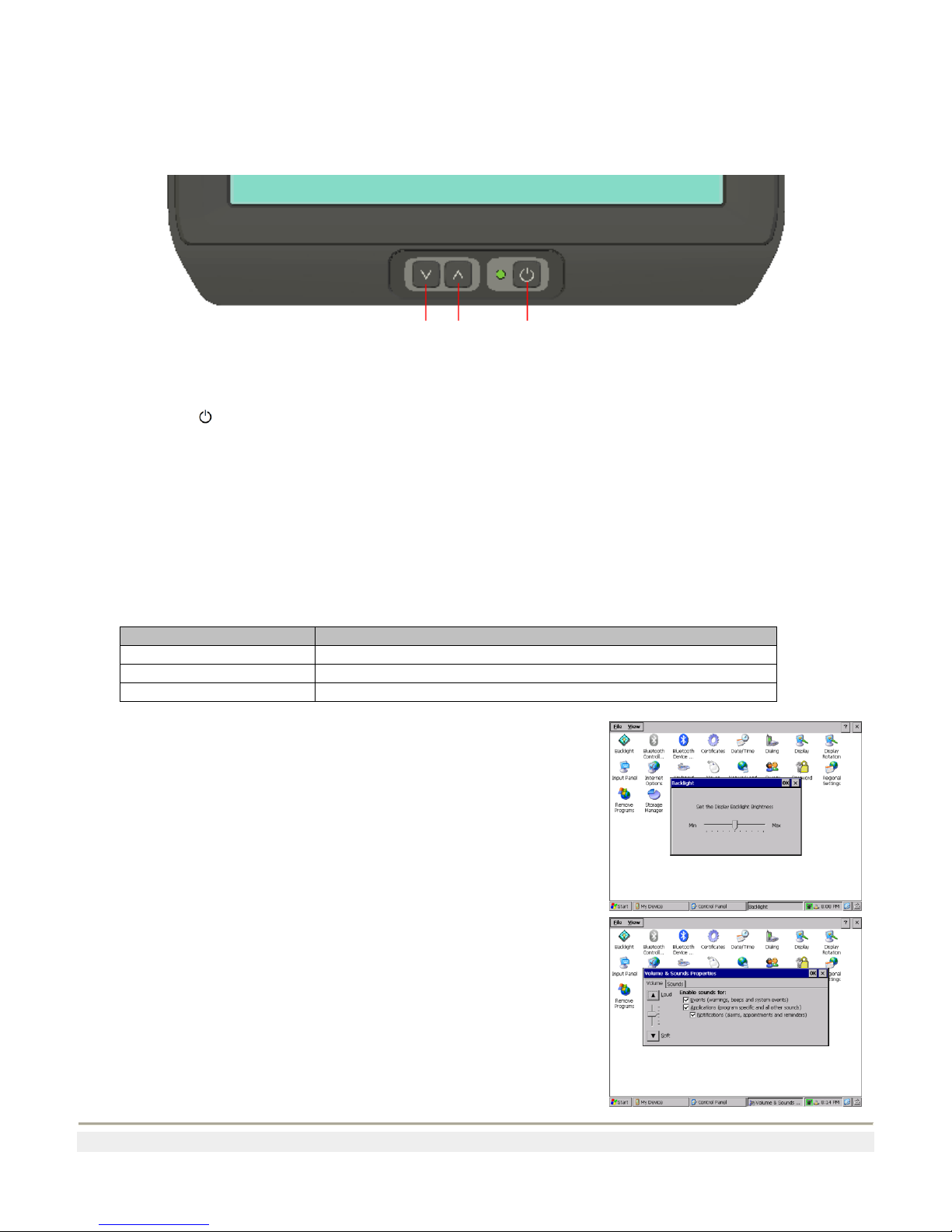
Keypad .....................................................................................................................................................8
Using the Power Button.......................................................................................................................8
Status LED...........................................................................................................................................8
Adjusting the Screen Brightness..........................................................................................................8
Adjusting the Volume..........................................................................................................................8
Using the Touchscreen.............................................................................................................................9
Navigating the Touch Screen...............................................................................................................9
Calibrate the touchscreen.....................................................................................................................9
Using the Phoenix in Cold Environments....................................................................................................9
Accessories.................................................................................................................................................10
Using an External Keyboard..................................................................................................................10
Using a Barcode Scanner.......................................................................................................................10
Connecting a tethered Scanner...........................................................................................................10
Using KeyWedge...............................................................................................................................10
Configuring KeyWedge.....................................................................................................................11
Increasing MemoryStorage....................................................................................................................11
Understanding WindowsCE.......................................................................................................................12
Finding Information on WindowsCE.....................................................................................................12
Learning the Basic Skills .......................................................................................................................12
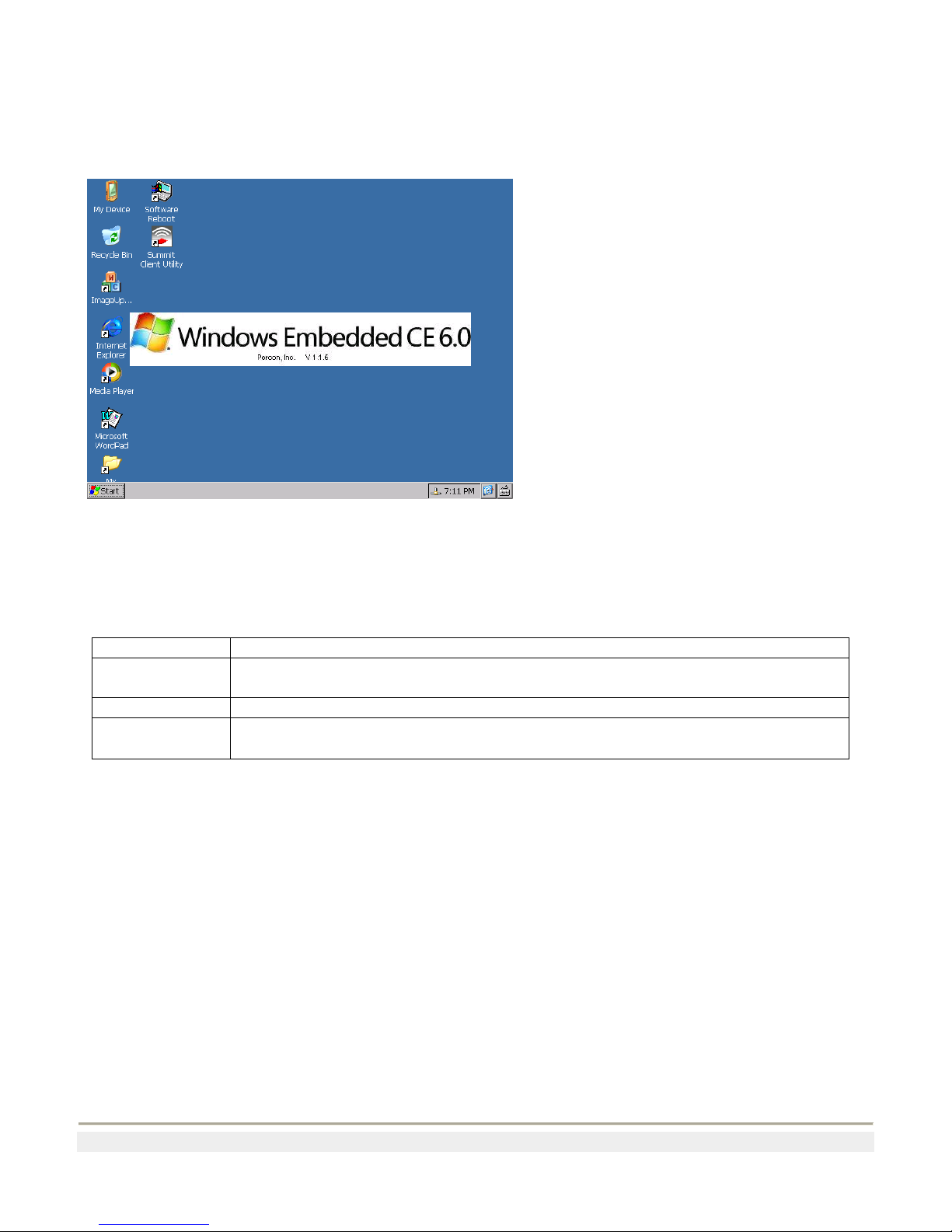
Using the Default Screen ...................................................................................................................12
Accessing Programs...........................................................................................................................12
Entering Information..........................................................................................................................13
Customizing the Phoenix .......................................................................................................................14
Adding or Removing Programs .........................................................................................................14
Setting up Ethernet Communications (Phoenix 104e only)...................................................................14
Setting Up 802.11 Radio Communications............................................................................................14
Developing and Installing Applications.....................................................................................................15
Developing Applications for the Phoenix 104.......................................................................................15
Developing a Windows CE Application............................................................................................15
Developing a Web-Based Application...............................................................................................16
Developing server applications for use with Remote Desktop Protocol............................................16
Developing terminal applications for use with terminal emulators...................................................16