manuals.online logo
Brands
  1. Home
  2. •
  3. Brands
  4. •
  5. Philips/Magnavox
  6. •
  7. CRT TV
  8. •
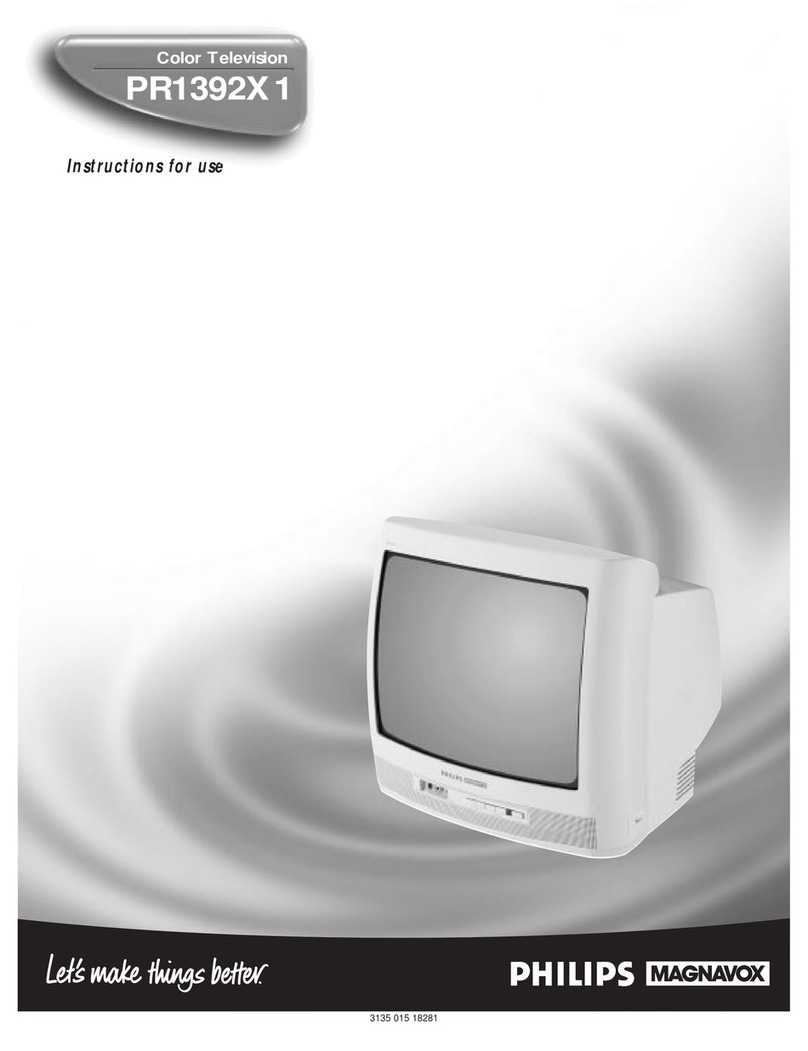
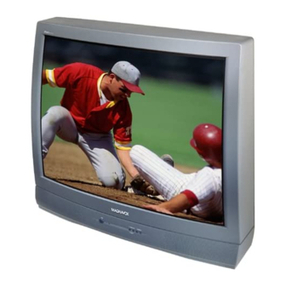
  9. Philips/Magnavox PRI39IXI User manual

Philips/Magnavox PRI39IXI User manual

This manual suits for next models

1

Other Philips/Magnavox CRT TV manuals

Philips/Magnavox Magnavox TS2745C User manual

Philips/Magnavox

Philips/Magnavox Magnavox TS2745C User manual

Philips/Magnavox Magnavox TP 2785C User manual

Philips/Magnavox

Philips/Magnavox Magnavox TP 2785C User manual

Philips/Magnavox Magnavox TS 2779C User manual

Philips/Magnavox

Philips/Magnavox Magnavox TS 2779C User manual

Philips/Magnavox PR1306C1 User manual

Philips/Magnavox

Philips/Magnavox PR1306C1 User manual

Philips/Magnavox TS3661C User manual

Philips/Magnavox

Philips/Magnavox TS3661C User manual

Philips/Magnavox TS2575C User manual

Philips/Magnavox

Philips/Magnavox TS2575C User manual

Philips/Magnavox MAGNAVOX PR1912B User manual

Philips/Magnavox

Philips/Magnavox MAGNAVOX PR1912B User manual

Philips/Magnavox COLOR TELEVISION AND REMOTE CONTROL User manual

Philips/Magnavox

Philips/Magnavox COLOR TELEVISION AND REMOTE CONTROL User manual

Philips/Magnavox COLOR TELEVISION AND REMOTE CONTROL User manual

Philips/Magnavox

Philips/Magnavox COLOR TELEVISION AND REMOTE CONTROL User manual

Philips/Magnavox TP2784C User manual

Philips/Magnavox

Philips/Magnavox TP2784C User manual

Philips/Magnavox PRI920CI User manual

Philips/Magnavox

Philips/Magnavox PRI920CI User manual

Philips/Magnavox 1-IB7771 E001 User manual

Philips/Magnavox

Philips/Magnavox 1-IB7771 E001 User manual

Philips/Magnavox COLOR TELEVISION AND REMOTE CONTROL User manual

Philips/Magnavox

Philips/Magnavox COLOR TELEVISION AND REMOTE CONTROL User manual

Philips/Magnavox MX2797B User manual

Philips/Magnavox

Philips/Magnavox MX2797B User manual

Philips/Magnavox PR1388B User manual

Philips/Magnavox

Philips/Magnavox PR1388B User manual

Philips/Magnavox PR1920C6 User manual

Philips/Magnavox

Philips/Magnavox PR1920C6 User manual

Philips/Magnavox TP2784C Operating manual

Philips/Magnavox

Philips/Magnavox TP2784C Operating manual

Philips/Magnavox COLOR TELEVISION AND REMOTE CONTROL User manual

Philips/Magnavox

Philips/Magnavox COLOR TELEVISION AND REMOTE CONTROL User manual

Philips/Magnavox PR1917C User manual

Philips/Magnavox

Philips/Magnavox PR1917C User manual

Philips/Magnavox COLOR TELEVISION AND REMOTE CONTROL User manual

Philips/Magnavox

Philips/Magnavox COLOR TELEVISION AND REMOTE CONTROL User manual

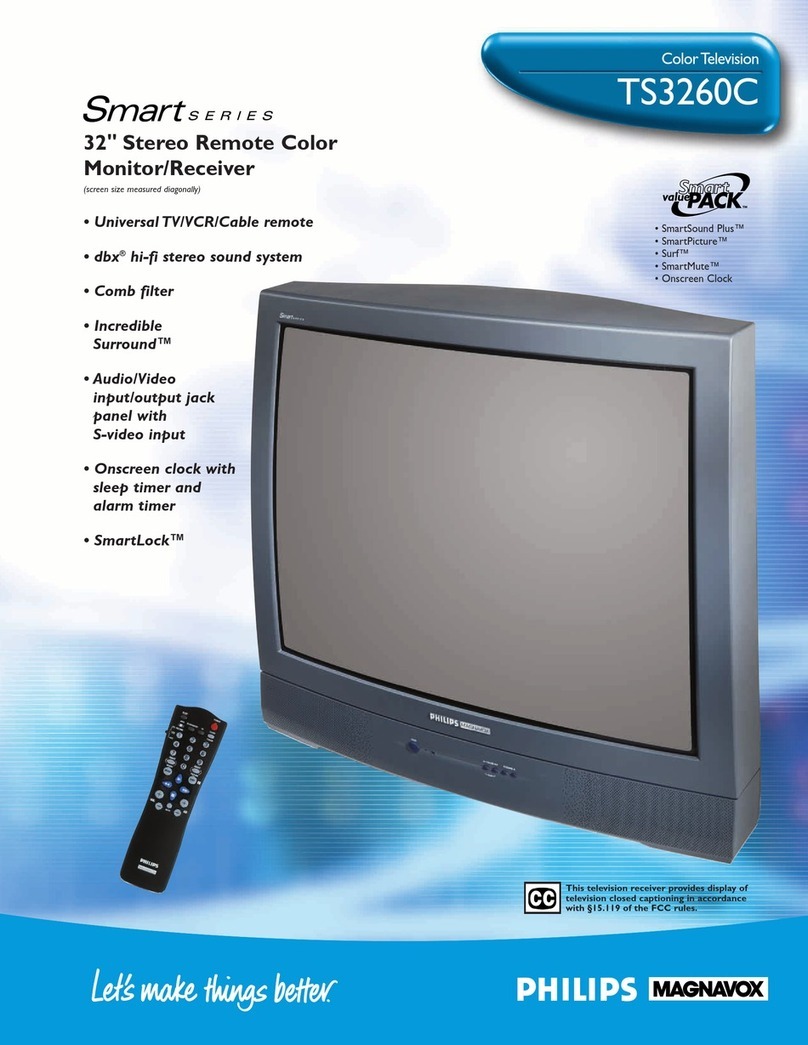
Philips/Magnavox Magnavox TS 3260C User manual

Philips/Magnavox

Philips/Magnavox Magnavox TS 3260C User manual

Philips/Magnavox TP3281C User manual

Philips/Magnavox

Philips/Magnavox TP3281C User manual

Philips/Magnavox MX3297B User manual

Philips/Magnavox

Philips/Magnavox MX3297B User manual

Philips/Magnavox Magnavox PS 1964C User manual

Philips/Magnavox

Philips/Magnavox Magnavox PS 1964C User manual

Popular CRT TV manuals by other brands

JVC AV-21QS5SP instructions

JVC

JVC AV-21QS5SP instructions

Philips COLOR TV 25 INCH TABLE TR2517C owner's manual

Philips

Philips COLOR TV 25 INCH TABLE TR2517C owner's manual

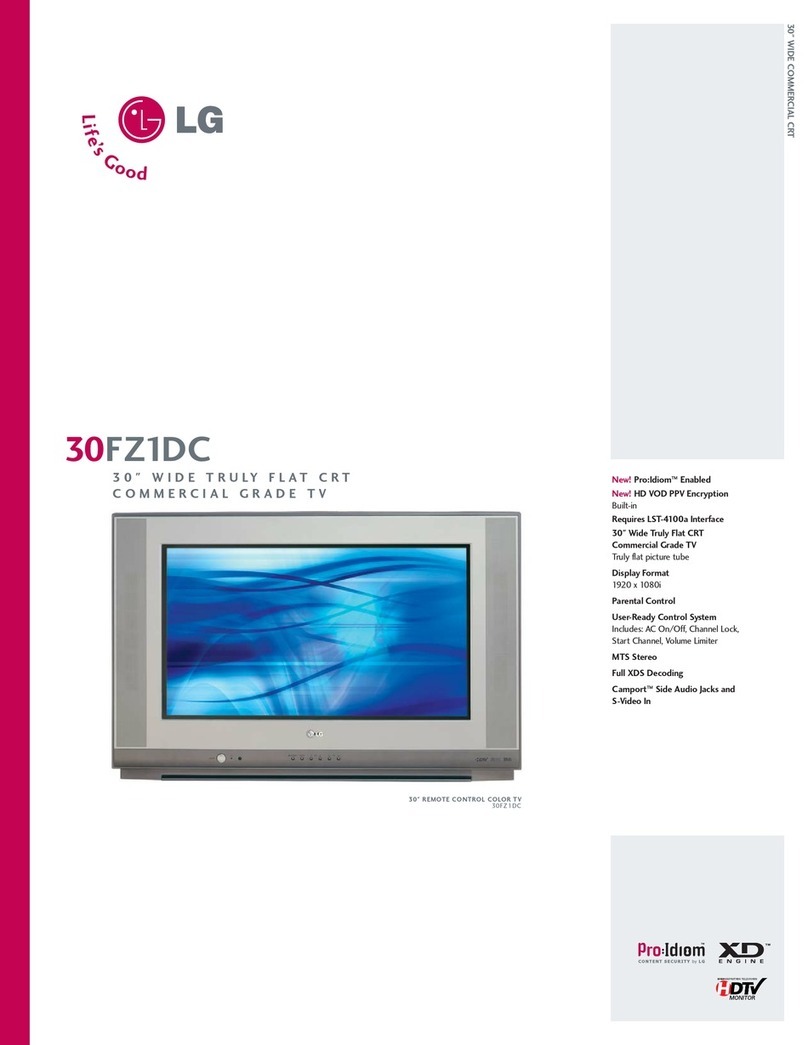
LG 30FZ1DC Specification sheet

LG

LG 30FZ1DC Specification sheet

Sony FD TRINITON WEGA KV-24FS120 operating instructions

Sony

Sony FD TRINITON WEGA KV-24FS120 operating instructions

RCA F19442 user guide

RCA

RCA F19442 user guide

Samsung CS761 Owner's instructions

Samsung

Samsung CS761 Owner's instructions

Philips 29PT4973 Instructions for use

Philips

Philips 29PT4973 Instructions for use

Panasonic TC-29P100 Series operating instructions

Panasonic

Panasonic TC-29P100 Series operating instructions

RCA F19422 user guide

RCA

RCA F19422 user guide

Sony WEGA KV 32HS20 operating instructions

Sony

Sony WEGA KV 32HS20 operating instructions

Samsung SlimFit TX R3079WH Owner's instructions

Samsung

Samsung SlimFit TX R3079WH Owner's instructions

Palsonic MODEL 5179G owner's manual

Palsonic

Palsonic MODEL 5179G owner's manual

Toshiba CF13H22 owner's manual

Toshiba

Toshiba CF13H22 owner's manual

Magnavox MS3650C - 36" Smart Ctv Directions for use

Magnavox

Magnavox MS3650C - 36" Smart Ctv Directions for use

Philips 21PT9469 user manual

Philips

Philips 21PT9469 user manual

Mitsubishi CS-35305 owner's guide

Mitsubishi

Mitsubishi CS-35305 owner's guide

Toshiba 14AF41 owner's manual

Toshiba

Toshiba 14AF41 owner's manual

Hitachi 35UX60B, 35TX10B operating guide

Hitachi

Hitachi 35UX60B, 35TX10B operating guide

manuals.online logo
manuals.online logoBrands
  • About & Mission
  • Contact us
  • Privacy Policy
  • Terms and Conditions

Copyright 2025 Manuals.Online. All Rights Reserved.

Instructions for use
_vox
3135 015 104O1
Once your PHILIPS MAGNAVOX purchase is registered, you're eligible to receive all the privileges of
owning a PHILIPS MAGNAVOX product. So complete and return the Warranty Registration Card
enclosed with your purchase at once. And take advantage of these important benefits.
Congratulations on your purchase,
and welcome to the "familyF' PHILIPS
Dear PHILIPS MAGNAVOX product owner:
Thank you for your confidence in PHILIPS MAGNAVOX. You've selected one of the best-built, best-
backed products available today. And we'll do everything in our power to keep you happy with your
purchase for many years to come.
As amember of the PHILIPS MAGNAVOX "family," you're entitled to protection by one of the most
comprehensive warranties and outstanding service networks in the industry.
What's more, your purchase guarantees you'll receive all the information and special offers for which
you qualify, plus easy access to accessories from our convenient home shopping network.
And most importantly you can count ORour uncompromising commitment to your total satisfaction.
All of this is our way of saying welcome-and thanks for investing in a PHILIPS MAGNAVOX product.
Sincerely,
Robert Minkhorst
President and Chief Executive Officer
P,S, Remember, to get the most from your PHILIPS
MAGNAVOX product, you must return your
Warranty Registration Card within 10 days. So
please mail it to us right now!
Know these
safetysyrnbo/s_. This "bolt of lightning"indicates uninsulated material within your unit may cause an electrical
shock. For the safety of everyone in your household, please do not remove product covering.
,_The "exclamation point" calls attention to features for which you should read the enclosed lit-
erature closely to prevent operating and maintenance problems.
WARNING: TO PREVENT FIRE OR SHOCK HAZARD, DO NOT EXPOSE THIS EQUIPMENT
TO RAIN OR MOISTURE.
CAUTION: To prevent electric shock, match wide blade of plug to wide slot, and fully insert.
ATTENTION: Pour eviter les cbocs electriques, introduire la lame la plus large de la fiche dans la
borne corresdondante de la prise et pousser jusqu'au fond.
SAFETYINSTRUCTIONS- Readbeforeoperatingequipment
This product was designed and manufactured to meet strict quality and 11. Power-Cord Protection - Power supply cords should be routedso
safety standards.Thereare, however,some installation and operation pre- that they are not likely to be walked on or pinched by items placed
cautions which you should be particularly aware of. upon or against them, paying particular attention to cordsand plugs,
convenience receptacles, and the point where they exit from the
1. Read Instructions - All thesafety and operating instructionsshould
be read before the appliance is operated.
2. Retain Instructions - The safety and operating instructions should
be retained for future reference.
3. Reed Warnings- All warnings on the appliance and inthe operating
instructions should be adheredto.
4. Follow Instruclions - All operating and use instructions should be
followed.
5. Water and Moisture - Theappliance should not be used near water
- for example,near a bathtub, washbowl, kitchen sink, laundry tub,
in a wet basement or near a swimming pool, etc.
6. Cartsand Stands - The appliance should be used only with a cart or
stand that is recommended by the manufacturer.
6A. A An appliance and cart combination should be moved
with care.Quick stops, excessiveforce, and uneven sur-
faces may causethe appliance and cart combination to
overturn.
66. Till/Stability - All televisions must comply with recommended inter-
national global safety standards for tilt andstability properties of its
cabinet design.
Do not compromise these design standards by applying exces-
sive pull forceto the front, or top, of the cabLnetwhich could
ultimately overturn the product.
Also, do not endanger yourself, or children, by placing elec-
tronic equipment/toys on the top of the cabinet. Such items
could unsuspectingly fall from the top of the set and cause
product damage and/or personal injury.
7. Wall or Ceiling Mounting- The appliance should be mounted to a
wall or ceiling only as recommended by the manufacturer.
8. Ventilation - Theappliance should be situated sothat its location or
position does not interfere with its properventilation. For example,
the appliance should not be situated on a bed, sofa, rug, or similar
surface that may block the ventilation openings; or, placedin a built-
in installation, such as a bookcase or cabinet that may impede the
flow of air through the ventilation openings.
9. Heat - The appliance should be situated away from heat sources
such as radiators, heatregisters, stoves, or other appliances(includ-
ing amplifiers) that produce heat.
10. Power Sources- Theappliance should be connectedto a powersup-
ply only of the type described in the operating instructionsor as
marked on the appliance.
appliance.
12. Cleaning-The appliance should be cleaned only as recommended
bythe manufacturer.
13. Power Lines - An outdoor antenna should be located away from
power lines.
14. OutdoorAntennaGrounding- If an outside antennais connected to
the receiver,be sure the antenna system isgrounded so as to pro-
vide some protectionagainst voltage surges and built up static
charges.
Section 810 of the NationalElectric Code,ANSI/NFPANo. 70-1984,
providesinformationwith respect to propergrounding of the mats
andsupporting structure grounding of the lead-inwire to an anten-
nadischarge unit, sizeof grounding connectors,locationof antenna-
discharge unit, connectionto grounding electrodesand require-
ments forthe grounding electrode.See Fig.below.
15. Non-use Periods - The power cord of the appliance should be
unpluggedfromtheoutlet whenleftunused foralongperiodoftime.
16. Objectand LiquidEntry- Careshouldbetakensothatobjectsdonot
fall andliquidsare not spilled intotheenclosurethroughopenings.
17. Damage Requiring Service - The applianceshould be serviced by
qualified service personnelwhen:
A. Thepowersupply cordor the plughasbeen damaged;or
B. Objectshavefallen,or liquidhasbeenspilled intotheappliance;
or
C. Theappliance has beenexposedto rain;or
D. Theappliancedoes not appearto operatenormally or exhibitsa
marked changein performance;or
E. Theappliance has beendropped, or the enclosuredamaged.
18. Servicing -The user should not attempt to service the appliance
beyond thatdescribed in theoperatinginstructions.All other servic-
ingshould be referredto qualified servicepersonnel.
Note tothe CATVsysteminstaller: This reminder is providedto callthe
CATVsysteminstaller'sattentiontoArticle 820-40 of the NEC thatpro-
rides guidelines for propergrounding and, inparticular,specifies thatthe
cableground shallbeconnectedtothe grounding system ofthe building,
ascloseto the pointofcableentryaspractical.
ExampleofAntennaGrounding
as perNEC-NationalElectricCode
GROUND CLAMP ANTENNA LEAD IN WIRE
ANTENNA DISCHARGE UNIT
INEC SECTION eL0-10)
GROUNDING CONDUCTORS
(N I'_CSECTION 810-21)
GROUND CLAMPS
-----_-"_ POWER SERVICE GROUNDING ELECTRODE SYSTEM
ELECTRIC SERVICE EQUIPMENT tN_(' ART _PAl(3 H)

Introduction
Welcome/Registration of Your TV ............................ 2
Safety/Precautions ..................................................... 3
Table of Contents ....................................................... 4
Features ...................................................................... 4
Basic Cable TV Hookups .......................................... 5
Basic Antenna Hookups ............................................. 6
Basic TV to VCR Hookup ......................................... 7
Basic TV and Remote Operations ............................. 8
TV Remote Buttons ................................................... 9
[] Onscreen MENU
¢, Setting the Language Control ................. 10
Using the Tuner Control ................................... I1
<_Using the Auto Program Control ..................... 12
How to Add and Delete Channels .................... 13
_" Setting the External Control (Input Naming)..14
_" Adjusting the TV Picture ................................. 15
Activating Contrast Plus (Black Stretch) ......... 16
_- Activating Noise Reduction (Picture) Control 17
_" Setting the TV's Clock ..................................... 18
Activating the Timer Control ........................... 19
¢, Activating the Start-Up Channel ...................... 20
<>Setting the TV's StartTime Control ................ 20
<_Setting the TV for Closed Caption .................. 21
<_Using the Sleep Timer Control ........................ 22
SmartLock TM
_ Understanding the SmartLock Feature......23
"0-Setting the SmartLock Access Code ................ 24
+ Setting the SmartLock to Block Channels .......25
¢, Setting SmartLock's Blocking Options ........... 26
_- Blocking Using the Movie/TV Ratings .....27-28
+ Using the SmartLock Review Screen ............... 29
+Using the Bass & Treble Boost Controls..,30
+ Using the Volume Bar Control ......................... 31
_" Using the Volume Limiter Control .................. 31
+ Using the Input control with the Audio/Video
Input Jacks ....................................................... 32
Remote Cpntrol Operation
Using the SmartPicture TM Control ................ 33
Here are afew of the special features built into this
new Color Television:
SmartLock TM feature allows you to block the view-
ing of certain channel or external audio/video con-
nections where you might not want your children
viewing inappropriate material.
Infrared Remote Control works your TV set.
Standard broadcast (VItF/UHF) or Cable TV
CATV) channel capability.
Closed Captioning allows the viewer to read TV
program dialogue or voice conversations as onscreen
text.
Automatic Programming of Channels for quick
and easy selection of favorite stations available in
?our area.
Onscreen Features (in either English, French, or
Spanish) show helpful messages for setting of TV
controls.
Sleeptimer automatically turns the TV OFF at preset
times.
SmartPicture TM allows you to set the picture color,
tint, contrast, etc. for various types of programming
such as Personal (picture controls the way you set
them), Sports. Movies, or Weak Signals with the push
of one button.
SmartSound TM controls allow you to set the sound
controls for various types of listening programs such
as Personal (sound controls the way you set them),
Theater, Music, or Voice with the push of one button.
SmartPicture TM, SmartSound TM, SmanSurf TM, and SmaaLock TM are all
registered trademarks of Philips Consumer Electronics Company.
Copyright © 1999 Philips Consumer Electronics Company. All rights reserved.
4
yhur Cable TV input into your
ome may be a single (75
ohm) cable, or a Converter Box
installation. In either case the
connection to the 71/is very easy.
Just put the threaded end of the
cable signal to the TV's antenna
plug and screw it down tight.
<_Ifyour Cable TV signal a
is sin-
gle round cable (75 ohm) then
you're ready to connect to the TV.
If you have a Cable Converter
Box:
Connect the Cable TV signal to the
Cable Signal IN(pu0 plug on the
Converter..
<_ the Cable TV cable the
Connect to
75_1plug on the TV.
If you have a Cable Converter Box:
Connect the OUT(pat) plug fromthe
Converter to the 75'_ plug on the TV.
O
i
I
Remember: !
Set the TV for the
type signal you've
just connected (see
the "Tuner section
on page 11 of this
manual.)
To select only the
channel numbers on
your Cable system
see "Auto Program"
(page 12). If you use
a Cable Converter
box, set the TV to the
same channel as the
converter's CH 3/4
switch (on the rear of
the converter.)
Cable TV Company
75,Q
75_) Ohm
Cable TV Converter
Box Connection
v,0E0 IN
Auolo _1
U-3
combination antenna receives
Lnormal broadcast channels
(VHF 2-13 and UHF 14-69).
Your connection is easy since
there is only one 75f2 (ohm)
antenna plug on the back of your
TV -and that's where the antenna
goes.
<_ lfyour antenna has a round
cable (75 ohm) on the end, then
you're ready to connect it to the TV.
If your antenna has flat twin-lead
wire (300 ohm), you first need to
attach the antenna wires to the screws
on a 300 to 75 ohm adapter.
<_ Push the round end of the
adapter (or antenna) onto the 75sq
plug on the rear of the TV. If the
round end of the antenna wire is
threaded, screw it down tight.
@
Note: For homes with separate UHF and VHF antennas
you will need an optionalcombiner to connect to the TV.
u/v
Combiner
<.
Remember:
Be sure to set the
TV for the type sig-
nal you've connect-
ed (see the "Tuner"
section on page I 1
of this manual.)
To set the TV to
Iselect only the chan-
nel numbers in your
area see how to
"Program" or "Add"
channels in the TV's
memory on page 12
(Auto Program sec-
tion).
To order any option-
al accessory contact
your dealer or the
Philips Parts Center
at 1-800-851-8885.
Combination VHF/UHF
Antenna
(Outdoor or Indoor)
Twin Lead
Wire
Round Cable
75f2
VIDEO_(_ _N
AUDIO
6
TTv,he basic Antenna, or Cable
to VCR to TV connection
is shown to the right. For more
information on other hookups
(possible when Cable
Converter/Descrambler boxes are
included) refer to your accessory
VCR and Cable Converter
Owner's Manual for details.
_Connect your Antenna or Cable
TV signal to the IN FROM
ANT(enna) plug on the VCR.
<_ Connect the plug
OUT TO TV
on the VCR to the 75£2 plug on the
TV (connecting cable supplied with
the VCR.)
300 to 75f2
Outdoor Ohm Adapter
VHF/UHF
ix
Cable TV signal _" VCR
! !i!i!i!i!i!i!i!i!i!i!i!i!i!i!iiiii!i!iii!i!iiii iiiii
Round Cable
75f2 Supplied with VCR
Back of TV
7-7
_Press the POWER to
button
turn the TV ON.
Press the VOLUME + •but-
ton to increase the sound level or
the VOLUME 41- button to lower
the sound level.
Pressing both buttons at the same
time will display the onscreen menu.
Once in the menu, use these button
to make adjustments or selections.
Press the CHANNEL UP • or
<DOWN •button to select TV
channels. @Cx:3Cx3
LMENO_
Remote Sensor Window Headphone Jack
Ti o load the supplied batteries
nto the remote."
1. Remove the battery compart-
ment lid on the back of the remote.
2. Place the batteries (2-AA) in
the remote. Be sure the (+) and (-)
ends of the batteries line up correctly
(inside of case is marked.)
3. Reattach the battery lid.
Point the remote control
toward the remote sensor
window on the TV when
operating the TV with the
remote.
Remember,
You can press
any button on the front
of the TV to turn the
TV ON.
The tuned channel
number will always
briefly appear when the
TV is first turned ON
(and with channel
changes.) I
You can also press the
STATUS/EXIT button
(on the remote) to see
what channel the TV is
ON.
Power Button
Pressto turnthe TV ON and OFF.
Press to set the TV to automatically turn itself OFF.
cc Button
Press to select Closed Caption options within the menu.
Clock Button
Press for direct entry of the TIMER (Clock) features were you can set
the TV's clock, the Start Time, and the Start Channel Controls.
Number Buttons
Press the number buttons to select TV channels. Forsingle digit entries,
)tess the number of the channel you desire. The TV will pause for a few
seconds, then change to the selected channel. For channels 100 and
above, press "l" then the next two numbers. (Example, Press "l ", then
"2", then "5" for channel 125.)
Press to toggle between the currently viewed channel and the previously
viewed channel.
Press to select previously viewed channels. You can place up to 8 channels
m memory. Then by pressing the SURF button you can quickly view the
select channels. See the "Surf' section to see how to select a series of
channels using the Surf button.
Menu Button
Press for the onscreen menu to appear. Pressing the menu button after
menu selections are made will eliminate the menu from the display.
Press to see the current channel number on the TV screen. Also press to
clear the TV screen after control adjustments.
Cursor Buttons
Use these button to select and adjust the TV's onscreen menu.
Volume (+L (-) Buttons
Press to adjust the TV sound level.
Mute Button
Press to turn the sound OFF on the TV. Press again to retum the
sound to its previous level.
Smart Sound Button
Press to select from a list of Smart Sound controls. (Factory preset
sound control levels set for different types of listening sources and
programs.)
Press to select from a list of Smart Picture controls. (Factory preset
_icture control levels set for different types of viewing sources and
programs.)
Channel (+L (-I Buttons
Press to change the tuned channel.
®®@
®®®
SMART SMART
J
9
7q
F_n r our Spanish and French speak-
g TV owners an onscreen LAN-
GUAGE option is present. With the
LANGUAGE control you can set the
TV's onscreen menu to be shown in
either English, Spanish, or French.
<_ Press the MENU button on the
Iremote to show the onscreen menu,
_ Press the CURSOR UP • or
DOWN •buttons to scroll through
the onscreen menu until the word
SETUP s high ghted.
_,_ Press the CURSOR RIGHT •
button to display the SETUP menu
features.
<_ Press CURSOR UP • or
DOWN •buttons to scroll the
Setup features until the word LAN-
GUAGE s high ghted.
<_ Press the CURSOR RIGHT •
button repeatedly to select ENG-
LISH, ESPANOL (Spanish), or
FRANCAIS (French).
Remember: The Language
!control only makes the TV's
onscreen MENU items appear in
English, Spanish, or French text.
It does not change the other onscreen
text features such as Closed Caption
(CC) TV shows.
I_uP • I
SmactLock[:_AEW •
BFIK:_Tf,ESS 1.....-. 30
168_
I®@@
I®®@
_®
TUNER CABLE
AUTOPROGRAM •
Iu_'u,_E F_V,r_SI
or
IL_GUAGE ESP_D-I
The ooscreen menu will time out and
disappear from the screen when you
finish, or you can press the STA-
TUS/EXIT button to clear the menu
from the screen.
I0